7 Best Product Walkthrough Video Makers in 2026

Published: 28 Sep 2026
Nobody wants to book a 30-minute call just to find out where the billing settings live. And yet plenty of SaaS teams still ask exactly that of their prospects and customers, mostly because explaining a product on video used to be slow, fiddly, and pricey.
That's changed. A good product walkthrough video can show how a feature works, get a new user through setup, answer a support question, or catch a prospect up after a demo, and nobody has to schedule anything. The tools for making them have also split into some very different camps: AI generators, quick screen recorders, transcript editors, documentation-first platforms, and interactive tour builders.
One distinction before the list, because it trips up a lot of buyers. A walkthrough video is pre-recorded, and the viewer watches a fixed sequence. An interactive product tour lets the viewer click around a guided version of the product. Both are useful. They're not the same thing, and picking between them comes before picking a tool.
Quick disclosure: we make Puppydog, and it's on this list. We've tried to be straight about where it fits and where it doesn't.
What Is a Product Walkthrough Video?
A product walkthrough video is a recorded visual explanation that guides a viewer through a product, feature, or workflow. Unlike an interactive product tour, the viewer watches a predefined sequence rather than clicking through the product themselves. It usually pairs real screen footage with narration, captions, and highlights.
In practice, SaaS teams use them for product demos, customer onboarding, feature announcements, sales follow-ups, support answers, help center content, and internal training. The same clip often ends up doing two or three of those jobs. They also slot neatly into a broader AI customer onboarding workflow, where new users get visual guidance right after they sign up.
People do seem to want this. In Wyzowl's 2026 survey, 63% said a short video is how they'd most like to learn about a product, compared with 12% who preferred a text article. Small caveat: only 266 people responded, so read it as a signal, not a law.
Product Walkthrough vs. Product Demo vs. Product Tour
These terms get swapped constantly, and vendors don't help. Video-first tools tend to call a narrated recording a walkthrough, while interactive-tour vendors often save the word for click-through experiences. Here's the split we'll use:
Choose by the job the viewer needs done, not by the label on the tool.
What to Look for in a Product Walkthrough Video Maker
Every tool below can record a screen or work with one. What separates them is everything around that.
Screen Recording
Can you capture a real product interface quickly, without a clunky setup?
AI Video Creation
Look for scripts, voiceovers, captions, smart zoom, cursor emphasis, and dead-air removal. The more of this is automatic, the less time you spend in a timeline.
Editing
Can you fix a mistake without rerecording everything?
Voiceover
Check for AI voices, cloning, and the option to change the narration later.
Documentation
Can the same recording become a written guide?
Localization
Look for translation, multilingual voiceovers, and captions.
Branding
Logo, fonts, colors, and templates should be easy to apply.
Publishing
Look for MP4 export, embeds, links, help center options, and LMS support.
There's one more criterion the listicles usually skip: what happens in three months, when your UI changes? Hold that thought. We'll come back to it.
7 Best Product Walkthrough Video Makers in 2026
Prices below are list prices checked in September 2026. Plans change often, so confirm on each vendor's page before you buy.
1. Puppydog
Best for: personalized, high-volume walkthrough and demo videos
What it does: Puppydog turns a screen recording or a set of screenshots into a narrated product video. The AI writes the script, adds voiceover, and layers in effects like zoom and callouts. Then the same video can be personalized for different audiences or accounts. You can record with its Chrome recorder or upload material.
Key features: AI script generation, AI voiceovers and presenters, video playlists, viewer analytics such as view time and drop-off points, and integrations with HubSpot, Clay, Slack, and others.
Pros: No editing skills needed. Personalization at volume is the real strength. SOC 2 compliant.
Cons: It runs on credits. A typical two-minute video uses about 500, so Pro's 2,500 credits stretch to roughly five videos. It isn't interactive. It's built around video, so if you want a written guide from the same recording, look at Trupeer or Clueso first. And 50+ language support plus the Salesforce, Marketo, and Outreach integrations sit on the Enterprise tier.
Best use case: A sales or customer success team sending walkthroughs tailored to different segments or accounts. In a Puppydog case study, SARC MedIQ reported 20,000 personalized demos and 300 new qualified leads, though that's vendor-reported.
Pricing: Free plan at $0 (1,000 credits, one user). Pro is $42 per user per month billed annually. Enterprise is custom.
Pricing changes often. Please verify current plans on Puppydog's pricing page before buying.
2. Trupeer
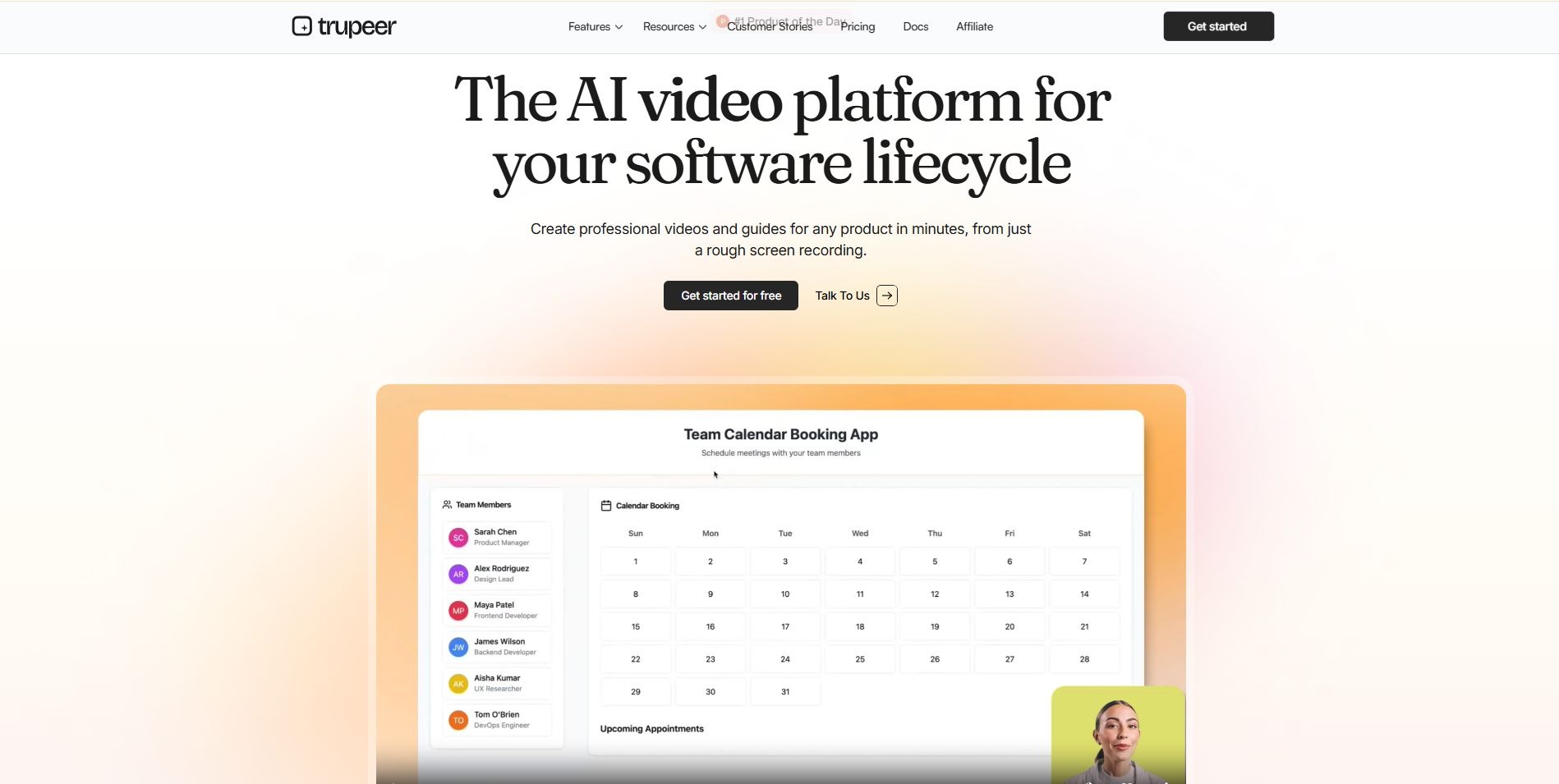
Best for: turning one capture into both a video and a written guide
What it does: Trupeer takes a screen recording and produces a polished video plus step-by-step documentation, with AI voiceover and translation. It's aimed at teams whose written guide matters as much as the video.
Key features: AI scripts and voiceover, smart zooms, annotations, documentation output, brand controls, translation.
Pros: Dual output from one capture. Entry pricing is friendlier than Clueso's.
Cons: Usage is metered in AI credits, and translation draws on them too. Custom voice and avatar clones are Enterprise-only.
Best use case: A help center or customer education team that wants a video and an article for every workflow.
Pricing: Pro is $40 a month billed annually (20 AI video minutes). Scale is $199 a month billed annually (100 minutes, team workspace with three editor seats). Enterprise is custom. Check the current free-plan terms on their site, since Trupeer's own pages aren't consistent about them.
Pricing changes often. Please verify current plans on Trupeer's official pricing page before buying.
3. Clueso
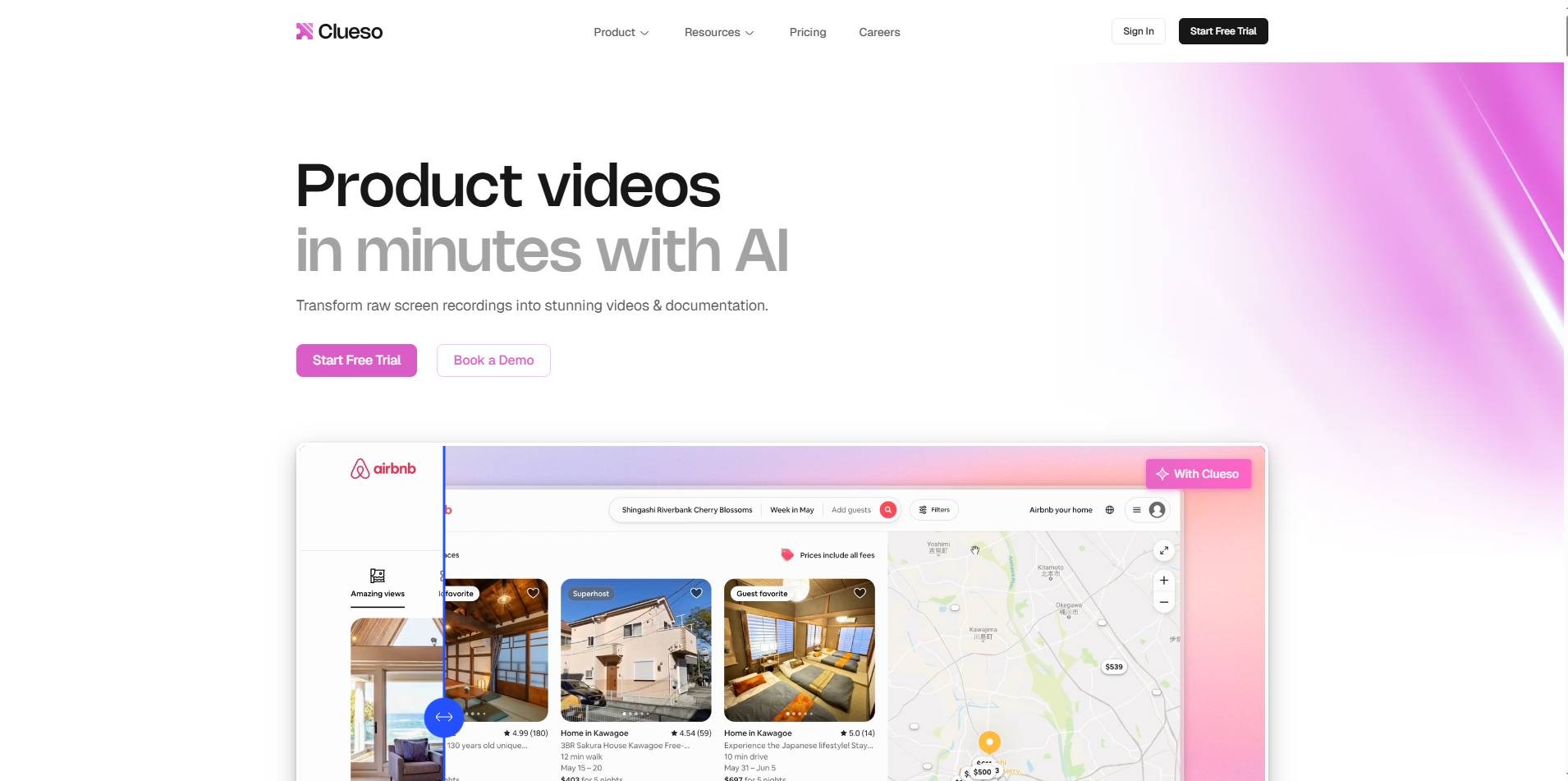
Best for: customer education teams building a library of videos and articles
What it does: You record a product flow once, and Clueso produces a branded tutorial video with a cleaned-up script, natural voiceover, captions, and automatic zooms, alongside a written how-to article.
Key features: AI voiceover, auto zooms, captions, video plus article output, and translation glossaries on Enterprise.
Pros: Strong for documentation-heavy teams. The free plan lets you export up to 15 minutes, which is enough to test it properly.
Cons: Export limits bite. Starter includes about six hours of video exports a year, roughly 30 minutes a month, and the entry price is steep for a two-user plan.
Best use case: Support and customer success teams publishing tutorials into a knowledge base.
Pricing: Starter is $ 120 billed anually (150 monthly) for two users. Growth is $ 200 billed annually(250 monthly) for four users, with 12 hours of exports a year. Enterprise adds voice cloning and SSO.
Pricing changes often. Please verify current plans on Clueso's official pricing page before buying.
4. Loom
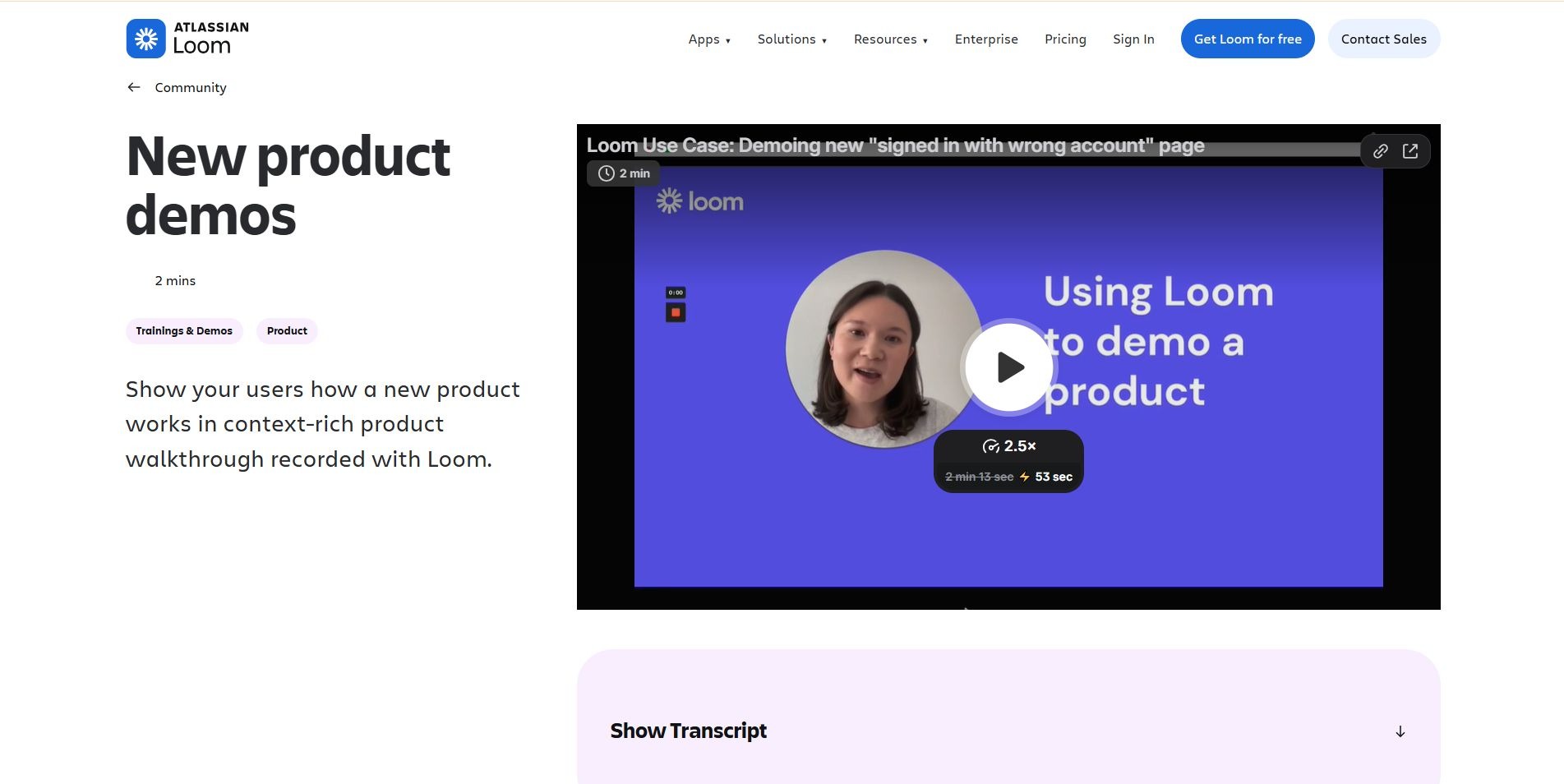
Best for: fast async walkthroughs
What it does: Loom records your screen and camera and hands you a link. That's the whole appeal. It also offers trimming, transcripts, captions, and viewer insights, and the AI tier adds titles, chapters, and summaries.
Key features: screen and camera recording, instant sharing, transcripts, comments, embeds.
Pros: Nothing beats it for speed, and most people already know how to use it.
Cons: What you record is what you get, so it feels like a recording, not a finished video. The free plan caps you at 25 videos and five minutes each. Paid seats add up, and Creator Lite is disappearing in workspaces migrating to Atlassian billing, so more people may count as paid creators. When the UI changes, you're usually rerecording.
Best use case: Quick sales follow-ups, one-off support answers, internal updates.
Pricing: Starter is free. Business is $15per-user per-month billed annually(18 monthly.) Business + AI is $20 annually (24 monthly.) Enterprise is custom.
Pricing changes often. Please verify current plans on Loom's official pricing page before buying.
5. Screen Studio
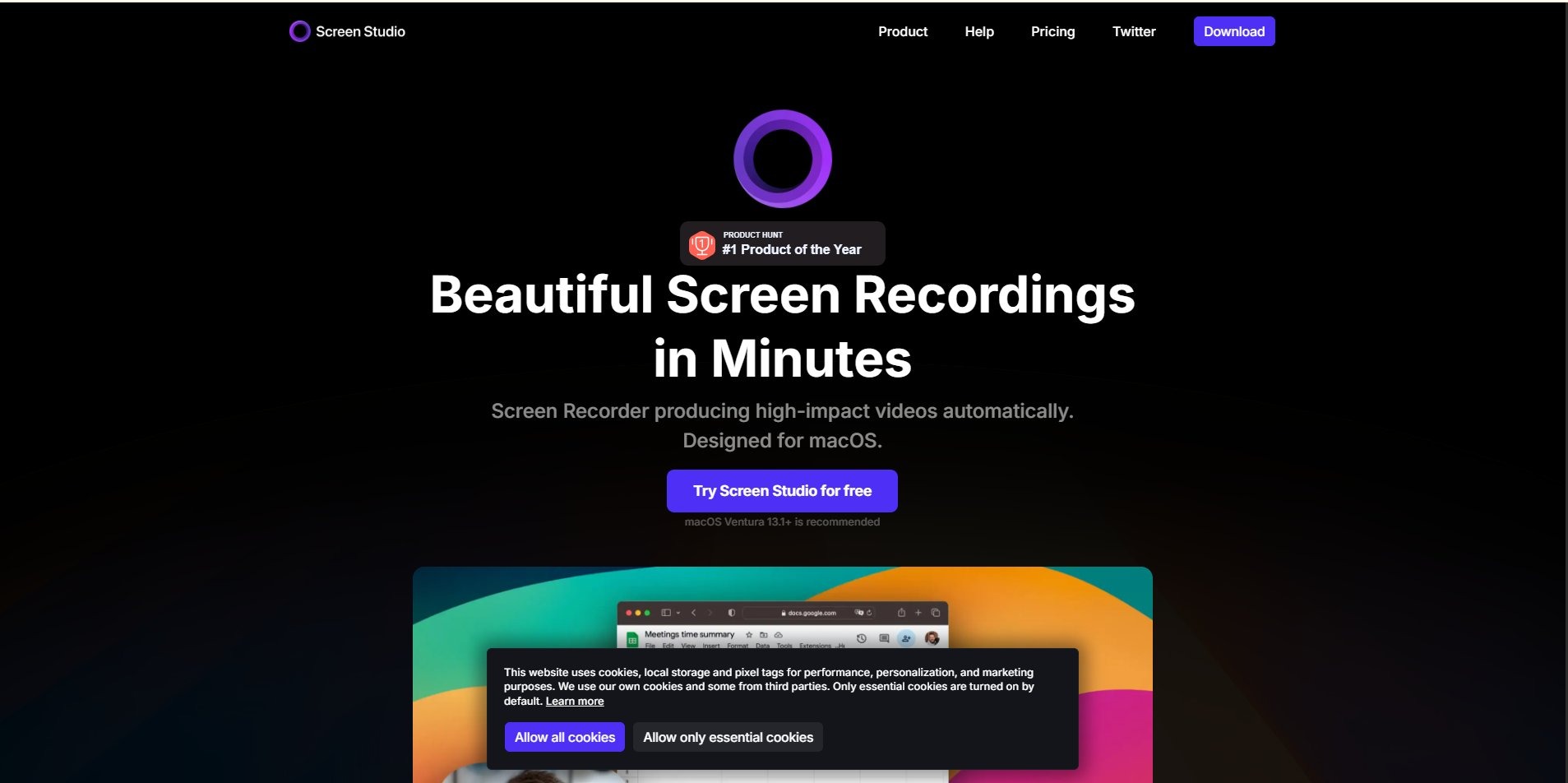
Best for: polished, hands-on screen recordings on a Mac
What it does: It's a macOS recorder that automatically adds zooms around clicks and smooths cursor movement, so a raw capture ends up looking cinematic. You're still the director, though. Script, narration, and structure are on you.
Key features: automatic click zooms, cursor smoothing, backgrounds and styling, shareable links.
Pros: Impressive recording quality for very little effort.
Cons: Mac only, with no free tier. There's no AI scripting or synthetic voiceover. It's subscription-only now; the lifetime license is gone, and fees are non-refundable.
Best use case: A founder or product marketer on a Mac who wants a short, good-looking launch clip.
Pricing: $29 monthly, or 108 a year(9 a month) , covering three personal Macs.
Pricing changes often. Please verify current plans on Screen Studio's official website before buying.
6. Descript
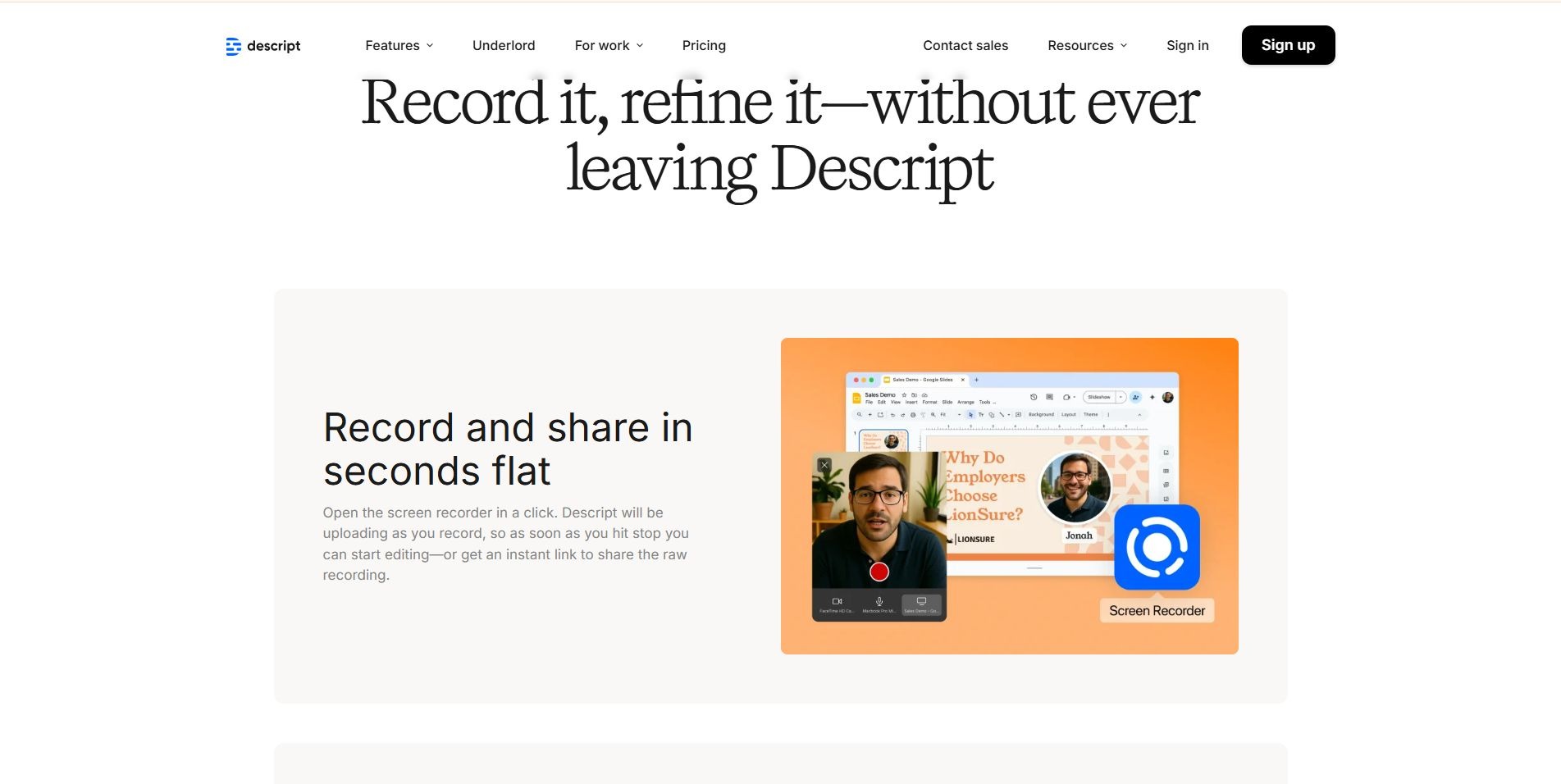
Best for: teams who want the transcript to drive the edit
What it does: Descript lets you edit video by editing text. Delete a sentence in the transcript and it vanishes from the video. It records screens too, but it's a full editor rather than a walkthrough-specific tool.
Key features: text-based editing, filler-word removal, Studio Sound audio cleanup, captions, and AI voice tools including Overdub voice cloning.
Pros: Total control over narration and cut. Great for fixing spoken mistakes without rerecording.
Cons: You assemble the walkthrough yourself, which takes longer than automated tools. Per-person pricing adds up, and plans have media-hour limits.
Best use case: A team that already has footage and wants to tighten it.
Pricing: A free plan (720p, watermarked). Hobbyist is $16, Creator $24, and Business $50 per person per month billed annually. Monthly billing is $24, $35, and $65.
Pricing changes often. Please verify current plans on Descript's official pricing page before buying.
7. Supademo
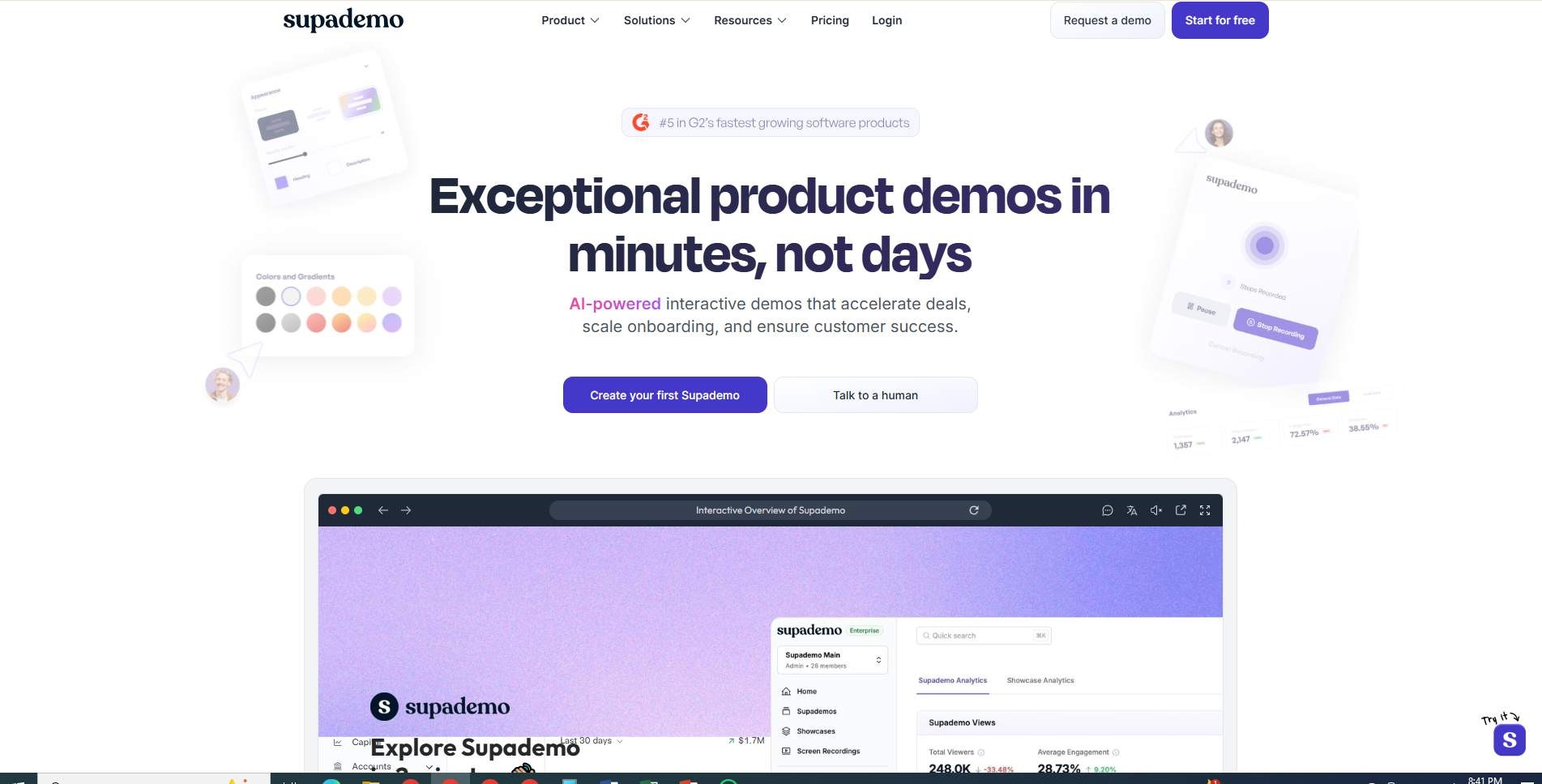
Best for: interactive walkthroughs people click through
What it does: Supademo captures your product as a clickable, step-by-step demo with hotspots and tooltips, which is a different animal from a video. It can also export to GIF or MP4 and generate step-by-step guides.
Key features: interactive demos, AI voiceover, captions, translations, branding, analytics on paid plans.
Pros: Cheap to start, quick to build, and a natural fit for a website or onboarding flow where viewers should try things.
Cons: Per-creator pricing climbs with team size. Guided HTML and sandbox demos need Growth or Enterprise. It isn't built for narrated video storytelling. Plan names have shifted recently, so check the live page.
Best use case: Self-serve product tours on a website or inside onboarding.
Pricing: A free plan for one creator (five interactive demos). Scale is 38 per creator per-month billed annually(50 monthly.) Growth is $350 a month billed annually for five creators. Enterprise is custom.
Pricing changes often. Please verify current plans on Supademo's official pricing page before buying.
Product Walkthrough Video Makers Compared
Here's the short version. Prices are the cheapest paid tier on annual billing
Pricing changes often. Please verify all prices on each vendor's official website before buying.
Which Product Walkthrough Video Maker Should You Choose?
There's no universal winner, sorry. Match the tool to the job.
Best for AI Video Creation
Choose an AI video maker if you'd rather hand off the editing, narration, captions, and zooms. If your team needs to turn product workflows into polished videos without a traditional editing workflow, an AI product video maker can remove a lot of the manual production. Puppydog, Trupeer, and Clueso sit here.
Best for Quick Screen Recordings
Choose a screen recorder if speed matters more than polish. That's Loom, or Screen Studio if you're on a Mac. If you're weighing more options in this camp, our roundup of AI screen recording tools covers them.
Best for Video Plus Documentation
Choose a documentation-first tool if one recording should produce both a video and a written guide. Trupeer and Clueso are the obvious two.
Best for Interactive Walkthroughs
Choose an interactive tour builder when users need to click through the product instead of watching. That's Supademo.
Best for Detailed Editing
Choose a video editor if you already have footage and want precise control. That's Descript.
How to Create a Product Walkthrough Video
Whichever tool you pick, the process looks about the same. (Want a deeper dive? Here's our step-by-step guide to a high-quality software demo video.)
- Pick one outcome. "How to create your first dashboard" beats "Complete guide to our platform." Other good targets: invite a team member, configure billing, set up your first automation.
- Define the viewer. New customer, prospect, admin, developer? The answer changes the pace and the vocabulary.
- Map the workflow. Write the exact steps before you touch record.
- Record the real product, using a clean demo account with realistic data.
- Add narration that explains what the viewer is doing and why it matters.
- Highlight the important actions with zooms, cursor emphasis, callouts, captions, and chapters.
- Keep it focused. Wyzowl's 2026 survey found 71% of respondents consider 30 seconds to two minutes the most effective length. That's opinion from a small sample, not a rule, and a complex admin setup may need longer. Splitting it into chapters usually beats one long video.
- Publish where people need it: your website, a sales email, the help center, the onboarding flow.
- Update it when the product changes.
Not sure what belongs in the video? A solid checklist:
- One clear goal
- A defined audience
- A real product workflow
- Narration
- Visual emphasis
- Captions
- A next step for the viewer
How to Keep SaaS Product Walkthrough Videos Updated
Here's the part everyone forgets. A walkthrough isn't finished when you publish it. Your product will change, and a video that shows last quarter's menu is worse than no video at all.
A few habits help. Record in short modules instead of one long take, so a changed button means redoing one clip, not the whole thing. Film in a staging account with evergreen sample data, which keeps customer information out of frame. Keep the script separate from the footage so you can revise them independently. Give every video an owner and a product area. And add "check walkthroughs" to your release checklist, because nobody remembers otherwise.
FAQs
Can AI create product walkthrough videos?
Yes. Tools like Puppydog, Trupeer, and Clueso can generate a script, voiceover, and visual effects from a screen recording. You should still watch the result once, because AI can get a step or a button name wrong.
Can AI turn a screen recording into a walkthrough?
Yes, that's the main use case for AI walkthrough tools. You record the workflow, and the tool handles most of the scripting, narration, captions, and zooms.
How long should a product walkthrough video be?
Most surveyed marketers lean toward 30 seconds to two minutes. Aim for the shortest video that gets one viewer to one outcome.
Can walkthrough videos be translated?
Usually, yes, but check the fine print. Several tools offer translated captions or voiceovers, and some charge extra credits or reserve broader language support for higher tiers.
Should walkthroughs use real product screens?
Yes. Real screens build trust and avoid the "that's not what mine looks like" problem. Just use a demo account with clean data.
What's the difference between a walkthrough and an interactive tour?
A walkthrough is watched. A tour is clicked. Use video to explain, and a tour to let people explore.
Final Thoughts
Don't start with the tool. Start with the job: who's watching, what they need to do afterward, and how often the product changes. If you need fast, casual clips, Loom is hard to beat. If a written guide matters as much as the video, look hard at Trupeer or Clueso. If people should click around, Supademo makes sense. And if you want polished, personalized walkthrough and demo videos without living in an editor, Puppydog is worth a try. You can start free, no credit card needed.
Make one clear video for one real customer task. Then keep it current.

Sarah Thompson is a storyteller at heart and Business Developer at PuppyDog.io. She’s passionate about creating meaningful content that connects people with ideas, especially where technology and creativity meet.