Async Sales Demos: The New Way to Sell in 2026


Your prospect is busy. They are not waiting for your Thursday Zoom slot. They are evaluating three competitors right now, on their own schedule, without a sales rep in the room.
That is the reality of B2B buying in 2026. And the async sales demo is how modern sales teams are adapting.
Let's break it all down.
What Is an Async Sales Demo?
An async sales demo is a product walkthrough a buyer can access on their own time. No scheduling. No waiting. No live rep required.
Instead of a 60-minute Zoom call, the prospect gets a link. They click through your product, explore the features that matter to them, and come back to you when they are ready.
This is not just a screen recording. Async demos come in three main formats:
- Interactive walkthroughs: Clickable replicas of your product interface. Buyers click through real workflows without needing a login.
- AI-powered video demos: Personalized screen recordings enhanced with AI voiceovers, custom scripts, and branded overlays.
- Sandbox environments: Fully configured product environments for technical evaluators doing late-stage testing.
Each format serves a different buyer and a different stage. The key point is the same across all three: the buyer is in control.
Async Demo vs. Live Demo
Here is a quick side-by-side comparison of both approaches.
Takeaway: Async demos do not replace live demos. They remove the repetitive, low-complexity work so your team can focus on conversations that actually need a human.
Why Buyers Prefer Async Demos in 2026
Buyers are not avoiding sales reps because they are anti-social. They are avoiding unnecessary friction.
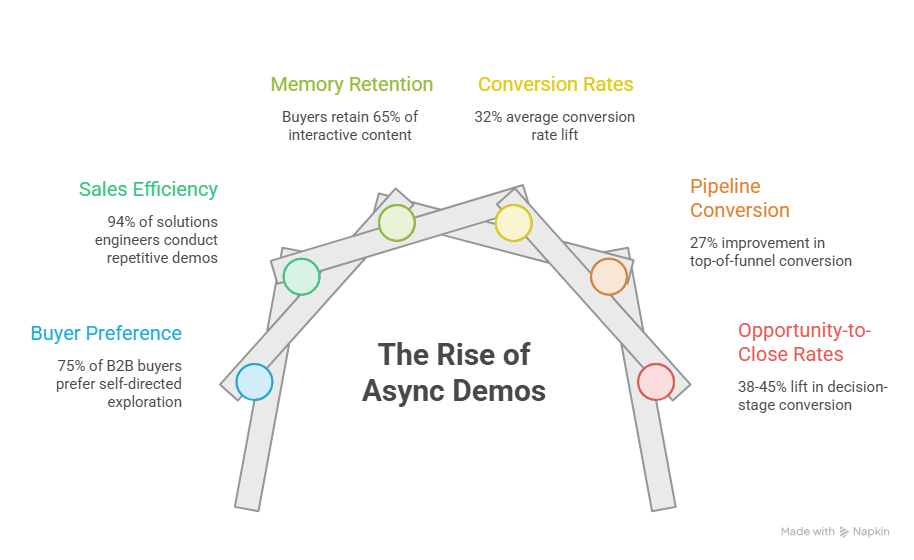
According to the Navattic State of Demo Automation 2026 report, 94% of solutions engineers regularly conduct repetitive standard demos. That is 11 to 25 hours per week of time spent on presentations that could run on autopilot.
Meanwhile, buyers are getting smarter and more self-directed. Industry data suggests up to 75% of B2B buyers now prefer a buying process that does not require a rep for the early exploration phase.
There is also a memory science angle here. Research cited by Walnut's 2026 data report suggests buyers retain around 65% of what they actively click through, compared to only 10% of what they passively hear. An async demo is not just more convenient. It is more memorable.
The commercial results back this up:
- 32% average conversion rate lift when interactive demos replace static formats (Walnut, 2026)
- 27% improvement in top-of-funnel pipeline conversion when async demos are embedded in marketing campaigns (Forrester, 2024)
- 38% to 45% lift in opportunity-to-close rates at the decision stage (Walnut, 2026)
A note on these stats: most come from vendors selling demo software, so treat them as directional benchmarks, not guarantees. Your results will depend on your buyer segment, funnel stage, and how well the demo is built. That said, the trend is real and consistent across multiple sources.
Takeaway: Async demos reduce friction, improve retention, and create buying momentum, especially in the first two weeks of a deal.
The 5-Step Async Demo Workflow
Here is how high-performing sales teams run this in practice.
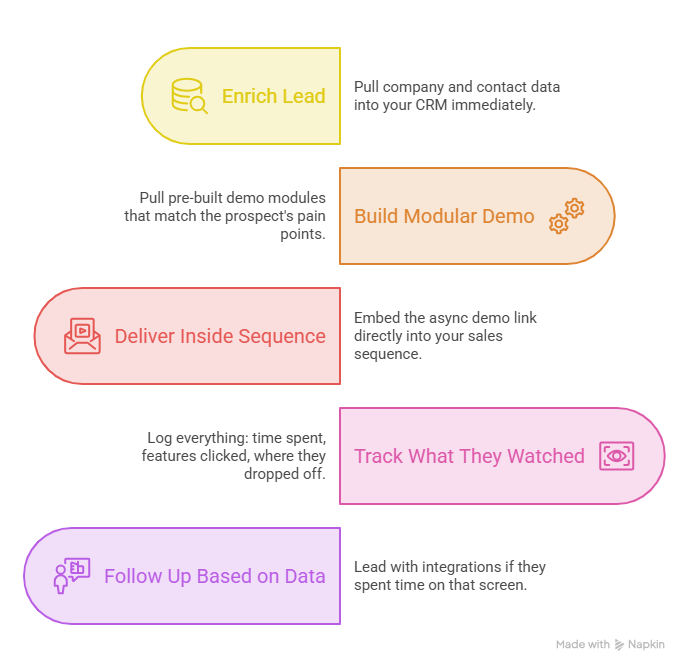
Step 1: Enrich the Lead Before You Build Anything
When a lead comes in, pull company and contact data into your CRM immediately. Industry, company size, tech stack. This context shapes every decision that follows.
Step 2: Build a Modular Demo, Not a Generic One
Skip the full product tour. Pull pre-built demo modules that match the prospect's pain points. A CFO does not need to see every feature. Show them the ROI calculator and billing screen. That is it.
Step 3: Deliver It Inside Your Sales Sequence
Embed the async demo link directly into your Outreach, SalesLoft, or Apollo sequence. Time matters here. Teams that share demos within 14 days of deal creation see a 72% win rate. Deals without early demo exposure average 59%. That 13-point gap is worth acting on.
Step 4: Track Exactly What They Watched
When the buyer clicks through, your platform should log everything: time spent, features clicked, where they dropped off. Push that data automatically to your CRM. No manual notes. No guessing.
Step 5: Follow Up Based on What They Actually Cared About
If they spent five minutes on the integrations screen, lead with integrations in your follow-up. If they dropped off at step three, that is a signal too. This is where async demos pay off the most: your follow-up is specific because your data is specific.
For more on running demos across distributed teams, check out our remote demo workflow guide.
Takeaway: The workflow only works if the data flows. CRM sync is not optional.
Best Tools for Async Sales Demos
The market has a lot of options. Here is a quick breakdown by use case.
Puppydog.io converts screen recordings and screenshots into polished, personalized demo videos using AI. It is built for SDRs and product marketers running outbound at scale. You get AI-generated scripts, multi-language voice cloning, custom avatars, and CRM engagement tracking. The Pro plan starts at $499/month for 100 contacts and 5 videos. Best for: high-volume video outreach where speed and personalization matter.
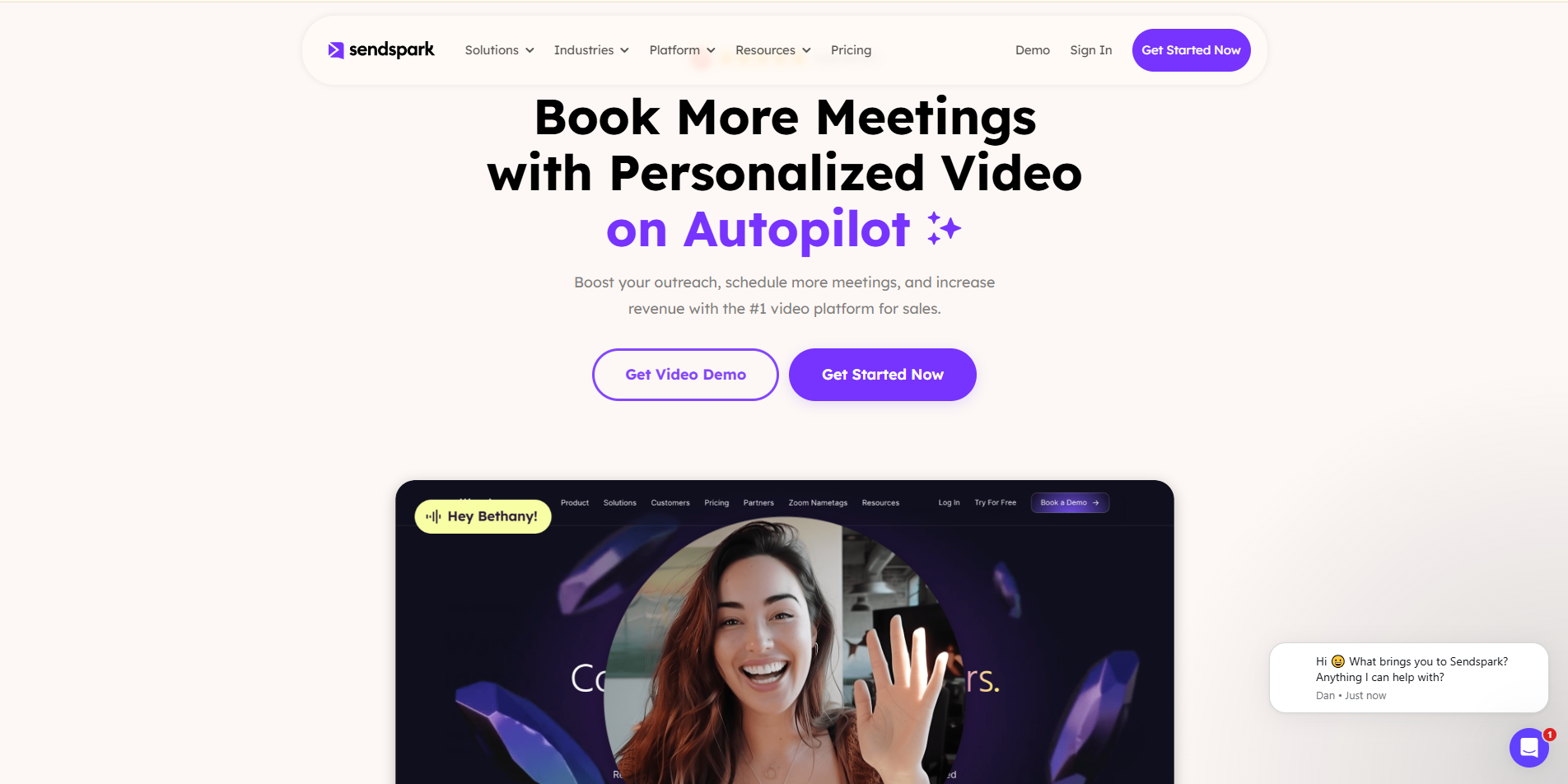
Sendspark is built for outbound video personalization. Upload a prospect list, and it auto-generates personalized videos with dynamic backgrounds (think: the prospect's actual website or LinkedIn profile). Starts at $49/month. Best for: SDR teams that want to scale video outreach without recording every video manually.
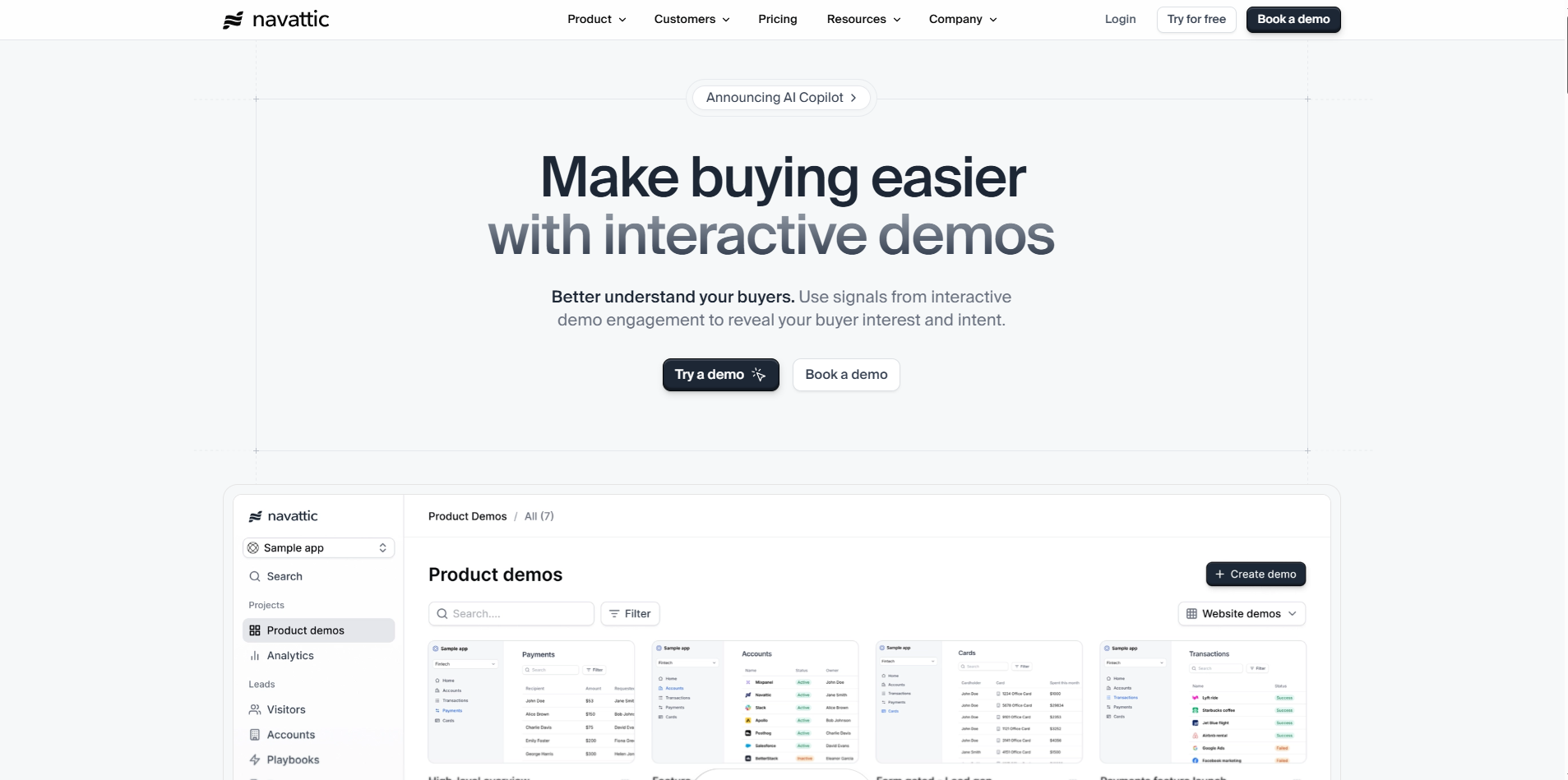
Navattic is a strong choice for interactive product tours embedded on your marketing site or sent via email. The Base plan is $500/month for 5 seats. Best for: PLG and growth marketing teams focused on top-of-funnel conversions.
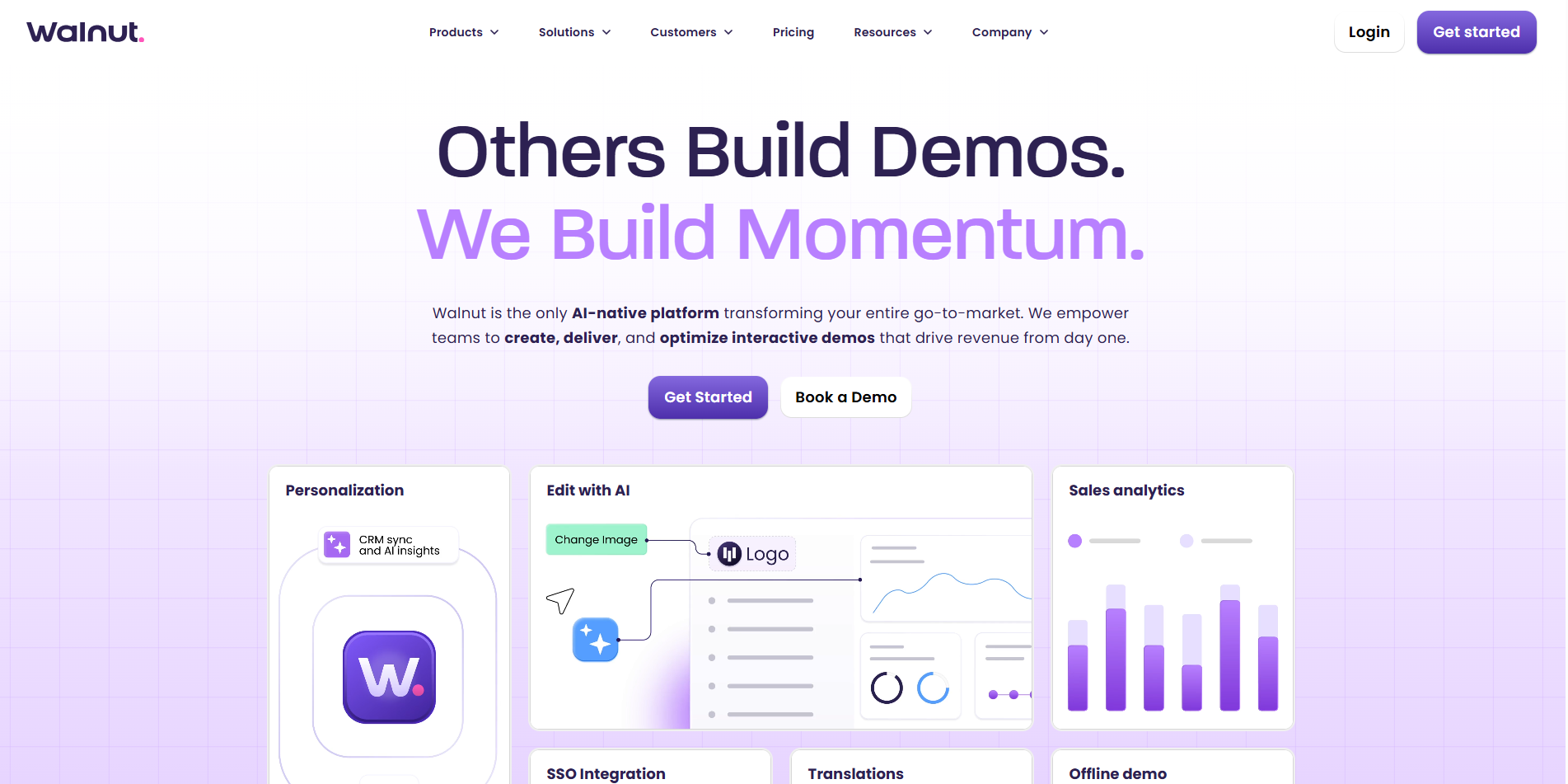
Walnut is the enterprise option. Interactive HTML demos, digital sales rooms, advanced Salesforce and HubSpot sync, and sandbox environments. Plans start at $750/month with enterprise contracts reaching $50,000+ per year. Best for: solutions engineering and presales teams at mid-market and enterprise companies.

Loom is the simplest option. Great for quick, personal async video messages during active deals. The Business plan is $15/user/month. Best for: individual AEs who want to send fast, human video follow-ups.
For a deeper breakdown of how to automate your demo strategy, read our demo automation guide.
How to Personalize Async Demos for Each Buyer
Generic demos do not convert. Here is how personalization affects results, based on Walnut's 2026 platform data.
Three ways to scale personalization without killing your team's time:
- Build branching paths. Let the CFO go one way. Let the IT lead go another. One demo, multiple entry points.
- Use industry-specific mock data. A healthcare demo should show patient charts and compliance screens, not generic corporate data. Details signal that you understand their world.
- Pull CRM variables automatically. Most platforms let you populate a demo with the prospect's name, company, and logo by pulling from the CRM record. No manual editing per prospect.
To see how interactive personalization drives revenue at scale, read how interactive demos drive pipeline for B2B SaaS teams.
Takeaway: Light personalization is table stakes. Deep personalization is where the 40% to 50% lift comes from.
When NOT to Use an Async Demo
Async is not always the right move. Here is when to skip it.
- Complex technical POCs. If the buyer's engineering team needs to test live data, custom APIs, or real integrations, a simulated environment will not cut it.
- React-heavy or real-time applications. HTML/CSS capture tools struggle with dynamic interfaces. The result looks broken, not polished.
- Fast-moving product UIs. If your product updates weekly, your demo will break weekly. If you do not have someone to maintain it, do not build it.
- Multi-stakeholder deadlocks. When five people in a buying committee all want different things, a video cannot resolve that. You need a live conversation.
Use async to qualify faster. Use live demos to close harder deals.
FAQs
What is an async sales demo?
An async sales demo is a pre-recorded or interactive product walkthrough that buyers access on their own schedule without a live rep.
How is an async demo different from a product video?
A product video is passive. An async demo is interactive. Buyers click through workflows, choose their own path, and engage directly with the product experience.
When should I send an async demo in the sales cycle?
Send it early. Teams that deliver demos within the first 14 days of deal creation see a 72% win rate, compared to 59% for deals without early product exposure (Navattic, 2026).
Do async demos replace solutions engineers?
No. Async demos handle repetitive early-stage walkthroughs so SEs can focus on complex technical validations and late-stage POCs.
Should I gate my async demo?
For top-of-funnel marketing tours, data favors ungated demos. About 71% of high-performing product tours are ungated, and they see 10% higher engagement than gated alternatives (Navattic, 2025).
What tools are best for async sales demos?
It depends on your use case. Puppydog.io and Sendspark are strong for outbound video personalization. Navattic and Walnut are built for interactive HTML demos. Loom works for quick, personal async messages.
How do I track async demo performance in my CRM?
Use a platform with native HubSpot or Salesforce sync. Track session duration, step drop-off rate, and CTA click-through rate. Map those events to the deal record automatically.
Can async demos work for enterprise sales?
Yes, but with conditions. Use them for early-stage qualification and multi-stakeholder outreach. Reserve live demos and sandbox environments for late-stage technical validation.
What makes a high-performing async demo?
Keep it between 10 and 12 steps. Use role-specific content, industry-relevant data, and clear CTAs. Avoid sprawling 40-step tours that cause click fatigue.
What is the biggest mistake teams make with async demos?
Sending a generic, unedited template. If the demo does not speak to the prospect's specific pain, it will not convert, regardless of how polished it looks.
Conclusion
The 60-minute Zoom demo is not dead. But it should not be your first move anymore.
Async sales demos let buyers explore your product on their terms, at their pace, and on their schedule. That kind of frictionless experience is what moves deals faster in 2026.
Start small. Pick one buyer segment. Build one 10 to 12-step demo. Drop it into your outbound sequence. Track what happens.
You might be surprised how much a well-timed async demo can do before you ever get on a call.
Want to build polished async demo videos without a production team? Puppydog.io turns your screen recordings into AI-powered, personalized demo videos in minutes. See how it works.

Sarah Thompson is a storyteller at heart and Business Developer at PuppyDog.io. She’s passionate about creating meaningful content that connects people with ideas, especially where technology and creativity meet.