7 Best Customer Education Video Makers for SaaS Teams (2026)
Sarah Thompson
TL;DR
✓
The best customer education video makers for SaaS teams combine
screen recording, AI narration, and searchable documentation,
not just video export.
✓
We compared 7 tools — PuppyDog, Guidde, Scribe, Trainn,
Supademo, Vidyard, and Loom — on AI features, documentation,
localization, and pricing.
✓
There’s no single “best” pick here. A team building a
certification-based training academy needs something completely different
from a team sending one personalized onboarding video to a new signup.
✓
Skip to the comparison table if you already know your
use case, or read on for the full breakdown.
Quick gut check: how many times has your team re-recorded the same onboarding walkthrough this year? Not because the feature changed, because a button moved, someone in design renamed a menu item, or the original video just didn't hold up anymore.
That's the real tax of manual customer education content, and it's exactly why so many SaaS teams end up hunting for the best customer education video makers for SaaS teams instead of building everything by hand. Product releases move faster than any two-person customer success team can manually update fifty onboarding videos, and eventually something has to give.
Modern customer education video makers close that gap with screen recording, AI-assisted editing, automatic captions, voiceovers, documentation, and even localization — often from a single recording. We ran a hands-on customer education video makers for SaaS teams comparison across seven platforms: puppydog.io, Guidde, Scribe, Trainn, Supademo, Vidyard, and Loom. Here's what actually separates them.
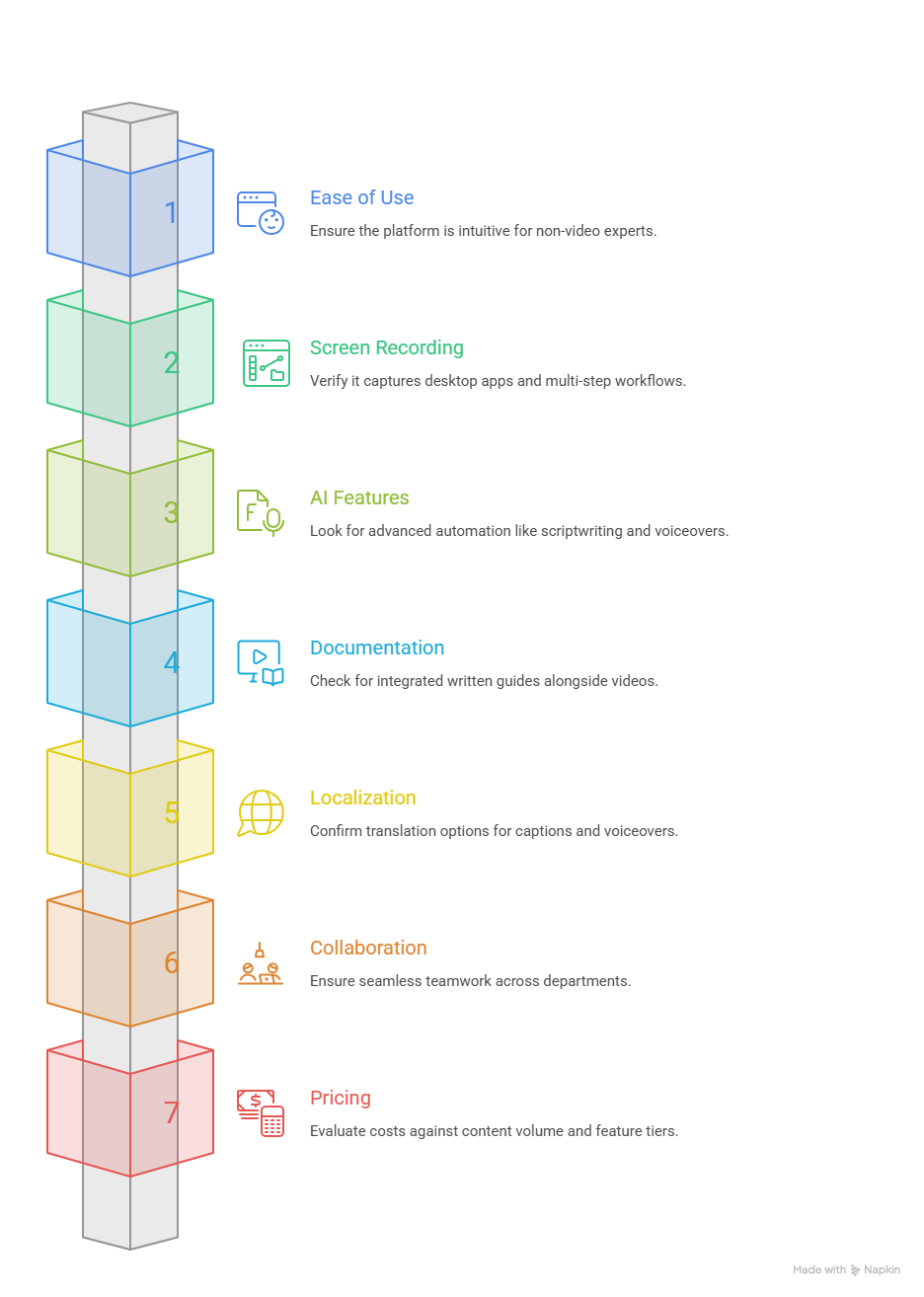
What to Look for in a Customer Education Video Maker
Not every screen recorder calls itself a customer education platform, and not every platform that does actually helps with education. Some are demo tools wearing a training hat. A few criteria worth checking before you commit to one:
Ease of Use
Can someone outside your video team- a support rep, an implementation specialist, a PM record and publish a guide without a tutorial of their own? If the honest answer is "well, ask Dave," that's a real cost.
Screen Recording & Product Walkthroughs
Look past the extension icon. Does it capture desktop apps, not just browser tabs? Can it follow a multi-step workflow without losing context between screens?
AI Features
Transcription, captions, and basic cleanup are table stakes now, not differentiators. What actually separates tools is how far the automation goes: can it write the script and generate the voiceover, or does it just trim your existing audio? And is that AI bundled in, or a separate paid tier?
Documentation & Knowledge Sharing
Video alone doesn't scale support. The strongest platforms pair video with a written, searchable guide from the same recording, so a support agent can skim text instead of scrubbing through a two-minute clip.
Localization
If your customers aren't all in one country, and who are, really, check whether translation covers captions only, or extends to a fully re-recorded voiceover in the target language.
Collaboration
Customer education rarely lives in one department. Can support, product, and marketing actually work in the same workspace, or does content get emailed around as file exports?
Pricing
Weigh pricing against your actual content volume, and check what each tier actually unlocks. Sometimes the feature you actually want (AI editing, say) sits one tier higher than the sticker price suggests.
7 Best Customer Education Video Makers for SaaS Teams
Here's the quick-glance version before we go deep on each one.
Tool
Best For
Screen Recording
AI Features
Documentation
Multilingual
Starting Price
puppydog.io
Personalized, CRM-connected demo & onboarding video
Chrome extension, screenshot ingestion
AI script generation, voice cloning, avatars
Limited (video-first)
50+ languages (Enterprise)
Free; Pro $42/user/mo
Guidde
Fast AI video docs & ticket deflection
Browser + desktop (Business)
200+ AI voices, PII redaction
Video + written guide
50+ languages
Free; Pro $19/creator/mo
Scribe
Written step-by-step SOPs
Browser + desktop (paid)
AI step writing, redaction
Full SOP docs (PDF/HTML/MD)
Text only
Free; Pro $25/seat/mo
Trainn
Full customer education academy
Chrome extension
100+ voices, AI quiz builder
Video + guides + Knowledge Hub
30+ languages
$19/mo
Supademo
Interactive, self-serve product tours
Browser + desktop
Voice cloning, AI demo agent
Interactive walkthroughs + PDF
50+ languages
Free; Scale $38/creator/mo
Vidyard
Personalized sales & CSM video
Browser, desktop, mobile
AI avatars, autonomous video agent
Minimal
Captions + avatar speech
Free; Starter $59/seat/mo
Loom
Fast, no-frills async recording
Browser, desktop, mobile
Auto-titles, filler-word removal (Business + AI tier)
Transcripts/summaries only
Captions only
Free; Business + AI $24/creator/mo
puppydog.io
Featured
Free; Pro $42/user/mo
Best ForPersonalized, CRM-connected demo & onboarding video
AI FeaturesAI script generation, voice cloning, avatars
DocumentationLimited (video-first)
Multilingual50+ languages (Enterprise)
Guidde
Free; Pro $19/creator/mo
Best ForFast AI video docs & ticket deflection
Screen RecordingBrowser + desktop (Business)
AI Features200+ AI voices, PII redaction
DocumentationVideo + written guide
Multilingual50+ languages
Scribe
Free; Pro $25/seat/mo
Best ForWritten step-by-step SOPs
Screen RecordingBrowser + desktop (paid)
AI FeaturesAI step writing, redaction
DocumentationFull SOP docs (PDF/HTML/MD)
MultilingualText only
Trainn
$19/mo
Best ForFull customer education academy
Screen RecordingChrome extension
AI Features100+ voices, AI quiz builder
DocumentationVideo + guides + Knowledge Hub
Multilingual30+ languages
Supademo
Free; Scale $38/creator/mo
Best ForInteractive, self-serve product tours
Screen RecordingBrowser + desktop
AI FeaturesVoice cloning, AI demo agent
DocumentationInteractive walkthroughs + PDF
Multilingual50+ languages
Vidyard
Free; Starter $59/seat/mo
Best ForPersonalized sales & CSM video
Screen RecordingBrowser, desktop, mobile
AI FeaturesAI avatars, autonomous video agent
DocumentationMinimal
MultilingualCaptions + avatar speech
Loom
Free; Business + AI $24/creator/mo
Best ForFast, no-frills async recording
Screen RecordingBrowser, desktop, mobile
AI FeaturesAuto-titles, filler-word removal (Business + AI tier)
DocumentationTranscripts/summaries only
MultilingualCaptions only
Now let's look at what each one actually does well, and where it doesn't.
1. Puppydog.io
Best for: personalized, CRM-connected demo and onboarding video that doesn't require a design team.
puppydog.io is an AI video maker that turns screen recordings and product screenshots into AI-generated demo videos, complete with a written script, a synthetic or cloned voiceover, and an optional on-screen presenter. Where it earns its keep is personalization at volume. Connect it to HubSpot, Instantly, SmartLead, Clay, or Slack, and it can generate variants of the same walkthrough tailored to different contacts or segments, which beats sending everyone the same generic clip and hoping they don't notice it wasn't made for them.
Key features:
AI Demo Script Generation from screen recordings
Custom AI voice cloning and optional presenter avatars
AI Video Enhancer that condenses long recordings into a tighter clip
Integrations with HubSpot, Instantly, SmartLead, Clay, and Slack (Salesforce and Marketo on Enterprise)
Pros:
Fast for producing many personalized variants of one walkthrough
CRM integration means videos can be tied to specific accounts or segments
Free plan (1,000 credits) includes real script and voice features, not a stripped demo
Cons:
Built more around video delivery than standalone written documentation. Pair it with a docs tool if a searchable knowledge base is a hard requirement
50+ language voiceover support is an Enterprise-tier feature, not included on Pro
Best for: rapid, AI-narrated video documentation for help desk ticket deflection.
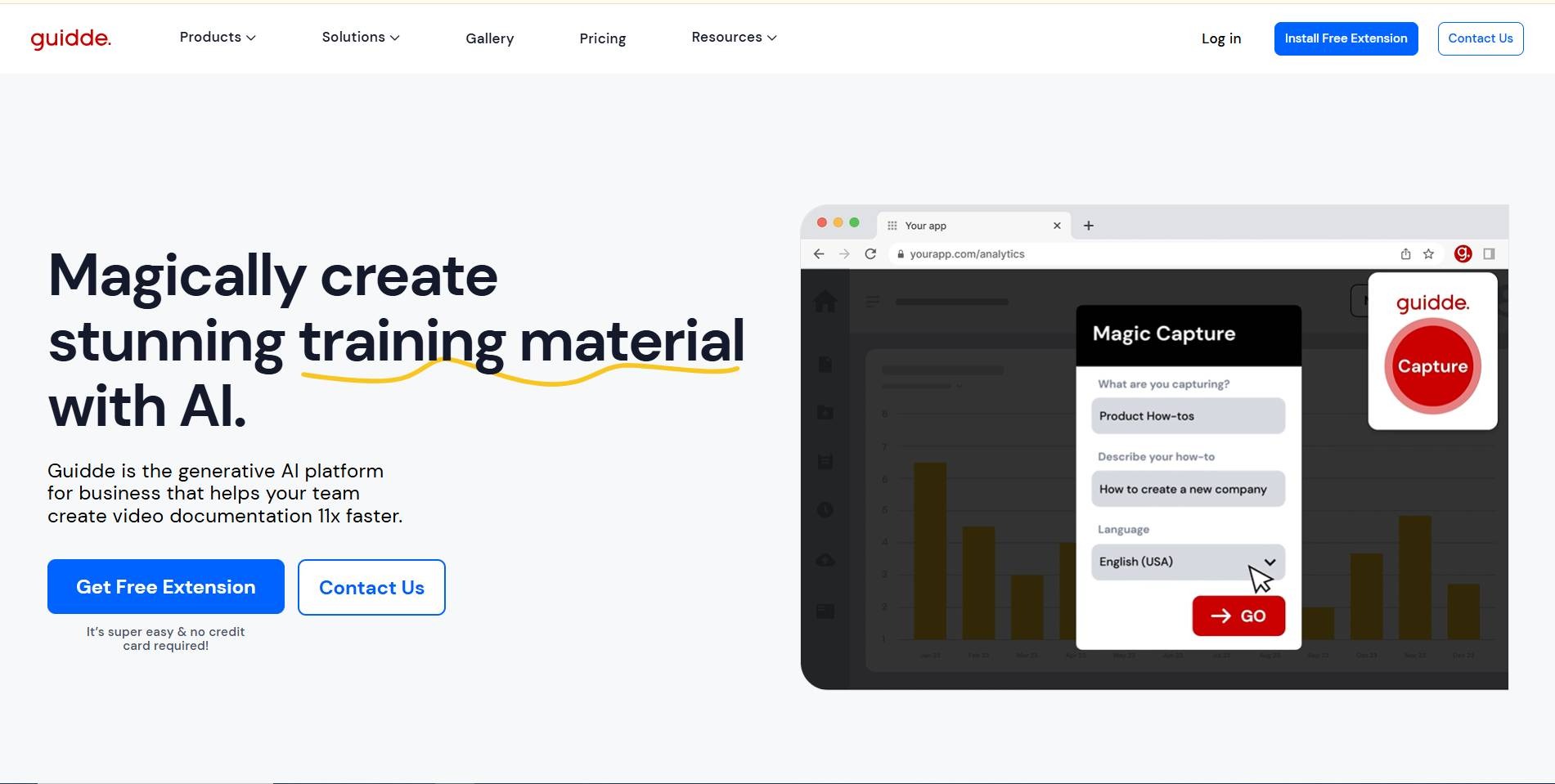
Guidde's whole pitch is speed. Its "Magic Capture" tool watches your screen, then automatically writes step descriptions, generates a voiceover, and formats the result into a shareable guide video and written steps produced together, in roughly the time it'd take to record a Loom by hand.
Key features:
200+ AI voices for automated narration
Manual PII blurring from the Free plan up, with fully automated "Magic Redaction" on Enterprise
Simultaneous video + written guide output (exports to PDF, PPT, GIF)
Native embeds into Zendesk, Freshdesk, ServiceNow, and Confluence
Pros:
Documentation and video come from a single recording, no separate authoring step
Strong help desk integrations put guides where support agents already work
Free tier (25 videos) is generous enough to properly trial it
Cons:
Desktop app capture needed for non-browser software is locked behind the Business plan
Full multi-language voiceover translation requires Enterprise pricing
Pricing: Free ($0, 25 videos); Pro ($19/creator/month, billed annually); Business ($39/creator/month, billed annually); Enterprise (custom).
3. Scribe
Best for: teams that need written, step-by-step SOPs more than they need video.
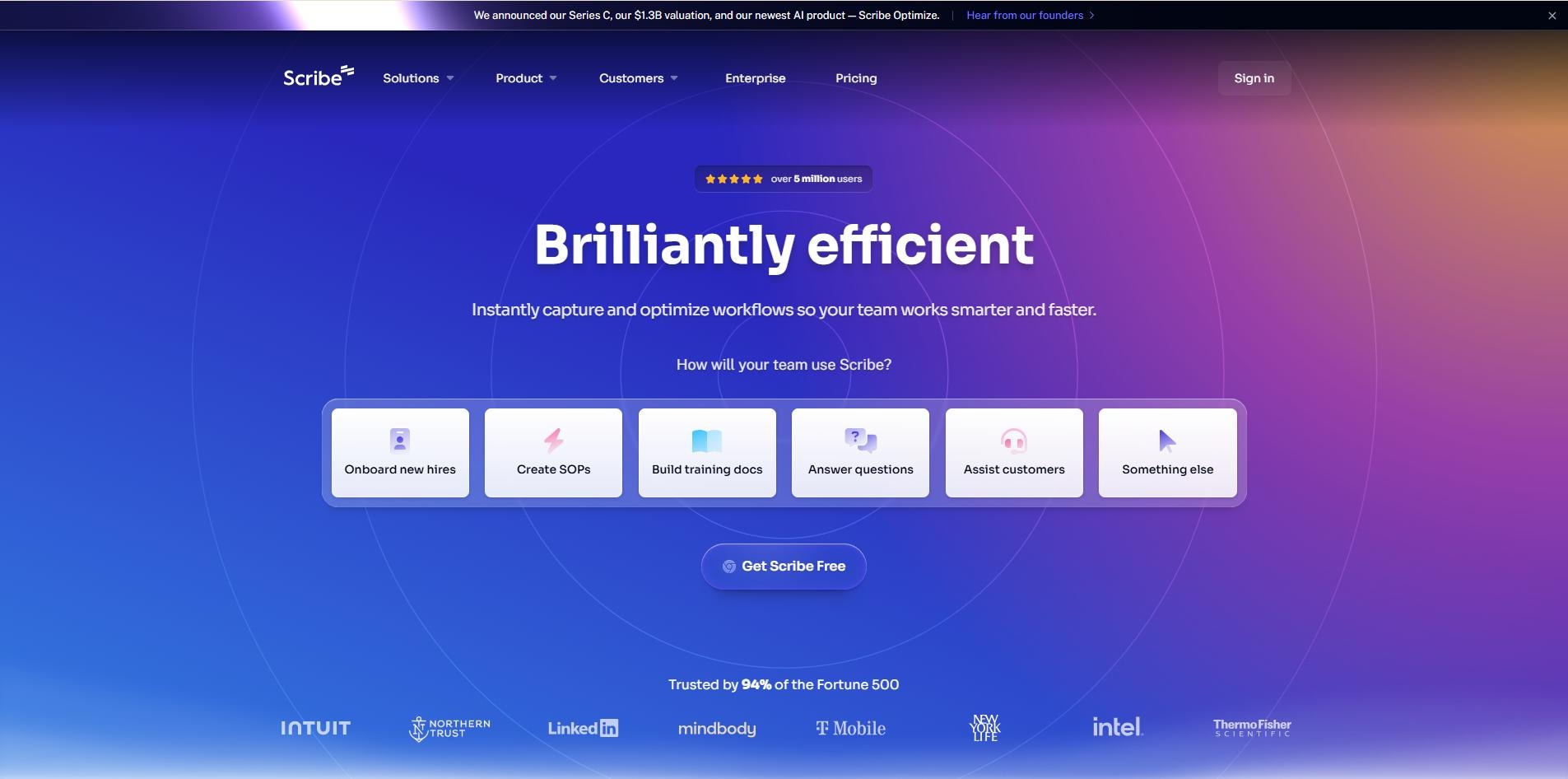
Scribe takes a different bet than everything else on this list. Instead of producing video, it watches your clicks and keystrokes and turns them into a formatted, screenshot-based guide. If your customer education problem is really a documentation problem, this is arguably a better fit than a video tool trying to do docs on the side.
Key features:
Automatic step descriptions generated from captured workflows
Smart redaction for sensitive fields and credentials
Exports to PDF, HTML, and Markdown
"Scribe Pages" to bundle multiple guides into a full manual
Pros:
Genuinely fast, a usable guide in the time it takes to click through the workflow once
Free plan has no meaningful feature gate for basic use
Minimal learning curve
Cons:
No video, voiceover, or avatars. It's a documentation tool first, so it won't replace video content on its own
Desktop and mobile capture require a paid plan
Pricing: Basic (free); Pro Personal ($25/seat/month, billed annually); Pro Team ($13/seat/month, billed annually, 5-seat minimum); Enterprise (custom).
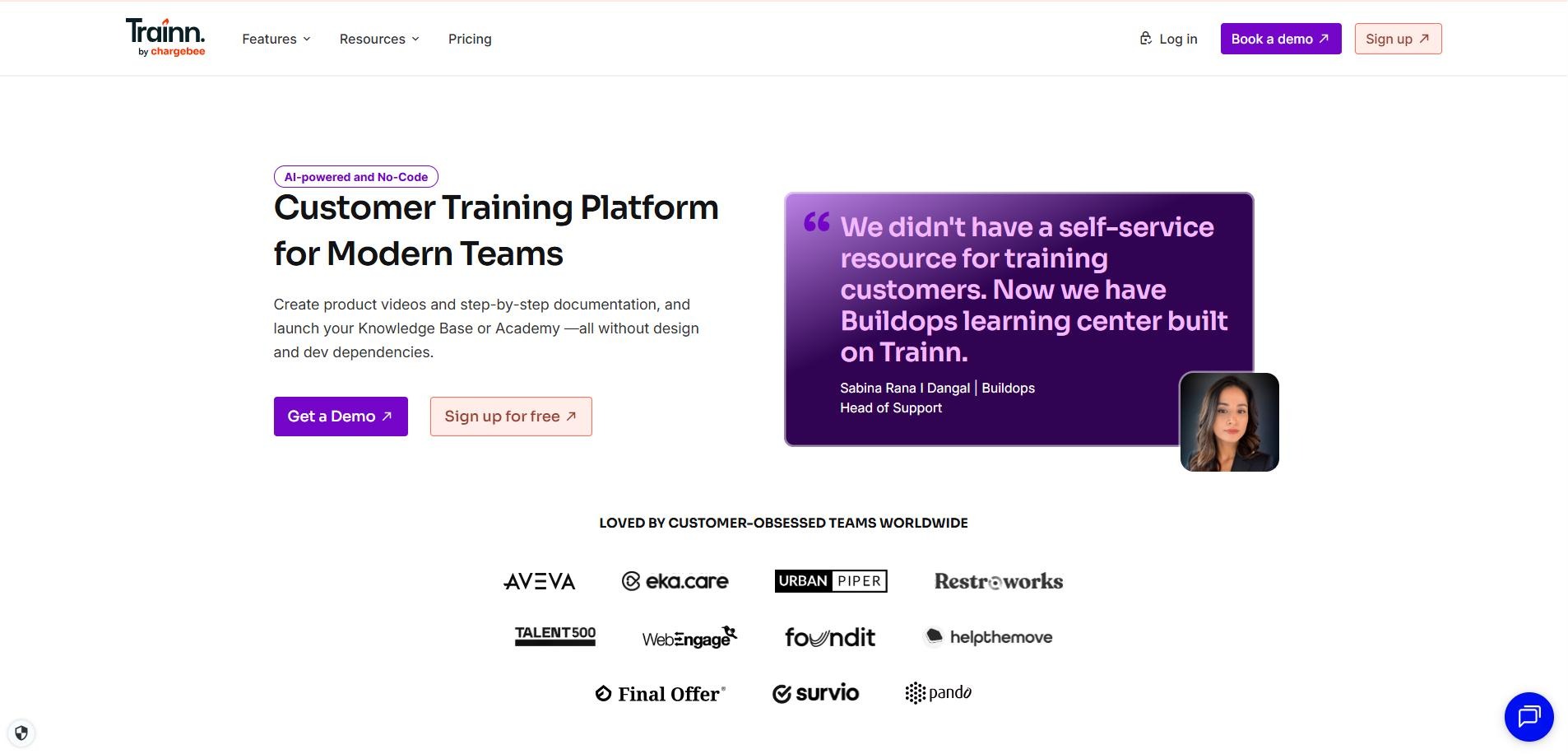
4. Trainn
Best for: SaaS teams building a full customer education academy, courses, quizzes, and certifications included.
Trainn is the most all-in-one tool on this list. It records and AI-edits video, generates written guides, then houses everything inside a branded Knowledge Hub, plus a genuine LMS layer with quizzes and completion certificates. If your training strategy has outgrown "a folder of videos," this is built for that.
Key features:
AI video editing (smart zooms, silence trimming, auto-subtitles)
100+ AI voices with script rewriting
AI Quiz Builder that generates assessments from course content
30+ language translations across video, guides, and the Knowledge Hub
Pros:
Genuinely replaces four separate tools with one system
Slide-by-slide editing means one UI change doesn't require re-recording the whole video
Certification and completion tracking is rare in this category
Cons:
The jump from Creator ($19/month) to real LMS functionality (Scale, $10,000/year) is steep
Entry tier caps you at 15 total assets, and there's no free plan, just a trial
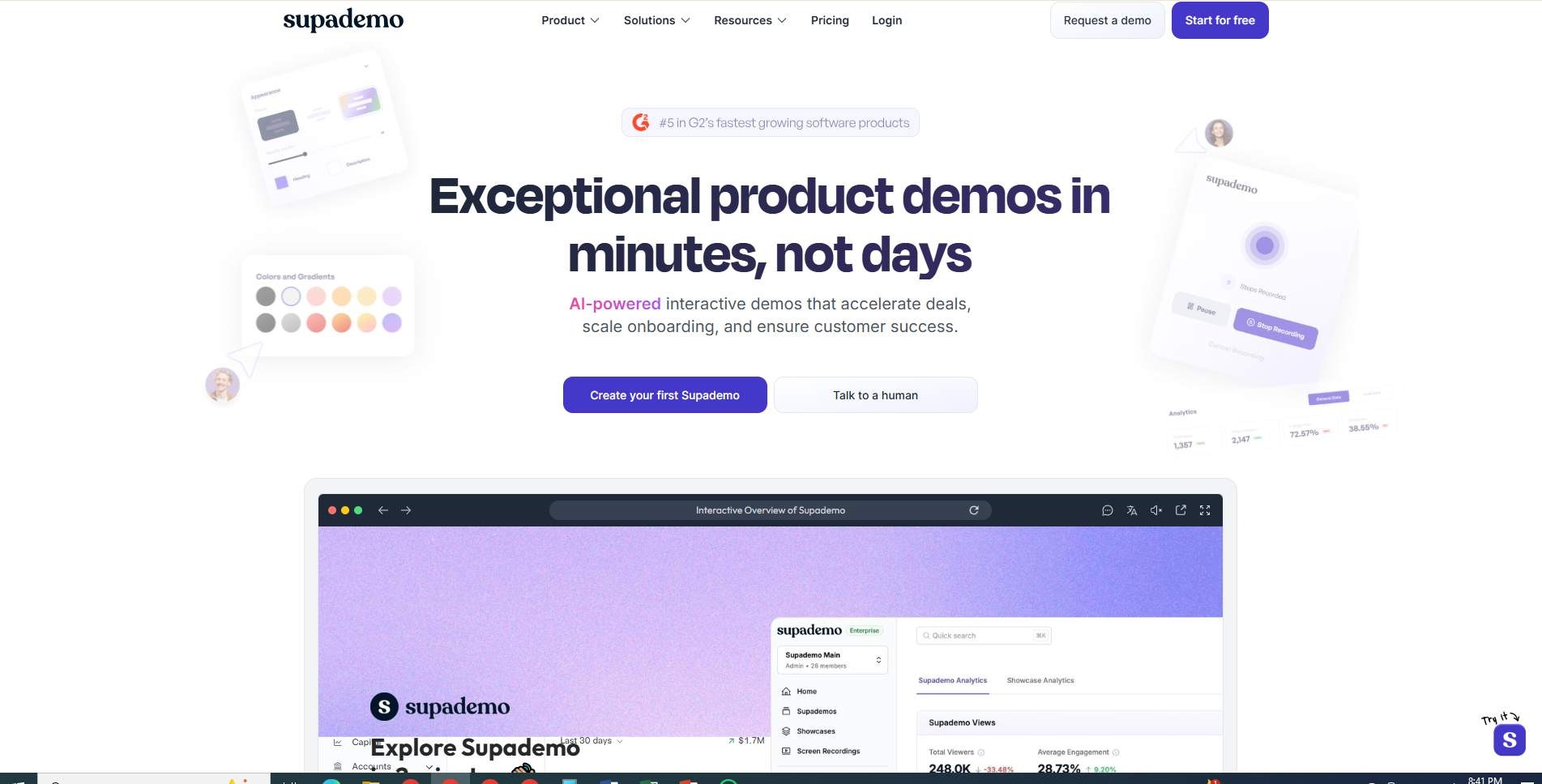
Best for: self-serve, interactive product tours instead of passive video.
Supademo skips linear video for something more hands-on: click-through demos that let a viewer interact with a simulated version of your product, plus HTML sandboxes and an AI voice agent that can answer questions mid-demo. For product-led SaaS where people want to poke around before booking a call, this format tends to hold attention longer than a static walkthrough.
Key features:
Browser and desktop capture producing HTML, screenshots, or 4K demos
AI voice cloning and an "AI Command" tool for rewriting callout text
Conversational AI Demo Agent that guides viewers in real time
Dynamic variables and branching paths based on viewer input
Pros:
Interactive format tends to outperform passive video on engagement
Strong compliance stack (SOC 2, ISO 27001, HIPAA, GDPR) for regulated buyers
Free plan includes both interactive demos and 4K recordings
Cons:
The AI Demo Agent runs on separate consumption credits (packs start at $99), on top of the plan price
Full sandbox and branching capability is gated to the $350/month Growth tier
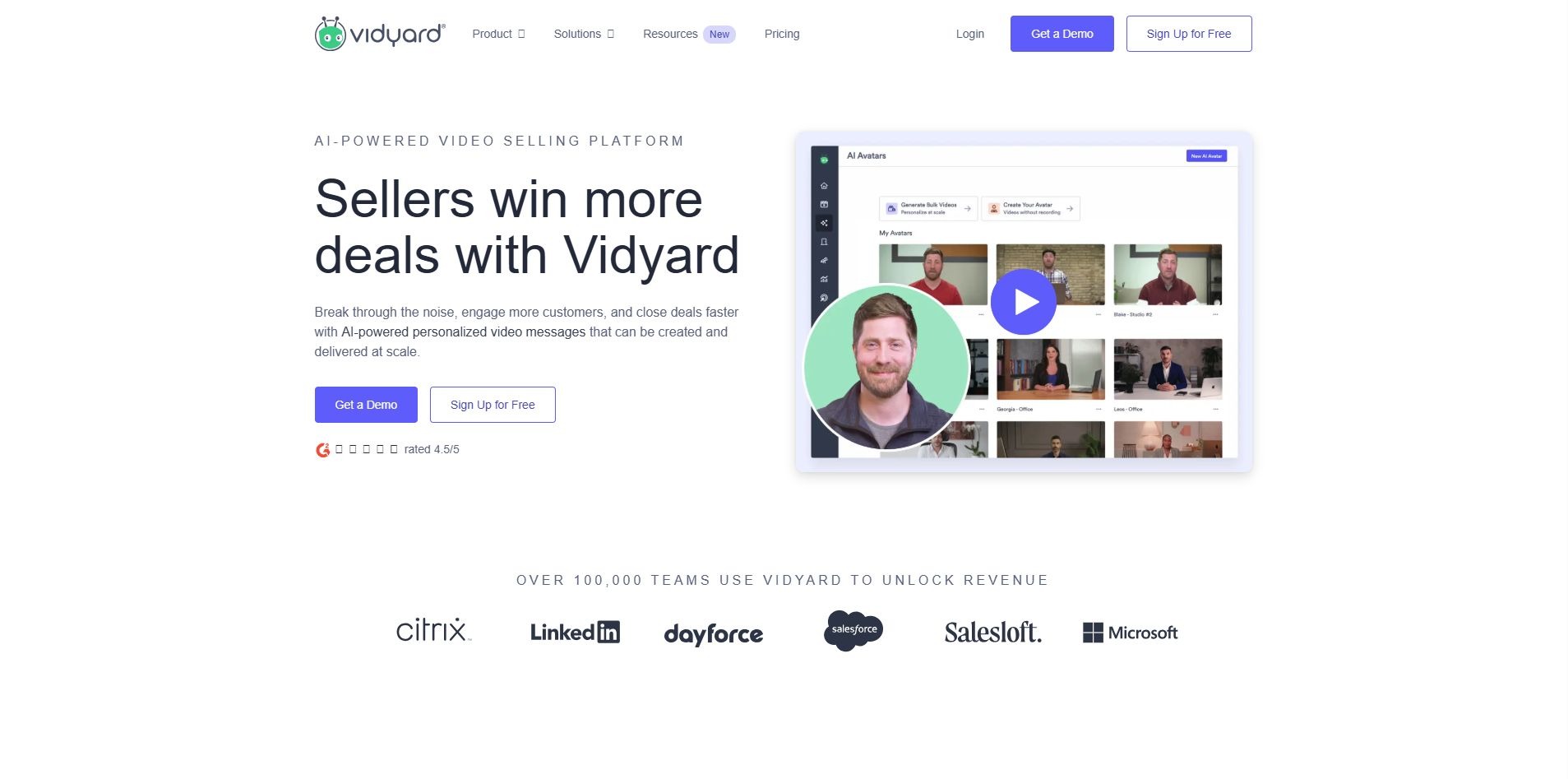
Best for: sales and customer success teams sending personalized 1:1 video, more than scaled training content.
Worth including with a caveat: Vidyard is built for sales prospecting and account outreach first, customer education second. That said, plenty of CSMs use it for quick, personal check-in videos the "here's what changed in your dashboard" kind of message that's faster to record than to write.
Key features:
AI avatars (stock or custom) for text-to-video generation
Autonomous Video Agent that sends personalized videos triggered by prospect activity
Automatic transcription and multi-language captioning
Viewer engagement heatmaps synced to Salesforce and HubSpot
Pros:
Excellent for 1:1 personalization at the account level
Engagement analytics are genuinely useful for spotting who's actually watching
Recording works across browser, desktop, and mobile
Cons:
No step-by-step written documentation. Output video only
Per-seat pricing ($59/month Starter) is on the higher end for what's largely a messaging tool, and Teams-tier pricing is now quote-only
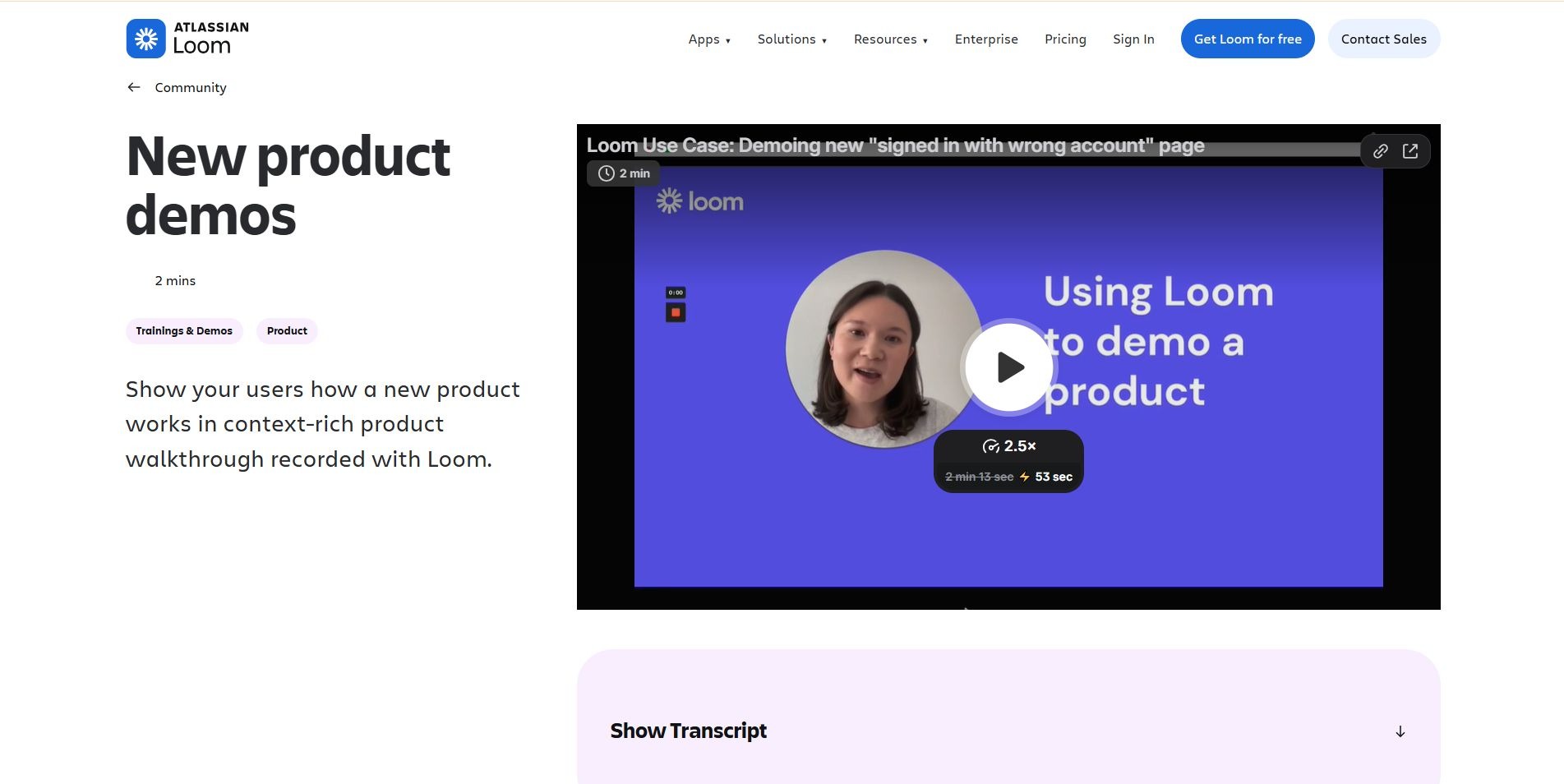
Best for: the fast, no-frills recorder most teams already have installed.
Loom is the tool everyone's already used, even if only for an internal Slack message. It won't out-feature anything else on this list, but it's the lowest-friction way to record and share a screen, and for smaller teams, "good enough and everyone already has it" beats "more powerful but nobody's opened it." One thing worth knowing before you budget for it: the AI features that make Loom worth comparing here auto-titles, summaries, filler-word removal- are live specifically on the Business + AI plan, not the base Business tier.
Key features:
AI-generated titles, summaries, chapters, and action items (Business + AI plan)
Filler-word and silence removal, plus transcript-based editing (Business + AI plan)
Screen, camera, and mic recording up to 4K
Instant shareable links the moment a recording finishes
Pros:
Fastest tool here to actually start using
Free plan (25 videos) already includes transcription in 50+ languages
Near-universal familiarity among employees and customers alike
Cons:
No voiceover, avatars, or auto-translation — it's your voice, live, or nothing
The AI suite is a $6/user/month upgrade on top of the base Business plan, not a Business-plan default
No structured documentation output, courses, or knowledge base
Pricing: Starter (free, 25 videos, 5-minute cap); Business ($18/user/month); Business + AI ($24/user/month); Enterprise (custom).
Customer Education Video Makers Compared
Feature checkboxes only tell part of the story, but they're a fast way to rule tools in or out.
Feature
puppydog.io
Guidde
Scribe
Trainn
Supademo
Vidyard
Loom
Screen recording
✓
✓
✓
✓
✓
✓
✓
AI video editing
✓
✓
—
✓
✓
✓
Business + AI tier only
AI voiceover / avatars
✓
✓
—
✓
✓
✓ (avatars)
—
Written documentation
—
✓
✓
✓
Partial
—
Partial
Knowledge base / hub
—
Via integrations
Via integrations
✓
Via Showcase
—
—
Full voiceover localization
Enterprise only
✓
—
✓
✓
Avatar speech only
—
Team collaboration
✓
✓
✓
✓
✓
✓
✓
puppydog.io
Screen recording✓
AI video editing✓
AI voiceover / avatars✓
Written documentation—
Knowledge base / hub—
Full voiceover localizationEnterprise only
Team collaboration✓
Guidde
Screen recording✓
AI video editing✓
AI voiceover / avatars✓
Written documentation✓
Knowledge base / hubVia integrations
Full voiceover localization✓
Team collaboration✓
Scribe
Screen recording✓
AI video editing—
AI voiceover / avatars—
Written documentation✓
Knowledge base / hubVia integrations
Full voiceover localization—
Team collaboration✓
Trainn
Screen recording✓
AI video editing✓
AI voiceover / avatars✓
Written documentation✓
Knowledge base / hub✓
Full voiceover localization✓
Team collaboration✓
Supademo
Screen recording✓
AI video editing✓
AI voiceover / avatars✓
Written documentationPartial
Knowledge base / hubVia Showcase
Full voiceover localization✓
Team collaboration✓
Vidyard
Screen recording✓
AI video editing✓
AI voiceover / avatars✓ (avatars)
Written documentation—
Knowledge base / hub—
Full voiceover localizationAvatar speech only
Team collaboration✓
Loom
Screen recording✓
AI video editingBusiness + AI tier only
AI voiceover / avatars—
Written documentationPartial
Knowledge base / hub—
Full voiceover localization—
Team collaboration✓
A pattern worth noting: puppydog.io, Vidyard, and Supademo lean toward personalized or interactive demo delivery rather than a written knowledge base. That's a trade-off, not a flaw, but it matters if documentation is your primary requirement. Guidde, Scribe, and Trainn treat written output as a first-class feature instead of an afterthought.
Which Customer Education Video Maker Is Right for Your SaaS Team?
For Product Walkthroughs
Prioritize screen recording quality and AI editing over documentation depth. Guidde and puppydog.io both handle this well, with the AI doing most of the scripting and cleanup for you.
For Customer Onboarding
Onboarding lives or dies on how easy it is to update. Look for modular, slide-by-slide editing (Trainn) or fast re-recording (Loom, Guidde), so a UI change doesn't mean redoing the whole video.
For Scalable Customer Training
Publishing dozens of SaaS training videos a month across a growing team? Prioritize a searchable knowledge base and real collaboration. Trainn's Knowledge Hub and Guidde's help desk embeds both scale better than a folder of video links.
For Multilingual Customer Education
Check whether "localization" means captions only, or a fully re-recorded voiceover. Trainn, Guidde, and Supademo all go past captions into translated narration.
For Fast AI-Powered Video Creation
If speed matters more than polish, look at how much the AI actually automates versus how much you're still editing by hand, and confirm which pricing tier that automation actually lives on. Puppydog.io and Guidde both aim to get you from raw recording to finished, narrated video with minimal manual work.
How to Choose the Right Customer Education Video Maker
There's no universal best pick, only the best fit for how your team actually works.
Define your content type. Tutorials, onboarding, and formal training courses favor different tools.
Decide who's actually creating the content. If it's support reps without video experience, ease of use matters more than advanced controls.
Prioritize your core workflow, mostly recording, mostly editing, or mostly maintaining a documentation library.
Think about maintenance. How painful is it to update a video once the product changes underneath it?
Check localization needs now, not later, adding multilingual support after the fact is a much bigger lift.
Look at collaboration and publishing across support, product, and marketing.
Weigh pricing against real content volume, and read the fine print on which tier unlocks the feature you actually need.
FAQs About Customer Education Video Makers
What is a customer education video maker?
Software built specifically for turning product usage into training content, screen recording plus AI editing and often documentation, rather than a general video editor built around manually assembling raw footage.
What is the best video format for SaaS customer education?
It depends on the goal. Short walkthroughs (30 seconds to two minutes) suit single-feature explanations, longer tutorials suit complex workflows, and interactive demos work well for self-serve exploration.
How can SaaS companies create customer training videos faster?
Screen recording plus AI-generated scripts and voiceovers removes most of the manual editing bottleneck. Modular, slide-by-slide editing, rather than one long continuous recording, also makes future updates faster.
Can AI create customer education videos?
Largely, yes. AI can now handle scripting, voiceover, captioning, and basic editing decisions like trimming dead air. Human review still matters for tone, accuracy, and catching a misread step.
Should customer education videos include documentation?
Generally, yes. Video shows a process well; written documentation is better for someone who wants to skim or reference a step later without rewatching. The strongest platforms produce both from one recording.
How do you keep SaaS training videos up to date?
Favor tools with modular editing, where updating one screen doesn't mean re-recording everything, and build a habit of reviewing content every time a feature ships, not just when something breaks.
Choose a Customer Education Video Maker That Fits Your Workflow
Here's the honest takeaway: the best customer education video makers for SaaS teams aren't interchangeable, whatever their landing pages suggest. The right pick depends on your team size, how much documentation you need alongside video, how many languages your customers speak, and, let's be real, your budget.
If you're building a full training academy, Trainn's structure is hard to beat. If documentation matters more than video, Scribe does one thing and does it well. And if what you need is a fast, personalized demo and onboarding video tied to your CRM data, that's the gap puppydog.io was built to close.
Whatever you land on, the real test isn't the trial period. It's whether you're still using the tool three months in, after your product has shipped ten new features. Start free, record something real, and see if it actually gets used.
Ready to try personalized demo video for your own SaaS onboarding? Start a free trial with puppydog.io and see how fast a screen recording turns into a ready-to-send video.
Sarah Thompson is a storyteller at heart and Business Developer at PuppyDog.io. She’s passionate about creating meaningful content that connects people with ideas, especially where technology and creativity meet.
"PuppyDog.io has built a platform that uses generative AI to create hyper-personalized product demos so sales and marketing professionals can engage with prospective customers in a more targeted way."
Andrew Ng
Founder, Coursera
Supercharging your demos
Boost sales, marketing, and customer success with AI.