How to Create a Fair Product Comparison Video Using Real SaaS Workflows


A fair product comparison video shows the same task, on matching plans and versions, in both tools, with dated sources on screen. Pick a job your viewer actually does, record each tool from the same starting point, label any edits, and say what you did not test. Skip the winner badge.
What should a SaaS comparison video compare?
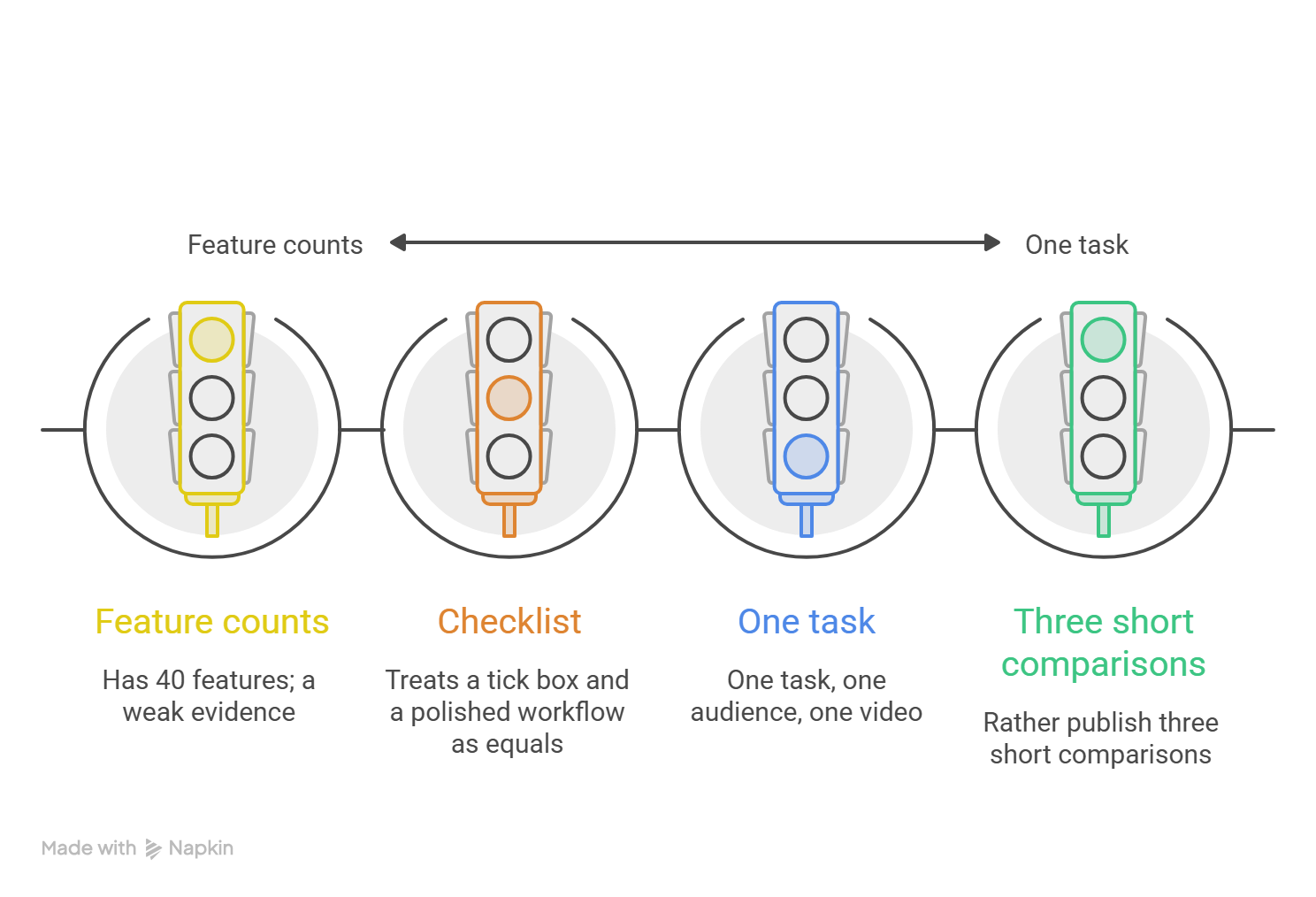
A product comparison video works best when it starts with the person watching. A sales enablement lead and a solo founder care about different things, so pick one viewer and one job they need done. "Turn a screen recording into a short feature walkthrough" is a job. "Has 40 features" is not.
Feature counts are weak evidence because a checklist treats a tick box and a polished workflow as equals. Two tools can both earn a "yes" for "has voiceover" and still feel nothing alike to use. A viewer learns more from watching one task finished than from a grid of checkmarks.
My rule: one task, one audience, one video. Honestly, I'd rather publish three short comparisons than one giant "everything" video.
How do you choose product comparison criteria?
Good product comparison criteria are things a viewer can see and check: steps taken, screens opened, inputs needed, and what the finished result looks like. Skip words like "better" and "smarter," because nobody can verify those on screen.
Then match the conditions. Both tools should be on a plan built for the same kind of user, on the current version, starting from the same sample file. Put a free plan next to a top tier, and you are not comparing tools. You are comparing price lists.
Write the setup down before you hit record:
- The user job: who is doing what
- The plan and version of each tool
- The starting state
- What counts as "done"
The FTC's long-standing policy statement on comparative advertising backs brand comparisons where the bases of comparison are clearly identified. That setup list is yours, shown to the viewer.
What comparison video evidence should you collect?
Collect two kinds of comparison video evidence, and keep them apart. The first is what each company says: pricing pages, help articles, release notes. Save a dated screenshot of each, because pages change without warning. The second is what you saw: raw screen recordings of the task, start to finish.
Label the difference on screen. "According to the vendor's help page, checked on [date]" is a claim. "In our recording" is an observation. Mix them up and your video starts to sound like an ad for one side.
UK advertising guidance on comparisons says a comparison should be verifiable, so viewers can see what the claim rests on. Keep a folder of dated screenshots, plan and version screenshots, and unedited recordings, even if you never publish it. It is your answer when someone asks, "Where did that come from?"
Here is a layout you can copy. It is a template, not a set of test results, so fill each bracket with your own dated findings.
How do you build a side-by-side product demo?
A side-by-side product demo works when both runs follow the same script: same task, same sample file, same order of steps. If your video tool can't show two screens at once, play the clips one after the other. It's less flashy and just as fair.
Keep the narration plain. Say what is happening ("I upload the recording. I open the script.") and skip words like "painfully slow." If you compare time, show the same clock in both clips.
Now the part people skip. If you cut a loading screen, speed up a wait, or trim a pause, say so on screen. A small label like "Wait time shortened" is enough. That's my rule, not a legal one, but viewers forgive edits. They don't forgive hidden ones.
How do you maintain competitor comparison fairness?
Fairness is mostly honesty about limits. "We compared one task on these plans on this date" is a strong sentence, because it tells viewers how far to trust the result.
Then keep it fresh. A video that was accurate in March can be wrong after the next release. Put the check date in the video and the description, and if a company says something is out of date, check it and fix it fast.
Avoid two things: invented weaknesses and outcomes you didn't measure. "Saves hours every week" is an outcome claim. The same FTC statement says comparative ads are judged like any other ad: are they false or deceptive? One last test. Would you send the video to the other team first? If not, rewrite it.
What should a comparison video CTA offer?
A good comparison video CTA helps the viewer check your work. "Run the same task yourself" and "See the full test notes" both do that, and they respect that your viewer's team and budget are not yours.
Compare that with "Switch today, we win." A crown rarely convinces anyone, and a universal winner claim is hard to prove because the best tool depends on the job.
Keep it to one next step, such as: "Try the same steps yourself. Setup is in the description."
FAQ
Should comparison videos declare one tool the winner?
Usually no. The best tool depends on the job, the plan, and the team, so one crown is hard to prove. If you do name a winner, tie it to one task and one setup, like "faster for this task on these plans," and keep your proof ready.
How do I compare products with different plans?
Match by what the buyer needs, not by plan names. Pick the plan each company would suggest for this task, and show each price and limit on screen. If a feature sits behind a higher plan, say so.
Can I use competitor screenshots in a comparison?
Often yes, if you use them only to identify the product. Show the name in plain text, skip stylized logos, and say you are not affiliated. This overview of nominative fair use explains why US courts apply the idea differently, and copyright and site terms are separate questions, so ask your legal team first. This is general information, not legal advice.
How often should a product comparison video be reviewed?
I'd check every three months, and again after any big release or price change. A 2025 tracker of 500 SaaS and AI companies counted more than 1,800 pricing and packaging changes, which is over three per company by my math. Put the check date on the video.
Your next step: create a comparison video
Ready to put this to work? Gather your approved recordings, setup list, and dated notes first. Then use PuppyDog to turn those source files into a product comparison video, with a script you review and narration added, so you get professional product videos without a production team. Start with the AI product video maker or see how product video creation works.

Sarah Thompson is a storyteller at heart and Business Developer at PuppyDog.io. She’s passionate about creating meaningful content that connects people with ideas, especially where technology and creativity meet.