Video Repurposing for SaaS: Turn One Walkthrough into a LinkedIn Campaign

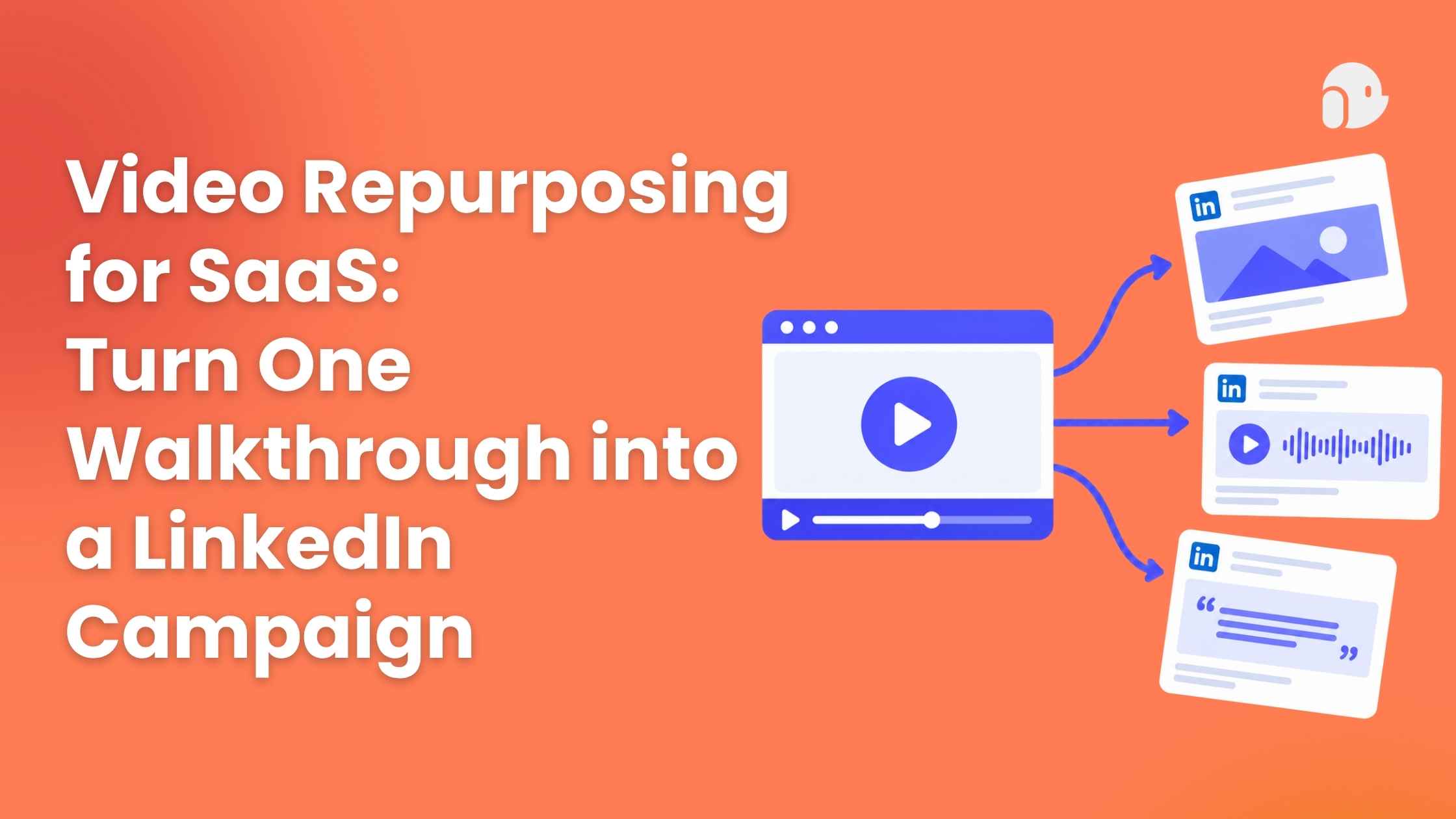
Video repurposing means turning one approved product walkthrough into several short clips, each built for a different viewer question. Pick three clear moments, give each its own hook and call to action, and trim only what the viewer doesn't need. Then compare completion and qualified clicks per clip.
What makes SaaS video repurposing useful?
You recorded a solid six-minute walkthrough. It sits on one page, and your LinkedIn calendar is empty. Sound familiar?
SaaS video repurposing fixes that, but only if you treat it as reuse, not a chop job. Reuse means the same approved footage answers a different question each time. The recipe is simple: same source, new hook, new next step.
One walkthrough usually holds several answers. One viewer wonders if the problem is real. Another wants to see the result. A third asks how hard setup is. Each question can become its own clip.
Buyers are ready for it. Wyzowl's 2026 survey of 266 people found that 63% would most like to watch a short video to learn about a product, versus 12% for text articles. For demo basics, see the Related guide. This post stays on the LinkedIn tutorial.
How do you choose product video highlights?
Here is the example we'll use. It is illustrative, not a real customer or a tested result: a six-minute walkthrough of a made-up reporting tool called ReportPilot. Swap in your own approved walkthrough and facts.
Pick three moments that each carry one message:
Choose by message clarity, not motion. Ask three questions of every candidate:
- Can a stranger say what it's about after one watch?
- Does it answer just one question?
- Does it still work with the sound off?
Honestly, I'd skip the flashy zooms and transitions. A busy screen is not the same as a clear point.
How do you write LinkedIn video hooks for each clip?
The first seconds decide everything. LinkedIn's video ad tips say to show what you want viewers to see in the first 10 seconds, and that a large portion of members watch with the sound off. Its advice is to burn subtitles into the video. So every hook needs words on screen.
Here are three LinkedIn video hooks for the example clips. Each uses only what the walkthrough shows, with no made-up numbers.
The footage is the same walkthrough. Only the opening line changes, and each one points to a different question.
My rule: if you can't show it in the clip, keep it out of the hook. A boring true hook beats a bold one you have to defend in the comments.
How can an AI product teaser shorten the source video?
An AI product teaser is a short cut of a longer video, made with software. PuppyDog's Related guide says its platform can repurpose long demos into short clips for social and email. With any tool, start from an approved recording and review the result before it goes out.
Treat the AI trim as a rough cut. The risk is lost context, so check three things:
- Setup. Does it show where we are in the first few seconds?
- Key step. Does it keep the one action that matters and cut the menus and detours?
- Result. Does it stay on the final screen long enough to read?
Length matters too. The same LinkedIn page reports that 7- to 15-second videos saw up to a 300% lift in completion rates, but that guidance covers ads, not organic posts. It also says longer videos drove as many clicks and views, because they tell a fuller story. The Wyzowl survey found 71% say 30 seconds to 2 minutes is the most effective length.
So keep the awareness clip tight and give the evaluation clip a bit more room. To see how PuppyDog builds a video from your source material, start with Product video creation.
How should the repurposed video CTA change?
Different clips need different next steps. Someone who just learned the problem exists isn't ready to book a call. Someone who just saw the result might be.
Match the repurposed video CTA to the viewer's stage. Here are three examples for the ReportPilot clips (illustrative):
Soft CTAs earn trust. Direct CTAs capture interest that's already there. One CTA on every clip either scares off early viewers or wastes the ready ones.
One small test is worth running: link in the post versus link in the first comment. I couldn't find an official LinkedIn rule on links lowering reach, and outside studies are mixed. Let your own numbers decide.
Which video repurposing metrics should you compare?
Pick two per clip and stick with them:
Early drop-off usually means a weak opening or too much setup. For qualified clicks, define it yourself, such as a click followed by one meaningful step, like reading the guide or starting a trial. The exact definition matters less than using the same one for every clip.
Keep the comparison fair. Use the same channel and the same reporting window, such as the first seven days after posting. Also know that views are counted differently in different places. In Campaign Manager, LinkedIn defines a view as two or more continuous seconds with at least half the video on screen. Keep paid and organic clips in separate comparisons.
What counts as good? I couldn't find a public LinkedIn benchmark for completion or click rate. So treat clip one as your baseline, not a verdict.
FAQs
Can a long product demo become several short videos?
Yes. Split it by viewer question, not by time. Vidyard's 2025 report suggests a series of 3-minute videos instead of one 30-minute demo, and LinkedIn clips can run shorter still. Three clips is a manageable start.
Should every repurposed clip use the same CTA?
No. Match the CTA to what the viewer just learned. Soft CTAs fit clips that teach, and direct ones fit clips that show results. Change one thing at a time so you know what moved the numbers.
How do I stop short clips from losing important context?
Keep a short setup, the key step, and the result. Add burned-in captions, since many members watch muted. End on the final screen for a couple of seconds so people can read it.
Can PuppyDog turn a recording into product highlights?
PuppyDog says it can repurpose long demos into short clips for social or email. Start with an approved recording, then review the script, narration, and trimmed cut before you post. Try Highlights to see how it handles your own walkthrough.
Next step
Pick one approved walkthrough this week and cut three clips: one problem, one result, one how-to. Give each its own hook and CTA, then compare completion and qualified clicks after seven days.
For a faster first draft, try Highlights in PuppyDog's AI product video maker.

Sarah Thompson is a storyteller at heart and Business Developer at PuppyDog.io. She’s passionate about creating meaningful content that connects people with ideas, especially where technology and creativity meet.