10 Best Tella Alternatives in 2026: Top Tools for Teams, Creators & Sales

A few years ago, recording a screen video was a quick task.
You hit record. You explained something. You sent the link. That was enough.
But as remote work matured and AI entered the picture, screen recording quietly became infrastructure. Now, a demo can influence revenue. An onboarding video can reduce support tickets. A tutorial can build brand authority.
That shift is exactly why many professionals start searching for Tella alternatives.
Tella earned its reputation as a creator-first screen recorder. Separate camera and screen tracks. Smooth zoom effects. AI trimming. It makes videos look polished without traditional editing software.
But here’s the catch: not everyone needs polish. Some teams need speed. Some sales reps need personalization at scale. Some developers need data control. Some marketers need automation.
So the real question isn’t whether Tella is good.
It’s whether it fits your workflow.
In this guide, we’ll break down the best Tella alternatives based on real-world use cases, not marketing hype. You’ll discover:
- The top tools for internal team communication
- Platforms built for sales personalization and CRM integration
- Creator-focused apps like Tella that prioritize visual polish
- Free and open-source alternatives
- A clear breakdown of Tella vs Loom
- A feature comparison to help you decide quickly
By the end, you won’t just have a list of Tella competitors. You’ll know which tool actually aligns with your goals.
Let’s start by looking at where Tella shines, and where it starts to fall short.
What Is Tella (And Where It Shines)
If you’ve ever recorded a screen demo and thought, “This looks… kind of boring,” you’re exactly the type of user Tella was built for.
Tella isn’t just a screen recorder. It’s a creator-first video tool designed to make screen recordings look intentional, polished, and almost studio-produced, without requiring you to learn complex editing software.
Creator-First by Design
Unlike traditional async tools that prioritize speed over aesthetics, Tella focuses on presentation. It treats your camera feed and your screen recording as separate visual layers rather than as a single fixed frame.
That small architectural decision changes everything.
Instead of being locked into a standard “bubble-in-the-corner” layout, you can:
- Move your camera after recording
- Resize it
- Change layouts
- Adjust backgrounds
- Reframe your video without re-recording
For creators, marketers, educators, and founders building personal brands, this flexibility matters. It gives you control over how your message looks, not just how it sounds.
Separate Camera & Screen Tracks
This is Tella’s signature strength.
Most apps like Tella record everything into a single flattened video file. Once you stop recording, what you see is what you get.
Tella, on the other hand, keeps your screen and camera as independent tracks. That means you can reposition your face, zoom into key parts of your interface, or even redesign the visual layout after you’re done speaking.
For product demos, launch videos, and course content, this is a big deal. It reduces the pressure to “get it perfect” in one take.
Built-In AI Enhancements: Magic Trim & Smooth Zoom
Tella also integrates lightweight AI features that improve production quality without heavy editing.
- Magic Trim automatically removes filler words and awkward pauses.
- Smooth Zoom lets you guide attention to specific UI elements without manual keyframing.
These features make videos feel tighter and more deliberate, especially useful when recording marketing demos or educational walkthroughs.
It’s not Hollywood-level editing, but it’s more refined than most basic async recorders.
Where Tella Is Strong
Tella shines when the video is meant to be seen publicly or reused strategically.
It’s particularly strong for:
- Product launch videos
- Paid course lessons
- YouTube tutorials
- Marketing demos
- Personal branding content
In short, high-stakes external content.
If your video represents your brand, your product, or your authority, Tella gives you visual polish without requiring a full editing workflow.
Where Tella Starts to Show Limits
But here’s where things get nuanced.
Tella was built for creators first, not large teams or revenue operations.
It’s less optimized for:
- High-volume internal communication
- Structured team libraries and knowledge management
- Deep CRM integration
- Automated personalization at scale
- Enterprise-grade permissions and compliance controls
If you’re a sales team sending 50 personalized demos per week, manual recording becomes a bottleneck.
If you’re a 200-person company managing onboarding documentation, organization becomes critical.
If you’re an enterprise handling sensitive data, governance matters.
This is where many businesses begin exploring alternatives to Tella, not because it’s weak, but because their needs have evolved.
How to Choose the Right Tella Alternative
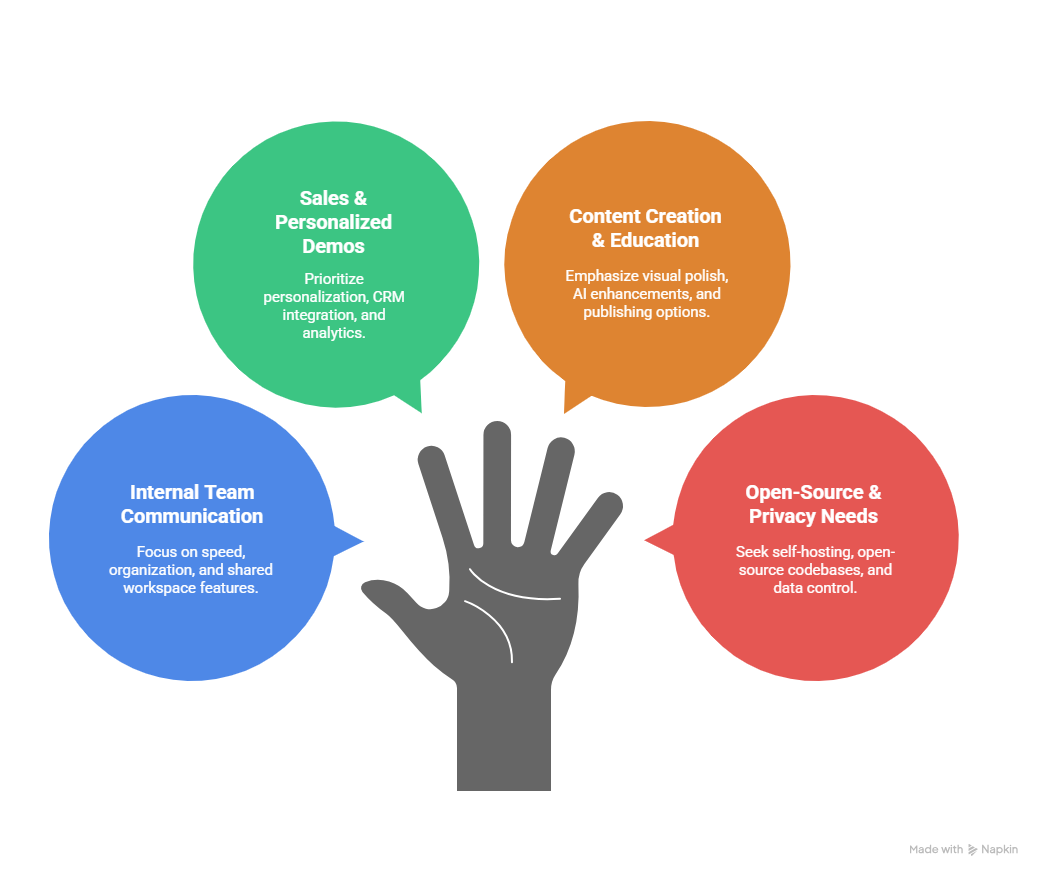
By now, it should be clear that there’s no single “best” tool for everyone. The platform you pick depends on why you’re making the video in the first place. A sales rep has very different priorities than a developer documenting an internal process, and a creator producing polished tutorials has needs that an enterprise knowledge team doesn’t even think about.
So before we dive into specific alternatives, let’s look at a simple decision framework that helps you narrow your options based on how you actually work.
Match Your Workflow With the Tool
1. Internal Team Communication
If most of your videos are meant for teammates, things like updates, quick explanations, bug reviews, or cross-team handoffs, then speed and organization beat aesthetics every time.
Tools in this category:
- Start recording instantly
- Upload to a shared workspace
- Allow easy search and categorization
- Support team spaces and permissions
You want minimal friction and a library that scales, not a five-minute editing session.
2. Sales & Personalized Demos
Sales videos have a very specific job: make the viewer feel like this was made for them.
That means:
- Personalization at scale (automated variables, AI scripts)
- CRM integration (so you can track engagement)
- Easy delivery via email/CRM sequences
- Optional analytics to see who watched what
If you’re spending hours recording similar demos over and over, the alternative to Tella you choose should reduce that time dramatically.
3. Content Creation & Education
Maybe you’re building tutorials, courses, or product walkthroughs meant for external audiences.
Here, your priorities shift toward:
- Visual polish and layout flexibility
- Automatic zooms and focal effects
- AI enhancements like filler removal
- Ease of publishing to YouTube or your LMS
This use case still values aesthetics, but within a structured educational flow.
4. Open-Source & Privacy Needs
Some teams, especially developers or security-conscious organizations, care most about data control.
If:
- You want self-hosting
- You prefer open-source codebases
- You need complete ownership of recordings
- You avoid vendor-hosted storage
Then a privacy-focused alternative might serve you better than a polished SaaS tool.
Now that you’ve identified your primary use case, the next step is comparing features — the practical differences that separate one tool from another.
Key Features Checklist
Use this checklist to evaluate any Tella competitor before signing up:
AI & Automation
- Automatic filler word removal
- Auto summaries or chaptering
- Script generation based on context
- Automated editing effects (magic trim, smooth zoom)
Recording Quality
- Support for 1080p or 4K output
- High frame rates (30–60 fps)
- Audio enhancement (noise reduction, clarity tuning)
Integrations
- CRM connectivity (Salesforce, HubSpot, etc.)
- Email automation (MailChimp, Klaviyo, Outreach)
- Shared team libraries and knowledge hubs
- Zapier or API support for workflow automation
Collaboration & Scalability
- Team spaces / shared workspaces
- Searchable video libraries
- Role-based permissions
- Multi-user billing and admin controls
Pricing Model
- Free tier limitations (length, watermark, quantity)
- Subscription plans vs lifetime license
- Enterprise pricing flexibility
- ROI considerations for daily usage
Privacy & Data Control
- Cloud vs local storage options
- Self-hosting ability
- Open-source availability
- Custom data retention policies
When you weigh alternatives against this framework instead of just scanning features, you’ll quickly see which tools align with your actual needs.
Best Tella Alternatives for Team Communication
When your primary goal is to keep teams aligned, informed, and productive, the right tool doesn’t need to be cinematic. It needs to be instant. Fast recording, seamless sharing, and searchable libraries matter more than polished camera positioning or design effects. This section covers two standout apps, such as Tella, that excel at async communication within teams.
Loom: The Async Messaging Leader
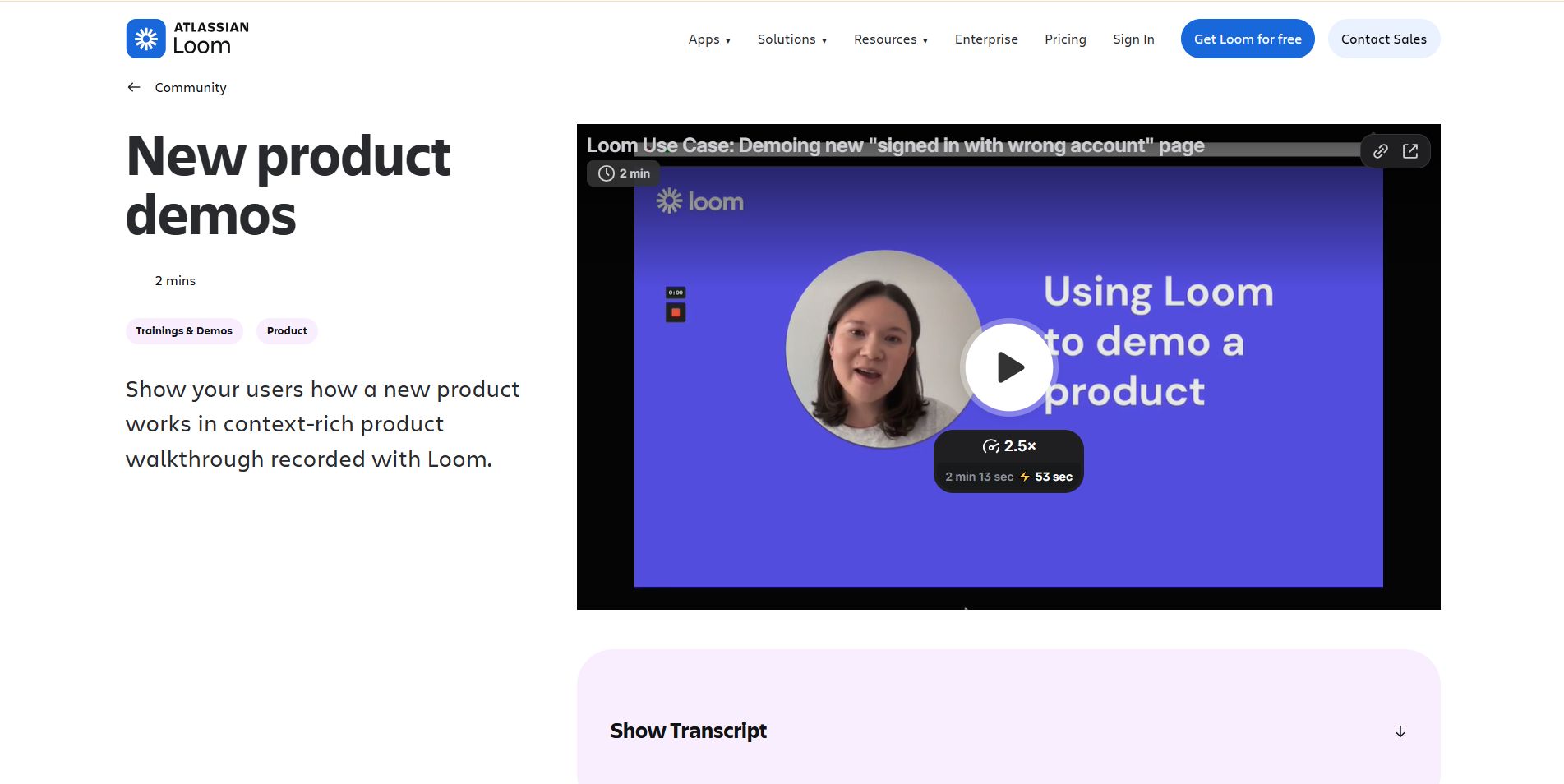
Loom has become synonymous with internal async communication, and for good reason. What started as a simple browser extension evolved into a full-featured platform designed to reduce meetings and streamline team workflows.
Speed and Instant Sharing
One of Loom’s biggest advantages is how quickly you can record and share. There’s no waiting, no complex setup, you just hit record, stop, and share a link. For support agents explaining a bug or product managers providing feedback, immediacy is invaluable.
Team Spaces and Knowledge Libraries
Unlike Tella, which treats each recording as a standalone asset, Loom offers structured libraries where teams can organize content by department, project, or topic. This turns scattered videos into searchable knowledge hubs, perfect for onboarding guides, cross-team references, and standard operating procedures.
AI Summaries and Smart Features
Loom has embraced AI in practical ways. Its auto-generate summaries and transcript features help you digest content faster and make sharing easier. Instead of leaving viewers to skim a long demo, they get clear takeaways and text they can reference.
Mini Comparison: Tella vs Loom
Supercut: Lightweight & Meeting-Killer Alternative
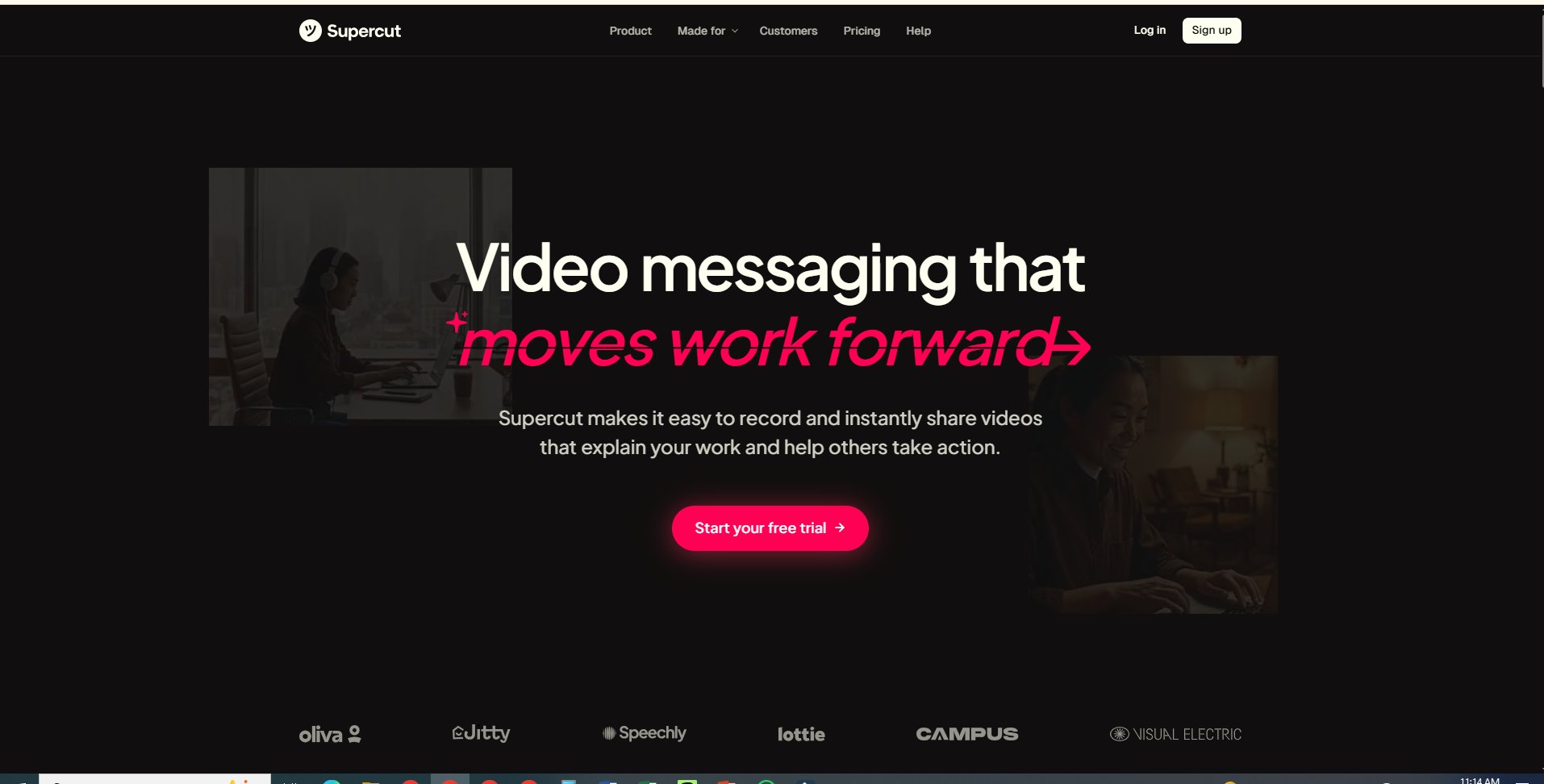
If Loom feels like a feature-rich tool and you want something even faster, Supercut is worth considering. It takes the principle of async communication and strips it down to pure performance.
Async-First Culture
Supercut embraces a philosophy: internal meetings should be replaced entirely by short, purposeful video messages. Instead of scheduling another call, team members record a clip, drop it in the channel, and keep moving. Over time, that culture shift can radically reduce friction.
Performance-Focused Simplicity
Supercut isn’t interested in bells and whistles. There’s no heavy editing suite, no team library with dozens of tabs, and no complex role permissions. What you get is speed, reliability, and recordings that load instantly, ideal for technical teams, product feedback loops, or rapid prototyping discussions.
Best for High-Frequency Internal Videos
If your workflow involves dozens of one-off explanations each day, like design feedback, code reviews, or quick project updates, Supercut beats most traditional recorders by focusing purely on performance. It’s not trying to replace your editor; it’s trying to replace your next meeting.
Best Alternatives for Sales, Outreach & Personalized Demos
For many teams, video isn’t just documentation. It’s a conversion driver. Sales reps, customer success managers, and revenue teams need tools that go beyond simple recording. They need personalization, automation, CRM orchestration, and analytics that help videos close deals instead of just explaining features. The tools in this section shine in that realm and rank among the best Tella alternatives for revenue‑focused workflows.
Puppydog.io: AI‑Driven Sales Automation
Puppydog.io represents a fundamental shift in how product demos and sales videos are created. Rather than recording each video manually, Puppydog.io turns basic inputs, like a short screen capture or a series of screenshots, into highly personalized, professionally narrated demos at scale.
Here’s how it stands out:
Transforming Captures Into Personalized Demos
Instead of repeating similar demos over and over, Puppydog.io uses AI to generate demo videos tailored to each prospect. Its system analyzes buyer attributes, industry, company size, and job role, and weaves that context into both script and visual narrative. The result isn’t a generic screen capture; it’s a video that feels custom‑made for the viewer.
CRM Orchestration & Dynamic Voiceovers
Puppydog.io doesn’t just create videos. It operationalizes them. With deep CRM integrations, it connects directly to platforms like Salesforce and HubSpot, automating the delivery of personalized demos inside sales sequences. The platform also features a library of AI‑generated voiceovers that sound natural and professional, giving each video a human touch without manual recording.
This tight alignment with revenue workflows, automation capabilities, and scalability makes Puppydog.io one of the best Tella alternatives for teams with high demo volume.
Sendspark: Dynamic Outreach Videos
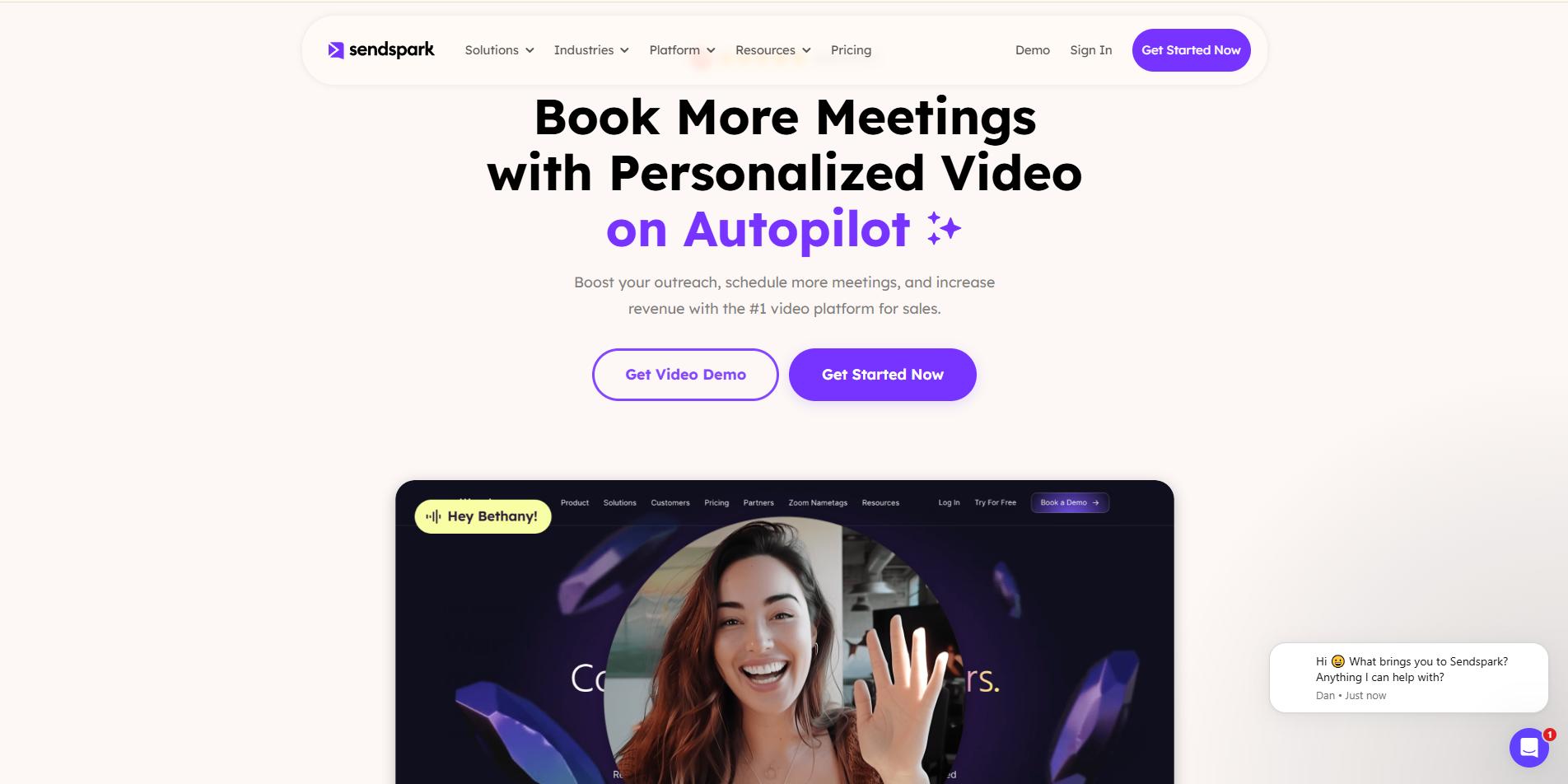
If you want the personalization of a custom video plus the speed of mass outreach, Sendspark strikes a strong balance. It sits between traditional async tools and full sales automation platforms, delivering creative control with sales‑driven outcomes.
Variables, CTAs, and Integrations
Sendspark allows you to insert dynamic variables, like a prospect’s name, company website, or product info, directly into your videos or thumbnails. These small touches significantly increase engagement because each recipient feels like the message was made specifically for them.
Beyond personalization, Sendspark integrates with popular email platforms and LinkedIn outreach tools, letting you embed videos directly into sequences with clickable call‑to‑action (CTA) buttons. Whether your CTA is to “Book a Demo,” “View Pricing,” or “Start a Trial,” Sendspark makes it seamless.
This blend of creativity and sales functionality positions Sendspark among the most practical apps like Tella for revenue teams that want engagement and scale without complex automation.
Vidyard: Enterprise Video + Analytics
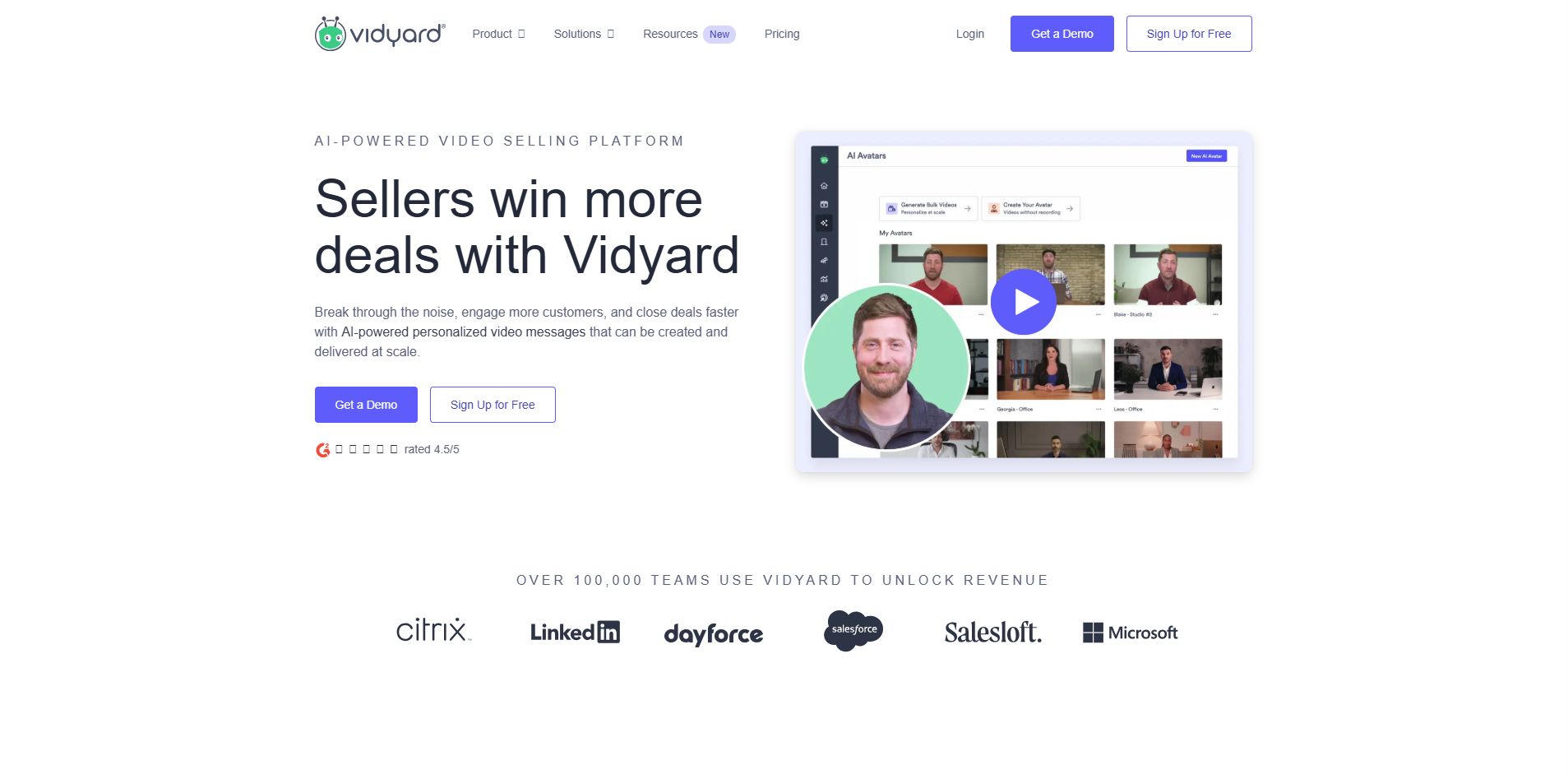
For large organizations with sophisticated revenue operations, Vidyard remains one of the most powerful alternatives to Tella. It doesn’t just record videos. It treats them as data sources that feed automation, analytics, and follow‑up logic.
CRM Automation and Viewer Behavior Tracking
Vidyard’s strength lies in its ability to connect viewer behavior with actionable outcomes. For example, if a prospect watches more than 75% of a video, Vidyard can automatically trigger alerts, send follow‑up emails, or queue reminders for sales reps. These behavior‑driven workflows help accelerate pipeline movement without manual oversight.
Its deep integrations with Salesforce, Marketo, and other enterprise stacks ensure that video interactions become part of the broader customer journey, making each video touchpoint measurable and strategic.
Best for Organizations Needing Follow‑Up Automation
If your team needs:
- Enterprise‑grade security
- Granular user permissions
- Automated sales triggers
- Comprehensive analytics dashboards
Then Vidyard stands out as a top choice. It may not focus on creative post‑production the way a tool like Tella does, but for revenue teams looking to leverage video as a strategic asset, it’s one of the most capable alternatives available, especially at scale.
Best Tella Alternatives for Creators & Educators
When your priority isn’t just capturing a screen but telling a story, whether it’s a tutorial, product walkthrough, or educational video, the demands change. You want control, polish, and tools that enhance clarity without adding complexity. Here are three alternatives that help creators and educators produce content with finesse, efficiency, and creative flexibility.
Screen Studio: Automated Professional Polish
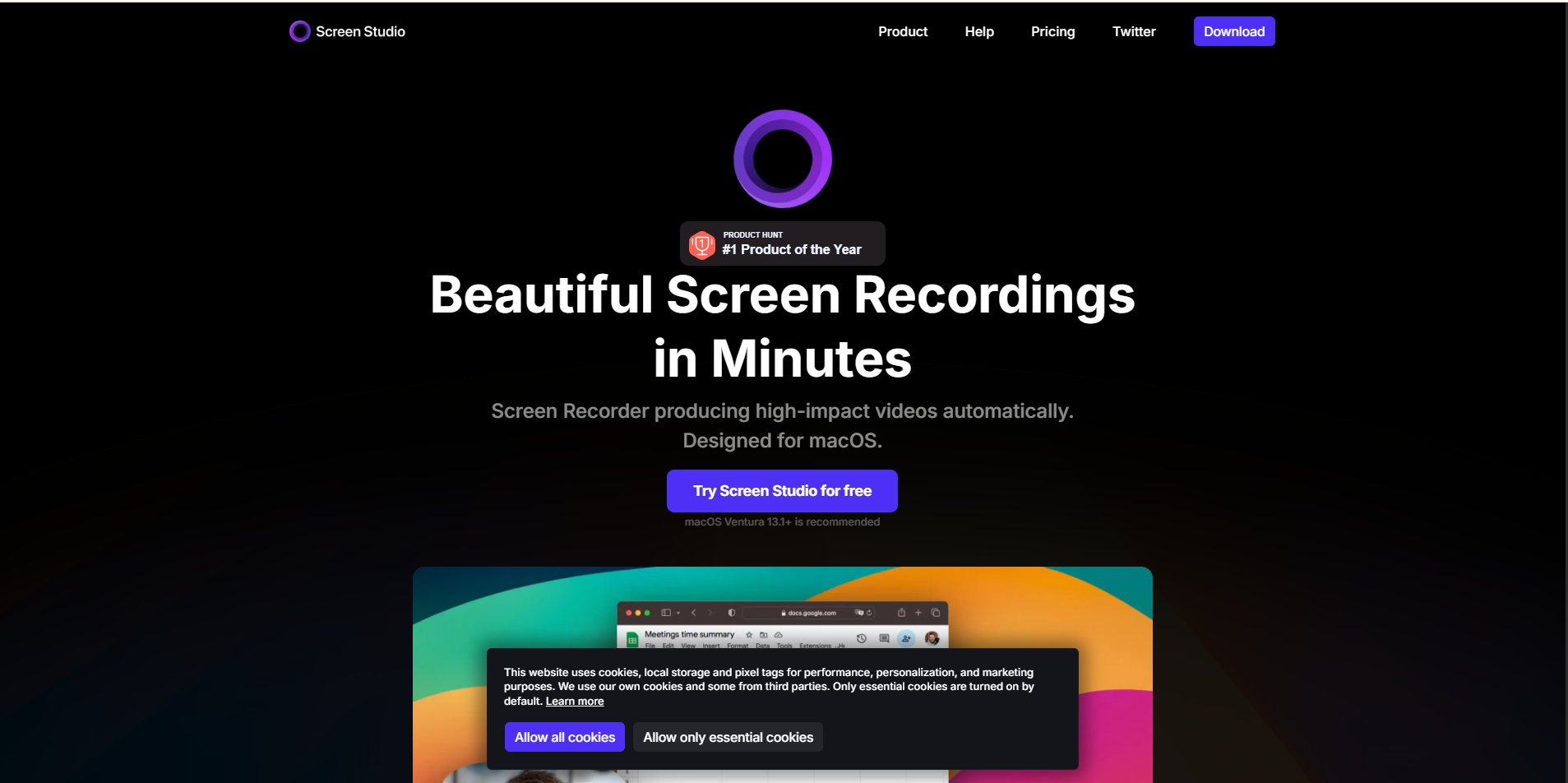
Screen Studio is an ideal choice if you love the visual quality of Tella but want features that feel more automated and performance‑driven. Built primarily for macOS users, it combines smart effects with high‑end recording performance, helping you create videos that look professionally produced with minimal effort.
Auto‑Zoom to Guide Viewer Focus
Instead of manually animating cursor movements or key sections, Screen Studio applies intelligent auto‑zooming. It detects click events and important interface transitions, bringing them to the forefront so viewers know exactly where to look, a subtle but powerful enhancement in technical demos and walkthroughs.
High Fidelity: 4K at 60fps
Professional creators know that resolution and smooth playback matter, especially when demonstrating detailed interfaces, design workflows, or coding environments. Screen Studio supports up to 4K resolution at 60 frames per second, ensuring even fast‑moving content remains crisp and clear.
A Mac‑First Ecosystem
Screen Studio is tailored for creators rooted in the Apple ecosystem. Its native performance means fewer hiccups, faster exports, and seamless interaction with macOS features, making it a go‑to choice for educators and product specialists who prefer quality and reliability over cross‑platform universality.
FocuSee: AI Attention‑Guided Recording
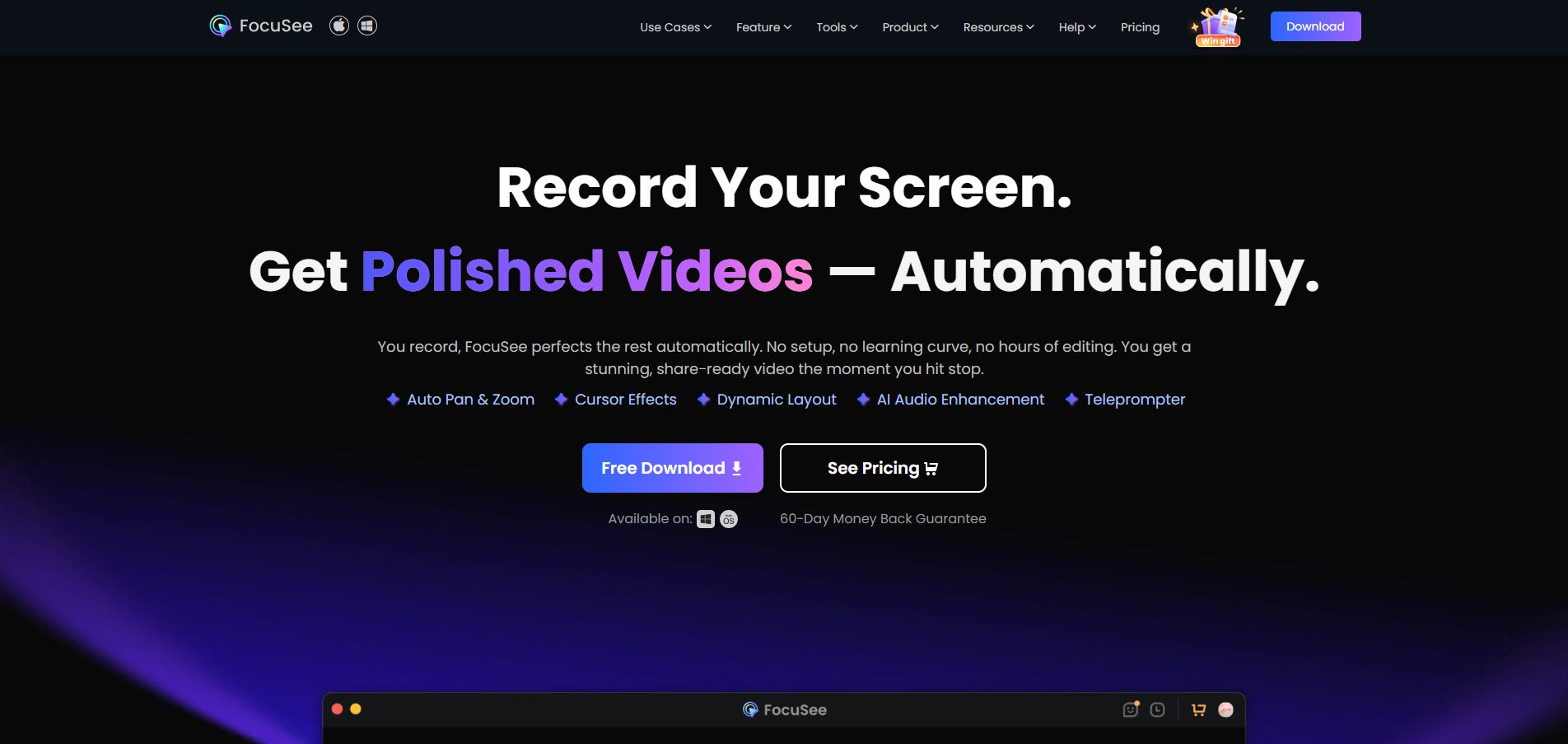
If you want creative control plus intelligent automation, FocuSee offers a compelling mix. It’s designed to help you produce attention‑focused screen recordings without the need for manual editing mastery.
Cross‑Platform Flexibility
Unlike some tools that are confined to a single operating system, FocuSee supports both Windows and macOS, giving you creative options regardless of your hardware setup.
Built‑In Teleprompter
One standout feature for educators and presenters is the integrated teleprompter. Script your notes, maintain eye contact with the camera, and deliver your message without fumbling through a separate document, all in one window. It’s like having a production assistant built into your recorder.
Social‑Ready Presets
For creators who publish across multiple platforms, FocuSee simplifies aspect ratios and export formats. Whether you’re making a long tutorial for YouTube or a quick tip for Instagram or TikTok, built‑in social presets let you adjust with one click.
This combination of smart layout tools and AI‑enhanced recording makes FocuSee a strong contender among Tella alternatives for content creators and educators alike.
Descript: Edit Video Like a Document
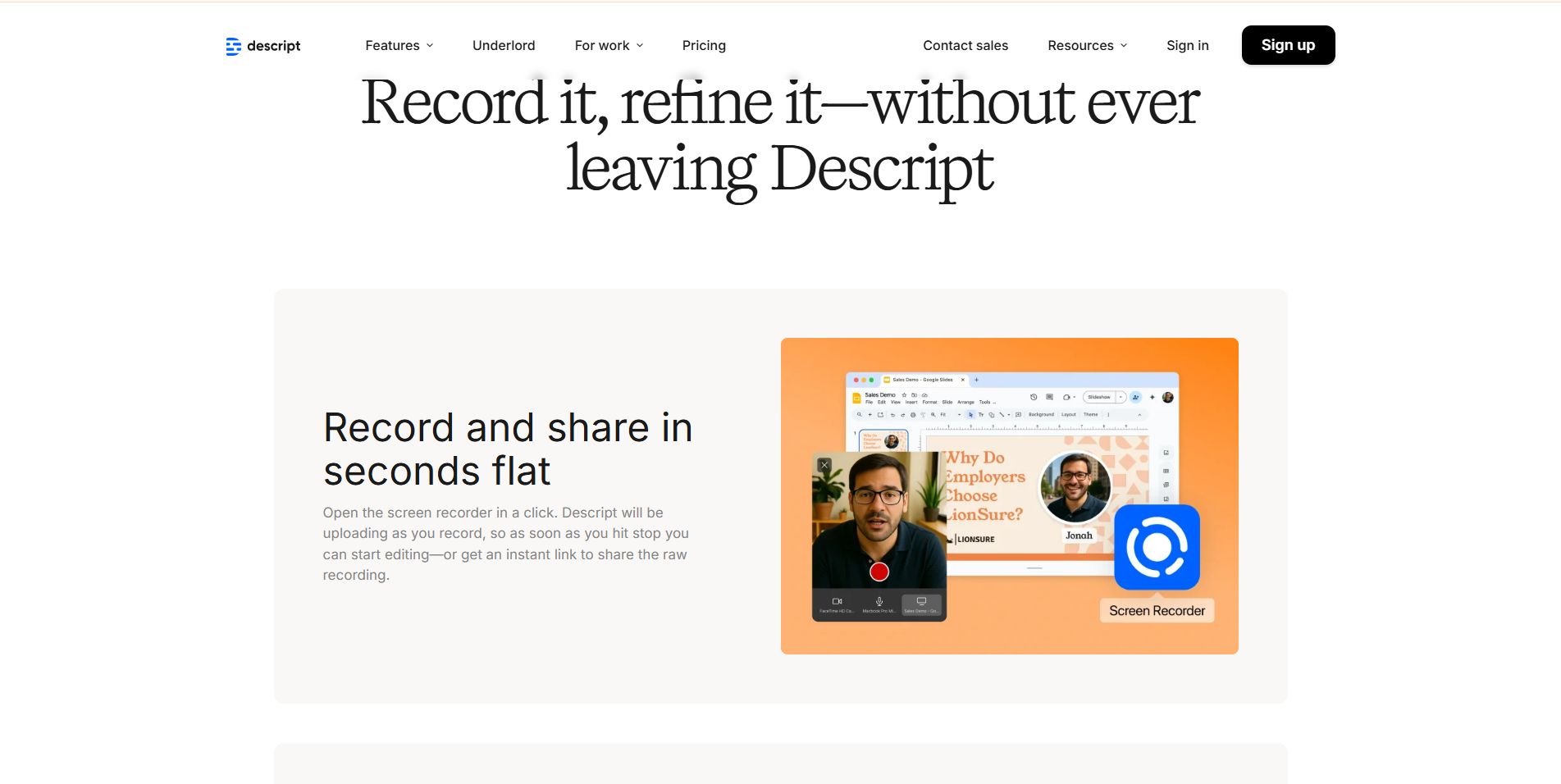
Sometimes the biggest barrier to great content isn’t the recording itself, it’s editing. Descript completely reimagines the editing process, letting you shape video through text, not timelines.
Transcript‑Based Editing
Descript’s core innovation is simple: it turns spoken words into editable text. Want to cut out a sentence? Delete the text. Want to reorder sections? Move the paragraphs. Behind the scenes, the video adjusts automatically. For educators and creators who struggle with traditional timeline editors, this approach can be transformative.
Overdub: Fix Mistakes Without Re‑Recording
Ever flub a line and wish you could fix it without redoing the whole take? Overdub makes that possible. By training a model on your voice, Descript generates a realistic replacement for mis‑spoken words directly from typed text, a time‑saver that feels almost like magic.
Studio Sound for Professional Audio
Audio quality matters, often more than video quality, when it comes to viewer engagement. Descript’s Studio Sound uses AI to clean background noise, reduce echo, and make mid‑range laptop audio sound far more polished. It’s like having a sound engineer without the hourly rate.
These alternatives prove that creators and educators don’t have to settle for basic recordings. Whether your focus is professional polish, smart automation, or innovative editing, there’s a tool that aligns with your workflow and rivals Tella in ways that matter for your audience and goals.
Free & Open-Source Tella Alternatives
Not every team or creator wants to be locked into a subscription plan. For those prioritizing control, flexibility, and cost-efficiency, free and open-source alternatives offer surprisingly robust capabilities. While they may lack some of the polish or automation of Tella, they excel in customization, privacy, and scalability.
OBS Studio: Total Creative Control
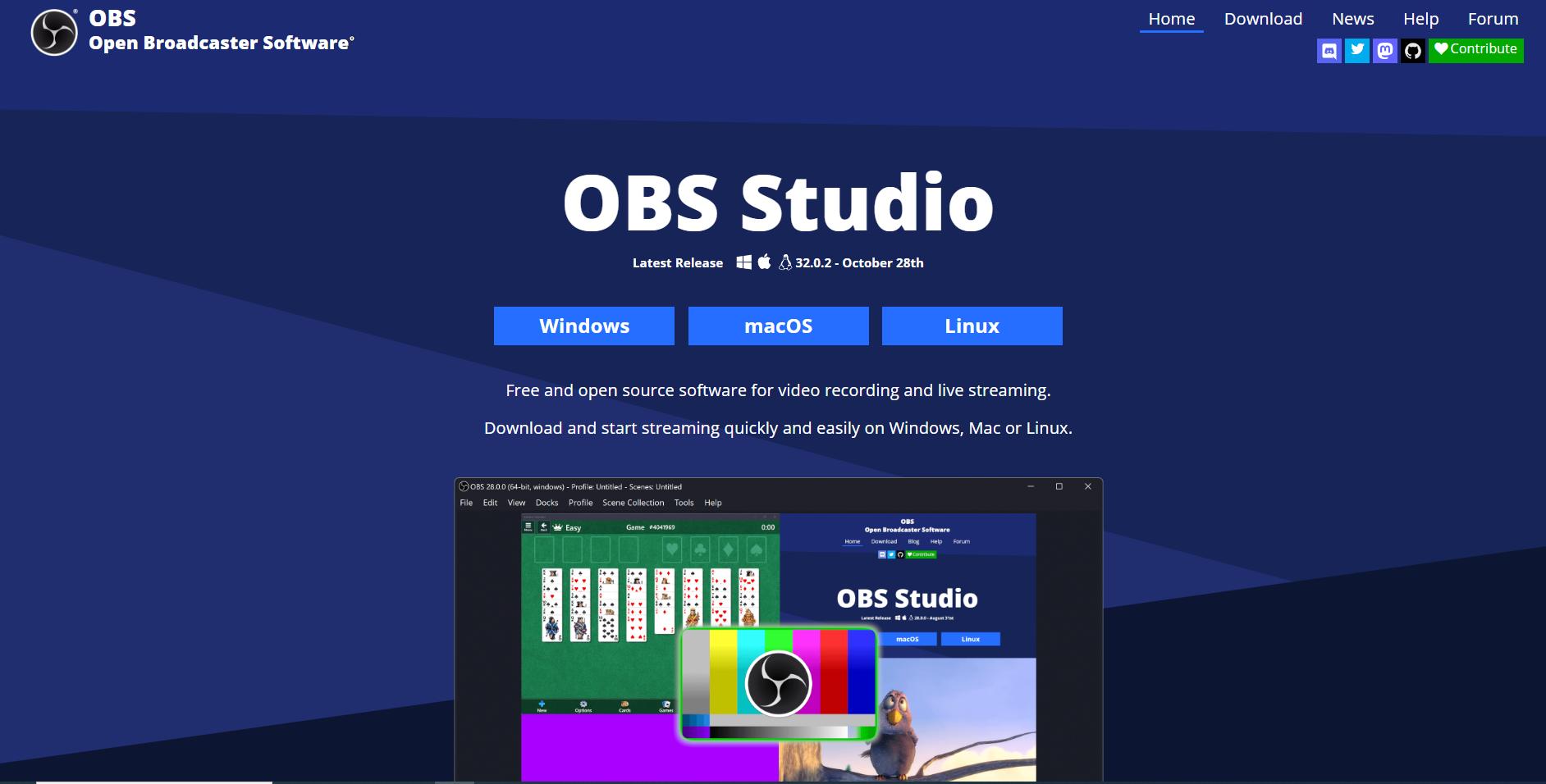
OBS Studio is the go-to choice for users who demand absolute control over every aspect of their video content. It’s especially popular with developers, educators, gamers, and technical presenters who need professional-quality outputs without paying for SaaS subscriptions.
Scene Composition
OBS allows you to create “scenes” that combine multiple sources: screen captures, webcams, images, media files, and application windows. You can switch between scenes on the fly, making complex presentations or multi-step tutorials smooth and seamless.
Plugin Ecosystem
The strength of OBS lies in its extensible plugin system. Thousands of community-built plugins add features like AI-powered background removal, live annotations, advanced audio mixing, and streaming integrations, letting you expand functionality as your workflow evolves.
No Limits
As a free tool, OBS places no restrictions on recording length, resolution, or exports. Whether you’re producing short demos or hour-long educational sessions, you aren’t constrained by watermarks or paywalls. It’s a powerhouse for creators willing to invest time learning its interface.
Cap: Open-Source Loom Alternative

For teams that care deeply about data privacy and transparency, Cap provides a compelling alternative. It’s an open-source platform designed with security-conscious organizations in mind while still supporting practical video recording workflows.
Self-Hosted Storage
Cap allows organizations to store recordings on their own servers or cloud storage (like AWS S3 or Cloudflare R2), giving full control over sensitive assets. This is ideal for companies that need to comply with strict data retention or security policies.
Transparent Codebase
Because Cap is fully open-source, teams can audit the codebase, contribute improvements, and customize features to fit unique workflows. It eliminates reliance on proprietary SaaS, empowering organizations to own their video pipeline completely.
Privacy-First Model
Cap’s design emphasizes user privacy. Unlike Tella or Loom, which rely on cloud-hosted storage and proprietary processing, Cap lets you manage both how and where your videos are recorded, edited, and shared, all without vendor lock-in.
Free and open-source alternatives like OBS Studio and Cap demonstrate that you don’t need a premium subscription to get professional results. They cater to creators, developers, and privacy-conscious teams who value flexibility, customization, and control.
Comparison Table: 10 Best Tella Alternatives
When choosing a Tella alternative, features, pricing, and intended use cases can vary widely. Some tools focus on team communication, others on sales automation, and some on creative polish. The tables below summarize use cases, AI capabilities, pricing, and who each tool is best suited for.
Table 1: Features Snapshot
This table highlights how each tool is specialized. For example, Loom and Supercut are optimized for team speed and collaboration, while Puppydog.io and Sendspark prioritize personalization and revenue impact.
Table 2: Pricing Snapshot
Observations from pricing: Tools like OBS Studio and Cap show that you don’t need a subscription to get professional-grade recordings. Premium options like Puppydog.io are priced for teams that need scalable automation and personalized demos.
Which Tella Alternative Is Right for You?
- For fast internal team updates:
Loom or Supercut: Ideal if your goal is speed, async communication, and knowledge sharing without fancy editing. - For high-volume, personalized sales demos:
Puppydog.io or Sendspark: Perfect for revenue teams that want AI-driven scripts, dynamic personalization, and CRM integration. - For polished tutorials, creative content, or educational videos:
Tella, Screen Studio, FocuSee, or Descript: Best for creators who need post-production control, attention-guided effects, or transcript-based editing. - For privacy-conscious teams or budget-friendly options:
OBS Studio or Cap: Great if you want full control, open-source flexibility, or free tools that don’t compromise on functionality.
Quick tip: Match your choice to your primary use case first, then check AI features, integrations, and pricing. It saves time and prevents overpaying for features you won’t use.
Conclusion
Choosing the right Tella alternative comes down to understanding your goals, whether it’s speeding up internal communication, creating polished educational content, or driving personalized sales demos. Each platform has its strengths: Loom and Supercut excel at team collaboration, Puppydog.io and Sendspark shine in sales automation, and Screen Studio, FocuSee, and Descript offer creators the tools for professional-quality videos. Free and open-source options like OBS Studio and Cap provide flexibility and control without breaking the budget.
Ready to take your video workflow to the next level? For sales teams looking to scale personalized demos with AI automation, start your journey today with Puppydog.io and see how easy it is to create high-impact, tailored videos at scale.
FAQs ( Frequently Asked Questions )
What are the best Tella alternatives?
The best Tella alternative depends on your use case. For internal team communication, Loom and Supercut are fast, reliable options. For sales and personalized demos, Puppydog.io and Sendspark excel with AI-driven personalization and CRM integration. For content creation, tutorials, or educational videos, Tella, Screen Studio, FocuSee, and Descript offer advanced post-production and creative controls. Free and open-source tools like OBS Studio and Cap are ideal for those prioritizing flexibility and privacy.
Are there any free alternatives to Tella?
Yes. OBS Studio is a fully free, open-source option with no time limits or watermarks. Cap offers a privacy-focused open-source solution with self-hosted storage. ScreenPal provides a generous free tier for recordings up to 15 minutes, although with a watermark. These options are suitable for creators or teams looking for cost-effective solutions without sacrificing quality.
How does Tella compare to Loom?
Tella and Loom serve different purposes. Tella is built for content creation, emphasizing aesthetic polish, creative layouts, and external-facing videos. Loom, on the other hand, is optimized for asynchronous messaging and team communication, focusing on speed and efficiency. Tella allows separate camera and screen track editing, while Loom’s editing is limited to trimming. For high-quality marketing content, Tella shines; for fast internal updates, Loom is more practical.
Which Tella alternative is best for teams?
For collaborative team workflows, Loom is the industry standard thanks to shared libraries, team spaces, and integrations with tools like Atlassian. Supercut.ai is ideal for teams seeking lightweight, high-frequency internal video solutions. For sales teams, Sendspark offers collaborative templates and personalized video campaigns. Choosing depends on whether your priority is speed, team collaboration, or customer engagement.
What features should I look for in a Tella alternative?
Key features to prioritize include:
- Separate track recording: Ability to edit screen and camera feeds independently, as in Tella or Screen Studio.
- AI automation: Features like auto-summaries, chapter generation, and filler word removal.
- Export quality: Support for 1080p or 4K resolution and high frame rates.
- Integrations: Compatibility with CRM, project management, or email platforms.
Security & privacy: SSO/SAML support, custom data retention, or self-hosted storage for sensitive content.

Sarah Thompson is a storyteller at heart and Business Developer at PuppyDog.io. She’s passionate about creating meaningful content that connects people with ideas, especially where technology and creativity meet.