Free Trial Onboarding Videos: Help SaaS Users Complete Their First Valuable Task


A free trial onboarding video should help one new user finish one valuable task, such as connecting data or sending a first message, not tour every feature. Pick the single action that shows your product's value, explain what the user needs before starting, and measure whether people finish the task, not whether they watch.
What should a free trial activation video help users do?
It should help one new user finish one task that proves the product works for them. Not a welcome speech. Not a feature tour.
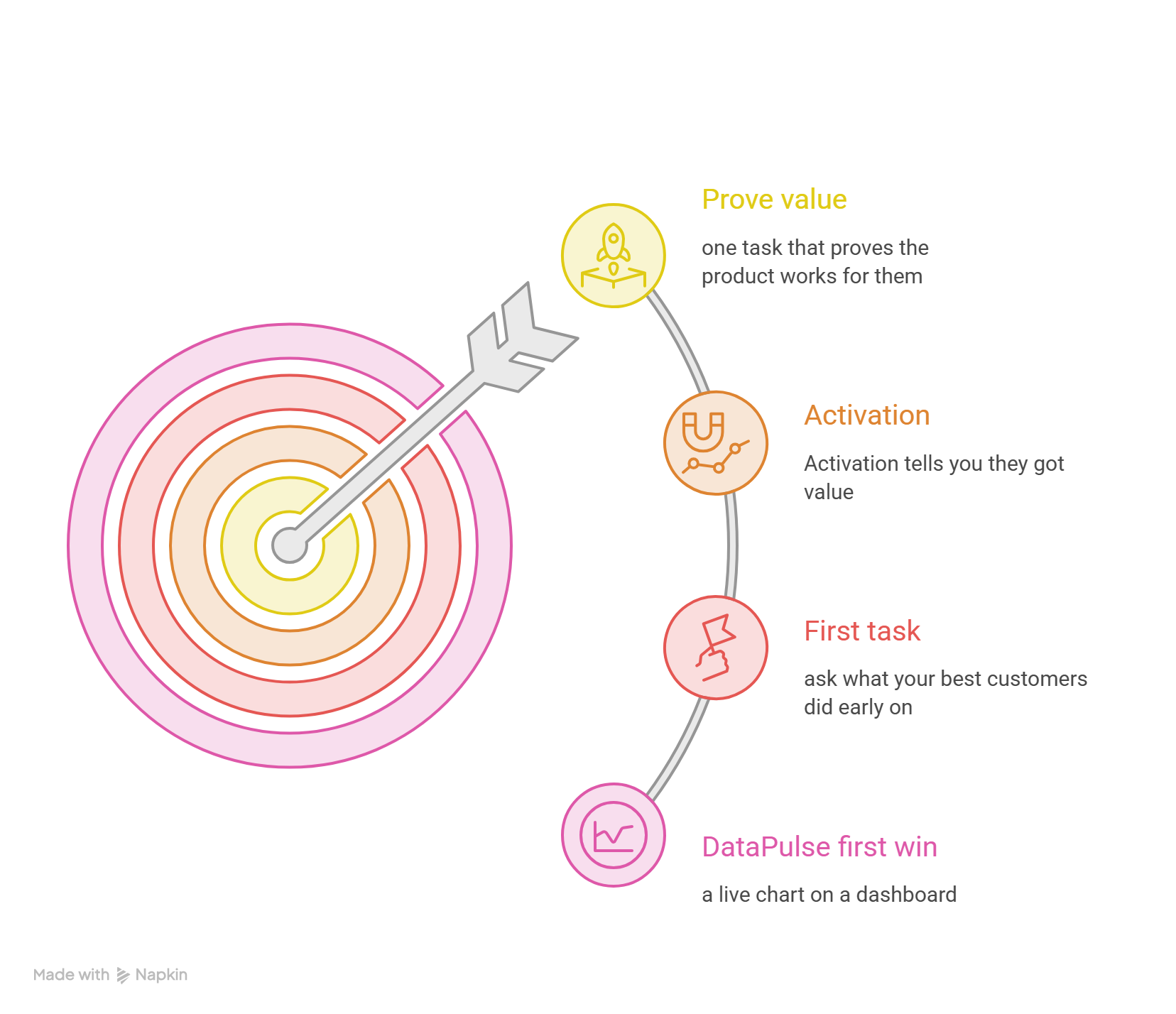
A signup only tells you someone was curious. Activation tells you they got value. If trial users sign up and then disappear, the gap sits between those two moments, and a free trial onboarding video can close it.
Don't assume signup equals activation. Don't count a video view or a ticked checklist either, because a person can watch every second and never touch the product. A good way to pick the first task is to ask what your best customers did early on.
To keep this concrete, I'll use DataPulse, a made-up analytics tool (not a real product). Its first win is a live chart on a dashboard. This post stays on that first win. For the wider onboarding program, see our Related guide.
How do you plan first value onboarding?
Write down three things before you open a screen recorder: the user's goal, where they start, and the fewest steps between the two.
For DataPulse, the goal is seeing live API numbers. The user starts in an empty workspace. The path is three steps: connect a data source, pick a chart, save it. Alerts, team invites, and themes can wait.
Then run a friction check. Click through your own trial like a stranger would and note every spot where you pause. Each pause is a candidate to cut or fix.
If you add a checklist next to the video, keep it to three to five items that all lead to the same win. Honestly, feature tours feel thorough, but they bury the one thing the user came for.
Which trial video prerequisites should you explain?
Surprises kill first tasks. Before the video asks anyone to click, say what they need.
- Permissions: does the user need admin rights? Without them, people blame your product, not their role.
- Inputs: a file, an API key, or a connection string? Say where to find it, or offer sample data.
- Setup: any install or invite that has to happen first.
- Trial limits: show only what the trial includes. A locked feature on screen is a promise the product can't keep.
In the DataPulse example, the video names two prerequisites in the first 10 seconds: a read-only database connection string and workspace admin access.
How do you write a trial onboarding video script?
Keep it short, direct, and tied to one result. I'd stay under three minutes, and a single first task often needs far less. Use plain action verbs, say each button name exactly as it appears on screen, and end on one action the viewer can take right now.
Here is an illustrative script for DataPulse. It is an example, not a tested video.
Notice the last step shows the result. Viewers can see what success looks like, so they know when they're done.
Once you have an approved screen recording of a flow like this, PuppyDog can turn it into a product video with a reviewed script and narration, without a production team.
Where should trial video placement happen?
Put the video where the user is about to get stuck.
In the app, that usually means the empty state or the matching checklist step. Offer it as a small card or an opt-in link, not a pop-up that covers the thing they are trying to use.
Email works too. Send a short note to users who haven't finished the task, with the video and a button back to that exact step. A day or two after signup is a fair starting point, so adjust it for your trial length. The same video can also sit on the matching help center page.
The video tool doesn't do the delivering. You place the video with the systems you already use: your app, your email platform, or your help center.
How do you handle trial activation measurement?
Define four things before you launch: who is eligible, who sees the video, what counts as done, and how long you wait. Here is an illustrative plan for DataPulse.
Plays and completions tell you if people like the video. They don't prove it worked. Compare the two groups instead. If both activate at the same rate, the video isn't pulling its weight. Amplitude's docs on holdout groups describe the same idea: keep some users out of the new experience so you have something to compare against.
With few signups, a clean split may not be possible. Compare before and after instead, and treat the result as a hint, not proof. We also couldn't find public research that isolates what a video alone adds to activation, so don't promise your team a number.
FAQs
What is a meaningful activation event for a SaaS trial?
It is an action inside the product that shows the user got real value, like connecting data, sending a first message or publishing a first page. Look at what your retained paying customers did early on. Account creation and profile setup don't count.
Should a trial video explain all features?
No. A full tour slows people down and hides the one task that matters. Teach the first win, then offer short videos for other jobs later.
Where should I show the video to a new trial user?
Where they would get stuck, like the empty state or a checklist step in your app. A follow-up email to users who haven't finished the task works too, and so does the matching help center page. Your team sets this up in the tools you already use.
How do I separate video engagement from actual activation?
Track them as two different events. Plays and completions show interest. The activation event shows the task got done. Then compare a group that saw the video with a control group that didn't.
Next step: create an activation video
Pick your one activation task, record the steps, and build your first free trial onboarding video. Start with the AI product video maker, or see how Product video creation turns approved screen recordings into a professional product video, with a reviewed script and narration and no production team.

Sarah Thompson is a storyteller at heart and Business Developer at PuppyDog.io. She’s passionate about creating meaningful content that connects people with ideas, especially where technology and creativity meet.


