15 Best Product Demo Video Makers in 2026 (Tested & Ranked)

Published : 2nd Sep 2026
Nobody wakes up excited to record a product demo. You need someone who can write a script that doesn't sound like a robot, someone willing to be on camera or narrate it, and then hours of editing to make the final cut not look like a hostage video. That's the old way. In 2026, an entire category of software exists specifically to skip that whole process, and the market has gotten crowded enough that picking the right tool is its own research project.
We built this guide the way we'd want to read it. We've written more on creating product demos with AI if you want the deeper dive. The market has gotten crowded enough that picking the right tool is its own research project: no sponsored placements pretending to be reviews, no padding the list with tools nobody actually uses. We tested each platform's free trial or public demo where available, compared documented feature sets against live product pages, and verified every price directly against each vendor's own pricing page in September 2026. Pricing changes fast in this category, so treat any number here as a snapshot, not a promise; always double-check before you buy.
One disclosure up front: PuppyDog is our product, and it's ranked first. We've tried to be honest about where it isn't the right fit, the same way we have for every other tool on this list. If that bothers you, skip straight to the comparison table and judge for yourself.
Why Product Demo Videos Matter in 2026
Video stopped being a “nice to have” marketing asset a while ago. It's now closer to a baseline expectation. According to Wyzowl's 2026 State of Video Marketing report, 91% of businesses use video as a marketing tool, and that figure has held near its all-time high for three years running.
The buyer-behavior numbers are even more convincing. Wyzowl found that 85% of consumers say a video convinced them to buy a product or service, and 80% have downloaded or purchased an app after watching a demo video specifically. When people were asked how they'd prefer to learn about a product, 63% chose short video over text articles, infographics, sales calls, or webinars combined not exactly a close race.
It's not just buyers who benefit. On the marketer side, 85% say video has helped them generate leads and 83% say it directly increased sales, per the same Wyzowl data. And there's a quieter win worth mentioning: 57% of businesses report that adding video, especially FAQ-style or onboarding walkthroughs, helped reduce support call volume. A demo video doesn't just close deals; it prevents a chunk of the support tickets that would've landed in someone's queue three weeks later.
Put simply, if your product doesn't have a demo video, you're not neutral on the topic. You're behind.
What to Look for in a Product Demo Video Maker
Not every tool on this list solves the same problem, which is exactly why “best overall” is a lazy way to rank software. Here's what actually matters when you're evaluating one of these platforms for your team.
- Input flexibility: Can it work from a screen recording, a screenshot, or a URL, or does it demand a full studio setup?
- Personalization depth: Does it produce one generic video for everyone, or can it tailor the script, visuals, and voiceover per prospect or segment?
- Voice and avatar quality: Synthetic voices have improved a lot, but some still sound like a GPS unit reading your product roadmap.
- CRM and analytics integration: Does it tell you who watched, rewatched, or bailed at the 40-second mark, and can that data feed back into HubSpot or Salesforce?
- Editing control: Some tools give you frame-by-frame timeline control; others hand almost everything to AI. Neither is wrong, but they suit different teams.
- Brand consistency: Can you lock in fonts, colors, and logos so every video looks like it came from the same company?
- Price-to-value ratio at your scale: A tool that's cheap for one video a month can get expensive fast once you're generating hundreds.
Here's how those criteria typically map to what “good” looks like:
The 15 Best Product Demo Video Makers in 2026
1. PuppyDog: Best for personalized, CRM-driven demos at scale
PuppyDog is a product demo video maker that turns a screenshot, a short screen recording, a product URL, or even a docs page into a fully produced demo video, complete with an AI-written script, synthetic voiceover or avatar, and styled visuals no camera, no mic, no editing software required. What sets it apart is the personalization layer: instead of one generic video for every prospect, PuppyDog auto-generates a tailored version per viewer, segment, or persona, pulling from CRM data to swap in relevant use cases, logos, and even a spoken introduction using the prospect's name.
Best for: Sales and marketing teams that need a different, on-brand demo for every prospect or segment, generated in minutes and tracked back in the CRM.
Key features: AI script generator grounded in your own product content; Chrome extension for one-click screen capture; CRM-triggered personalization (HubSpot, Salesforce); multilingual voice synthesis and custom avatars; drop-off and rewatch analytics tied to CRM lifecycle stages; SOC 2 Type II compliance across every plan.
Pricing: Free plan available at $0/month (1,000 credits); Pro runs $42/month per user and adds AI-personalized video, deeper integrations, and analytics; Enterprise is custom. No credit card required to start. (puppydog.io/pricing, checked September 2026)
Honest limitation: There's no traditional multi-track timeline for frame-by-frame manual edits. The whole point is that AI handles structure, so if you want granular manual control over every cut, this isn't your tool.
2. ngram: Best for context-aware branded demos from recordings or URLs
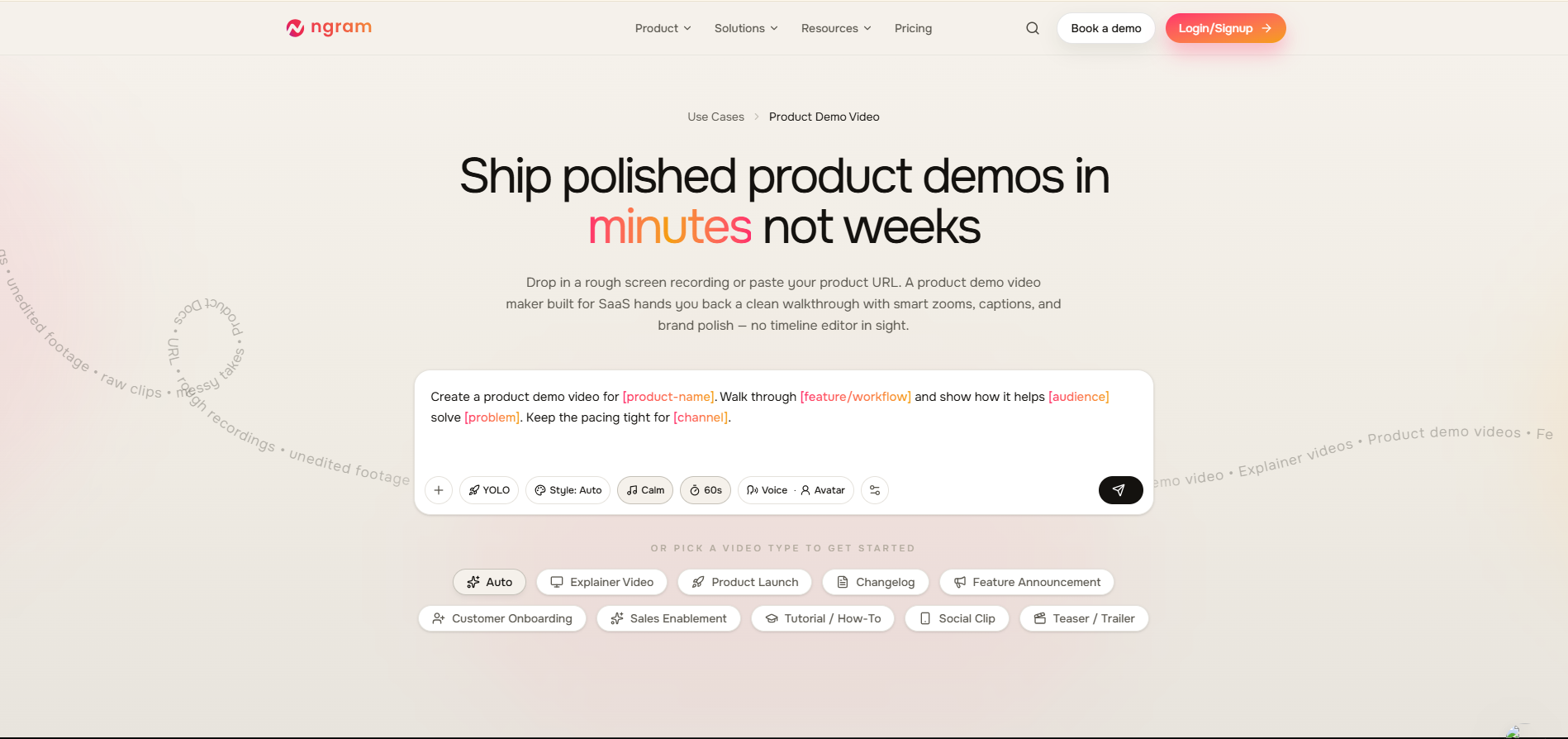
ngram converts raw screen captures into structured, chaptered product tours with scripted voiceovers and visual callouts, aiming to standardize how a growing sales team presents demos.
Best for: Mid-market sales engineers who want a consistent baseline walkthrough across the whole team.
Key features: Automated storyboard structuring, configurable script tone, native desktop capture, dynamic zoom callouts, shared asset library.
Pricing: Starter $49/month, Pro $149/month, Enterprise custom. (checked September 2026)
Honest limitation: The built-in voice synthesis leans robotic compared to dedicated voice engines, and enterprise users often end up uploading manual voiceovers instead.
3. Synthesia: Best for AI avatar-led product demos and multilingual training
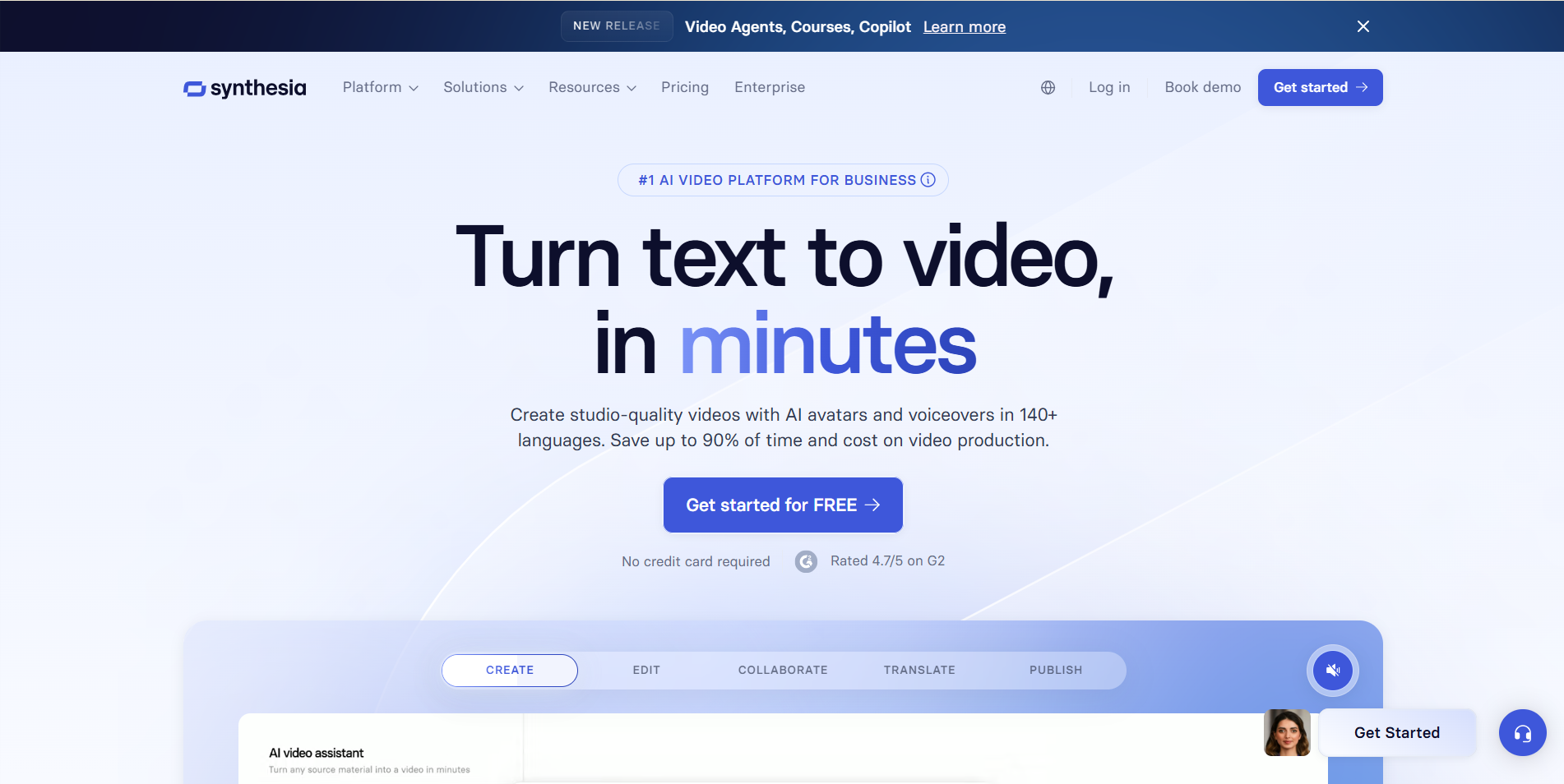
Synthesia converts a written script into a studio-quality presenter video using photorealistic AI avatars, in more than 120 languages.
Best for: Enterprise L&D and global support teams building multilingual training or onboarding content.
Key features: 150+ stock avatars plus custom avatar creation, voice cloning, LLM-assisted scriptwriting, SCORM export for LMS platforms, SOC 2 compliance.
Pricing: Starter around $22/month, Creator around $67/month, Enterprise custom. (checked September 2026)
Honest limitation: No native screen recording. You'll need to capture your software elsewhere before bringing footage in.
4. Loom: Best for quick, authentic async screen recordings

Loom captures your screen, webcam, and mic in one click and hands you a shareable link seconds later no rendering wait, no export settings to fuss over.
Best for: Product managers, engineers, and support teams who just need to record something and send it, fast.
Key features: One-click capture, AI summaries and auto-chaptering, transcript-based editing, filler-word removal, timestamped comments.
Pricing: Free tier (25 videos, 5-minute cap); Business $15/user/month annually; Business + AI $20/user/month annually; Enterprise custom, averaging roughly $138,000/year. (checked September 2026)
Honest limitation: Every video needs a full re-record when the product changes or when you want to personalize for a different buyer. There's no automated way around it.
5. Descript: Best for text-based transcript editing
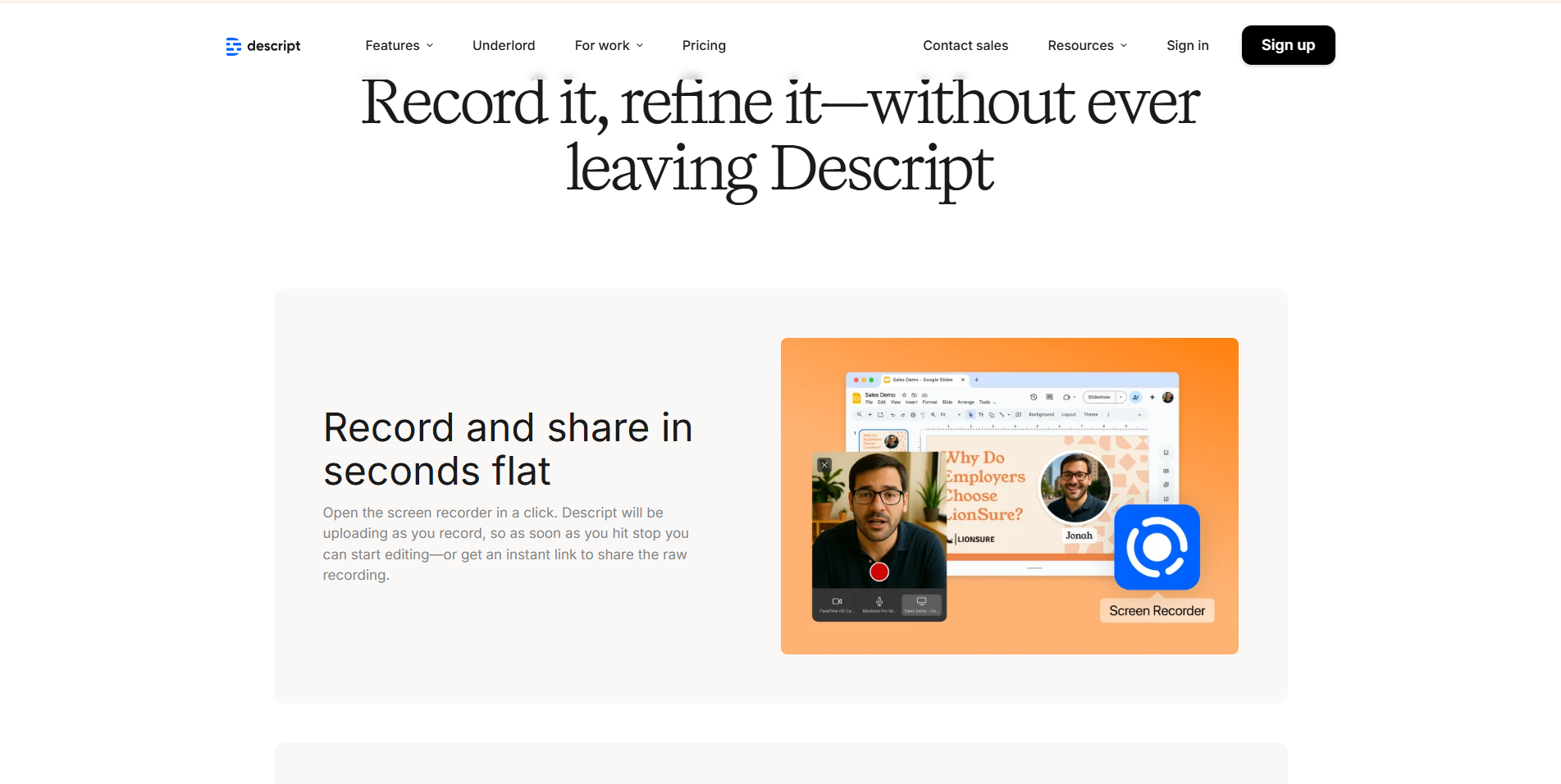
Descript treats video editing like editing a document: delete a word from the transcript, and it's cut from the video too.
Best for: Content creators and podcasters producing polished promotional videos who'd rather edit text than scrub a timeline.
Key features: Transcript-driven editing, Overdub voice cloning, AI Eye Contact correction, Studio Sound noise removal, integrated recording studio.
Pricing: Free (1 hour/month transcription); Hobbyist $12/month annually; Pro $24/month annually; Enterprise custom. (checked September 2026)
Honest limitation: Local rendering is resource-hungry and can crawl on older or non-Apple-silicon machines.
6. HeyGen: Best for personalized avatar outreach in 175+ languages
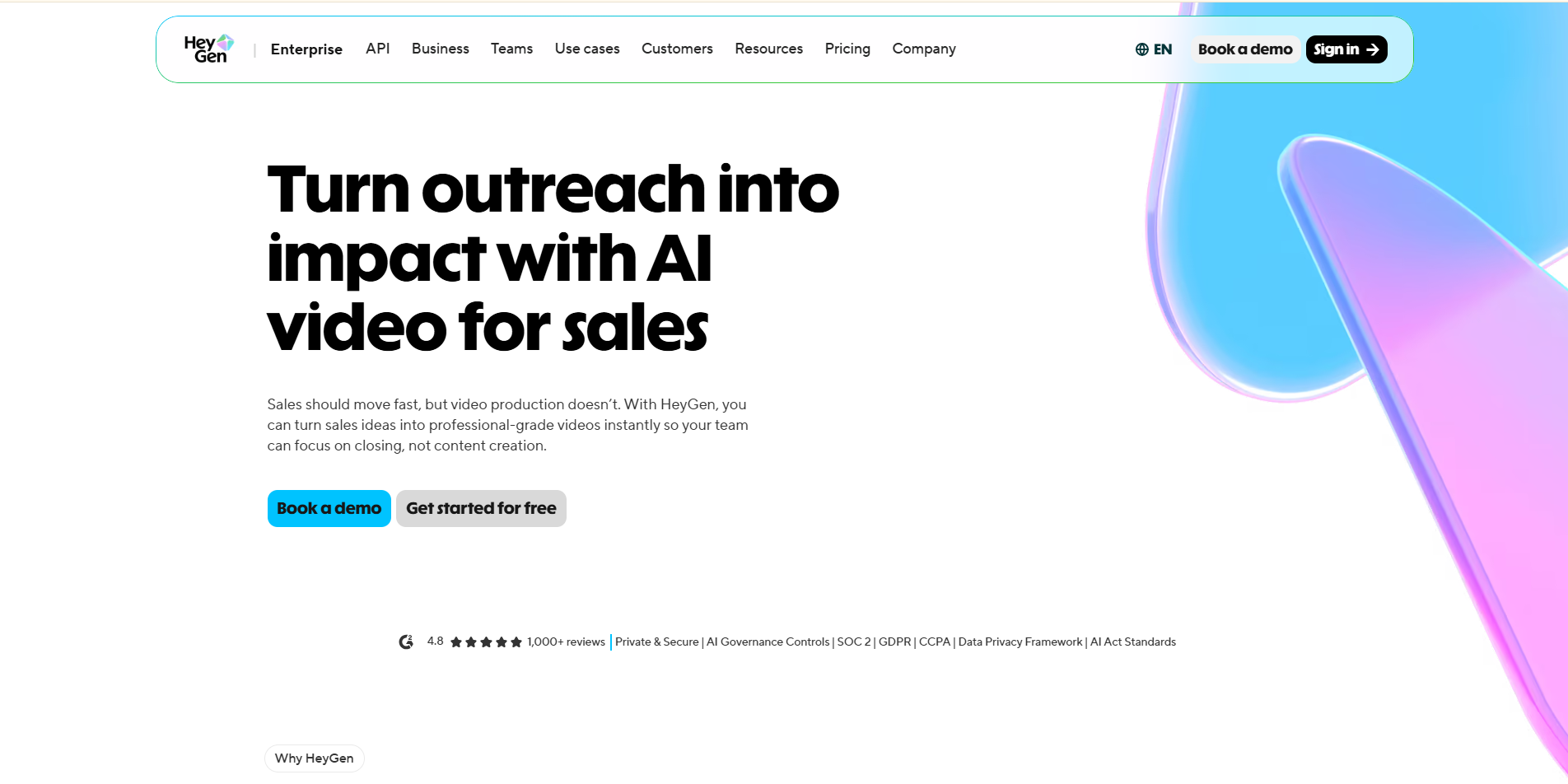
HeyGen turns a script into a talking-avatar video, with automatic lip-sync translation across a huge language library — genuinely useful for localized outreach at scale.
Best for: Global marketing and comms teams doing multilingual, avatar-fronted campaigns.
Key features: 100+ stock avatars, instant custom avatar creation via webcam, multi-language translation with lip-sync matching, 300+ synthetic voices, developer API.
Pricing: Free (1 credit/month, watermarked); Creator $24/month annually; Team $69/month annually; Enterprise custom. (checked September 2026)
Honest limitation: Photorealistic custom avatars sit behind pricier add-ons, and subtle facial artifacts can undercut trust in a technical demo context.
7. Screen Studio: Best for polished Mac screen recordings

Screen Studio takes a raw desktop recording and automatically applies smooth cursor motion, click-triggered zoom, and clean background framing- the difference between a demo that looks homemade and one that looks shipped.
Best for: Mac-based founders and designers creating feature teasers for social or landing pages.
Key features: Automatic cursor smoothing and click-zoom, gradient and shadow backgrounds, social platform export presets, 60fps 4K rendering.
Pricing: Standard license $89 one-time; Extended license $189 one-time; Teams $19/user/month. (Checked September 2026)
Honest limitation: Mac-only, with no AI voiceover or CRM integration, it's purely a recording and polish tool.
8. VEED: Best for browser-based editing with zero install
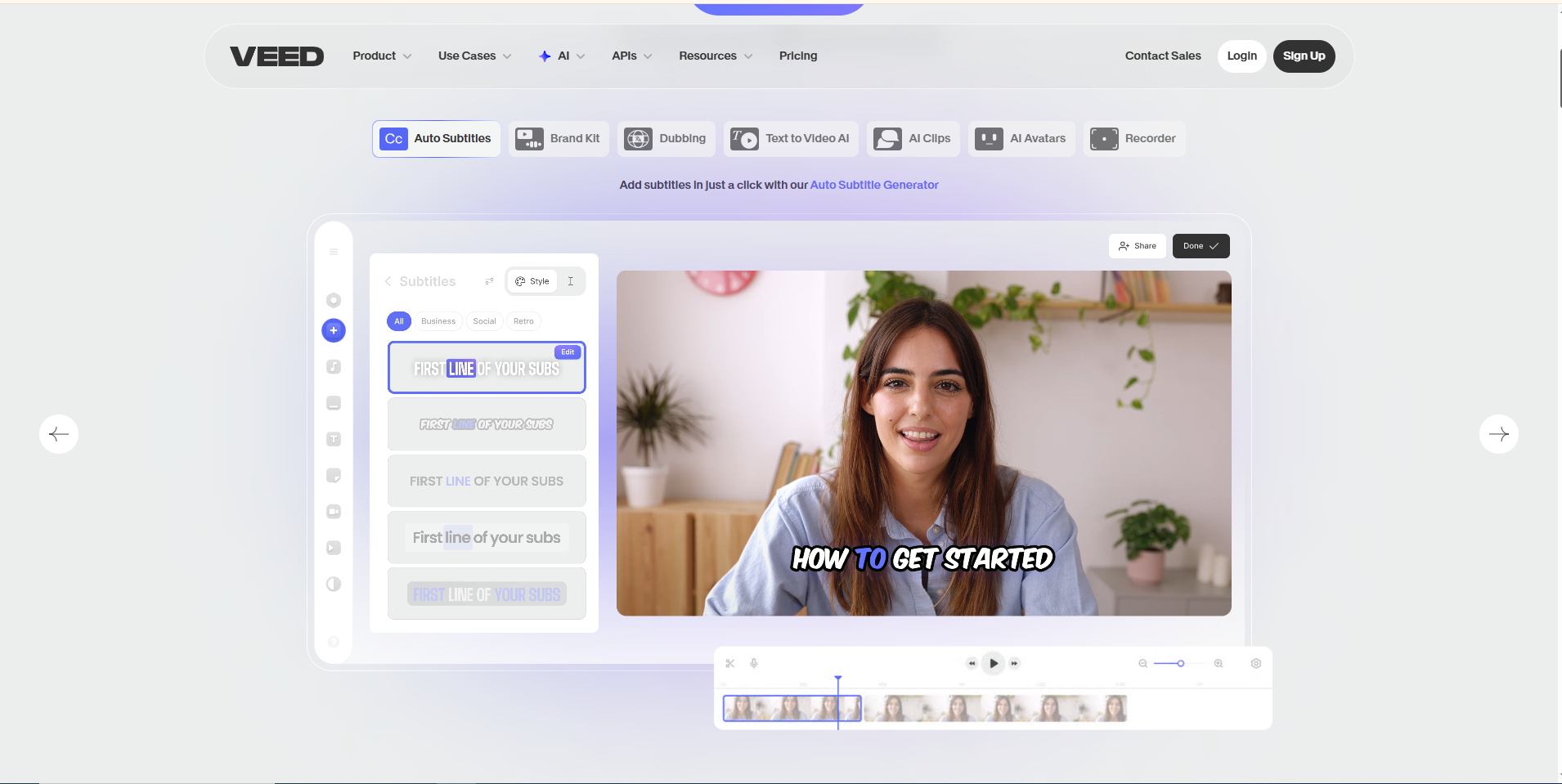
VEED runs entirely in the browser, combining subtitle generation, AI voiceover, and a full timeline editor without asking you to download anything.
Best for: SMB marketers and social teams who want a fast, no-install editing setup.
Key features: Automated subtitles, AI Eye Contact correction, browser screen and webcam recording, text-to-speech, brand kit management.
Pricing: Free (watermarked, 10-minute cap); Basic $12/month annually; Pro $24/month annually; Business $59/month annually. (checked September 2026)
Honest limitation: The in-browser editor tends to lag or crash on source files larger than about 2GB.
9. Clipchamp: Best free option for Windows users
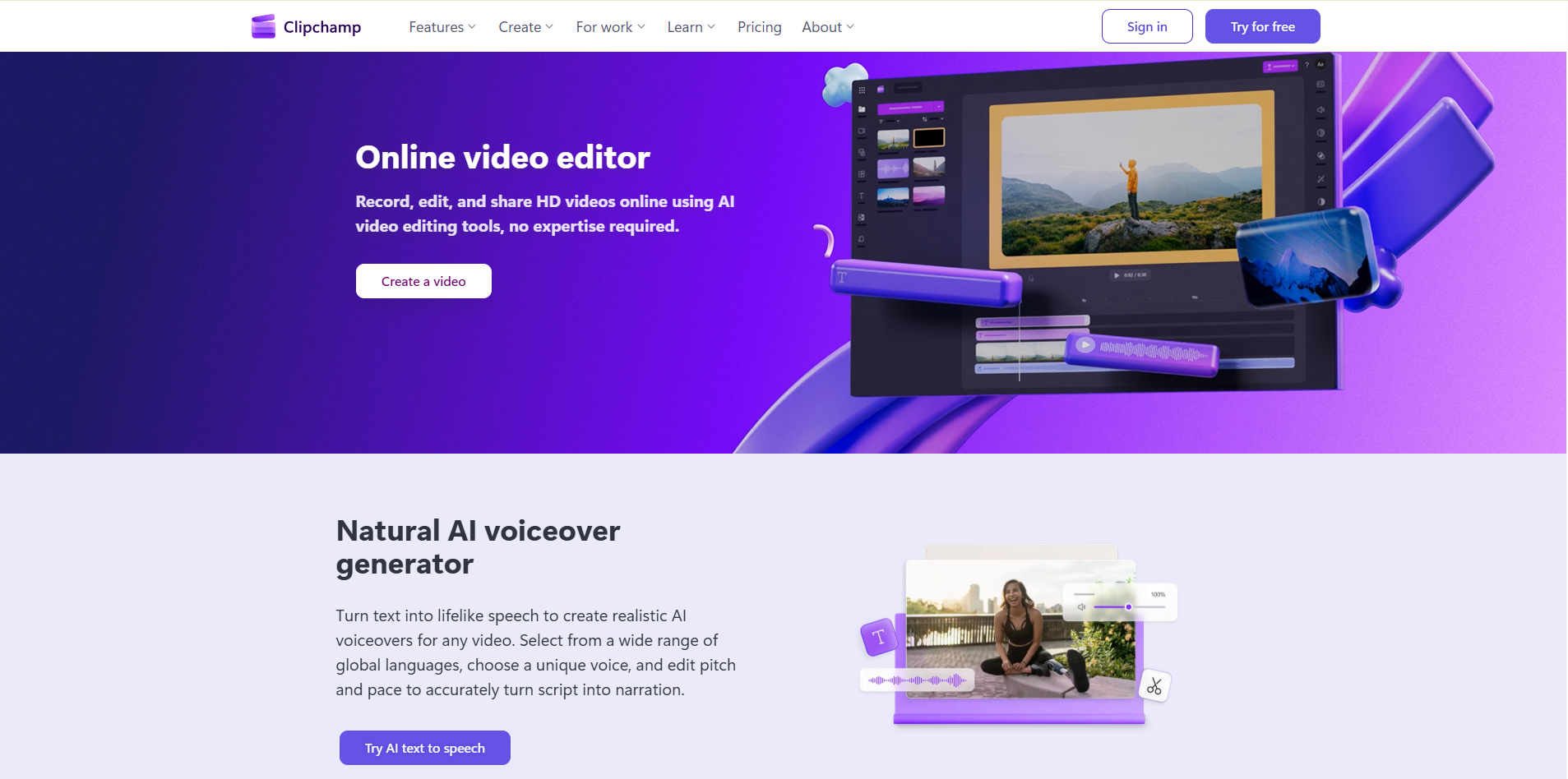
Clipchamp is Microsoft's video editor, built directly into Windows 11, with Azure-powered captions and voice synthesis baked in at no extra cost.
Best for: Windows-based teams who want essential editing without procuring separate software.
Key features: Native Windows 11 and Microsoft 365 integration, Azure text-to-speech, auto-captioning, dual screen and webcam capture, direct OneDrive export.
Pricing: Free tier includes unlimited 1080p exports; Premium $11.99/month or bundled with Microsoft 365 Enterprise. (checked September 2026)
Honest limitation: Very limited motion graphics and zero UI personalization. It's a straightforward editor, not an automation platform.
10. Pictory & Fliki: Best for turning written content into video
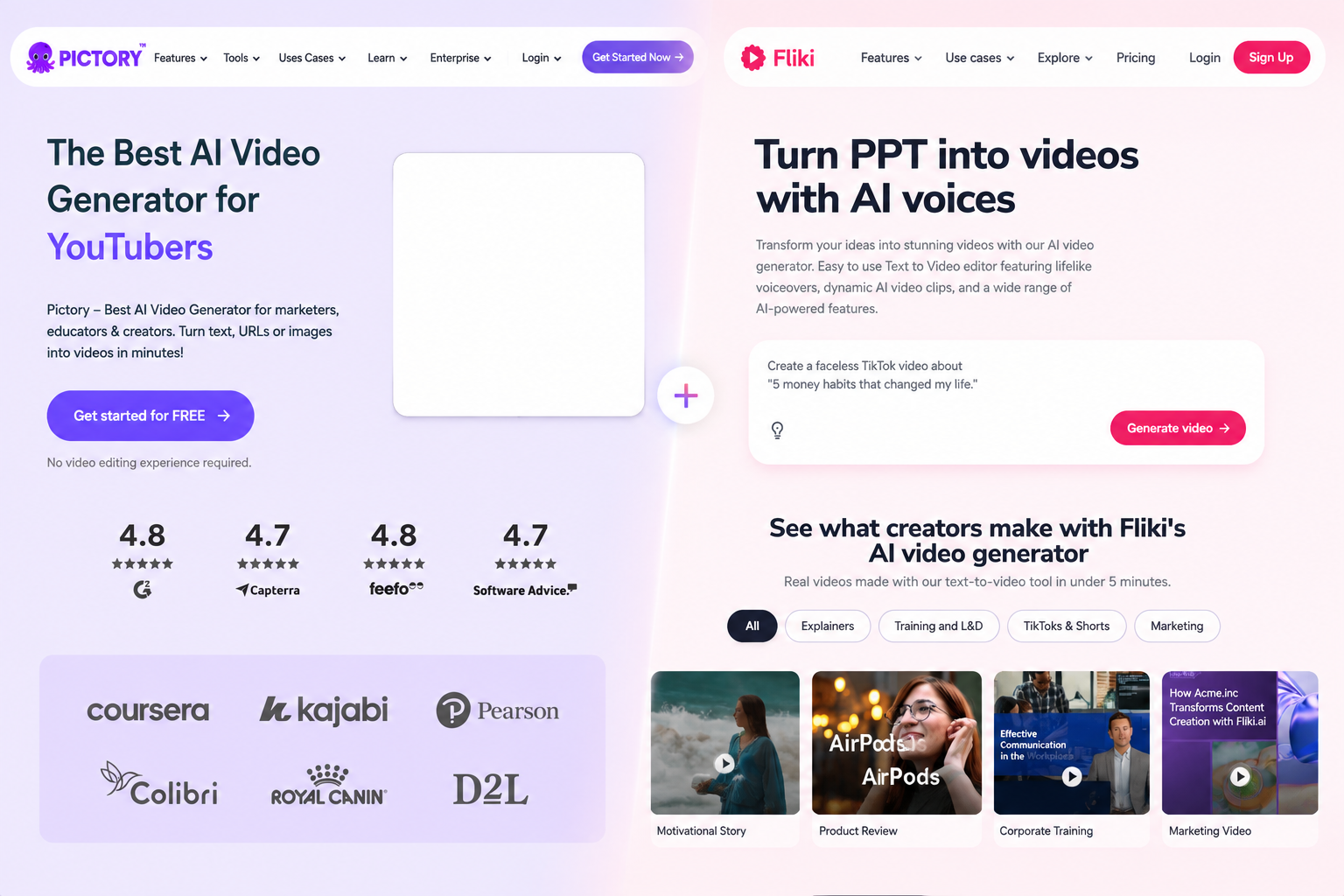
Pictory and Fliki both take existing written content, a blog post, a script, a URL, and automatically assemble it into a video using stock footage, captions, and synthetic narration.
Best for: Content marketers and SEO teams repurposing long-form text into short video clips.
Key features: URL-to-video and blog-to-video parsing, synthetic voice libraries, automated visual matching, multi-aspect-ratio exports.
Pricing: Pictory free trial (3 videos), Standard $19/month, Premium $39/month. Fliki free tier (5 min/month), Standard $21/month, Premium $66/month. (Checked September 2026)
Honest limitation: Both rely on generic stock footage and can't actually capture or navigate real software not the right fit if you need to show an actual product interface.
11. InVideo: Best for template- and prompt-driven creation
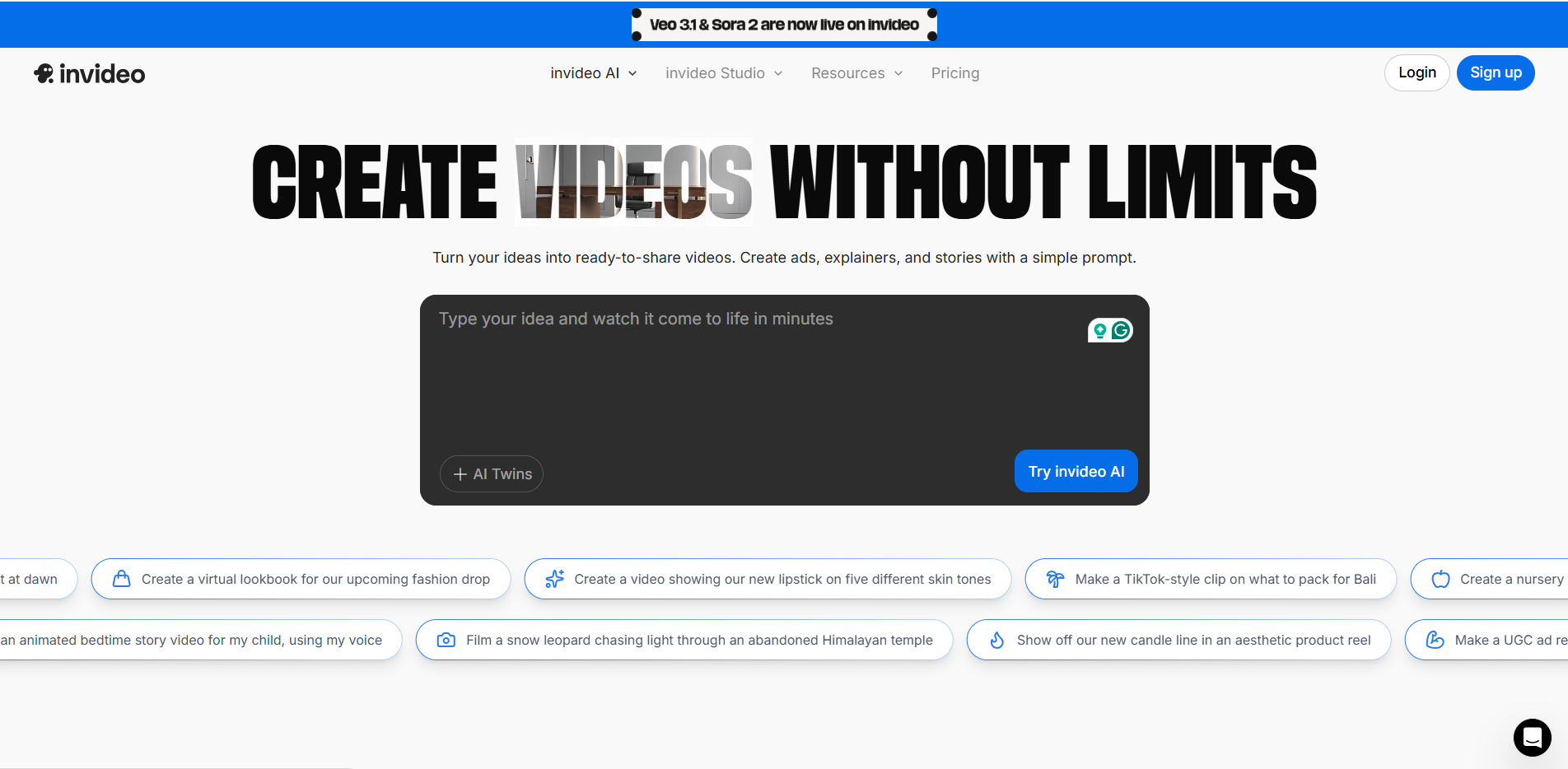
InVideo AI builds a video from a simple text prompt, generating script, scenes, voiceover, and music with minimal manual input.
Best for: Agencies and YouTube creators producing prompt-based promotional content at volume.
Key features: Prompt-to-video generation, automated scriptwriting, multilingual voice synthesis, text-command editing, 16M+ stock asset library.
Pricing: Free (4 min/week, watermarked); Plus $20/month annually; Max $48/month annually. (checked September 2026)
Honest limitation: Struggles with fine-grained UI accuracy, so it's a poor match for anyone needing to show precise software workflows.
12. Runway: Best for cinematic product launch videos
Runway is a generative video research studio, best known for Gen-3 Alpha, that creates striking text-to-video and image-to-video output for creative, non-software use cases.
Best for: Creative directors producing hero footage or cinematic launch videos, not software walkthroughs.
Key features: Text-to-video and image-to-video generation, Motion Brush for localized animation, camera control parameters, AI inpainting and color grading.
Pricing: Basic free (125 one-time credits); Standard $12/month annually; Pro $28/month annually; Unlimited $76/month annually. (checked September 2026)
Honest limitation: Generative output is unpredictable by design, which makes it a bad fit for anything requiring precise, repeatable UI accuracy.
13. Storylane: Best for interactive click-through product demos
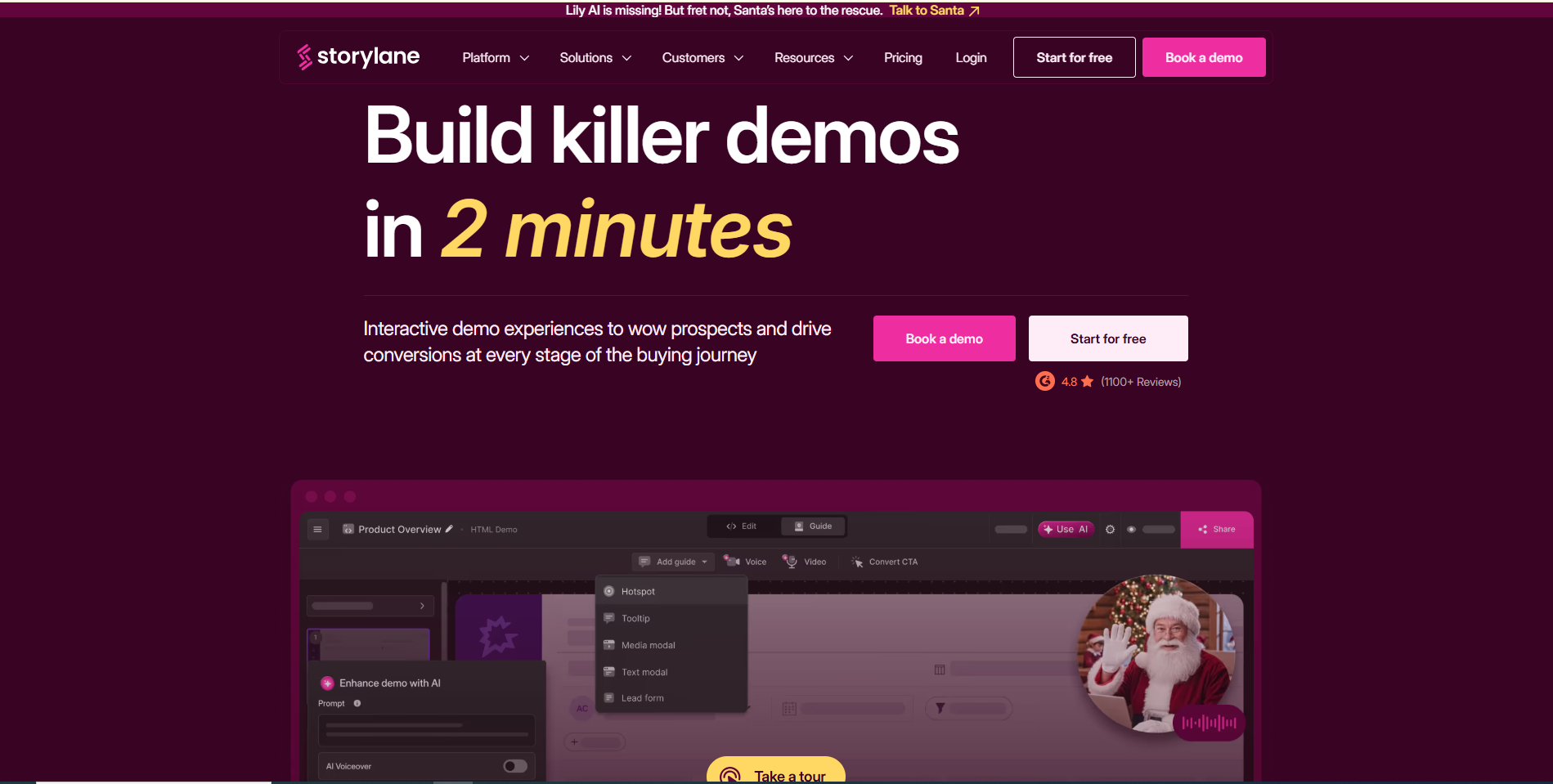
Storylane captures the actual HTML and CSS of your product, letting prospects click through a real working replica instead of watching a passive video.
Best for: Product marketing teams building self-serve interactive tours for the website.
Key features: No-code DOM capture, AI scriptwriting and voiceover, dynamic personalization tags, lead-capture forms, HubSpot and Salesforce integration.
Pricing: 14-day free trial; Starter around $40/user/month; Growth $500/month (full HTML capture); Enterprise $1,200/month. (checked September 2026)
Honest limitation: Advanced DOM editing sits behind the pricier tiers, and non-technical marketers face a real learning curve modifying captured states.
14. Arcade: Best-looking interactive demos, built fast
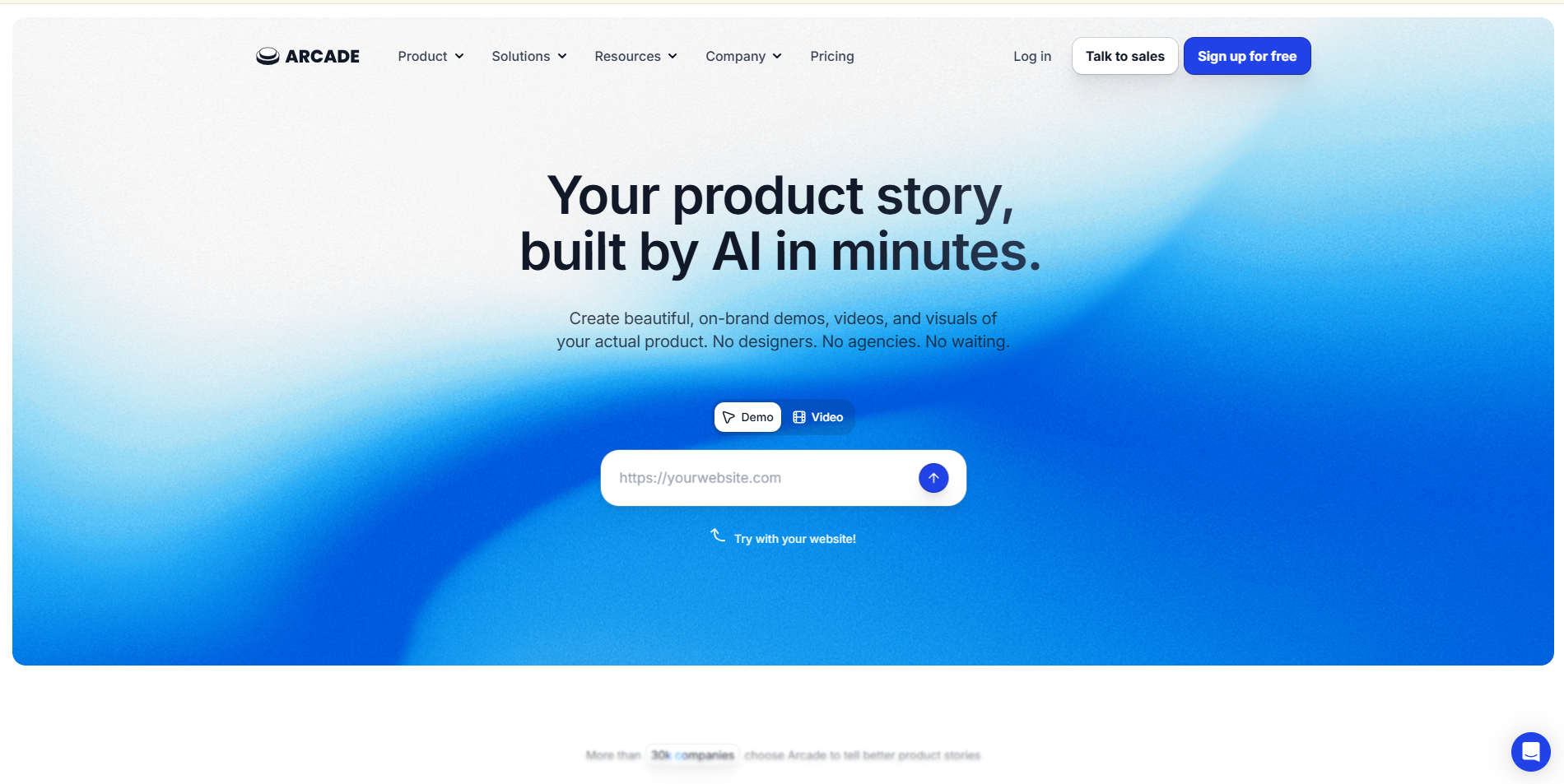
Arcade combines screenshots and short clips into a polished, embeddable product tour with slick pan-and-zoom effects and custom audio.
Best for: Product-led growth teams that want a clean, shareable product showcase without a big production lift.
Key features: Multi-page capture, AI voiceover, automated pan/zoom hotspots, customizable themes, embeddable player, basic click analytics.
Pricing: Free (up to 3 Arcades, watermarked); Pro $32–$38/user/month; Growth $100/month; Enterprise custom. (checked September 2026)
Honest limitation: It doesn't capture the underlying application code, only images and clips, so deep front-end customization isn't possible.
15. Supademo & Navattic: Best for interactive demos with AI voiceover and analytics
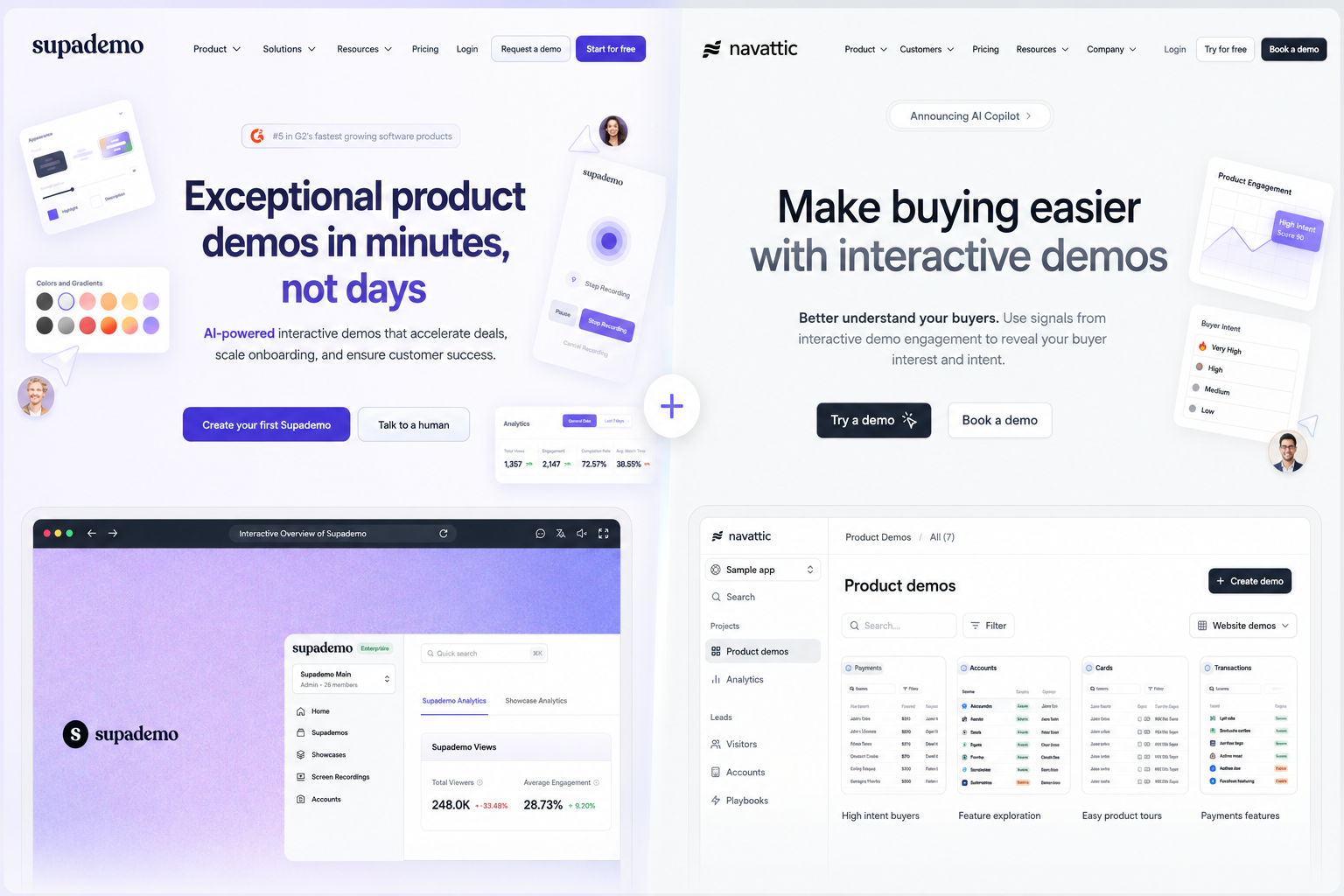
Supademo and Navattic sit at opposite ends of the same category: Supademo is the fast, budget-friendly option, while Navattic is built for enterprise-grade, high-volume interactive tours.
Best for: Supademo suits early-stage teams needing quick, low-cost tours; Navattic suits demand-gen teams running high-volume website embeds.
Key features: HTML/CSS DOM capture extensions, dynamic variable replacement, branching flows, lead-gen forms, HubSpot/Salesforce/Marketo integration.
Pricing: Supademo: free tier, Pro $27–$36/user/month, Scale $150/month. Navattic: free starter, Base/Growth from $500–$600/month, Enterprise $1,000+/month. (checked September 2026)
Honest limitation: Neither outputs a standalone MP4, so they don't work for video-first channels like YouTube, social feeds, or email attachments.
Interactive Demo Builders vs. Product Demo Videos: What's the Difference?
You might be wondering why a “video maker” list includes four tools that don't technically make videos. Here's why it matters. Product demo video makers export a linear MP4 or WebM file that the viewer presses play and watches passively, the same way they'd watch anything else. Interactive demo builders like Storylane, Arcade, Supademo, and Navattic instead capture the real HTML, CSS, and JavaScript of your app, and let the prospect click through a working replica themselves, typing sample data, clicking real buttons, and exploring at their own pace.
Neither format is objectively better. Video wins for email, social, and anywhere passive viewing makes sense. Interactive demos win on a landing page where a self-serve buyer wants to poke around before booking a call. Most serious buyer research actually compares both categories side by side, which is exactly why we included them here.
Pricing at a Glance
Note: pricing shifts constantly in this category. Treat this table as a snapshot from September 2026 and verify current numbers before you commit budget.
How to Choose the Right Tool for Your Team
There's no single right answer here, only the right answer for your situation.
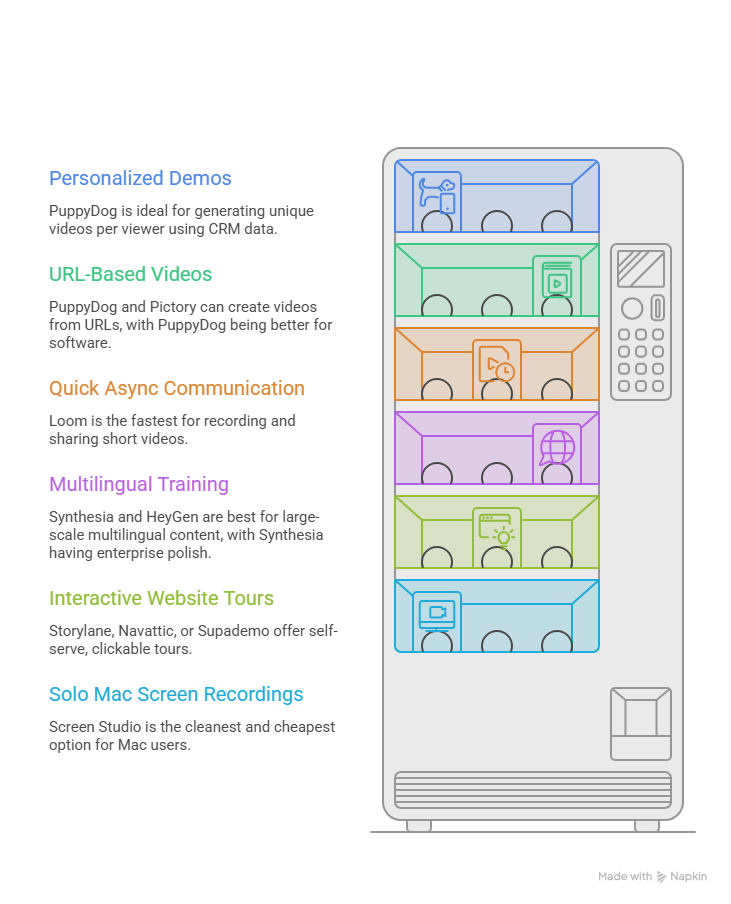
If you need a different, personalized demo for every prospect or segment: PuppyDog is built specifically for this; it's the only tool on this list that automatically generates a unique video per viewer using CRM data, rather than one generic asset for everyone.
This is especially effective for demos for sales outreach, where every prospect gets a video that references their own company by name."
If you want a video made straight from a URL, with no recording at all: PuppyDog and Pictory both handle this, though PuppyDog is the stronger fit if the source is actual software rather than a blog post.
If you need quick, internal async communication: Loom is still the fastest path from “record” to “sent link.”
If you're building multilingual training or onboarding at scale: Synthesia and HeyGen both lead here, with Synthesia edging ahead on enterprise polish.
If your priority is a self-serve, clickable tour on your website: Storylane, Navattic, or Supademo will serve you better than any video tool, since prospects can explore hands-on.
If you're a solo Mac user who just wants sharp, simple screen recordings: Screen Studio remains the cleanest, cheapest option for that specific job.
How to Make a Great Product Demo Video
Whichever tool you land on, the software only does half the job. The structure of the demo itself matters just as much.
- Keep it short. Data from Wyzowl shows 71% of marketers rate 30 seconds to 2 minutes as the most effective length, and completion rates drop sharply past that.
- Lead with the pain point, not your company history. Nobody's first fifteen seconds of attention should go to an origin story.
- Cover three or four features, not your entire product. A demo that tries to show everything ends up showing nothing memorably.
- Use real UI, not mockups. Buyers can tell the difference, and it undermines trust when they catch it.
- Add captions. Most video is watched with the sound off, and captioned videos consistently see higher completion rates.
- End with one clear call to action. Not three. One.
Five rules, if you need the short version: keep it under two minutes, open with the problem, show real product, caption everything, and ask for exactly one next step.
Frequently Asked Questions
How do I make a product demo video without a video team or editing skills?
AI-driven tools like PuppyDog, Synthesia, and HeyGen handle scriptwriting, voiceover, and visual assembly automatically. You provide a screen recording, screenshot, or URL, and the software does the rest. Here's a full walkthrough on how to make a demo without editing skills.
How long should a product demo video be?
Most data points to 30 seconds to 2 minutes as the sweet spot. Videos under 60 seconds see roughly 50% completion rates, while anything running past an hour drops to around 17%.
How much does a product demo video maker cost?
It ranges widely, from $0 on tools like Loom or Clipchamp's free tiers, up to $42/month per user for AI personalization platforms like PuppyDog Pro, and into the thousands per month for enterprise interactive-demo tools like Storylane or Navattic., and into the thousands per month for enterprise interactive-demo tools like Storylane or Navattic.
What's the best free product demo video maker?
For straightforward recording, Loom's free tier and Clipchamp's unlimited free exports are the strongest picks. For interactive demos, Supademo and Arcade both offer usable free tiers before you hit a paywall.
What's the difference between an interactive demo and a product demo video?
A video is a linear file the viewer watches passively. An interactive demo is a clickable replica of your actual product interface that the viewer navigates themselves.
Can I make a product demo video from a URL or screenshot?
Yes, PuppyDog can generate a full demo from a URL, screenshot, or product doc with no recording required, and Pictory/Fliki can do the same from written or web content.
Do product demo videos actually increase conversions?
The data says yes, consistently. 85% of consumers say video convinced them to buy something, and 83% of marketers report video directly increased sales, according to Wyzowl's 2026 research.
Wrapping Up
There isn't one “best” product demo video maker; there's the best one for what you're actually trying to do. If you need a personalized demo for every single prospect without re-recording anything, that's PuppyDog's whole reason for existing. If you need a fast async recording, Loom still wins. If you want a self-serve interactive tour, look at Storylane or Navattic instead.
Whatever you pick, the underlying truth doesn't change: buyers want to see the product, not read about it, and the tools that make that easy keep winning.
Ready to see it in action? Create your first personalized demo from a screenshot or URL, free, no credit card required.

Sarah Thompson is a storyteller at heart and Business Developer at PuppyDog.io. She’s passionate about creating meaningful content that connects people with ideas, especially where technology and creativity meet.