9 Best Customer Onboarding Video Makers for SaaS Teams (2026)

Most SaaS onboarding videos are bad. Not because the people making them are lazy, but because video production and shipping software move at completely different speeds. You ship a new feature on Tuesday, and your onboarding video from six months ago is already showing a UI that doesn't exist anymore.
That mismatch is exactly why so many Customer Success and Product Marketing teams end up either skipping video entirely or drowning in a backlog of re-recordings. Meanwhile, your new users are stuck clicking around, guessing, and, for a real chunk of them, quietly giving up before they ever hit their first "aha" moment.
This guide compares the nine tools SaaS teams actually use to create, personalize, and maintain onboarding videos at scale. We'll cover what a real onboarding video maker needs to do, break down each tool's strengths and trade-offs, and end with a concrete process for building onboarding content that reduces support tickets instead of adding to your team's to-do list.
What Is a Customer Onboarding Video?
A customer onboarding video is a short, visual walkthrough that helps a new user understand your product, complete their first meaningful task, and reach their "aha" moment without opening a support ticket. Good ones cover core features, navigation, and the exact steps someone needs to get value fast- nothing more.
That's a narrower job than it sounds like at first. Product demos exist to help a prospect decide whether to buy. They're pre-sale, polished, and built for evaluators. Sales demos work similarly, tailored to a specific deal. Customer education content goes the other direction: it's for existing users who already know the basics and want to go deeper into advanced workflows. General training videos are broader still, often covering internal processes rather than the product itself.
An onboarding video sits in its own lane: post-sale, activation-focused, and laser-targeted on getting someone from "I just signed up" to "I get why this is useful" as fast as possible.
What Makes a Good Customer Onboarding Video Maker?
Not every video tool is built for this job. Here's what actually matters when you're evaluating options for SaaS onboarding specifically.
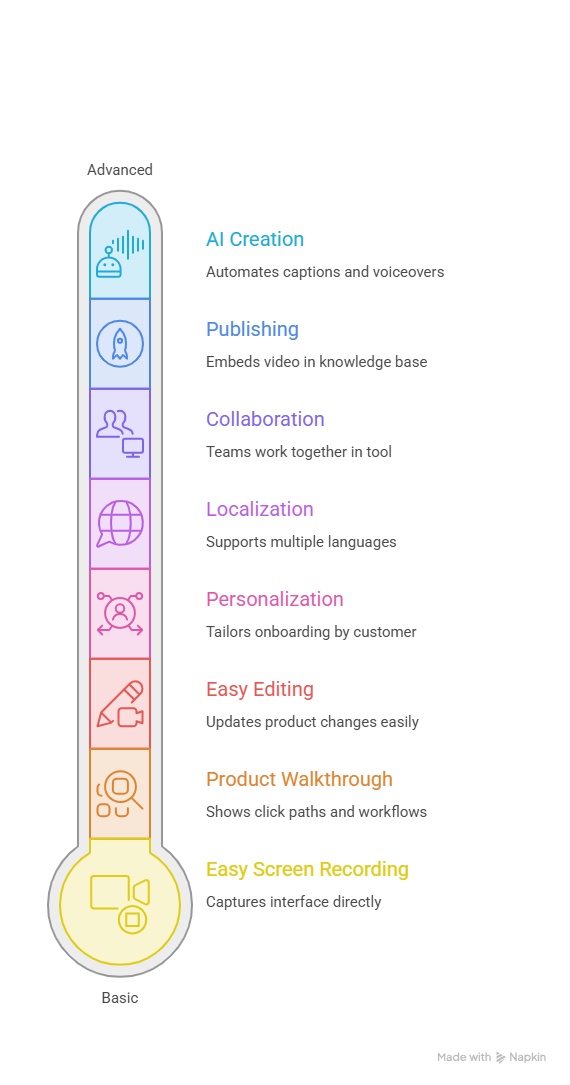
Easy screen recording. Onboarding almost always means showing your actual interface, so native, low-friction screen capture is table stakes, not an afterthought bolted onto a general video tool.
AI-powered video creation. Look for AI editing, automated captions, transcription, voiceover generation, script writing, and background cleanup. The less manual work between "record" and "publish," the more often your team actually keeps videos current.
Product walkthrough capabilities. Can the tool clearly show click paths, specific workflows, and step-by-step processes, or does it just capture a raw, unstructured recording?
Easy editing and updating. This one matters more for SaaS than almost any other industry. Your product changes constantly, so a tool that requires a full re-record every time a button moves is a tool your team will quietly stop using.
Personalization. Can you tailor onboarding by customer, role, use case, or industry? A project-management SaaS platform, for example, might build separate onboarding paths for workspace admins, project managers, and individual contributors, each with a completely different first task to complete.
Localization. Multiple languages, translated captions, AI voiceovers, and dubbing matter enormously if your customer base isn't all English-speaking, which, these days, it usually isn't.
Collaboration. Onboarding content touches Customer Success, Product, Marketing, and Support. Can those teams actually work together in the tool, or does everything bottleneck through one person?
Publishing and sharing. Consider embedding, direct links, knowledge base integration, help center compatibility, and LMS support. A great video that's hard to actually place in front of users doesn't help anyone.
9 Best Customer Onboarding Video Makers for SaaS Teams
Here's how the nine tools stack up at a glance. Where noted below, verify the exact figure on the vendor's pricing page before publishing. SaaS pricing shifts often, and these numbers are best-effort as of research time.
Puppydog: Best for AI-Powered SaaS Product Onboarding Videos
Puppydog is built around a simple idea: your onboarding videos shouldn't take longer to update than your product takes to change. It turns screen recordings and product data into fully narrated, AI-generated videos, with no manual editing timeline required.
Key features: native screen recording, AI script generation, custom AI avatars and voiceovers, automatic personalization by role or customer segment, 50+ language support, CRM integrations (HubSpot, Salesforce, and others), and shared workspace controls for cross-team collaboration.
Pros: the personalization engine can generate role- or segment-specific onboarding videos automatically rather than requiring a separate manual edit for each variant; AI handles the editing pipeline end to end, which removes the bottleneck most CS teams hit when video production depends on one designer; multilingual voiceovers mean global onboarding doesn't require a separate production cycle per region.
Cons: it's built for video output specifically, so teams that also want auto-generated written documentation will need a second tool; fine-grained, frame-by-frame manual editing isn't the focus here. The trade-off for speed is less granular manual control.
Best use case: SaaS Customer Success and Product Marketing teams that need to keep onboarding videos in sync with weekly release cycles, personalized by account or role, without dedicating a full-time video editor to the job.
Pricing: Free plan available (1,000 credits, no credit card required). Pro is $42 per user, per month (2,500 credits, integrations, no watermark). Enterprise is custom-quoted (10,000+ credits, SSO, multi-tenant access, 50+ language support).
Teams already using AI customer onboarding workflows tend to see this play out directly. One Puppydog customer, Stellar Cyber, went from shipping a single onboarding video per week to dozens, cutting production time by 90% and lifting completion rates from 60% to 85%.
Guidde: Best for Video + Written Documentation Together
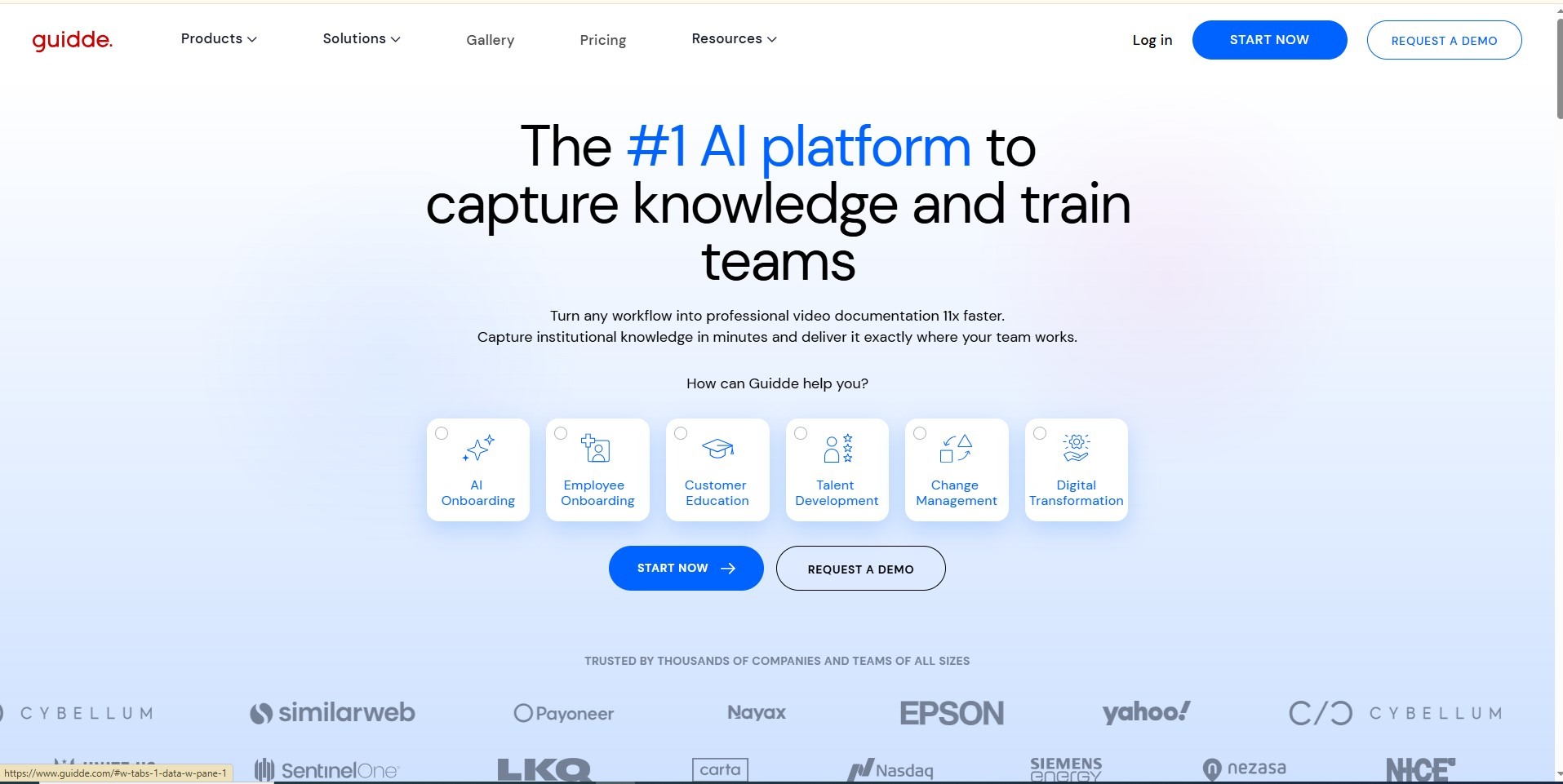
Guidde captures a workflow once and outputs both a narrated video and a written, annotated step-by-step guide from the same recording, useful if your team needs to feed both a help center and a video library without doing the work twice.
Key features: browser and desktop screen capture, AI voiceover with a large voice library, automated storylines, PII redaction, and export to Zendesk, Salesforce, and Confluence.
Pros: genuinely saves time by generating two content formats from one pass; strong help-desk and knowledge base integrations; solid free tier for testing.
Cons: multi-language auto-dubbing is gated behind the Enterprise tier; editing is structured around how-to formats rather than freeform video.
Best use case: Customer Success teams building a self-serve help center that needs both video and written formats without double production work.
Pricing: Free (up to 25 videos). Pro around $19–29/month per creator, Business around $39–59/month per creator(verify it on their pricing page), Enterprise custom.
Loom: Best for Fast, Personal Async Videos
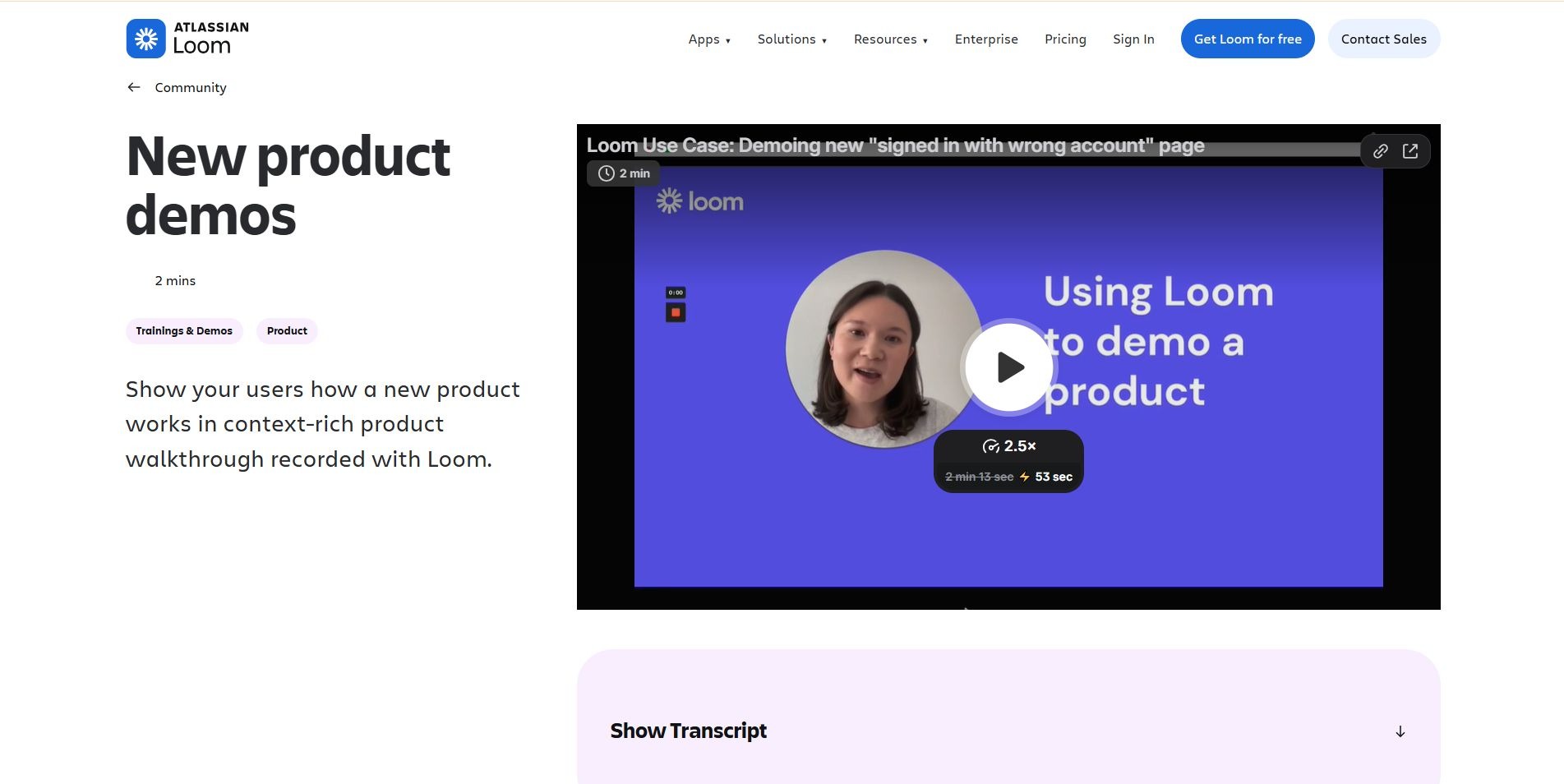
Loom is the category's baseline for a reason. record your screen, hit stop, and you've got a shareable link in seconds. It's less built for structured onboarding libraries and more for quick, personal video messages.
Key features: desktop and browser recording with webcam overlay, AI-generated summaries and chapters, filler-word removal, and instant link sharing.
Pros: nothing beats it for speed; the camera bubble adds a human touch that builds rapport in 1:1 CS interactions; strong integrations across 400+ tools.
Cons: no native AI voiceover or dubbing, so full re-recording is required whenever your UI changes; doesn't generate structured click-path guides.
Best use case: CSMs sending quick, personalized video responses or release updates to individual accounts rather than building a permanent onboarding library.
Pricing: Free (25 videos, 5-minute cap). Business around $15–18/user/month. Business + AI around $20–24/user/month. Enterprise custom.
Scribe: Best for Automated Written SOPs
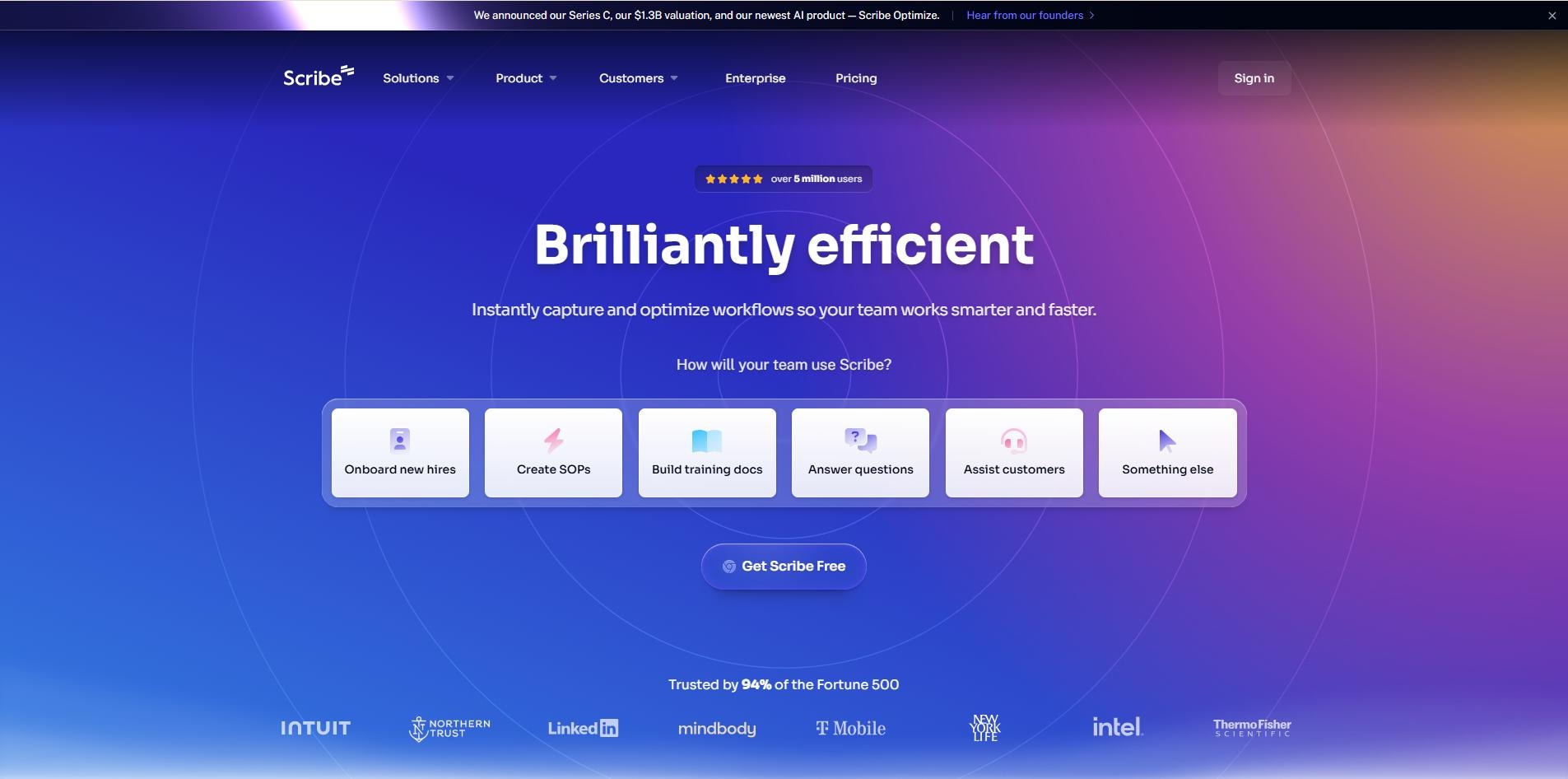
Scribe captures every click and keystroke and turns them into an annotated, step-by-step written guide in seconds, with no video rendering involved at all.
Key features: browser and desktop capture, automatic screenshot annotation, PII redaction, and export to PDF, HTML, and Markdown.
Pros: exceptionally fast for generating written onboarding SOPs; strong redaction for sensitive data; reasonable pricing for teams that don't need motion video.
Cons: no MP4 export or synthetic voiceover. this is a documentation tool, not a video tool; AI-generated step descriptions occasionally need manual cleanup on non-linear workflows.
Best use case: Operations and CS teams who want written SOPs and client onboarding guides without needing video at all.
Pricing: Free (up to 10 guides). Pro Personal around $25–35/month. Pro Team around $13–17/seat/month, 5-seat minimum (verify it on their pricing page). Enterprise custom.
Tango: Best for Live In-App Guidance
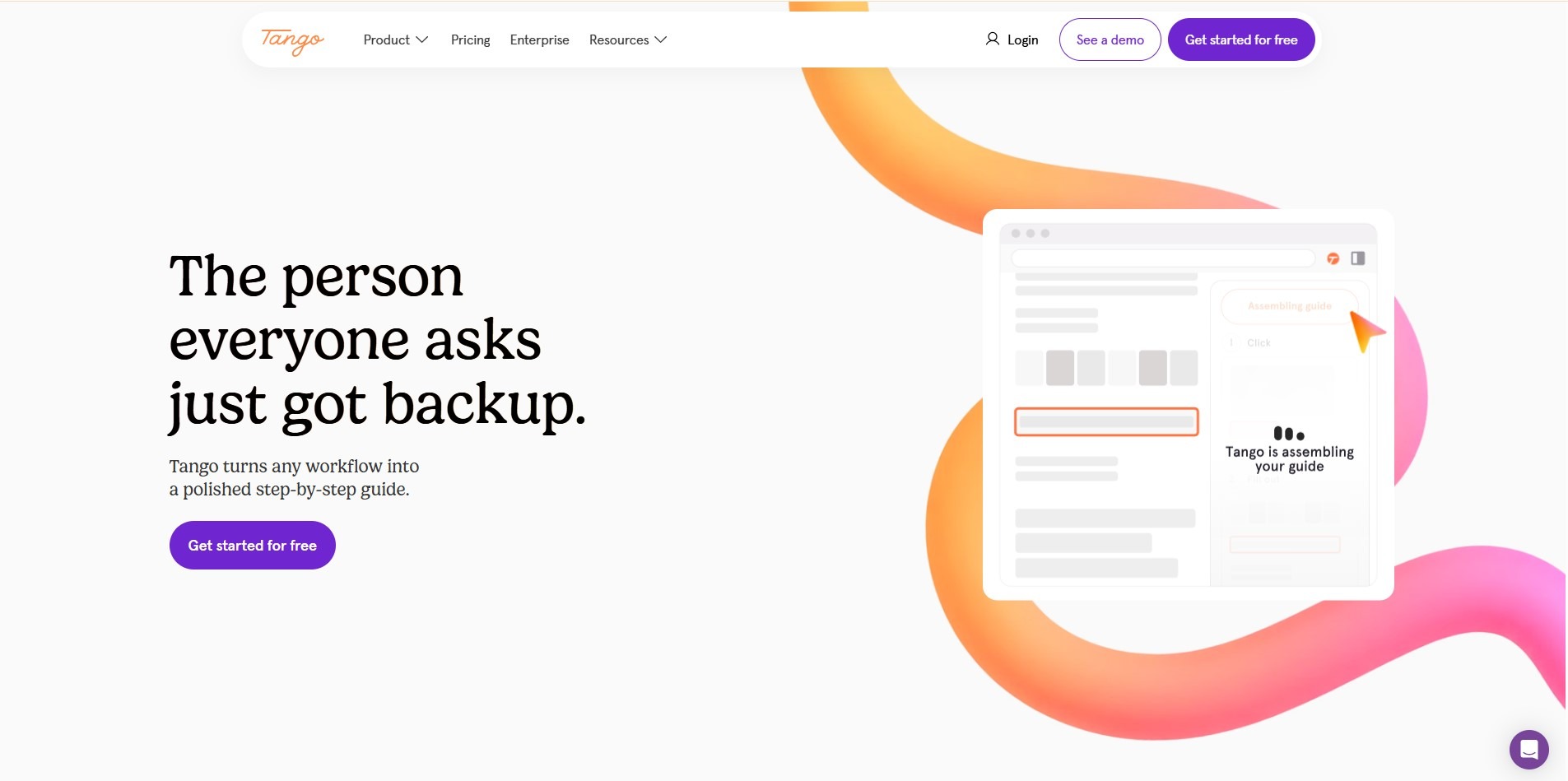
Tango captures click paths and can overlay live, step-by-step guidance directly inside your software as a user works through it, a genuinely different approach from a static video or document.
Key features: browser and desktop capture, automated "Magic Blur" for sensitive data, live on-screen guidance mode, and written SOP export.
Pros: live in-app prompts can reduce the need for a separate onboarding video altogether; automated data redaction is a nice touch for security-conscious teams; fast SOP creation.
Cons: no video or voiceover output; capturing complex single-page applications can occasionally misalign step anchors.
Best use case: Enterprise CS teams standardizing software adoption for complex, multi-step web applications.
Pricing: Free plan available. Pro starts around $20–26/user/month. Verify it on their pricing page. Enterprise custom.
Arcade: Best for Polished Interactive Product Tours
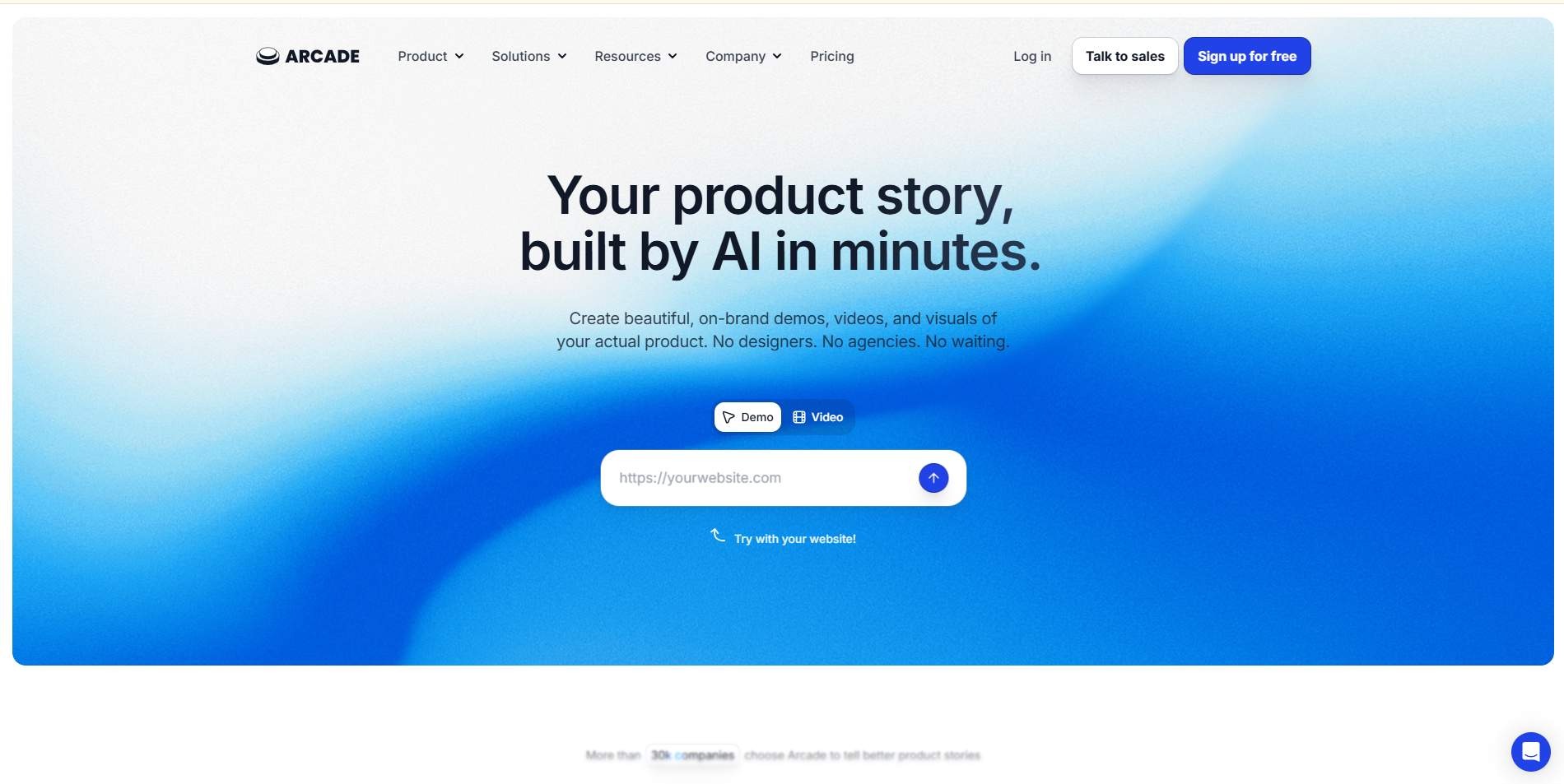
Arcade turns screen recordings into interactive, clickable demos that can also export as standalone video, a hybrid approach that product marketing teams tend to like for its visual polish.
Key features: Chrome extension, desktop app, Figma plugin, AI voiceover (including ElevenLabs integration), pan-and-zoom effects, and branching interactive paths.
Pros: one capture produces an interactive tour, an MP4, and a GIF; genuinely strong design output; Figma plugin lets teams build onboarding tours from pre-release prototypes.
Cons: full HTML capture is Enterprise-only on lower tiers; per-seat pricing adds up for larger teams.
Best use case: Product Marketing and CS teams building visually polished, multi-format product walkthroughs and release videos.
Pricing: Free (1 demo, 1 video, watermarked, limited AI credits). Growth around $42–50/seat/month ( verify it on their pricing page). Enterprise custom.
Supademo: Best for Budget-Friendly Interactive Demos
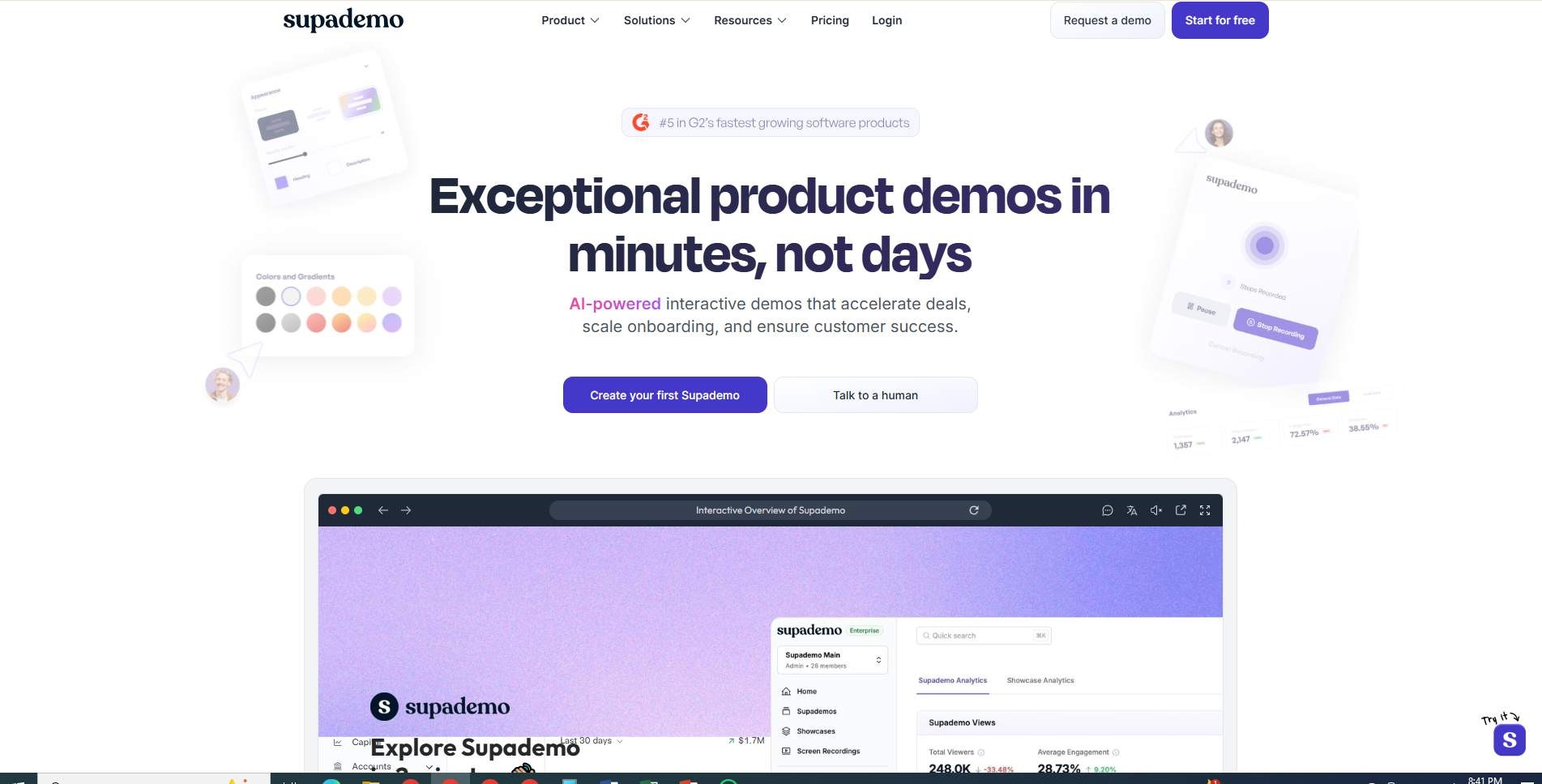
Supademo covers similar ground to Arcade interactive demos plus video plus written SOPs from one capture at a noticeably lower price point, which makes it a common pick for growth-stage teams watching their software spend.
Key features: multi-platform capture (Chrome, macOS, Windows, Figma), AI voiceover and script generation, dynamic variables for personalization, and export to SOP PDF.
Pros: competitive entry pricing for unlimited demos with AI voiceover; single capture produces interactive tours, MP4 video, and written docs; "Route Hub" consolidates multiple demos into one onboarding portal.
Cons: full HTML cloning and sandbox environments are locked behind a much pricier Growth tier; dynamic single-page apps sometimes need manual step cleanup.
Best use case: growth-stage SaaS teams needing a versatile, cost-effective tool for interactive tours, video, and written guides in one place.
Pricing: Free (5 demos). Scale around $27–38/creator/month. Growth around $350/month, 5 creators bundled ( verify it on their pricing page). Enterprise custom.
Synthesia: Best for Multilingual Training Academies
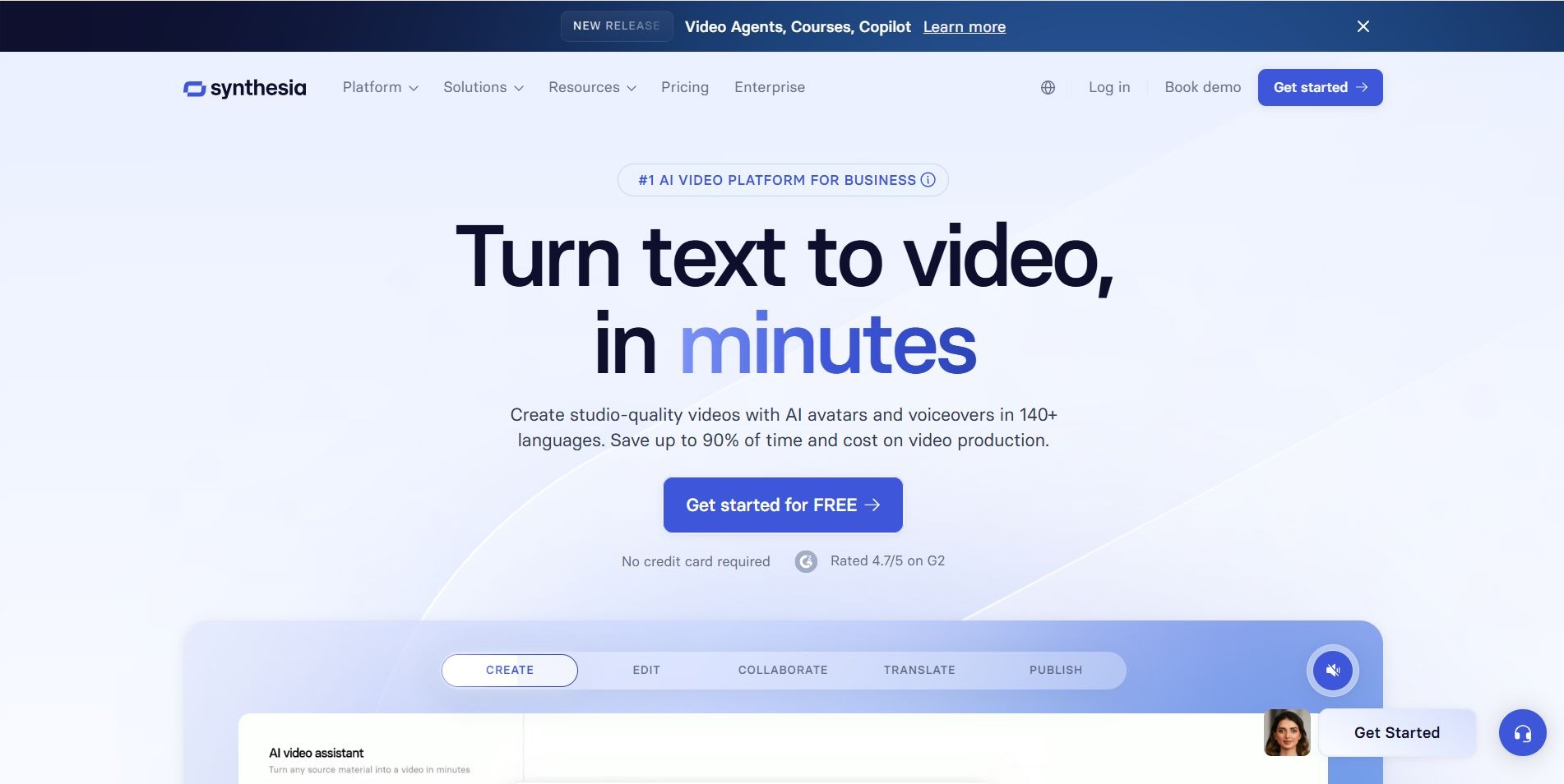
Synthesia takes a different approach entirely: instead of capturing your screen, it generates presenter-led videos using AI avatars, built primarily for structured, repeatable training content rather than raw product walkthroughs.
Key features: 180+ AI avatars, AI dubbing across 80+ languages with lip-sync, multi-layer canvas editor, and SCORM export for LMS platforms.
Pros: genuinely impressive avatar and dubbing quality; SCORM export makes it easy to slot into an existing LMS; no camera or studio needed for a consistent, branded presenter.
Cons: no native screen-capture extension — product footage has to be recorded separately and uploaded; monthly credit limits need monitoring.
Best use case: mid-market to enterprise SaaS teams building structured, multilingual onboarding academies rather than quick product walkthroughs.
Pricing: Free (10 minutes/month). Starter around $19–29/month (annual/monthly). Creator around $59–89/month (annual/monthly). Enterprise custom.
Vidyard: Best for CRM-Tracked Video Outreach
Vidyard leans more toward sales and CS video messaging with heavy analytics than dedicated onboarding production, though CS teams do use it for account-specific check-ins and personalized video updates.
Key features: browser and desktop recording, "Video Agent" AI automation, CRM integrations (HubSpot, Salesforce), and branded video hub pages.
Pros: detailed CRM-tracked viewer analytics show exactly when a customer watched a video; branded hubs organize onboarding libraries cleanly; automated, event-triggered video delivery.
Cons: no automated click-path documentation or written SOP generation; per-seat pricing gets expensive for larger CS teams.
Best use case: B2B SaaS Sales and CS teams that specifically need CRM-integrated viewer tracking on their video content.
Pricing: Free (15 AI videos). Starter around $59/seat/month, Video Agent add-on around $24/seat/month ( verify it on their pricing page). Teams and Enterprise custom.
Which Customer Onboarding Video Maker Should You Choose?
Best for SaaS Product Walkthroughs
Arcade and Supademo both excel at capturing real click paths and turning them into polished, interactive tours. Arcade for design fidelity, Supademo for cost efficiency.
Best for AI-Powered Onboarding Videos
Puppydog and Synthesia lead here, just from different angles. Puppydog automatically turns UI captures into narrated video without manual editing; Synthesia uses avatars to turn scripts into professional-looking presentations.
Best for Customer Training
Synthesia and Guidde both suit structured, repeatable learning. Synthesia through SCORM/LMS export, Guidde through organized, contextual knowledge hubs.
Best for Personalized Onboarding
Puppydog's role- and segment-based personalization and Vidyard's CRM-driven customization both let teams tailor content per customer rather than broadcasting one generic video to everyone.
Best for Multilingual Onboarding
Synthesia's 80+ language dubbing and Puppydog's 50+ language voiceover support both make it realistic to localize onboarding without a separate production run per region.
Best for Documentation + Video
Guidde and Supademo both generate a video and a written guide from a single recording, handy if you're feeding a help center and a video library at once.
How to Create an Effective SaaS Customer Onboarding Video
Picking a tool is only half the job. Here's the process worth following regardless of which one you land on.
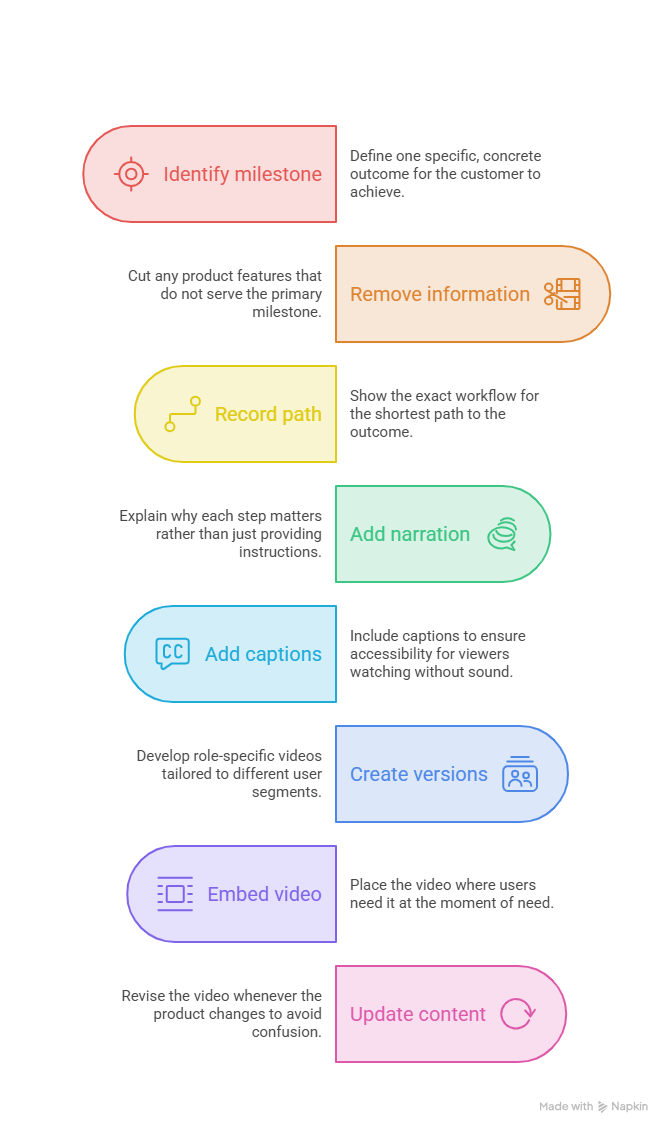
Step 1: Identify the user's first success milestone. What should a customer be able to do right after watching? Not "understand the whole product" one specific, concrete outcome.
Step 2: Remove unnecessary product information. You don't need to explain every feature. In fact, you shouldn't. Cut anything that doesn't serve the one milestone from Step 1.
Step 3: Record the shortest path to that outcome. Show the exact workflow, not the scenic route through every menu on the way there.
Step 4: Add narration and context. Explain why each step matters, not just what to click. "Click here" is instructions; "click here so your team gets notified automatically" is understanding.
Step 5: Add captions. A meaningful share of viewers watch with sound off, so captions aren't optional polish. they're accessibility.
Step 6: Create role-specific versions. An admin onboarding video, a developer version, a sales-user version, whatever your actual user segments look like. One-size-fits-all onboarding rarely fits anyone particularly well.
Step 7: Embed the video where users actually need it. Help center, knowledge base, in-app tooltips, onboarding emails. Put it in front of people at the moment of need, not buried three clicks deep in a resources page.
Step 8: Update it when the product changes. This is the step teams skip, and it's the one that matters most for SaaS specifically. An outdated onboarding video is often worse than no video at all, because it actively confuses people.
Frequently Asked Questions
What is a customer onboarding video?
A short video that helps a new user understand your product, complete their first task, and reach their "aha" moment without contacting support.
Why are customer onboarding videos important for SaaS companies?
They reduce support ticket volume, speed up time-to-value, and directly influence whether a new user sticks around past the trial period.
What is the best software for creating customer onboarding videos?
It depends on your priority. Puppydog for AI-generated, personalized video; Guidde or Supademo for video plus written docs; Loom for fast, informal recordings.
How do you create a SaaS customer onboarding video?
Identify the user's first success milestone, cut unnecessary detail, record the shortest path to that outcome, add narration and captions, then keep it updated as your product changes.
What should a customer onboarding video include?
A clear goal, the actual product interface, narration explaining why each step matters, and captions, kept tightly focused on one outcome.
How long should a customer onboarding video be?
Generally 60 to 120 seconds. Shorter, focused videos consistently outperform longer ones on completion rate.
Can AI create customer onboarding videos?
Yes, tools like Puppydog and Synthesia can generate scripted, narrated, and voiced videos automatically from a product recording or written script.
What is the difference between a product demo and an onboarding video?
A demo is pre-sale and built to convince a prospect to buy; an onboarding video is post-sale and built to help an existing customer succeed with the product.
What is the difference between customer onboarding and customer education?
Onboarding gets a new user to their first success; customer education goes further, helping established users master advanced features over time.
How can SaaS companies personalize onboarding videos?
By tailoring content to role, plan tier, industry, or use case, tools with AI personalization can generate these variants automatically instead of manually editing each one.
How can I create onboarding videos without video editing skills?
AI-first tools like Puppydog handle scripting, narration, and editing automatically, so you don't need traditional video editing experience.
Can customer onboarding videos be translated into multiple languages?
Yes, most modern tools offer AI voiceovers and caption translation, with some supporting 50 or more languages.
How do you keep customer onboarding videos updated?
Choose a tool built for easy re-editing or automated regeneration rather than one requiring a full manual re-record every time your UI changes.
Should SaaS onboarding videos be hosted in a knowledge base?
Generally, yes, placing videos where users already look for help increases the odds they'll actually find and use them.
Can onboarding videos reduce customer support requests?
Yes. When users can self-serve an answer through video instead of opening a ticket, support volume tends to drop noticeably.
Final Thoughts
There's no single "best" customer onboarding video maker. There's the best one for how your team actually works. If you want AI to handle the entire video pipeline so onboarding content keeps pace with your release cycle, that's where an AI product video maker earns its keep. If you need written documentation alongside video, or a live in-app guide instead of a video at all, several of the other tools on this list will serve you better.
What matters more than the tool, honestly, is the process. Pick one clear success milestone per video, keep it short, keep it updated, and put it where your users actually need it. Do that consistently, and you'll notice fewer support tickets and faster activation no matter which of these nine tools ends up in your stack.
Ready to see what AI-generated, personalized onboarding videos look like for your product? Start a free Puppydog trial, no credit card required.

Sarah Thompson is a storyteller at heart and Business Developer at PuppyDog.io. She’s passionate about creating meaningful content that connects people with ideas, especially where technology and creativity meet.