9 Best Wistia Alternatives in 2026 (Tested Across 9 Tools, 6 Criteria)

.gif)
By Sarah Thompson, Business Developer at PuppyDog.io | LinkedIn Last updated: April 20, 2026
We tested 9 tools across 6 criteria and reviewed user feedback from G2, Capterra, and Reddit threads from January to April 2026.
Here's the thing about Wistia's pricing. The Pro plan costs $79/month for 50 videos. Sounds reasonable, right? But every additional file adds $2.00 in monthly overages. So if you're like most B2B teams and your library grows to 500 videos, you're suddenly paying close to $1,000/month. And that's before adding webinars, CRM sync, or extra user seats.
We built this guide because switching video platforms is a bigger decision than most comparison posts acknowledge. You're not just moving files. You're potentially breaking embeds, losing analytics history, and disrupting team workflows.
Quick Comparison Table
Let's cut through the noise. Here's how the top 9 alternatives stack up at a glance.
Why Teams Are Leaving Wistia in 2026
Look, Wistia is still a solid platform. But five specific pain points keep coming up in conversations with teams who've switched.
1. Per-video pricing creates a "success tax." Each video beyond the included 50 costs $2.00/month on the Pro plan. A 500-video library on the Advanced plan costs $444/month ($319 base + $125 overages).
2. The Automation Suite costs extra. Deep HubSpot, Marketo, and Pardot syncing requires an additional $250/month fee, often discovered post-signup.
3. Video embeds affect Core Web Vitals. Wistia's 99KB player is lighter than YouTube's 1.5MB, but performance-first platforms like SmartVideo operate under 50KB, which matters for conversion-sensitive landing pages.
4. Live streaming is gated behind premium tiers. Teams running webinars or product launches must upgrade to access native live streaming.
5. Sales teams need behavioral signals. Wistia shows aggregate drop-off data. Sales teams need individual prospect alerts when someone rewatches the pricing section, linked directly to their CRM.

How We Evaluated These Tools
We tested 9 tools across 6 weighted criteria and spent way too much time reading G2 reviews, Capterra feedback, and Reddit threads from Q1 2026. Here's what we measured.
The 9 Best Wistia Alternatives in 2026
Alright, let's get into the actual tools. Each one follows the same format so that you can compare apples to apples.
1. PuppyDog
PuppyDog isn't trying to be another Wistia. It's built for a different problem entirely: creating personalized product demo videos at scale without having to record each one manually.
Here's how it works. You upload a screen recording or screenshot. PuppyDog's AI agents write the script, generate narration, and produce persona-specific variations you can match to individual accounts, industries, or buyer roles. The engagement data syncs back to your CRM, so your sales team knows what's landing.
Key Features
- AI-powered demo generation from screen recordings or screenshots
- Persona-specific voiceovers and messaging variations per account
- CRM integration for engagement tracking and follow-up triggers
- Scalable demo creation for account-based marketing workflows
- Purpose-built for B2B sales and product marketing workflows
Pros
- Creates personalized demos for multiple buyer personas without repeated recording sessions
- Designed specifically for sales enablement and ABM, not general hosting
- AI research agents adapt messaging per segment, reducing manual customization time
Cons
- Not a Wistia replacement for general video hosting, webinar management, or marketing analytics
- Higher starting price reflects specialized functionality, not broad-use video storage
What Users Say
What's interesting in the feedback is how many teams mention the "personalization paradox" – wanting custom demos for each prospect but not having time to record them all. PuppyDog seems to solve that by letting AI handle the variations, which is particularly valuable for enterprise deals where generic demos just don't cut it.
Pricing
Free plan at $0/month (1,000 credits); Pro at $42/month per user. View current pricing. (Last verified: September 2026)
Best For
B2B SaaS sales and product marketing teams that need AI-personalized demo videos, not general video hosting.
2. Vidyard
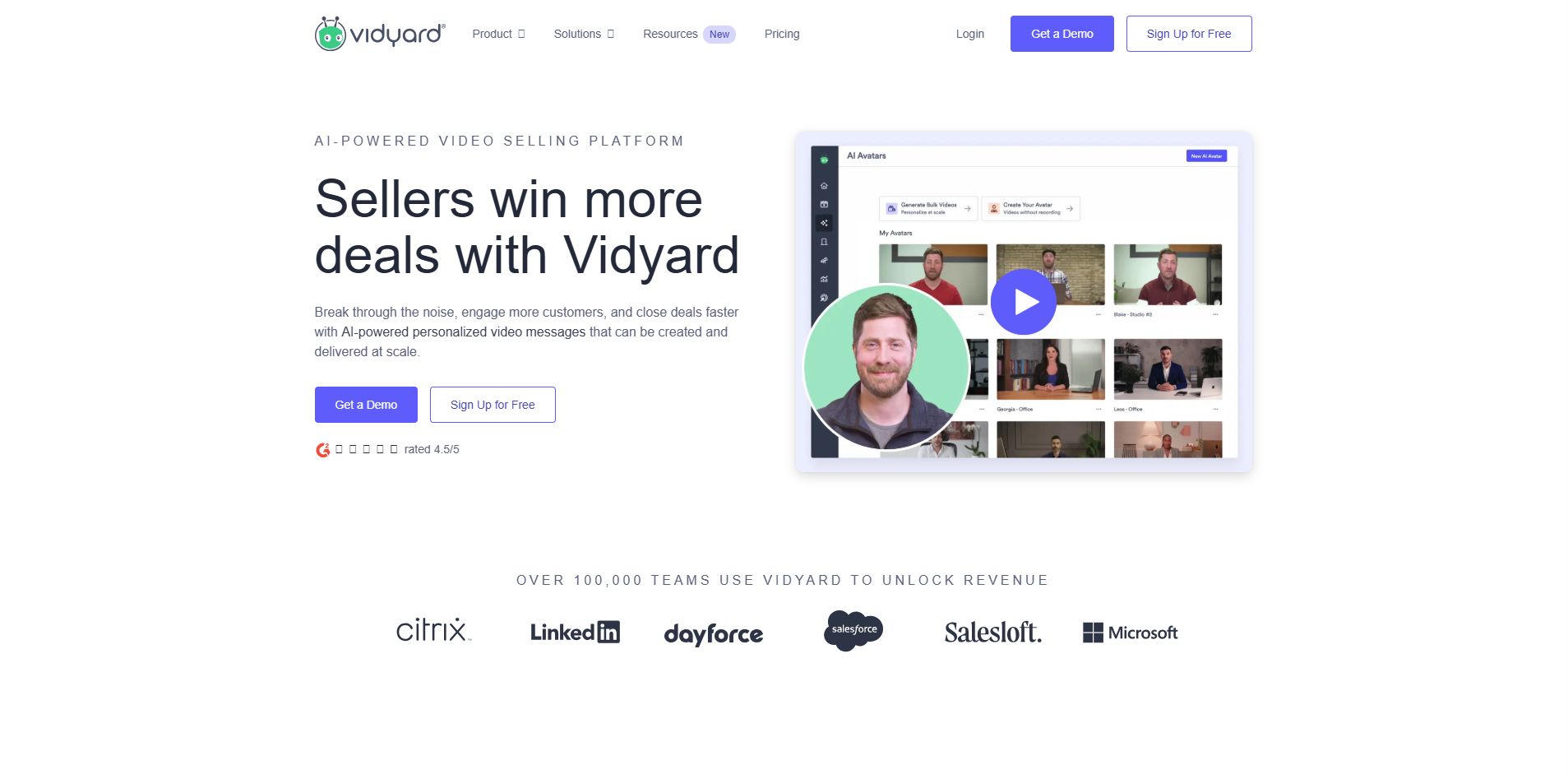
Ask B2B sales teams which video tool they use. Vidyard comes up constantly. Over 250,000 companies use it, and there's a reason.
Where Wistia shows aggregate data, Vidyard tells you exactly when Sarah from Acme Corp watched your demo and whether she rewatched the pricing section. That's the kind of signal that changes how reps follow up.
Key Features
- Chrome extension for quick screen and webcam recording
- Prospect-level view tracking with real-time CRM notifications
- Salesforce and HubSpot integrations with revenue attribution
- AI avatar features for personalized outbound at scale (12x adoption growth in 2024)
- Video landing pages with per-viewer engagement data
Pros
- Real-time alerts tell you exactly when a prospect watches or rewatches your video
- CRM attribution connects video views directly to pipeline activity
- AI avatar tools reduce recording time for high-volume sales outreach
Cons
- $59/user/month scales steeply for larger sales teams
- Marketing hosting features are limited compared to Wistia or SproutVideo
What Users Say
Talk to sales reps using Vidyard. First thing they mention? Real-time notifications. Getting a Slack ping when a prospect watches changes how you follow up. You're not guessing anymore.
One caveat: personalized video only works if it's actually personalized. Slapping a name on a generic demo feels creepy. The tool is powerful, but strategy still matters.
Pricing
Free plan available. Plus: $59/user/month. Teams: $99/user/month.
Best For
B2B sales enablement teams and SDRs need personalized video outreach with real-time prospect tracking built into their CRM.
3. Vimeo
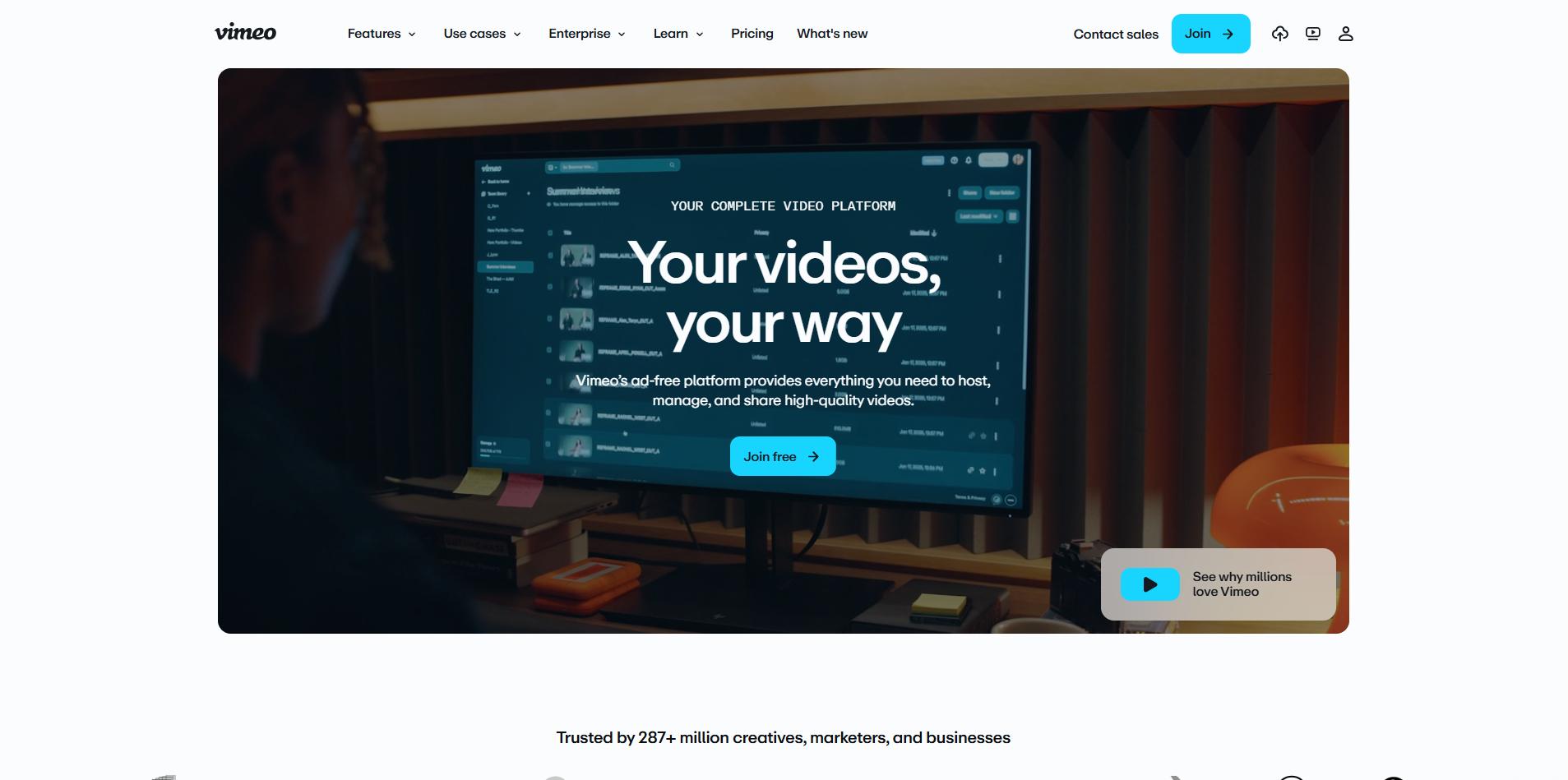
Vimeo has been around forever in internet years, and somehow it's still relevant. That's actually impressive. Its 2026 plans use storage-based pricing instead of per-video fees, which makes it attractive for agencies and content-heavy brands who don't need Wistia's full CRM integration.
Key Features
- Customizable video player with domain-level embed privacy controls
- Storage-based plans scaling up to 7TB, depending on tier
- Team collaboration tools and video review workflows
- SEO enhancements and basic engagement analytics
- Live streaming support on higher plan tiers
Pros
- Affordable entry pricing at $7/month with clean, ad-free embeds
- Strong creative community and portfolio presentation tools
- Player customization without Vimeo branding constraints on paid plans
Cons
- Community feedback documents frustration with mid-subscription storage model changes
- Limited B2B sales analytics compared to Wistia or Vidyard
What Users Say
Vimeo users generally like it for brand and creative projects. Clean player, no ads, good quality. But here's something worth knowing: a few Reddit threads from 2025 document frustration when Vimeo changed from weekly upload limits to total storage caps mid-subscription. Some teams felt blindsided by that shift.
Pricing
Basic: $7/month. Standard: $20/month. Advanced tiers available for team and enterprise use.
Best For
Creative agencies, brand teams, and content producers that prioritize video quality and portfolio presentation over marketing analytics or sales intelligence.
4. SproutVideo
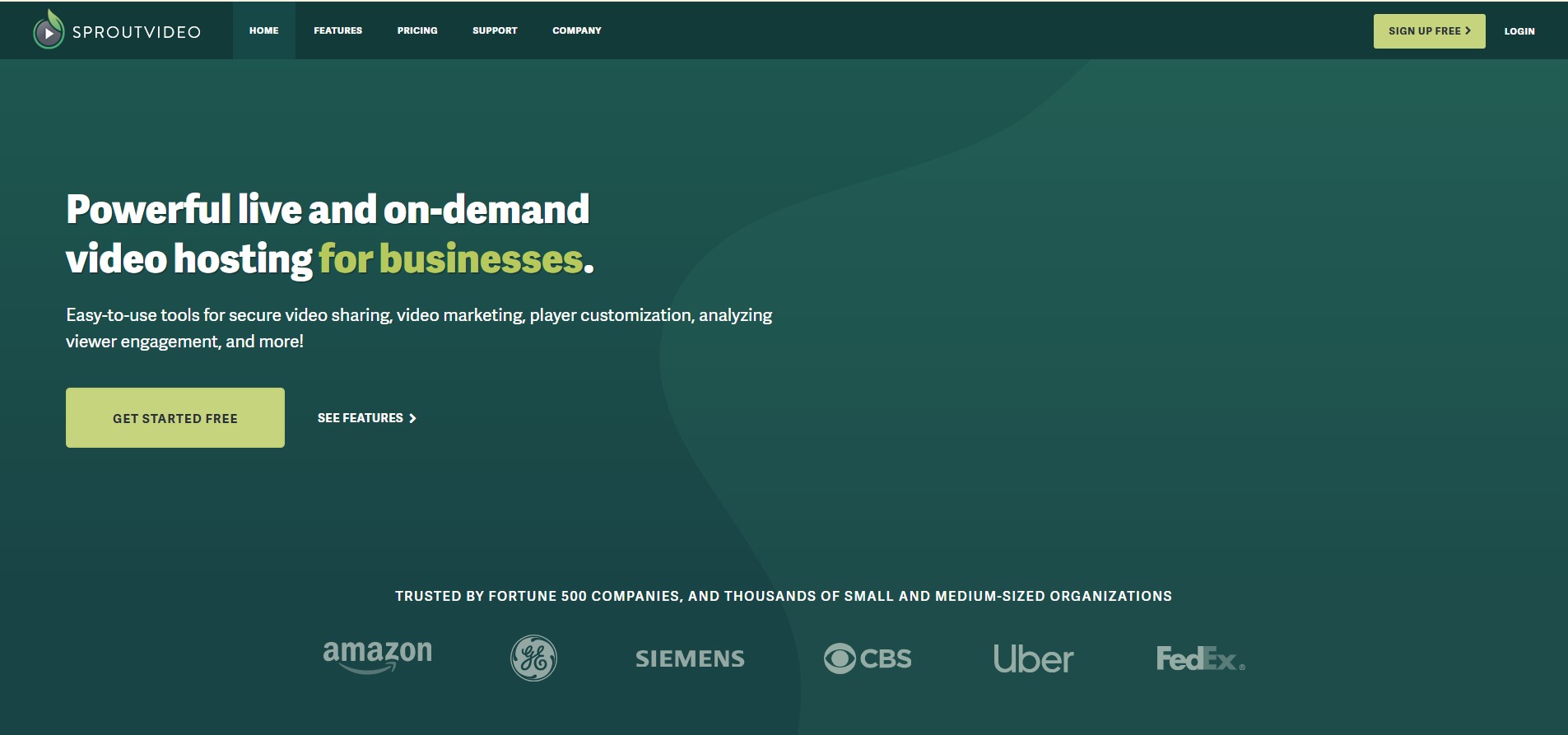
If you want something that feels like Wistia but doesn't charge per video, SproutVideo is probably your best bet. Even the $10/month Seed plan includes lead capture forms, viewer analytics, and CTAs. Those are features Wistia reserves for mid-tier and higher plans.
The pricing model is simple: you pay for storage, not file count. So your costs stay predictable as your library grows, which is exactly what teams are looking for when they leave Wistia.
Key Features
- Lead capture forms, CTAs, and basic analytics on every plan tier
- Viewer-level heatmaps and engagement tracking
- SSO, Geo and IP restrictions, and dynamic watermarking on higher tiers
- Live streaming is included in mid-tier plans without an add-on fee
- HubSpot and Mailchimp CRM integrations
Pros
- Marketing tools from $10/month, not gated behind premium upgrades
- 1TB storage at $75/month competes directly with Wistia's $319/month Advanced plan
- Dynamic watermarking and security controls make it viable for regulated industries
Cons
- Smaller ecosystem than Wistia or Vimeo, with fewer third-party specialists and community resources
- Player interface is functional but less polished than Wistia's branded experience
What Users Say
If you read G2 reviews, the phrase "closest to Wistia at a fraction of the cost" comes up repeatedly. Users specifically call out getting lead capture forms on the $10/month plan as the reason they switched, since Wistia makes you upgrade to unlock that same feature.
Pricing
Seed: $10/month. Sprout: $35/month. Tree: $75/month. Forest: $295/month.
Best For
B2B marketing teams that want Wistia-equivalent tools, including lead capture and heatmaps, with storage-based pricing that scales predictably.
5. Loom
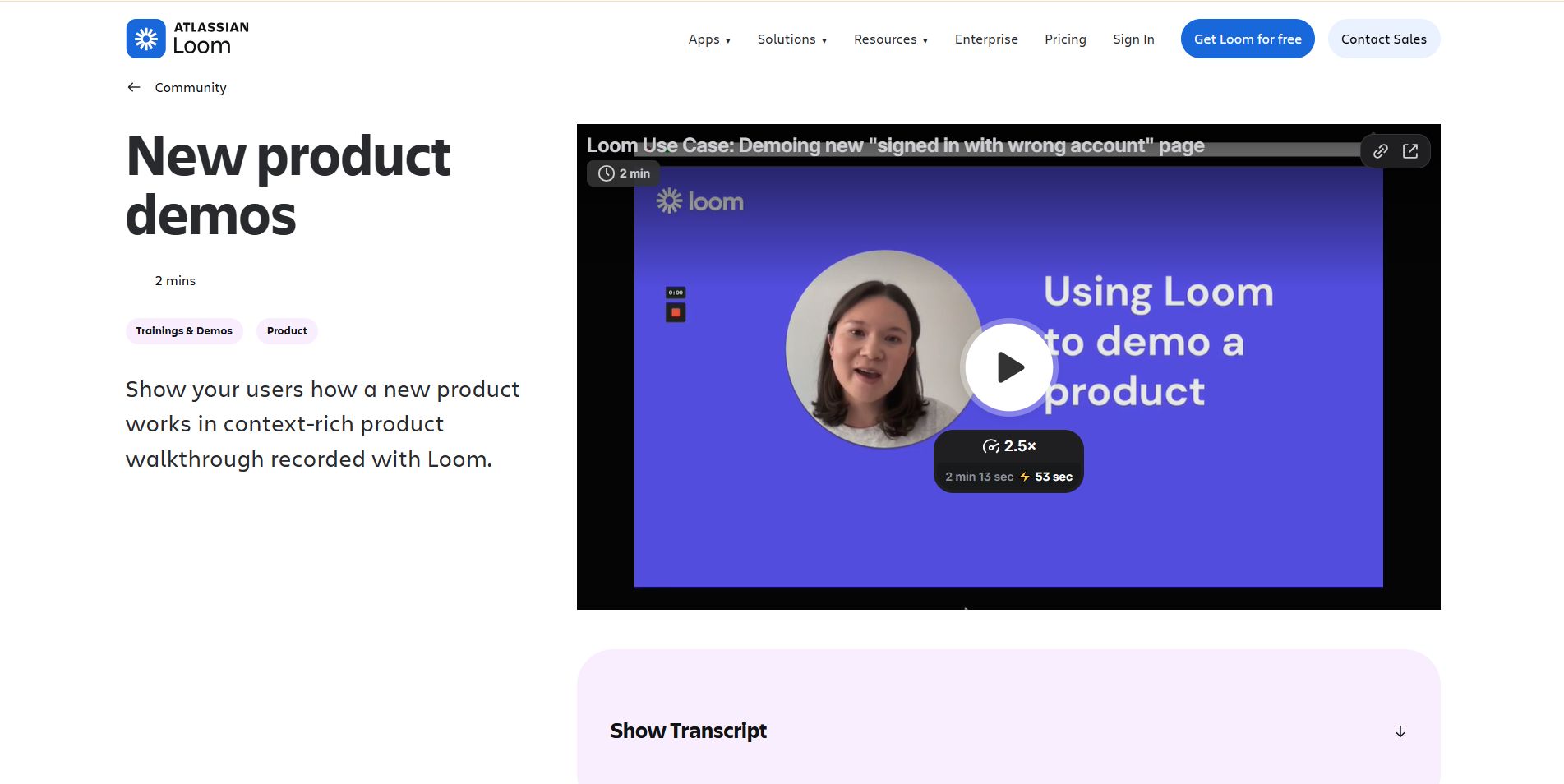
Atlassian paid $975 million for Loom in 2023. Since then, Loom has focused on async communication for product and engineering teams, not marketing.
If your team lives in Jira and Confluence, the integration is seamless. If you need marketing analytics or external hosting, look elsewhere.
Key Features
- Instant screen and webcam recording via Chrome extension
- Automatic transcription and AI-generated video summaries
- Native integrations with Jira, Confluence, Slack, and Notion
- Viewer reactions, comments, and embedded call-to-action links
- In-browser video trimming and basic editing tools
Pros
- Atlassian integration is seamless for teams already using Jira or Confluence
- AI-generated summaries reduce the time cost of watching full recordings
- Affordable at $15/user/month, with a usable free tier for individuals
Cons
- No marketing analytics, lead capture, or external CRM integration
- Not designed for external-facing brand video, product demos, or sales outreach
What Users Say
Loom users fall into two camps: love it or don't need it. Those who love it say it cuts meeting time significantly. The AI summary feature turns a 10-minute recording into a 30-second read, changing how teams consume updates.
Pricing
Free plan available (limited recording length). Business: $15/user/month.
Best For
Product, engineering, and internal teams that need async video communication and Atlassian workflow integration, not external marketing or sales video.
6. Descript
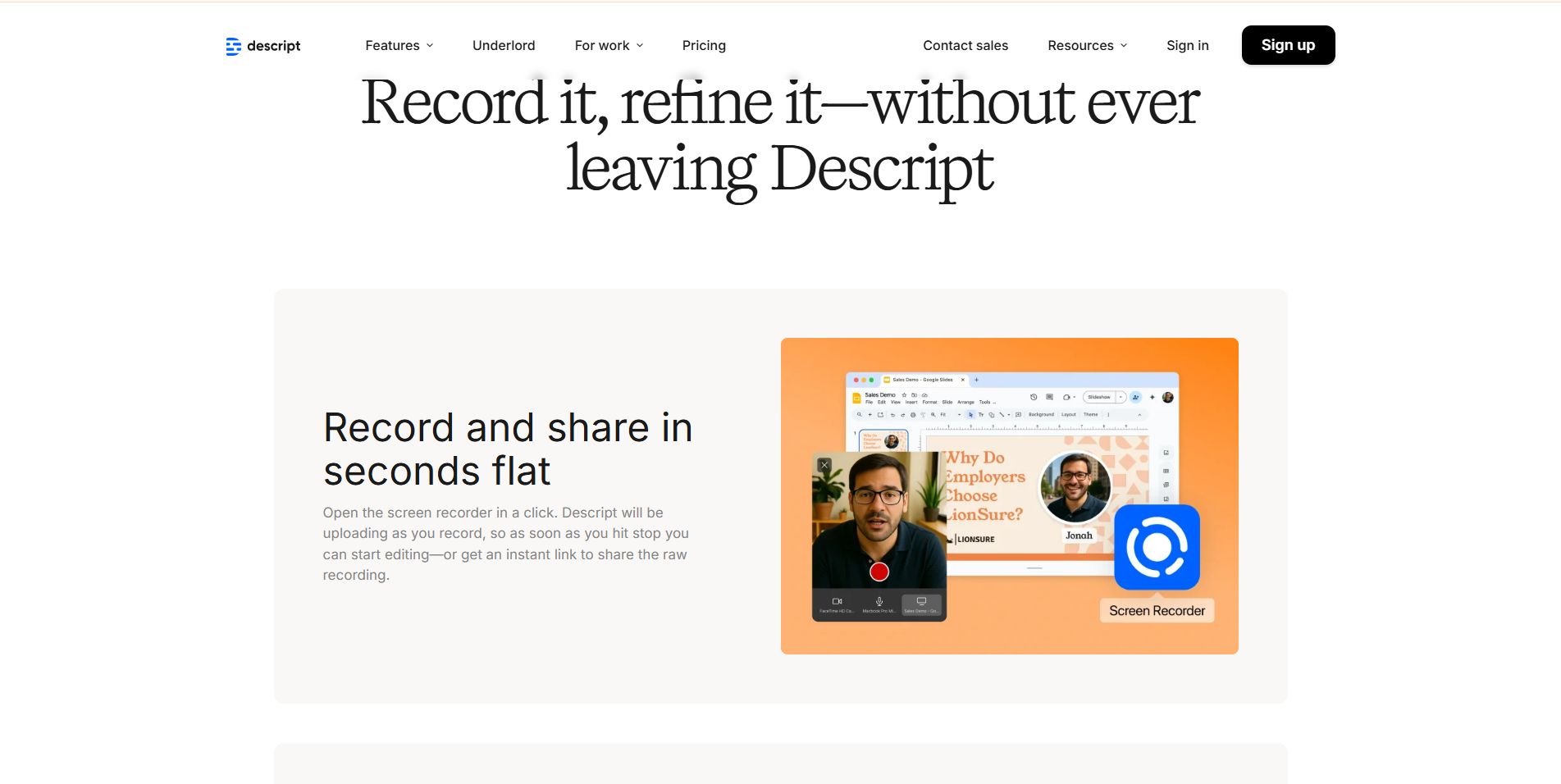
Descript invented text-based video editing. You cut words from the transcript. The video updates automatically. For spoken-word content, it's 60-70% faster.
The catch? In late 2025, they switched to metered pricing with "Media Minutes" and "AI Credits." Some users compare it to Wistia's overage problem, which is ironic considering that's why people leave Wistia.
Key Features
- Text-based video and audio editing via synchronized transcript
- AI tools for eye contact correction, studio sound enhancement, and filler word removal
- Screen recording and webcam capture are built in
- Podcast and video publishing workflow in one tool
- Collaboration tools for the marketing team review and approval
Pros
- Editing by transcript cuts production time significantly for spoken-word and interview content
- AI audio correction tools improve recording quality without studio equipment
- Handles both video and podcast workflows in a single platform
Cons
- Metered Media Minutes model adds pricing unpredictability for high-volume production teams
- Not a video hosting or distribution platform; requires a separate tool for delivery and analytics
What Users Say
Creators on Reddit say Descript's transcript editing is unmatched. Edit the text and video updates. Genuinely faster once you learn it.
Downside? In late 2025, Descript switched to metered credits. Several threads show frustration from teams using AI heavily who saw costs jump mid-project.
Pricing
Free: 60 Media Minutes/month. Hobbyist: $16/user/month (600 min). Creator: $24/user/month (1,800 min). Business: $50/user/month (2,400 min).
Best For
Marketing teams and podcasters that need AI-assisted editing and production efficiency, paired with a separate hosting platform for distribution and analytics.
7. VEED
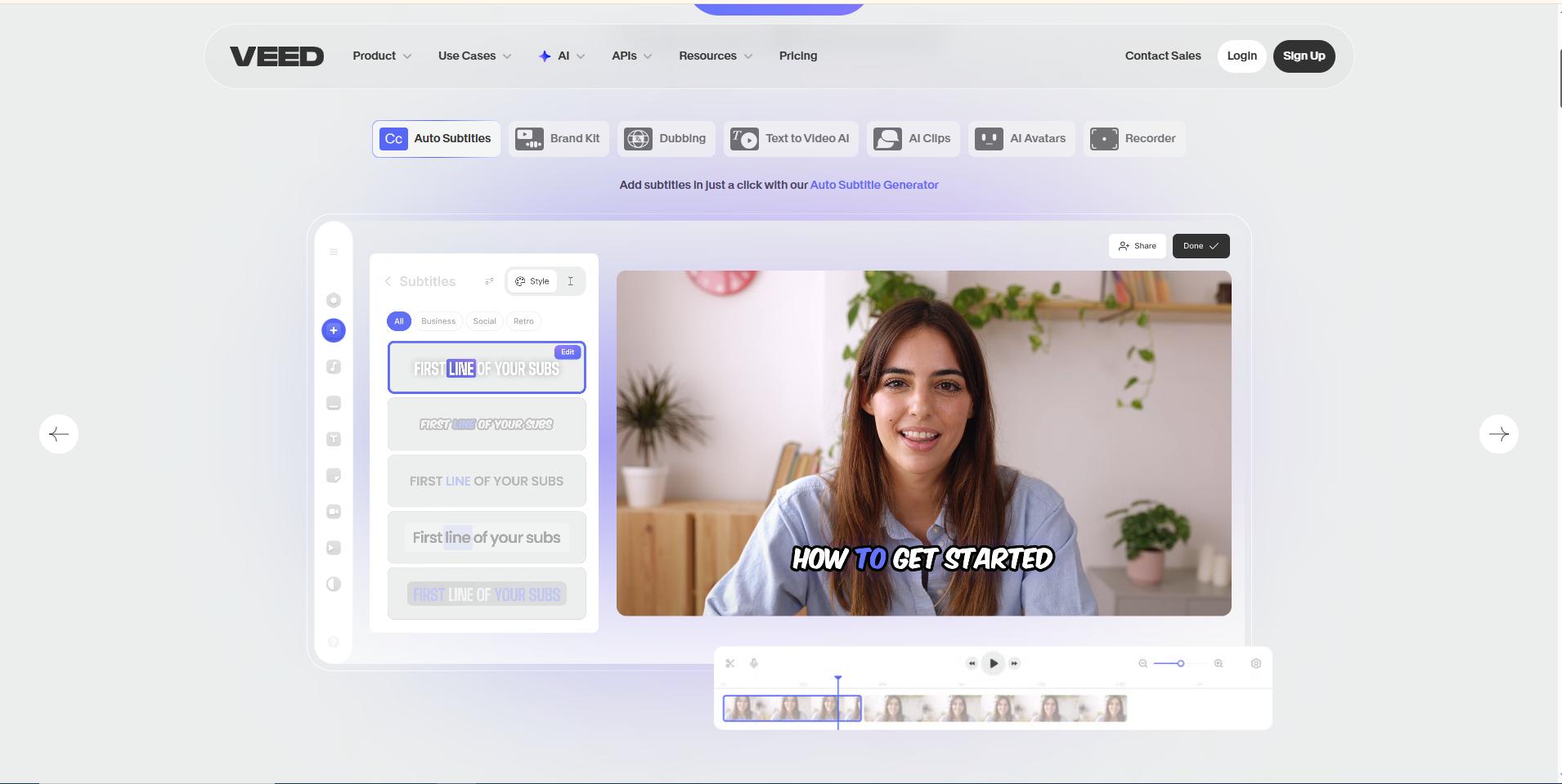
VEED lives in your browser. No downloads, no complicated software. It's built for marketers who need to crank out social videos without professional editing skills.
The auto-captions work well, templates are useful, and brand kits keep everything consistent. It won't give you Wistia's analytics, but it makes production way less painful.
Key Features
- Automatic subtitle and caption generation with strong accuracy
- Template library for social media, ads, and marketing video formats
- Screen recording and webcam capture are built into the browser
- Brand kit with logos, colors, and fonts for visual consistency
- Direct export to social platforms and video file formats
Pros
- Lowest-friction entry point for teams new to video production
- Auto-captions are accurate and save meaningful editing time at scale
- No installation required, fully browser-based across devices
Cons
- No video hosting, viewer analytics, or CRM integration
- Export quality is capped on lower plan tiers, limiting use for high-production output
What Users Say
VEED gets a lot of love from marketing coordinators who don't have a video editing background. The auto-captions are solid, and the interface is simple enough that you can go from idea to published video in one sitting. That matters when you're trying to keep up with social content demands.
Pricing
Free plan available (with watermark). Basic: $12/month. Pro: $24/month.
Best For
Social media managers and content marketers who need fast, professional-looking videos without a full production workflow.
8. Supademo
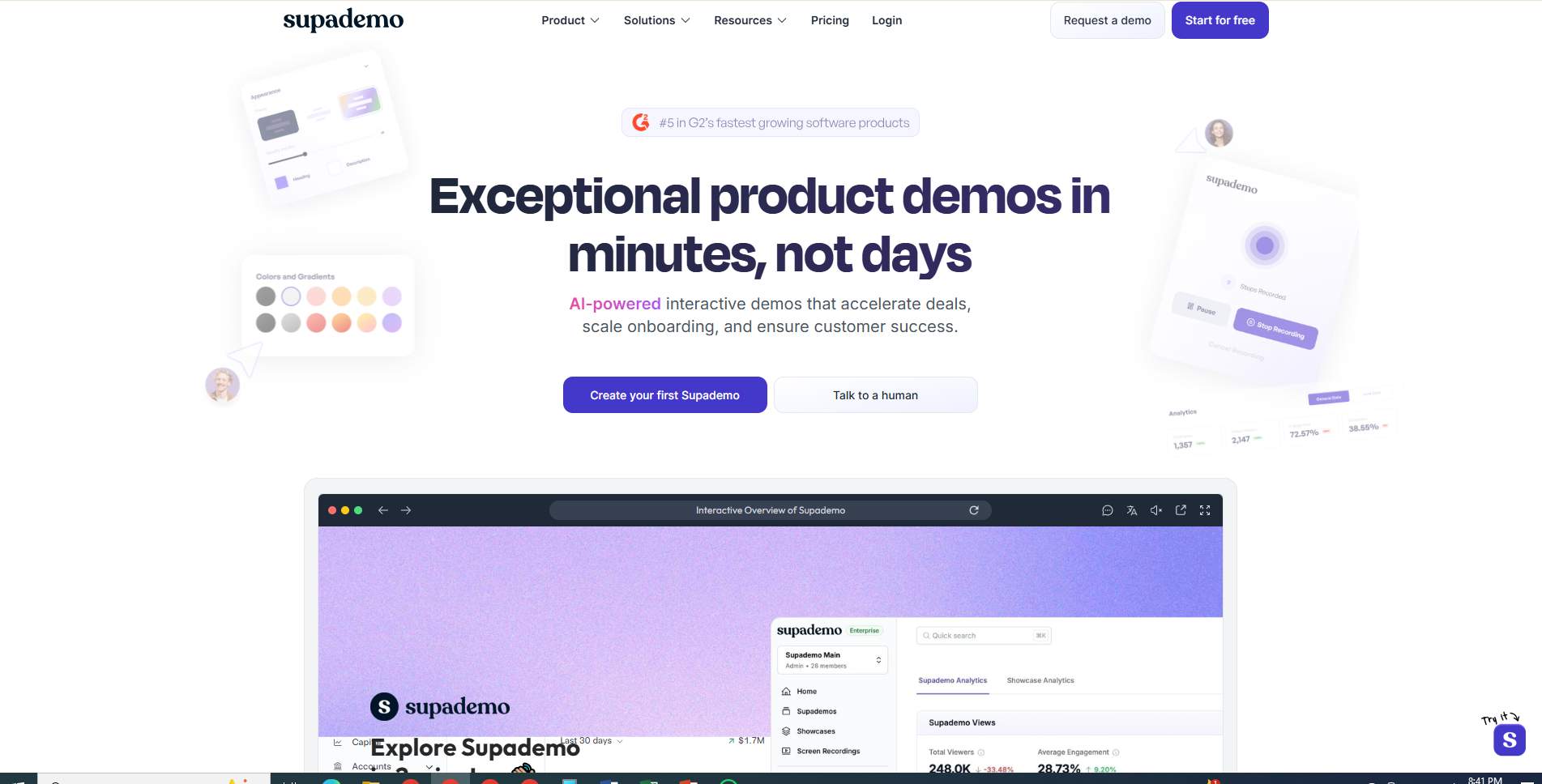
Supademo turns screen captures into clickable product tours. Think of it as the middle ground between a screenshot and a full demo call.
The numbers are real: 7x higher engagement, 3x better conversion vs. passive video. For SaaS teams trying to qualify leads before burning calendar time, that math works.
Key Features
- Screenshot and screen recording capture for step-by-step product walkthroughs
- Clickable hotspots and guided navigation paths within the tour
- Embeddable demos for websites, email campaigns, and sales decks
- Per-step analytics on engagement and drop-off points
- Custom branding and domain on paid plans
Pros
- 7x engagement lift vs. passive video based on platform benchmark data
- Fast to build and update without technical skills or developer support
- Effective for both self-serve onboarding flows and pre-demo prospect qualification
Cons
- Interactive tours do not replace video for narrative storytelling or emotional product positioning
- Analytics depth is limited compared to dedicated video hosting platforms
What Users Say
SaaS founders who use Supademo tend to say the same thing: it's the fastest way to give a prospect a real product feel without scheduling a call first. The 7x engagement stat holds up in practice according to reviews.
One thing G2 reviewers mention often: it works best as a complement to video, not a replacement. Interactive tours are great for evaluation, but they don't replace narrative storytelling.
Pricing
Free plan available (5 demos). Growth: $38/month. Scale: $83/month.
Best For
SaaS teams that need interactive product tours for self-serve evaluation, pre-demo qualification, and onboarding flows.
9. Cinema8
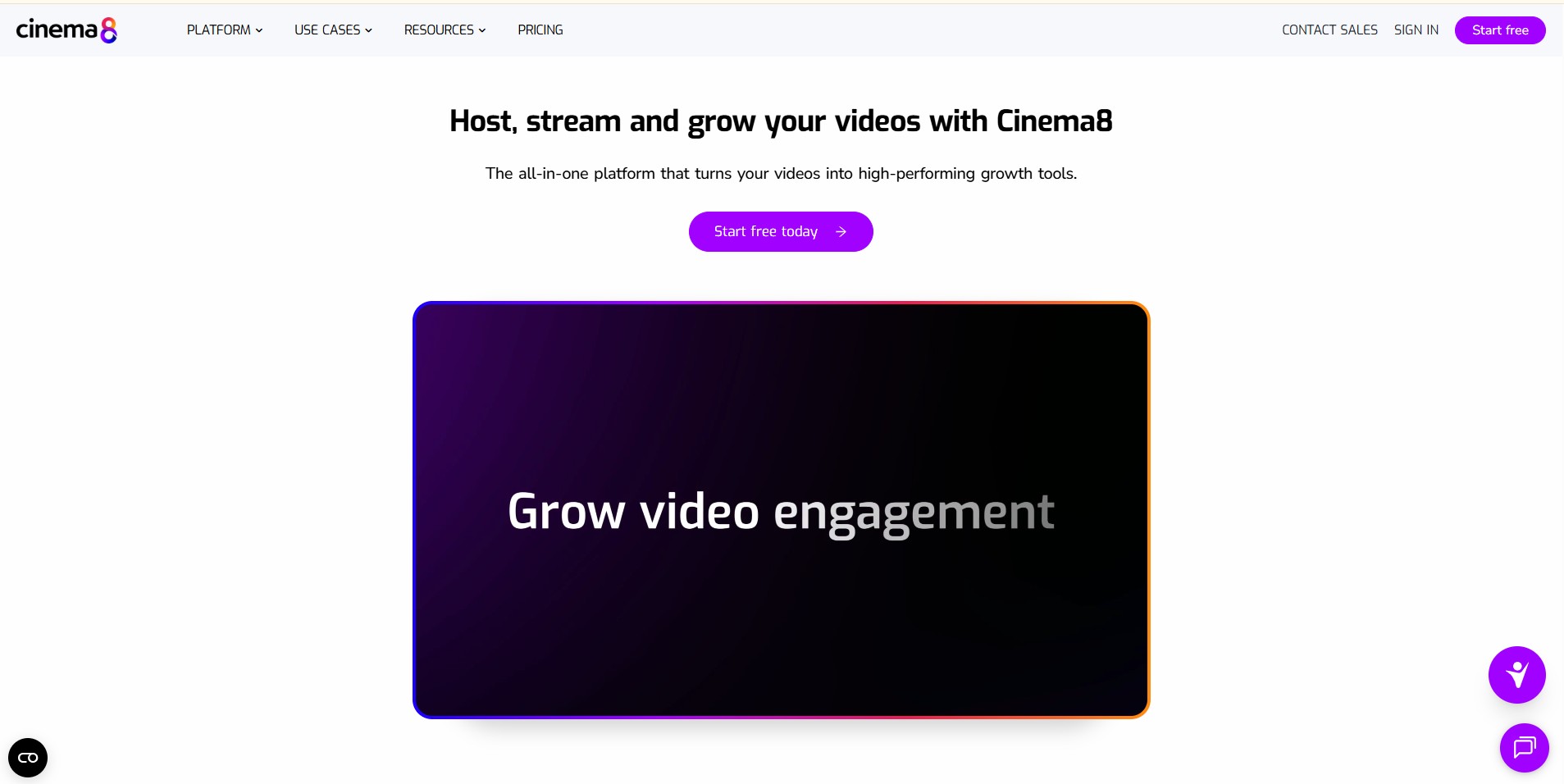
Cinema8 is all about interactivity. Drop quizzes, hotspots, and branching paths into the video player. Click one path, you see version A. Click another, version B.
The SCORM export matters for training teams. Your video data flows directly into your LMS, which most platforms can't do.
Key Features
- Branching video paths based on viewer choices at each decision point
- Embedded quizzes, polls, and clickable hotspot interactions
- SCORM export for direct LMS integration and learner tracking
- Lead generation forms embedded inside the video player
- Funnel analytics measuring engagement at each interactive step
Pros
- Branching paths enable content formats that passive video hosting cannot support
- SCORM export connects video performance data directly to formal e-learning workflows
- Competitive pricing with a free tier that supports initial testing and evaluation
Cons
- Branching experiences require upfront content planning that linear video production does not
- Less suited for outbound sales or external brand video use cases
What Users Say
E-learning teams give Cinema8 high marks for branching and interactivity. But here's the thing: you can't just tack on interactivity after the fact. You need to plan branching paths before you record, which is a different workflow than most teams are used to.
Pricing
Free: 10 videos. Starter: $15/month ($12/month billed annually). Pro and Enterprise plans available.
Best For
L&D teams, course creators, and SaaS companies that need interactive branching video experiences or SCORM-compatible e-learning content.
Pricing at Scale: What You Actually Pay as Your Library Grows
The gap between the pricing page and your actual invoice six months later? That's what nobody talks about.
Headline prices look fine until you hit 100, 250, or 500 videos. Here's what you'd actually pay across three platforms as your library scales.
Methodology notes:
- Wistia: Plus $19 (20 videos), Pro $79 (50 videos, $2.00/video overage beyond 50), Advanced $319 (250 videos, $0.50/video overage beyond 250). At 500 videos on Advanced: $319 base + $125 overage = $444/month.
- SproutVideo: Storage-based pricing stays flat within each plan tier. Cost does not increase with video count.
- Vimeo: Storage-based plans support large libraries. The $20/month Standard tier covers most mid-size content needs.
- PuppyDog: Not a general hosting platform. Pricing reflects AI-powered demo generation, not per-video storage. Confirm current plans.
Last verified: April 20, 2026. Prices are subject to change.
Wistia vs. Competitors: Head-to-Head
These are the comparisons people actually search for. Let's break them down quickly.
Wistia vs. Vidyard
Wistia is marketing-first. Vidyard is sales-first. Wistia shows where audiences drop off. Vidyard alerts you when a specific prospect watches your video and pipes that data into your CRM automatically. Vidyard surpassed 250,000 corporate customers in 2026, driven by outbound sales adoption.
Choose Wistia for branded video hubs and mid-funnel marketing. Choose Vidyard for personalized outreach and real-time deal signals.
Wistia vs. Vimeo
Wistia is built for B2B marketing teams with lead capture, A/B testing, and CRM integrations. Vimeo offers affordable storage-based pricing and cleaner creative portfolios. At 250 videos, Vimeo's $20/month significantly undercuts Wistia's $319/month.
Choose Wistia for lead generation and marketing analytics. Choose Vimeo for cost-effective hosting without marketing tools.
Wistia vs. Loom
Not direct competitors. Wistia hosts external-facing marketing videos. Loom records async video for internal teams. Since Atlassian's $975M acquisition, Loom deepened its Jira and Confluence integration, positioning it as a productivity tool, not a marketing platform.
Choose Wistia for external video marketing and lead capture. Choose Loom for internal async communication and Atlassian workflows.
Wistia vs. PuppyDog
Wistia hosts and tracks videos. PuppyDog generates personalized demos. Not direct competitors. Wistia analyzes content you created. PuppyDog automates persona-specific demo creation from one source recording.
Choose Wistia for video hosting and marketing analytics. Choose PuppyDog for AI-personalized product demos.
How to Choose the Right Wistia Alternative
Decisions are easier when you know what you're optimizing for. Here's a simple framework.
Migrating Off Wistia: A Practical Checklist

Here's the part most comparison posts skip entirely: actually moving your videos.
It's not a weekend project. And honestly, most teams underestimate how many places their video embeds live and how much it matters to preserve SEO signals. But it's manageable if you plan for three categories of risk: SEO loss, embed breakage, and analytics gaps.
Step 1: Export your original files before canceling. Download your original video files from the Wistia dashboard before touching anything else. You need source files, not re-encoded versions, to preserve quality.
Step 2: Audit every active embed. Document every URL where a Wistia embed lives – landing pages, blog posts, emails, knowledge base. A broken embed on a high-converting page has revenue impact, not just UX problems.
Step 3: Confirm VideoObject schema on the new platform. Wistia auto-injects JSON-LD VideoObject data for Google. When you switch to Vimeo, SproutVideo, or others, confirm whether they handle schema automatically or if you need to add it manually. Missing schema kills your video SEO.
Step 4: Check robots.txt after migration. Accidentally blocking the new platform's embed scripts in robots.txt is surprisingly common. Run a Search Console coverage audit within 48 hours to catch this before it tanks your rankings.
Step 5: Set 301 redirects for Wistia-hosted landing pages. If you used Wistia Channels for dedicated video pages, those URLs may have accumulated backlinks. Correct 301 redirects preserve that link equity.
Step 6: Test Core Web Vitals on your highest-traffic pages. Different players carry different script weights. After switching platforms, run Google PageSpeed Insights on your top landing pages. If Largest Contentful Paint (LCP) exceeds 2.5 seconds, investigate whether the new player requires a lazy-loading implementation or a video facade pattern to reduce initial load impact.
Step 7: Remap CRM integrations before going live. Wistia's HubSpot and Marketo integrations push engagement data into contact records automatically. When you switch, those flows break. Document every integration and confirm your new platform supports them before cutting over.
Biggest migration mistake? Moving videos without preserving the data strategy. Document your baseline metrics in Wistia before switching. That's your benchmark for whether the new platform actually improves things.
FAQs (Frequently Asked Questions)
These are the questions that keep coming up in our conversations with teams evaluating alternatives. Here are the direct answers.
What is the best Wistia alternative in 2026?
For most teams, SproutVideo. It gives you the marketing tools you actually need (lead capture, CTAs, heatmaps) starting at $10/month, and the storage-based pricing doesn't punish you for creating more content. If your priority is sales rather than marketing, go with Vidyard instead.
Is there a free alternative to Wistia?
Yes, several. Vidyard, Loom, Cinema8, VEED, and Supademo all have free plans that are actually usable, not just teaser tiers. The catches vary – some limit video count, others cap recording length, or lock AI features. Vidyard's free tier is probably the most generous for hosting, though you lose analytics depth.
What is the cheapest Wistia alternative?
Vimeo at $7/month or SproutVideo at $10/month, depending on what you need. Both give you way more storage per dollar than Wistia's per-video pricing. If your library is growing fast, SproutVideo's flat-rate storage model will probably save you more money over time.
How does Wistia compare to Vimeo?
Wistia is built for B2B marketing workflows and includes lead capture, A/B testing, and CRM integrations. Vimeo suits creative and brand video teams with affordable storage-based pricing and clean embeds. Wistia's analytics are deeper for marketing use cases. Vimeo is more cost-effective for teams that do not need those features.
Which Wistia alternative is best for sales teams?
Vidyard. It offers individual prospect-level view tracking, real-time CRM alerts, and personalized video outreach tools built specifically for B2B sales. Its 250,000-plus corporate customer base reflects strong adoption across revenue teams of all sizes.
Can I migrate my videos off Wistia?
Yes. Wistia lets you download your original files right from the dashboard. The tricky part isn't the download – it's remapping all your embeds, preserving SEO schema, and reconnecting CRM integrations. We've got a full checklist in the migration section if you're actually doing this.
Does Wistia slow down my website?
A little, but way less than YouTube. Wistia's player is about 99KB compared to YouTube's 1.5MB. That said, it still adds to your Largest Contentful Paint time if the video is above the fold. Performance-obsessed teams often go with something like SmartVideo, which stays under 50KB and uses just one HTTP request.
What is the best Wistia alternative for AI-powered product demos?
PuppyDog is really the only tool built specifically for this. It takes your screen recordings or screenshots and generates personalized demo videos with AI narration and buyer-specific messaging. If personalization at scale is your main problem, that's your answer.
How does PuppyDog differ from Wistia?
They're solving different problems. Wistia hosts videos and tracks engagement. PuppyDog creates personalized demo videos using AI. With Wistia, you upload what you recorded. With PuppyDog, you upload one recording, and it generates personalized versions for different buyers. Different category entirely.
The Honest Verdict
Let's be clear: Wistia is still a well-built platform. If your library stays under 50 videos and your team is focused on mid-funnel marketing, it might still be the right call.
But here's what we've seen. Per-video pricing starts to sting once you're producing content at any real velocity. That's when teams start asking whether they're paying for features they actually use or just paying for storage that could cost a fraction elsewhere.
SproutVideo fixes the cost problem. Vidyard fixes the sales signal problem. PuppyDog fixes the personalization problem. None of them does everything Wistia does, but that's kind of the point. You probably don't need everything Wistia does.
Use the decision framework earlier in this post. Test the free tier of your top two picks against your real workflows. And switch when you've got a clear baseline to measure against, not because a blog post told you to.
Last verified: April 20, 2026. Pricing is subject to change. Confirm current plans on each platform's pricing page before making a purchase decision.

Sarah Thompson is a storyteller at heart and Business Developer at PuppyDog.io. She’s passionate about creating meaningful content that connects people with ideas, especially where technology and creativity meet.