Vyond Alternatives: Best Tools for Product Demos, Training & Marketing Videos

Animated videos have been a favorite in business for years, and Vyond helped make that happen. With friendly characters, ready-made templates, and simple drag-and-drop tools, it gave teams a way to explain ideas without hiring a full animation studio. For training, internal updates, and explainer-style marketing, it still does a solid job.
But here’s the thing, video needs have changed. A lot!
Today, teams aren’t just explaining concepts. They’re showing real software, creating product walkthroughs, sending personalized demos to prospects, and updating videos every time their UI changes. That’s where traditional animation tools can start to feel slow, limited, or just not built for the job.
If you’ve been using Vyond and thinking, “This is great, but I wish it could do more for product demos or sales videos,” you’re not alone.
In this guide, we’ll look at the best Vyond alternatives, not just as a list of tools, but based on what you actually need to create. Whether you’re in marketing, product, sales, or training, you’ll find options that better match how modern teams use video today.
What Vyond does best, and where it struggles
Before we jump into alternatives, let’s be fair. Vyond didn’t become popular by accident. It solves some problems really well, just not every problem modern teams have.
Where Vyond really shines
Vyond is built for animated storytelling, and that’s exactly where it performs best.
- Character-based explainers: You can quickly create office scenes, customer service stories, or training scenarios using animated characters.
- Structured learning content: It works well for HR training, compliance lessons, and soft-skill scenarios where acting out a situation helps learning stick.
- Template-driven creation: Non-designers can still produce polished videos using ready-made scenes, motions, and layouts.
- Consistent visual style: If your brand uses a friendly, cartoon-style tone, Vyond makes it easy to maintain visual consistency.
For concept-driven communication, Vyond is still a strong and reliable choice.
Where Vyond starts to struggle
Now let’s talk about the friction points, especially for SaaS and product-led teams.
- Showing real software: Vyond is animation-first, so representing an actual product interface can feel artificial or oversimplified.
- Frequent product updates: When your UI changes every few weeks, reworking animated scenes can take more time than it should.
- Personalized sales videos: Vyond isn’t designed to generate tailored, one-to-one product demos for different prospects.
- Detailed screen guidance: Things like cursor paths, live clicks, zooming into tiny UI elements, or blurring sensitive data are not its core strengths.
In short, Vyond is excellent when you’re telling a story. But when you need to show a real product in action, especially at scale, many teams start looking for tools built specifically for that job.
Why Teams are looking beyond Vyond
Most teams don’t wake up one day and decide to replace a tool just for fun. Usually, it happens slowly. A few small frustrations pile up… then suddenly Vyond doesn’t feel like the perfect fit anymore.
Here are the most common reasons teams start exploring alternatives, explained in plain, real-world terms.
“Our product changes every week.”
If you work in SaaS, you already know the drill. Buttons move. Features get renamed. New flows appear.
With animation tools, updating a video often means going back into scenes, adjusting visuals, re-timing animations, and sometimes re-recording voice-overs. That’s fine once in a while, but painful when updates are constant. Teams want videos that are easier to tweak without rebuilding everything from scratch.
“We need to show the real interface.”
Animated mockups can explain an idea, but they don’t always build trust when someone wants to see how your product actually works.
Prospects, new users, and customers often prefer:
- Real clicks
- Real menus
- Real dashboards
When viewers can follow along with what they see in their own account, learning feels easier and more believable. That’s where screen-first tools often win over animation.
“Sales wants personalized videos.”
Sales teams increasingly ask for videos that feel made just for one person or one company. Think:
- A demo that highlights features relevant to a specific industry
- An onboarding video based on what a user has (or hasn’t) tried
- A follow-up video after a sales call
Creating that level of personalization manually inside an animation tool just doesn’t scale. It turns into hours of editing for every single variation.
“Pricing and credits get confusing.”
As AI features get added, some platforms rely on credit systems. The more you experiment with new voiceovers, translations, and avatars, the more credits you burn.
Teams sometimes find themselves hesitating to test new ideas because they’re worried about cost. And that’s never a good place to be creatively.
Put all this together, and the pattern becomes clear:
Vyond is great for structured, story-based animation. But when speed, real product visuals, and personalization become top priorities, teams naturally start searching for alternatives built for those modern needs.
Checklist: What a modern Vyond alternative should offer
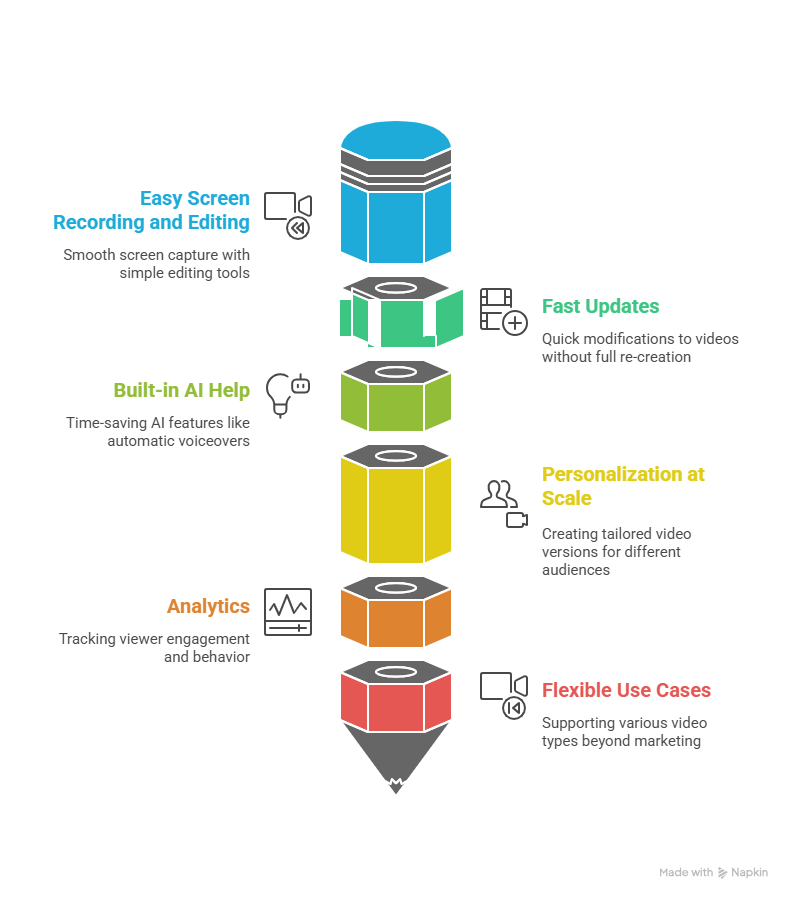
So if Vyond isn’t ticking every box anymore, what should you be looking for?
Not every team needs Hollywood-level production. Most just want videos that are clear, easy to update, and actually help users or buyers understand the product. Here’s a simple checklist to guide your search.
1. Easy screen recording and editing
Modern product videos often start with a simple screen recording. A strong alternative should let you:
- Record your screen, browser, or app smoothly
- Trim mistakes without starting over
- Zoom into important areas
- Add highlights, callouts, or cursor effects
If editing feels harder than recording, the tool is working against you.
2. Fast updates when your product changes
Your software evolves, your videos should keep up. Look for tools that make it easy to:
- Replace small sections instead of redoing the whole video
- Update text or visuals quickly
- Reuse existing scenes across multiple videos
The goal is to maintain videos without turning it into a full-time job.
3. Built-in AI help (that actually saves time)
AI is everywhere now, but not all AI features are useful. Focus on practical time-savers like:
- Automatic voiceovers from your script
- Smart captions and subtitles
- Background noise removal
- Quick translations for global audiences
If AI makes production faster and easier, great. If it just adds complexity, skip it.
4. Personalization at scale
This is a big one for sales and customer success teams. A modern tool should help you create:
- Slightly different versions of the same video
- Tailored intros or outros
- Role-based or industry-specific walkthroughs
Manually editing dozens of versions isn’t realistic. Automation here is a huge win.
5. Analytics that show what viewers actually do
A video isn’t just a file — it’s a communication tool. Strong alternatives often include:
- Viewer engagement tracking
- Drop-off points in the video
- Click data (if the video is interactive)
This helps you improve videos based on real behavior, not guesses.
6. Flexible use cases beyond marketing
The best Vyond alternatives don’t lock you into one type of video. Ideally, the same platform can support:
- Product demos
- Onboarding guides
- Help center tutorials
- Internal training
- Sales follow-ups
One tool, multiple teams. That’s when adoption really grows.
In short, a modern alternative should make video creation feel less like a design project and more like a natural extension of how your team already works. Faster to create, easier to update, and better aligned with real product communication, that’s the sweet spot.
Types of Vyond alternatives (grouped by use case)
Not all Vyond alternatives are trying to do the same thing, and that’s actually good news. Instead of searching for a “Vyond clone,” it’s smarter to look for tools built for the kind of videos you create most.
Here’s how the landscape usually breaks down
1. Animation-focused tools (closest to Vyond)
These tools are best if you still want character-driven, story-style videos, but with a different interface, pricing model, or visual style.
They’re commonly used for:
- HR and compliance training
- Educational explainers
- Internal communication videos
You still build scenes using characters, props, and backgrounds, just with a different creative approach.
2. Screen recording & tutorial video tools
These are ideal for teams that need to show real software in action rather than animated mockups.
They’re often used for:
- Product walkthroughs
- Help center tutorials
- Feature announcements
- Onboarding guides
Instead of designing scenes, you record your screen and enhance it with zooms, highlights, voiceovers, and captions.
3. AI-powered product demo platforms
This is where things start to feel very different from traditional animation.
These tools are built for:
- Sales demos
- Personalized product walkthroughs
- Marketing videos based on real UI
Platforms like puppydog.io fall into this category. Rather than manually animating everything, you can turn screen recordings or screenshots into polished, AI-enhanced demo videos. That’s especially helpful when you need multiple versions for different audiences.
4. All-in-one video creation suites
These tools try to cover a bit of everything. Screen recording, basic animation, webcam recording, and editing.
They’re often used by:
- Small marketing teams
- Content creators
- Startups that want one tool for many video types
You might not get deep animation features or advanced demo automation, but you do get flexibility in one place.
Quick comparison by use case
Here’s a simple way to see how these categories differ:
The key takeaway? The “best” alternative depends on what you actually create most often. If your goal is clearer product communication and scalable demos, animation might not be the center of your workflow anymore, and that’s perfectly okay.
Vyond Alternative: Head‑to‑Head Comparisons
Below, we’ll compare Vyond with each key alternative, not just features, but when and why you might choose one over the other. Think of this like a conversation between two tools: “Here’s what I do best… and here’s where you might want something else instead.”
Vyond vs Puppydog.io
Big difference: Animation storytelling vs AI‑driven personalized product demos
What Vyond does well:
- Prebuilt animated scenes and characters
- Great for explainers, training scenarios, and storytelling
Where Puppydog.io shines:
- Turns real product screens into demo videos
- Creates personalized videos at scale, tied to CRM behaviors
- Automates script writing, voice, editing, and delivery
- Ideal for outbound campaigns, onboarding, and upsell videos
Who should choose what?
- Choose Vyond if your focus is concept‑based storytelling or animated explainers.
- Choose Puppydog.io if your priority is showing real product value, especially to individual prospects with tailored messaging.
Vyond vs Clueso
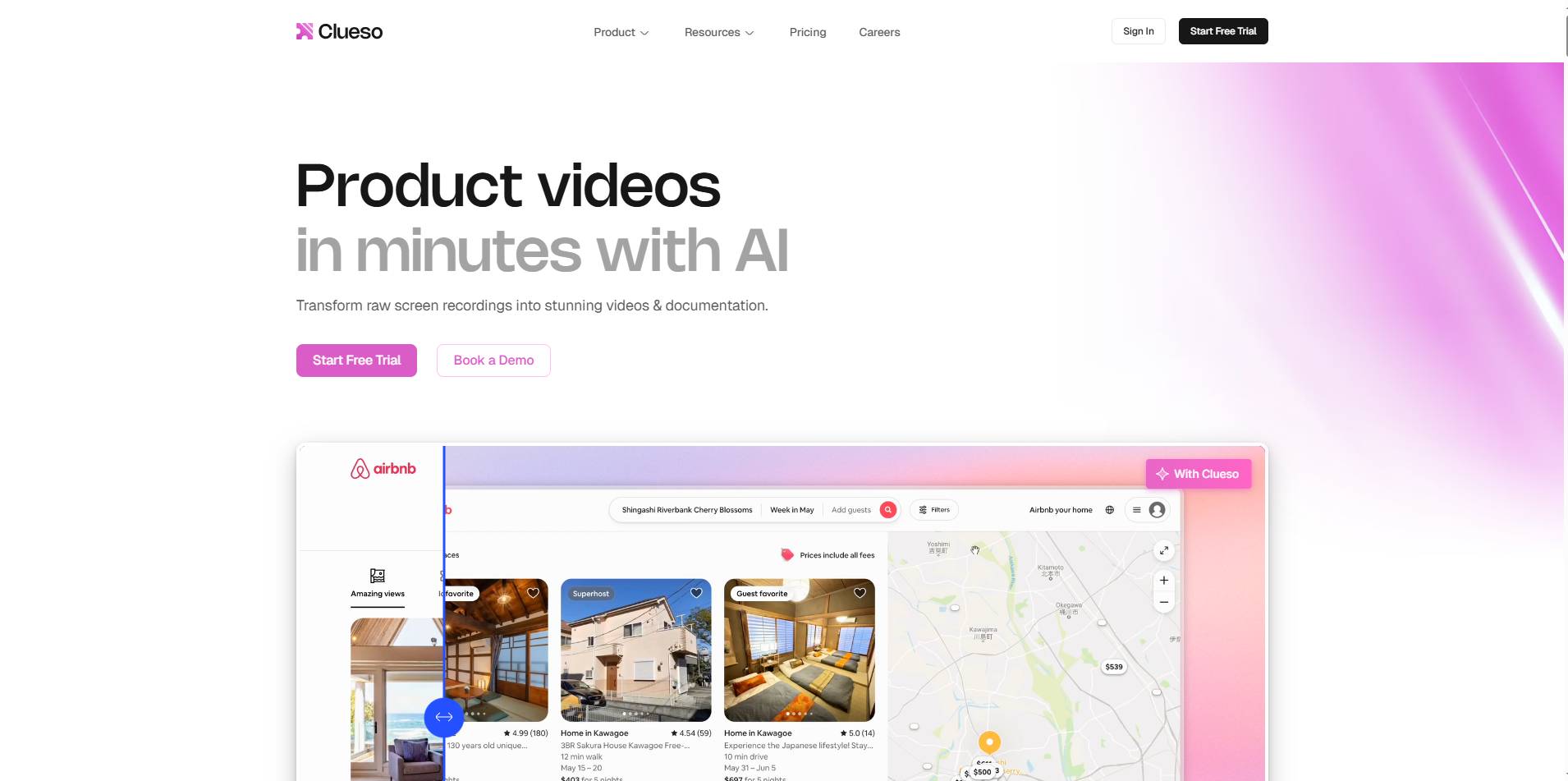
Big difference: General animation vs real UI walkthroughs
What Vyond does well:
- Scene composition with library assets
- Cartoonish visuals that simplify abstract ideas
Where Clueso excels:
- Converts screen recordings into professional tutorials
- Adds smart zooms, callouts, and editable transcripts
- Keeps videos updated when UI changes
Best for:
- Vyond is when visual narrative matters more.
- Clueso when you need true product walkthrough clarity and easy updates.
Vyond vs Camtasia
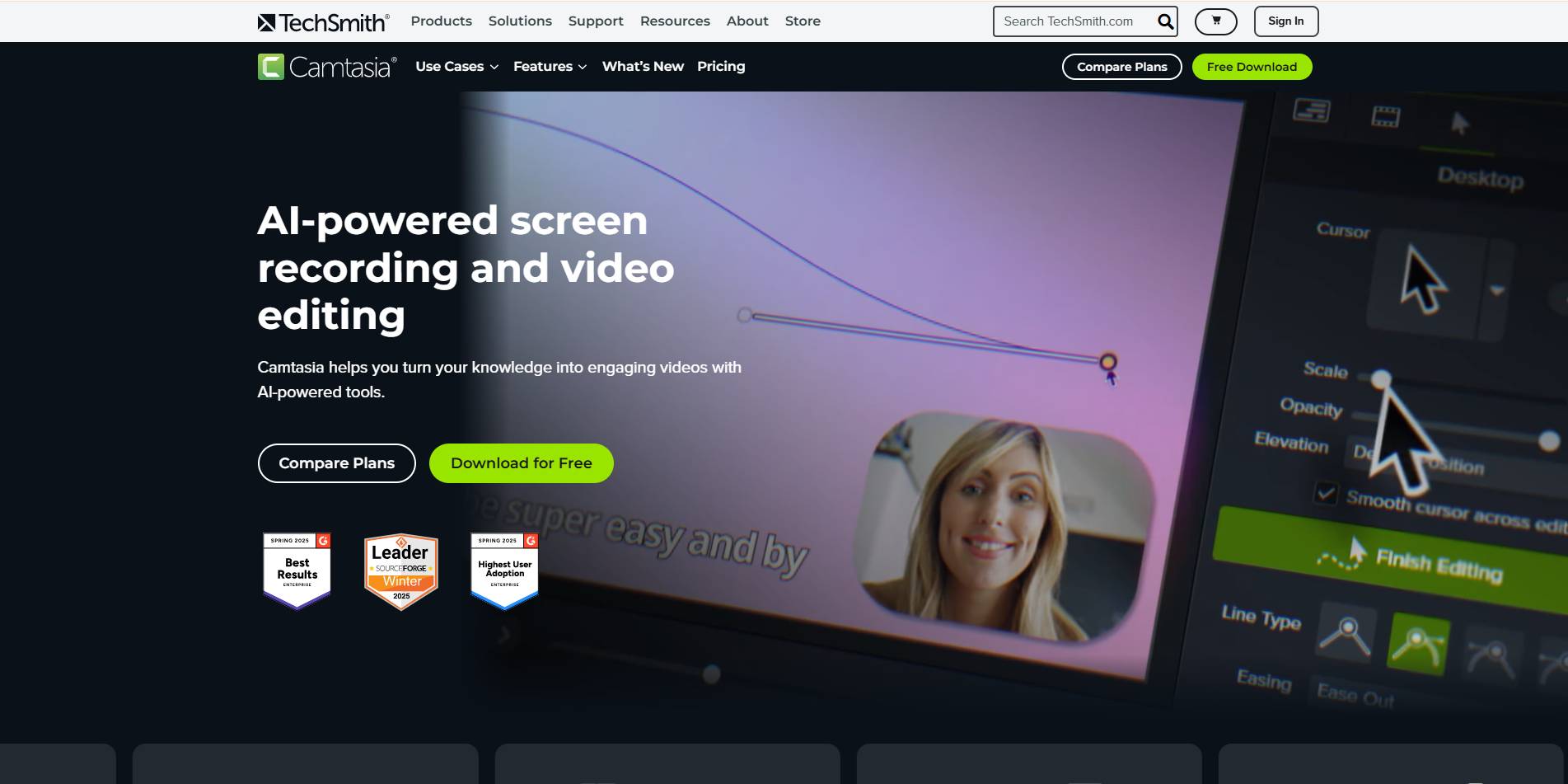
Big difference: Animation‑first vs precision timeline editing
What Vyond does well:
- Simple drag‑and‑drop animation
- Quick setup for storytelling
What Camtasia does best:
- Detailed screen recording + multi‑track editing
- Keyframe control for zooms, audio, and effects
- Deep editing control for polished tutorials
Best for:
- Vyond if you want friendly, story‑like explainers.
- Camtasia if you want professional, screen‑accurate tutorial videos with detailed control.
Vyond vs Synthesia & HeyGen
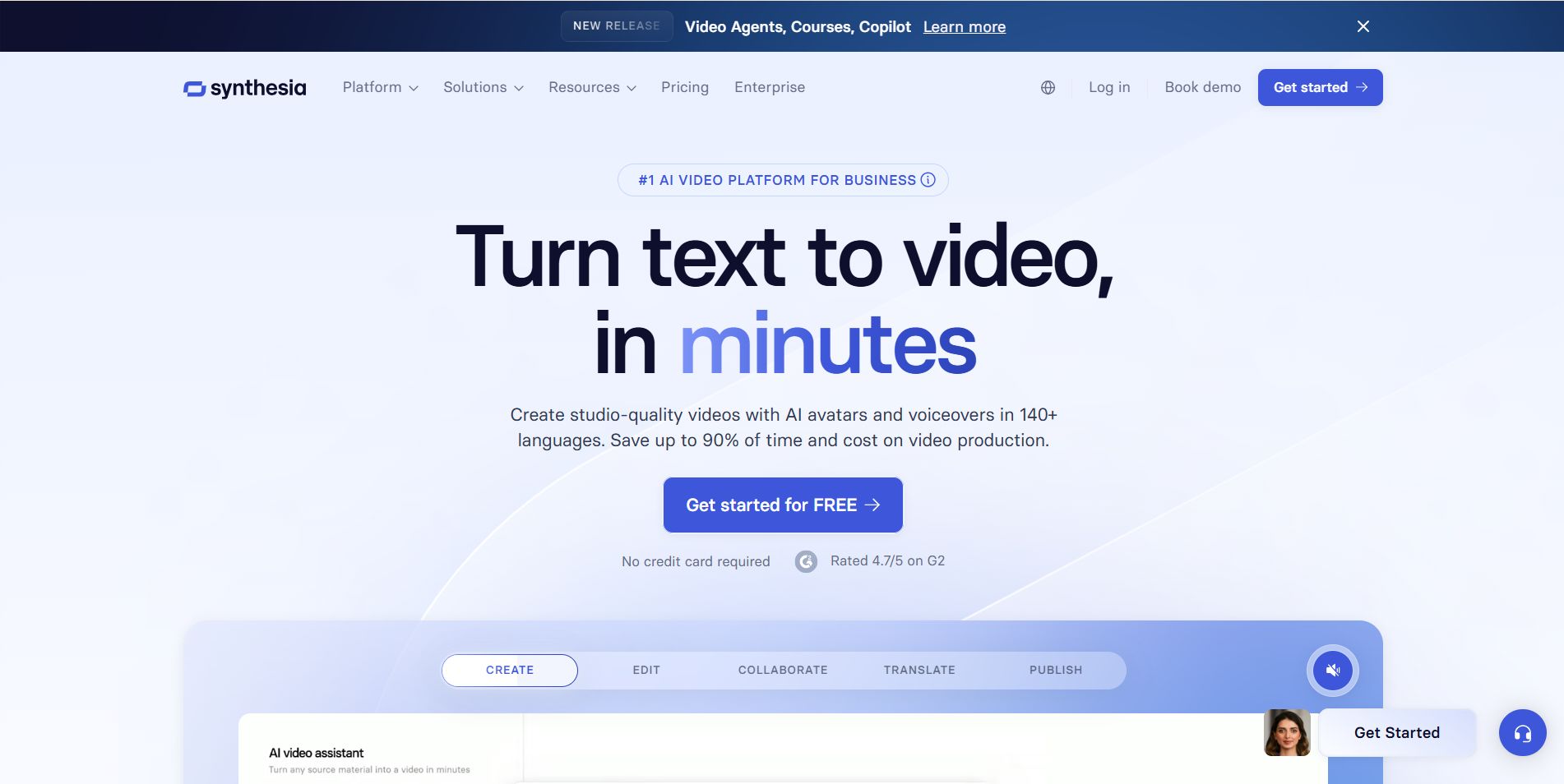
Big difference: Animated characters vs AI presenter avatars
What Vyond does well:
- Cartoon scenes with stylized characters
Where Synthesia & HeyGen shine:
- AI avatars that look and speak like real people
- Great for training, executive updates, and localized video messaging
- Often faster than casting, shooting, and editing real footage
Best for:
- Vyond if your content benefits from stylized animation.
- Synthesia/HeyGen if you want human‑like presenters without a film crew.
Vyond vs Animaker
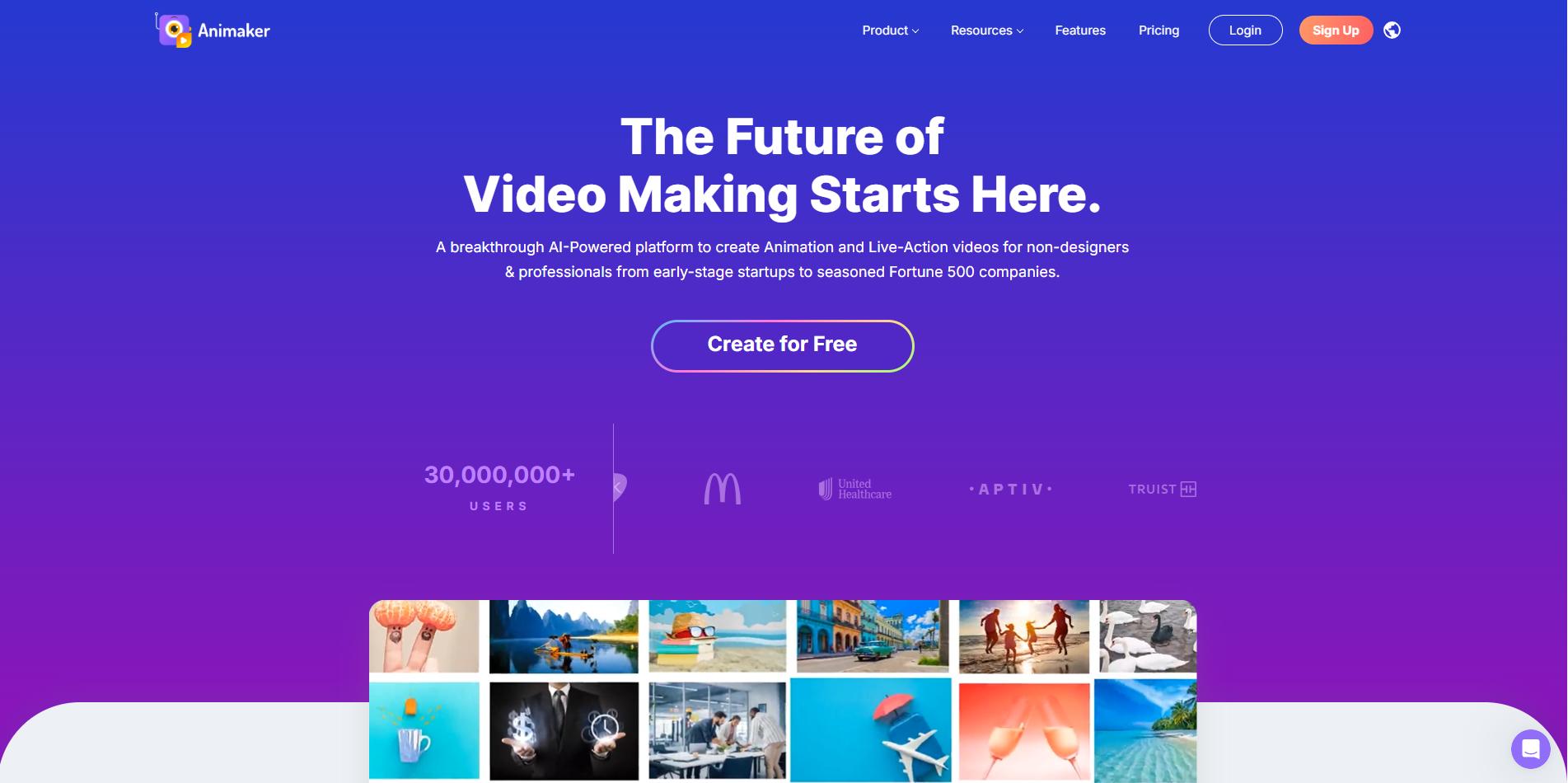
Big difference: Business‑leaning animation vs creative‑rich animation with high resolution
What Vyond does well:
- Focus on business story formats
- Straightforward templates
What Animaker offers:
- Billion+ character variations and stock assets
- Higher export quality (2K/4K) available
- More flexibility in visual style
Best for:
- Vyond if you want structured business animation.
- Animaker if you need greater creative variety and higher video resolution.
Vyond vs Powtoon
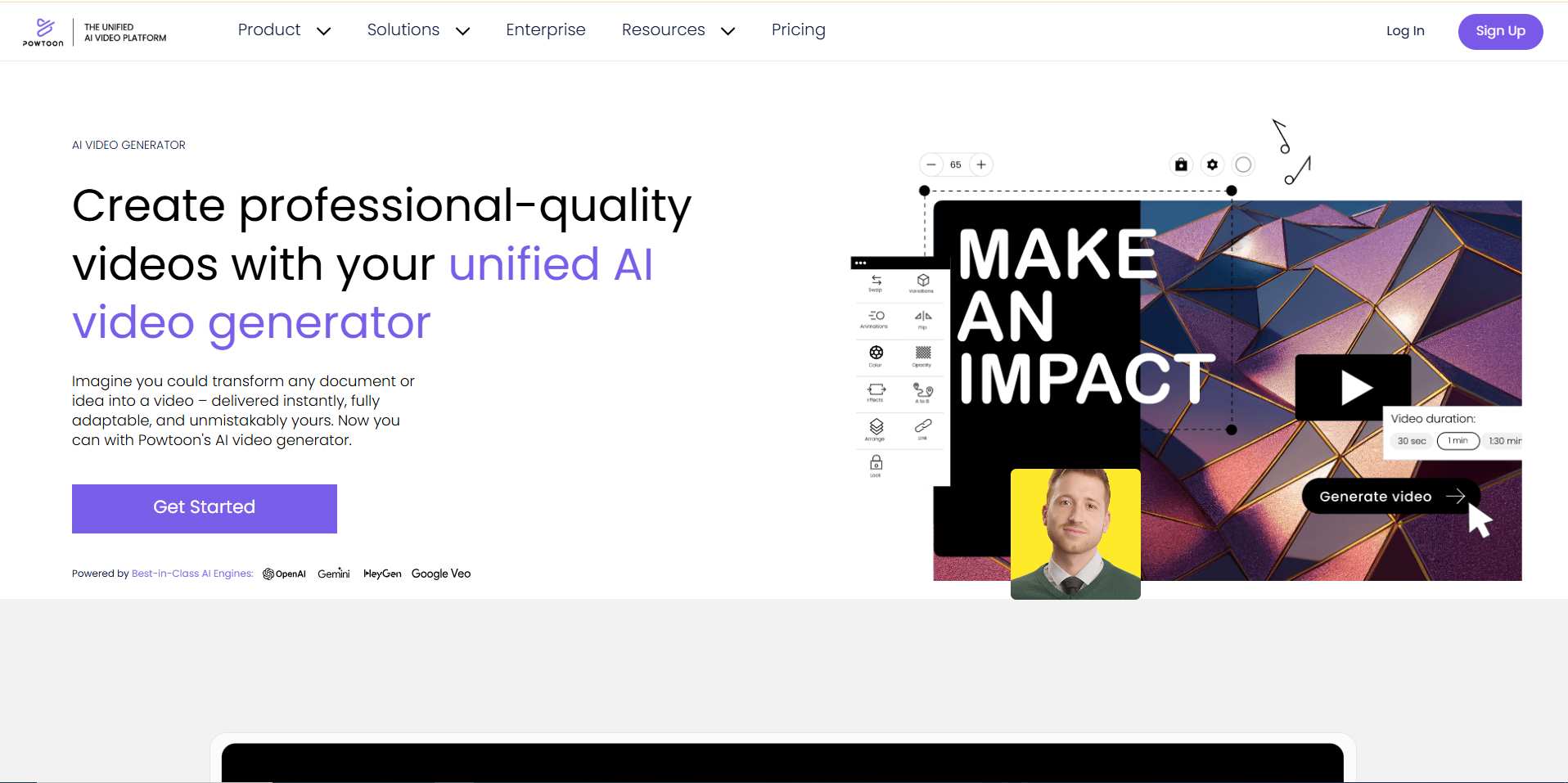
Big difference: Studio‑style animation vs presentation‑style motion graphics
What Vyond does well:
- Polished animated characters
Where Powtoon stands out:
- Slide‑like storytelling with motion
- Easy for educators or internal communicators
- Intuitive for non‑video pros
Best for:
- Vyond for character‑heavy visual stories.
- Powtoon for presentation‑style explainers and training content.
Vyond vs Canva / Biteable / Moovly
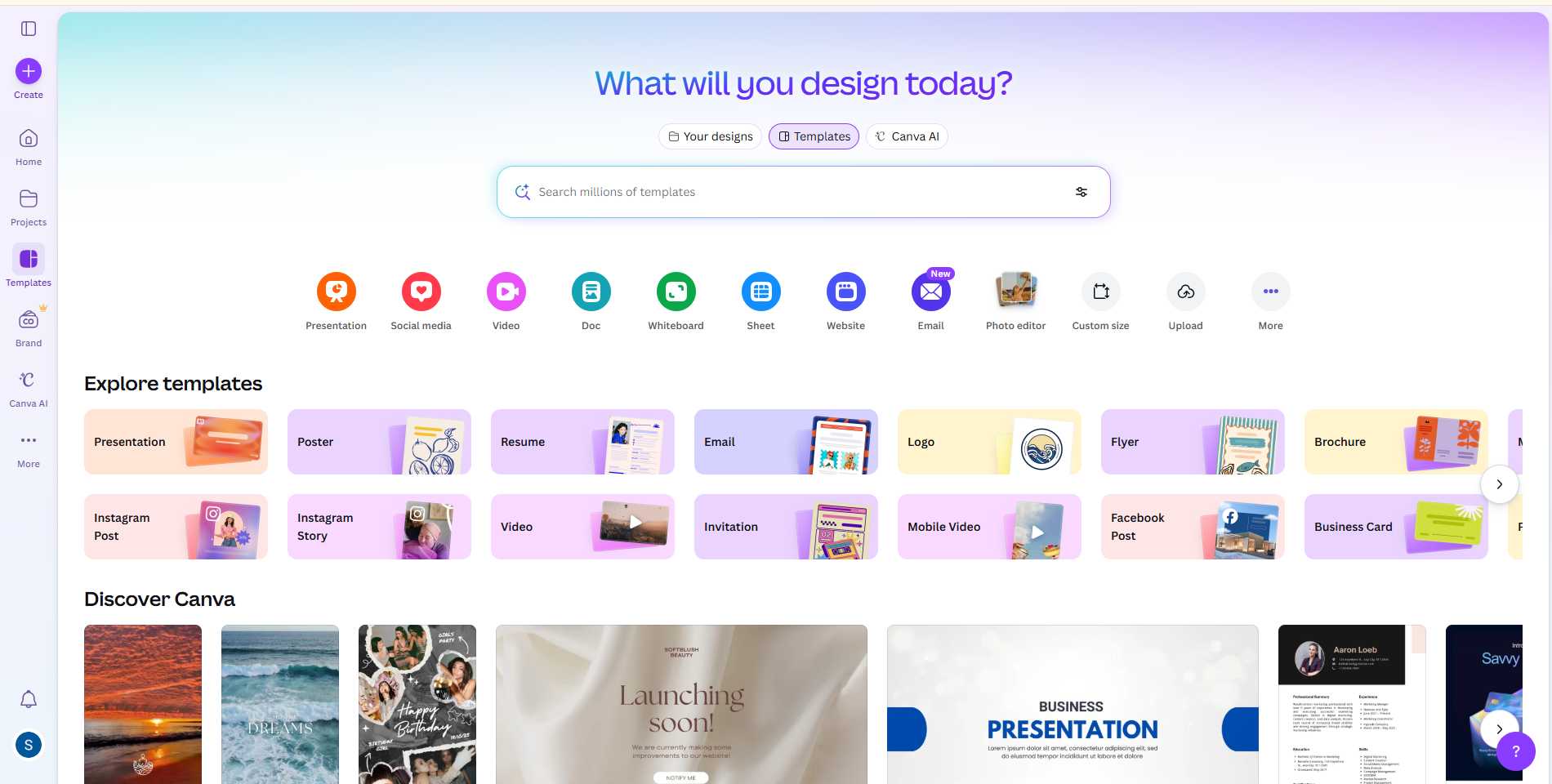
Big difference: Animation suite vs quick template‑based video tools
What Vyond does well:
- Deep animation control and character focus
What these tools offer:
- Brand kits and templates for fast videos
- Simple editing for social, HR, and marketing clips
- Less steep learning curve
Best for:
- Vyond is when you want structured animated scenes.
- Canva/Biteable/Moovly when speed and simplicity matter more than complex animation.
Vyond vs VideoScribe
Big difference: Character animation vs whiteboard teaching style
What Vyond does well:
- Cartoon scenes with dynamic character actions
Where VideoScribe excels:
- Hand‑drawn whiteboard animations
- Excellent for teaching complex ideas simply
- AI tools now help automate script and drawing flow
Best for:
- Vyond for character narratives.
- VideoScribe for educational, diagram‑like storytelling.
The takeaway
Every tool has a strength and a context where it shines. Vyond is powerful when your story needs visuals and characters. But when real product clarity, personalization, or speed matter more, many of these alternatives deliver features that animation tools simply weren’t built for.
Feature Comparison Snapshot
To make choosing the right Vyond alternative easier, here’s a quick look at how the top tools stack up. We’ll break it into multiple tables to keep it simple and digestible.
Content Creation Features
Editing & Annotation Features
Collaboration, Localization & Enterprise Features
| Tool | Shared Workspaces | Role-Based Permissions | Multi-Language / Subtitles | Auto Translation | Security Compliance |
|---|---|---|---|---|---|
| Vyond | ✓ (Premium) | Limited | ✓ | ✓ | ISO 27001 |
| Puppydog.io | ✓ | ✓ | ✓ | ✓ | SOC2, ISO 27001 |
| Clueso | ✓ | ✓ | ✓ | ✓ | SOC2, ISO 27001 |
| Camtasia | ✓ | Limited | ✓ | ✓ | SOC2 |
| Synthesia | ✓ | ✓ | ✓ | ✓ | SOC2 |
| Animaker | ✓ | Limited | Limited | Limited | ISO 27001 |
| Powtoon | ✓ | Limited | Limited | Limited | ISO 27001 |
| Canva | ✓ | ✓ | ✓ | ✓ | SOC2 Type II, ISO 27001 |
| VideoScribe | Limited | Limited | Limited | Limited | ISO 27001 |
| Biteable | ✓ | Limited | Limited | Limited | ISO 27001 |
| Moovly | ✓ | ✓ | Limited | Limited | ISO 27001 |
These tables give a clear, side-by-side view of each tool’s strengths and limitations.
- Vyond: Strong in animation, limited in real UI workflows.
- Puppydog.io: Best for product demos, automation, personalization, and fast updates.
- Clueso: Great for screen-first tutorials and product education.
- Camtasia: Perfect for precision editing and professional screen recording.
- Synthesia / HeyGen: AI avatars for human-like presentations.
- Animaker / Powtoon / Canva / VideoScribe / Biteable / Moovly: Each has its niche in animation, presentation-style content, or quick branded videos.
This snapshot makes it easier to decide which tool aligns with your workflow and team goals.
Pricing & Licensing Realities
Let’s be honest, pricing isn’t sexy, but it matters. Especially when you’re comparing tools with very different business models and use cases. A tool that looks affordable at first can quickly feel expensive if the cost structure doesn’t match how you create videos.
Here’s a plain‑language breakdown of what you need to consider when evaluating pricing and licensing for Vyond alternatives.
1. Subscription plans vs. credit systems
Some platforms, like traditional animation tools, use flat monthly or annual subscriptions. You pay a set price, and most basic features are included. That’s predictable and easy to budget.
Other platforms, especially those with advanced AI features, use a credit‑based model. You pay for a pool of credits each month or year, and each action (like generating a script, exporting a video, or translating content) uses credits.
Why this matters:
Flat fees are easy to plan for, but credit systems can make experimentation feel expensive if you’re not sure how many credits you’ll burn. A big output month can suddenly feel like a surprise bill.
2. Cost per produced video vs. seat cost
Pricing isn’t just about the subscription. Think about how many videos you need to make and who makes them.
- Tools like Vyond, Animaker, Powtoon, and Canva often price per seat (user account).
👉 This works well for teams that share accounts and create videos collaboratively. - Tools like Puppydog.io sometimes align cost with production volume, especially when videos are personalized per viewer or triggered by CRM events.
👉 In this model, each personalized video consumes a credit or unit of value, so the cost scales with output.
If you’re sending hundreds of personalized demos per month, the price per user seat might not reflect the real cost. The price per video does.
3. AI features cost more, but they can save time
Many platforms charge extra for advanced AI features like:
- Auto‑script generation
- Multiple voice options and accents
- Translation and subtitles
- Auto editing and optimization
These features often add value because they speed up production dramatically. But you need to ask:
Does AI save time and money for my workflow?
If the answer is yes, spending more on AI credits might still be cheaper than manually scripting, recording, and editing every video.
4. Hidden costs to watch out for
Here are a few pricing pitfalls that teams often miss:
❗ Expensive add‑ons:
Some platforms charge extra for premium voice packs, high‑resolution exports, or collaboration features.
❗ Limited export quality:
Lower tiers may cap resolution (e.g., 720p), which becomes a headache if you present on big screens or social platforms.
❗ Platform lock‑in:
If a tool doesn’t let you export source files or detailed transcripts, you may struggle to migrate later.
❗ Per‑video charges:
Tools that charge per generated video can feel cheap until your usage scales, especially for personalized campaigns.
5. Pricing patterns to watch in 2026
The market is shifting:
✅ More AI tools with credit‑based features — easy to start, confusing to scale
✅ Higher tiers focused on enterprise needs — security, SSO/SCIM, governance
✅ More usage‑based models for personalized or automated outputs
✅ More bundled features like translations, analytics, and help‑center exports
In this landscape, the lowest price tag isn’t always the best deal, the total cost of ownership is what counts.
6. Practical pricing tips
Before you choose:
✔ Estimate how many videos you’ll produce monthly
✔ Identify who will create them and how often
✔ Check if key features are included or paid add‑ons
✔ Ask about export quality limits
✔ Run a short pilot to measure real output cost
This way, you’re pricing against your goals, not just comparing numbers on a pricing page.
Understanding the cost structure behind these tools is just as important as comparing features. A tool that feels cheap upfront can end up costing more in time, effort, and frustration, so make sure you’re comparing apples to apples.
How to Choose the Right Vyond Alternative: A Simple Decision Flow
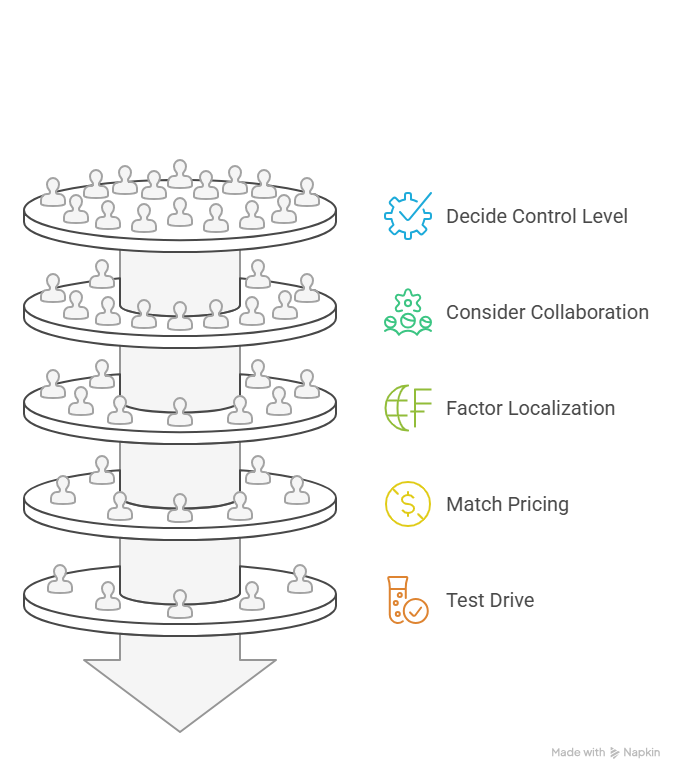
Choosing a video tool doesn’t have to feel like navigating a maze. Let’s break it down into a step-by-step guide so you can find the best alternative without overthinking. Think of it as a “map” for your team’s video strategy.
Step 1: Identify your primary video goal
Ask yourself:
- Are you creating product demos, software walkthroughs, or onboarding videos?
- Or is your focus on animated explainers, marketing clips, or social content?
- Do you need human-like AI avatars for training or announcements?
Your answer will immediately narrow your options:
Step 2: Decide how much control you need
- Deep editing: Timeline, keyframes, audio mixing → Camtasia or Animaker
- Template-driven, fast output: Puppydog.io, Powtoon, Canva
- AI-guided automation: Puppydog.io, Synthesia, Clueso
If you prefer speed and automation, lean toward AI-powered tools. If you need pixel-perfect edits, choose a timeline-focused platform.
Step 3: Consider team collaboration & scale
- How many people will create or review videos?
- Do you need role-based permissions, shared workspaces, or version control?
- Will multiple departments (Product, Marketing, Customer Success) need access?
Tools like Puppydog.io, Clueso, Camtasia, and Canva offer strong collaboration workflows. Solo creators or small teams may be fine with simpler platforms like Animaker or Biteable.
Step 4: Factor in localization & global reach
- Need multi-language voiceovers or auto-translated captions?
- Are your videos targeting global users with different regions or languages?
Puppydog.io, Clueso, and Synthesia excel here. Vyond offers AI translation, but it can get expensive at scale. Smaller animation tools may have limited language support.
Step 5: Match pricing to production volume
- Estimate how many videos you’ll create per month.
- Look at per-seat vs. per-video pricing.
- Check for credit-based AI costs if using AI features.
Tip: A higher upfront subscription may actually save money if it covers your volume of AI-generated or personalized content.
Step 6: Test drive the top 2–3 contenders
Nothing beats hands-on experience. Most platforms offer:
- Free trials (limited features)
- Demo videos
- Sample templates
During the trial, check:
- Ease of use
- Export quality
- Editing flexibility
- AI-generated outputs (script, voice, article)
Step 7: Make a final choice based on priorities
Use a simple checklist:
- Video goal: Product demo, animation, or avatar-led?
- Ease vs. control: Templates vs. timeline editing?
- Collaboration: Multi-user workflows needed?
- Localization: Multi-language or single-language?
- Pricing: Does it fit your budget and production volume?
✅ The tool that ticks the most boxes aligned with your goals is usually the winner.
This step-by-step decision flow makes it easy to cut through the noise and pick a Vyond alternative that works for your team, without wasting time or money.
Recommended Tool Stacks by Team Type
Not every team needs the same video toolkit. Here’s a quick guide to help you pair the right Vyond alternatives based on team size, goals, and workflow needs.
1. Small Teams / Solo Creators
Goal: Quick social clips, simple explainers, low budget.
Recommended Stack:
- Animaker – easy drag-and-drop animation with plenty of templates.
- Canva – for branded promos and short videos.
- Optional: Biteable – fast, on-brand video creation.
Why it works: Low learning curve, affordable, and covers both animation and social content.
2. Product-Led SaaS Teams
Goal: Onboarding, release notes, and product walkthroughs.
Recommended Stack:
- Puppydog.io – AI-powered personalized demos from screen recordings.
- Clueso – modular edits and companion help articles.
- Camtasia – optional for advanced screen recording or precise edits.
Why it works: High UI fidelity, easy updates, automated personalization, and global localization support.
3. Large Enterprise / Training & L&D Teams
Goal: Internal communications, global training, executive updates.
Recommended Stack:
- Synthesia / HeyGen – realistic AI avatars for executive or training videos.
- VideoScribe – whiteboard animation for instructional content.
- Powtoon – presentation-style explainers and internal updates.
Why it works: Scale, collaboration, and consistency across global teams, plus options for human-like presenters without studio costs.
4. Marketing & Creative Agencies
Goal: High-quality branded campaigns, social videos, client-facing explainers.
Recommended Stack:
- Vyond / Animaker – polished character animations.
- Canva – quick marketing assets and social posts.
- Moovly – timeline-based editing for advanced creative freedom.
Why it works: Balances speed, visual quality, and flexibility for client demands.
Most teams benefit from mixing and matching tools rather than relying on a single platform. One tool might handle product demos, while another handles marketing clips, giving your team speed and quality.
Conclusion
Choosing the right Vyond alternative comes down to your goals: speed, UI fidelity, AI automation, or animation style. While Vyond remains strong for character-led explainers, modern teams increasingly need tools built for product demos, personalized videos, and global reach. For fast, scalable, and hyper-personalized product videos, Puppydog.io is a top choice.
Start your free trial of Puppydog.io today and see how AI-powered demos can transform your video workflow.
FAQs ( Frequently Asked Questions)
Q1: Can I use alternatives for product demos instead of Vyond?
A: Yes. Tools like Puppydog.io and Clueso specialize in product-led videos, focusing on real UI, fast updates, and easy narration, different from Vyond’s animation-first approach.
Q2: Do I need video editing experience to create professional videos?
A: Not always. Many modern alternatives, including Puppydog.io and Animaker, provide AI-assisted editing and templates, letting you create polished videos without great technical skills.
Q3: Can these tools handle multiple languages or translations?
A: Yes. Platforms like Puppydog.io and Synthesia support multi-language voiceovers and subtitles, which is great for global teams or multi-region audiences.
Q4: How easy is it to update videos after software or content changes?
A: Update velocity varies. Product-focused tools like Puppydog.io or Clueso allow modular edits, letting you refresh clips or narration quickly without starting over.
Q5: Are these tools suitable for small teams or solo creators?
A: Definitely. Animaker, Canva, and Puppydog.io all provide easy-to-use interfaces that scale from solo projects to team workflows.
Q6: Can I integrate these tools with CRMs or marketing software?
A: Some alternatives, like Puppydog.io, offer integrations with HubSpot, Salesforce, and similar platforms to automate personalized video delivery.

Sarah Thompson is a storyteller at heart and Business Developer at PuppyDog.io. She’s passionate about creating meaningful content that connects people with ideas, especially where technology and creativity meet.