7 Vidyard Alternatives You Need to Consider in 2026

Vidyard has earned its place in B2B marketing and sales teams. For years, it’s been the go-to option for hosting videos, tracking views, and adding a personal touch to outreach. But let’s be honest, the way teams use video in 2026 looks very different from even two or three years ago.
Go-to-market teams today aren’t just sharing videos. They’re using video to shorten sales cycles, personalize outreach at scale, onboard users faster, and prove ROI to leadership. And that’s where cracks start to show. A general-purpose platform like Vidyard can do many things reasonably well, but it struggles to excel at any one job when compared to newer, more specialized tools.
The B2B video landscape has fragmented, and that’s actually a good thing. Instead of forcing sales, marketing, product, and customer success teams into one workflow, modern Vidyard alternatives are purpose-built for specific outcomes: async communication, video-based sales outreach, interactive product demos, AI-powered video creation, or brand-first video marketing.
In other words, the question is no longer “Is Vidyard good?”
It’s “Is Vidyard the best tool for what your team needs right now?”
This guide is designed to help you answer that question clearly, without fluff, hype, or feature overload.
In this guide, we’ll cover:
- Why specialization is reshaping video platforms in 2026
- When Vidyard still makes sense, and when it doesn’t
- The 8 best Vidyard alternatives, categorized by real GTM use cases
- How to choose between static videos and interactive video tools
- Which platforms work best for sales, marketing, product demos, and customer success
By the end, you won’t just have a list of tools, you’ll have a smarter way to build a video stack that actually supports how your team sells, markets, and grows today.
How to Choose the Right Vidyard Alternative (Before You Look at Tools)
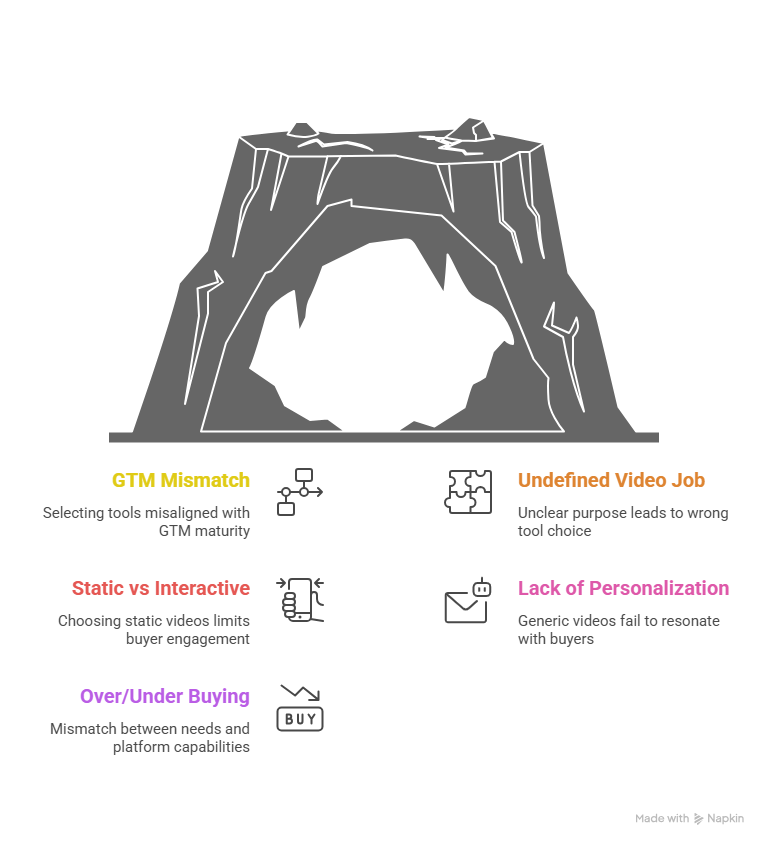
Before you start comparing features, pricing pages, or G2 ratings, it’s worth pausing for a moment. Choosing the right Vidyard alternative isn’t really about the tool. It’s about what problem you’re trying to solve with video.
This is where many teams go wrong. They replace Vidyard with another “all-in-one” video platform, only to realize a few months later that sales still aren’t converting, demos still feel flat, or onboarding still consumes hours of Customer Success time.
So let’s get the fundamentals right first.
Start With Your GTM Maturity (Not Your Feature Wishlist)
A startup sending its first sales videos does not need the same video software as a mature B2B SaaS selling complex workflows to enterprise buyers. Yet many teams evaluate tools as if they do.
Ask yourself:
- Are you optimizing for speed and adoption, or conversion and revenue impact?
- Is the video mainly for internal communication or external buyer engagement?
- Do you need lightweight demos or high-fidelity product experiences?
Early-stage teams often benefit from simple, frictionless tools that get everyone recording quickly. More mature go-to-market teams, on the other hand, need video engagement analytics, CRM signals, and interactive experiences that actually move deals forward.
Define the Job Video Is Supposed to Do
Not all videos serve the same purpose, and treating them that way is a mistake.
Break your needs into clear buckets:
- Async video communication: Internal updates, feedback, quick explanations
- Sales video software: Outbound outreach, follow-ups, deal acceleration
- Video marketing platforms: Brand storytelling, SEO, lead capture
- Product demo video tools: Explainers, presales demos, website walkthroughs
- Onboarding video tools: Training users and reducing CS load
Once you define the job, the right category of tool becomes obvious. The wrong tool, even if it’s popular, will slow you down.
Static Videos vs Interactive Experiences: A Critical Decision
This is one of the most important choices you’ll make.
Static videos are easy to create and great for storytelling. But they force buyers to watch passively. No clicks. No exploration. No control.
Interactive demos, on the other hand, let prospects engage, explore, and learn at their own pace. That difference matters especially for complex SaaS products. Teams comparing interactive demos vs videos often discover that engagement quality matters more than view counts.
If your goal is education, qualification, or pipeline acceleration, interactivity usually wins.
Personalization at Scale Is No Longer Optional
Generic video outreach doesn’t stand out anymore. Buyers can spot a mass-sent video instantly, and they treat it like one.
Modern video tools for sales teams focus heavily on:
- Video personalization at scale
- CRM-integrated workflows
- Engagement signals that trigger timely follow-ups
If your team sends dozens (or hundreds) of videos weekly, personalization and automation aren’t “nice to have.” They’re survival tools.
Beware of Overbuying (and Underbuying)
Here’s a common trap: buying an enterprise-grade platform before you’re ready, or sticking with a basic tool long after it stops delivering value.
- Overbuying leads to unused features, complex workflows, and wasted budget
- Underbuying leads to missed opportunities, longer sales cycles, and frustrated teams
The right alternative video software should match where your team is today, while still supporting where you’re going next.
Category 1: Best Video Hosting & Async Communication Alternatives
Not all video needs are created equal. Sometimes what your team really needs isn’t a sales conversion engine or an interactive demo environment, it’s frictionless video creation and reliable hosting for internal teams and routine external communication.
For many organizations, especially those with distributed teams or fast-moving sales cycles, asynchronous communication tools become foundational. They reduce email clutter, speed up feedback loops, and enable you to convey complex ideas without scheduling meetings. That’s where specialized options outperform generalist platforms like Vidyard.
Let's look at the top alternatives focused on video hosting, screen recording, and async communication. These tools help you capture, share, and host videos without friction, all while supporting a foundation for stronger collaboration and customer outreach.
Loom: Best for Async Communication & Screen Recording
Who it’s for:
Teams that need to communicate clearly and quickly, without meeting overload.
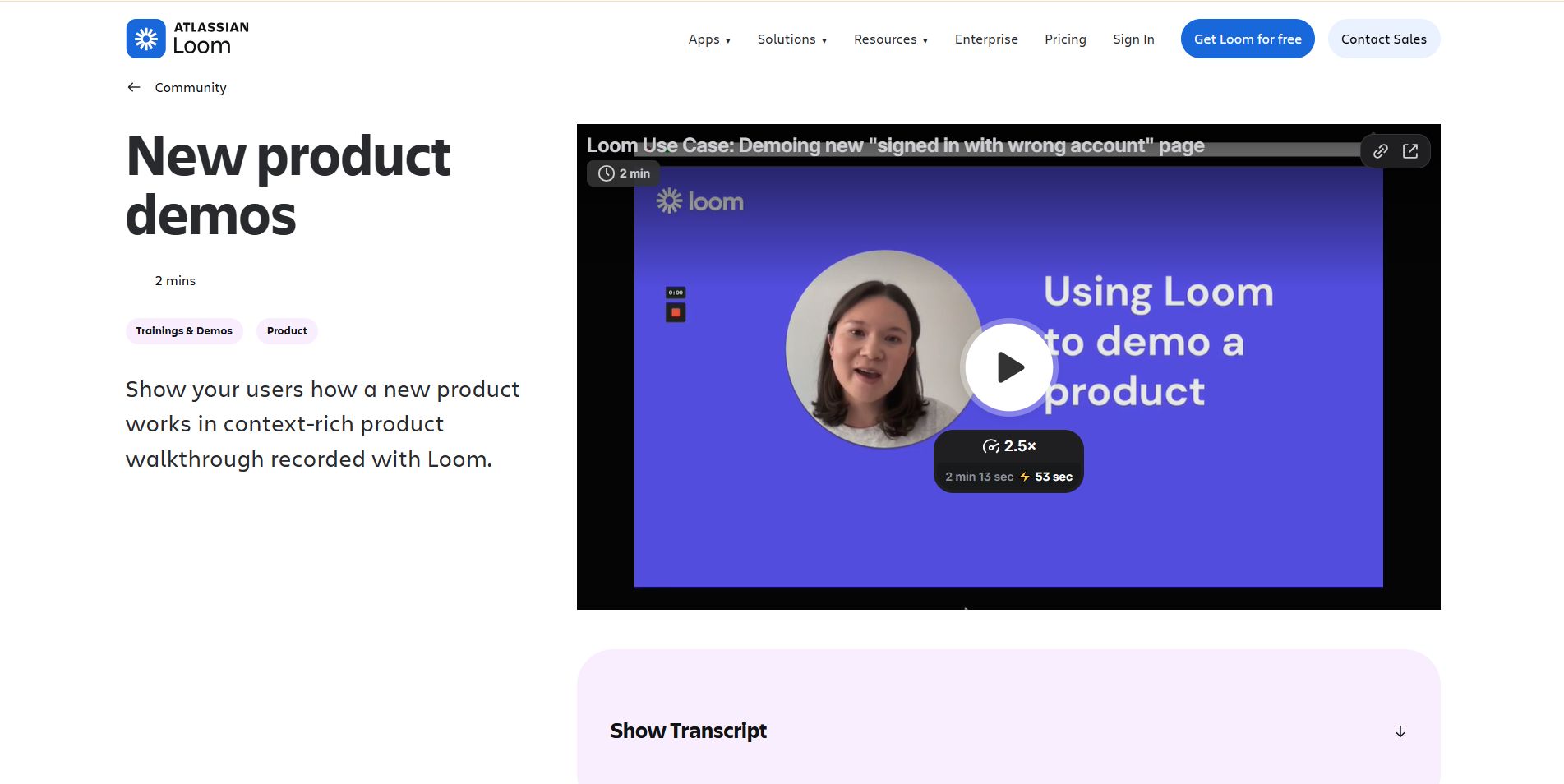
Loom has become synonymous with simple, fast, and intuitive video creation. Whether it’s a quick product update, onboarding explanation, or walk-through for a teammate, Loom excels at one thing above all: speed.
Why Loom Works
- Frictionless recording: Launch the desktop app, Chrome extension, or mobile app and record in seconds. No complex setup, no steep learning curve.
- Transcript-based editing: You can edit your video by editing the transcript, an especially helpful feature for non-editors who want clean, concise content without jumping into traditional timelines.
- AI support: Automatic transcription and filler-word removal help make videos cleaner and more professional with minimal effort.
- Workflow integrations: Since being acquired by Atlassian, Loom has tightened integration with tools like Jira, making it easier to turn recorded context into action.
Where Loom Shines
- Async internal communication: Replaces long email threads and status meetings with clear, recorded explanations.
- Quick screen shares: Day-to-day product demos or feedback loops that don’t require polished production.
- Low barriers to adoption: Teams can adopt Loom immediately without training.
Limitations to Know
While Loom is a powerful tool for internal workflows and quick, casual external communication, it’s not designed for deep sales engagement or conversion tracking:
- No built-in sales CTAs
- Limited lead capture or CRM-centric analytics
- Not ideal for outbound video campaigns
Think of Loom as the communication layer that keeps your team aligned, not necessarily the engine that drives the pipeline.
Niche Captures: Tella and Claap
Aside from Loom, there are a couple of tools worth mentioning because they take a slightly different approach to asynchronous video:
Tella: Pro-Level Recording with Editing
Best for: Marketing teams or content creators who want better visual quality
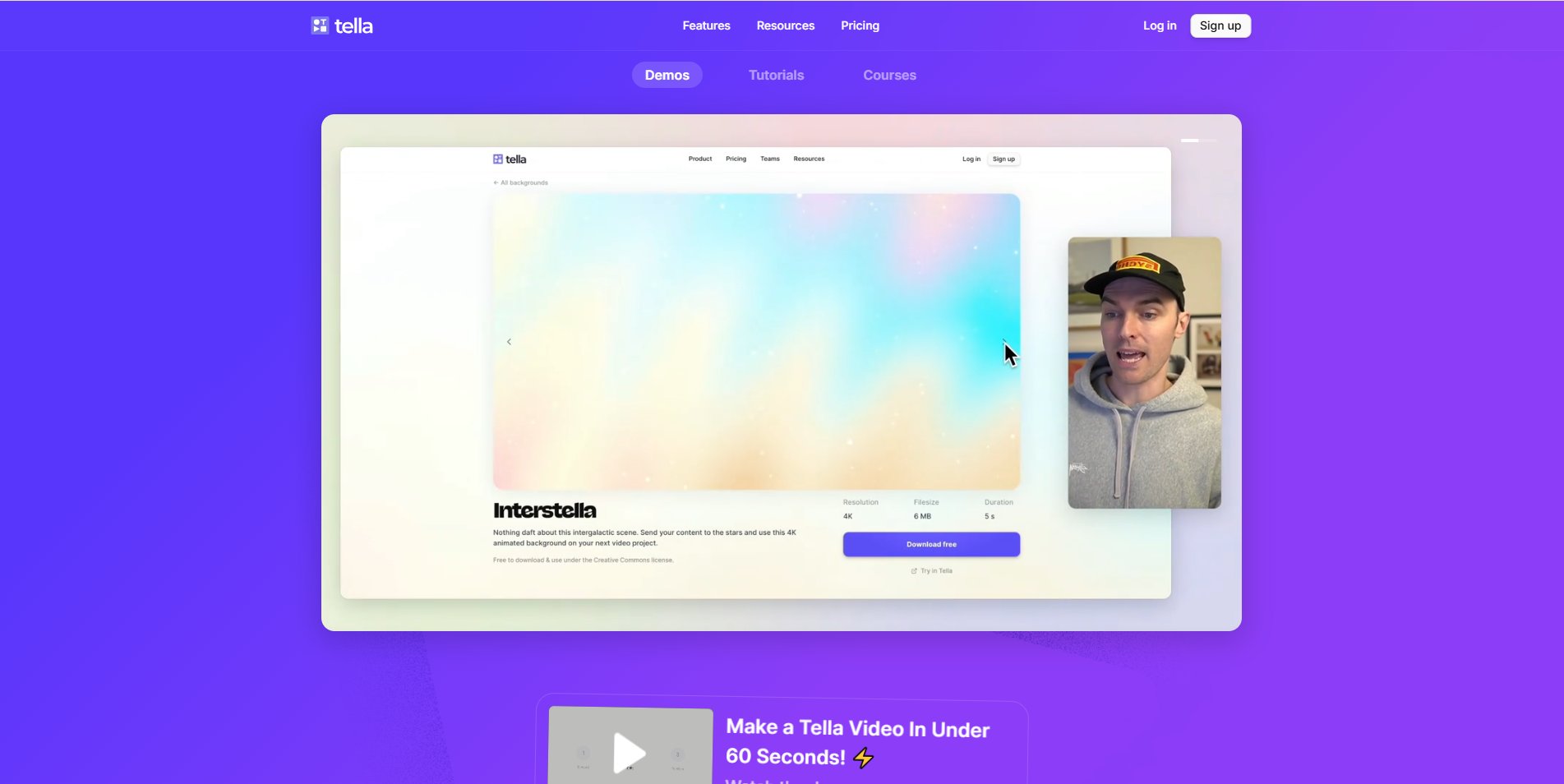
Tella sits between simple screen recording and lightweight editing apps. It’s ideal when the audience isn’t internal, it’s external, polished, and brand-facing.
- Better polished output: Cleaner captures, and basic editing tools give you a more professional feel.
- Use cases: Product knowledge videos, knowledge base content, polished tutorials.
Where Tella Wins
- When visual fidelity matters more than speed
- As part of a content library or external training material
Claap: Async Messaging Meets Meeting Capture
Best for: Teams that want the nuance of meetings + asynchronous clarity
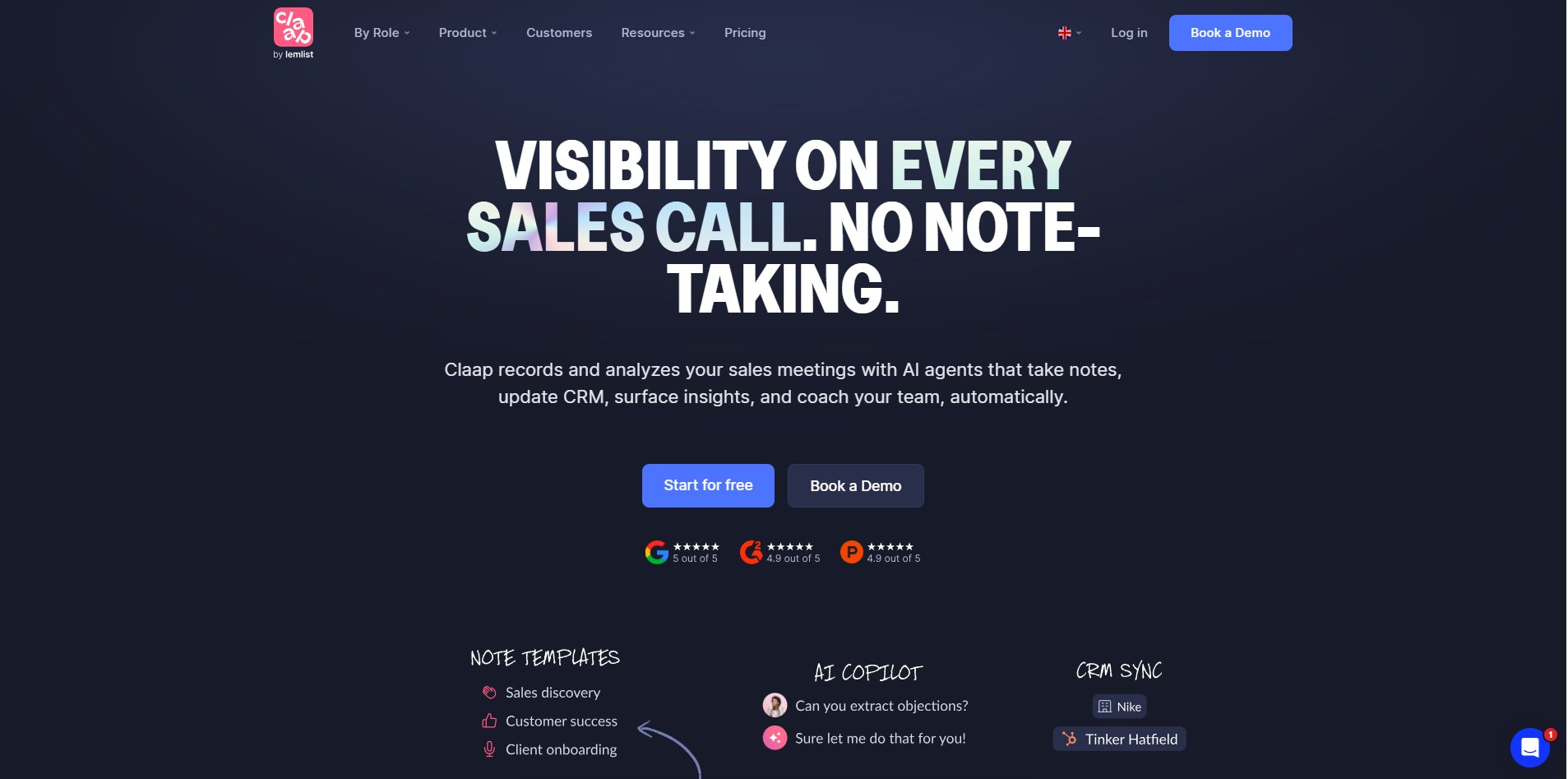
Claap goes beyond simple screen recording. It lets you capture meetings alongside context-rich commentary and AI-powered summarization.
- Hybrid capture: Record your screen and contextualize with voice notes, annotations, and summaries.
- Smart organization: Easy playback with AI-created summaries makes knowledge easier to find later.
Best suited for
- Product teams capturing design reviews
- Customer success teams documenting feedback
- Leadership teams sharing complex decisions asynchronously
How to Decide Between These Tools
Ask yourself:
- Do you want speed and simplicity? → Loom
- Do you need polished visuals for external audiences? → Tella
- Do you want meetings + async insights? → Claap
None of these tools compete directly with full sales or marketing platforms, but that’s the point. They solve specific problems that generalists handle poorly.
Category 2: Best Sales Video Software & Personalized Outreach Tools
When video stops being just a nice-to-have and becomes a pipeline driver, the rules of the game change.
Sales teams today aren’t just sending videos. They’re personalizing them, integrating them deeply into workflows, and using them to generate real engagement signals that feed right back into CRM data. That means your video platform must be more than a hosting service. It needs to be a sales-first tool that understands the rhythm of outreach and the urgency of conversion.
In this category, we focus on tools that:
- Power video-based sales outreach
- Support CRM integration or built-in CRM
- Enable personalized video at scale
- Provide actionable engagement analytics
Let’s explore the Vidyard alternatives that are leading the way in this space.
Sendspark: Best for Personalized Video at Scale
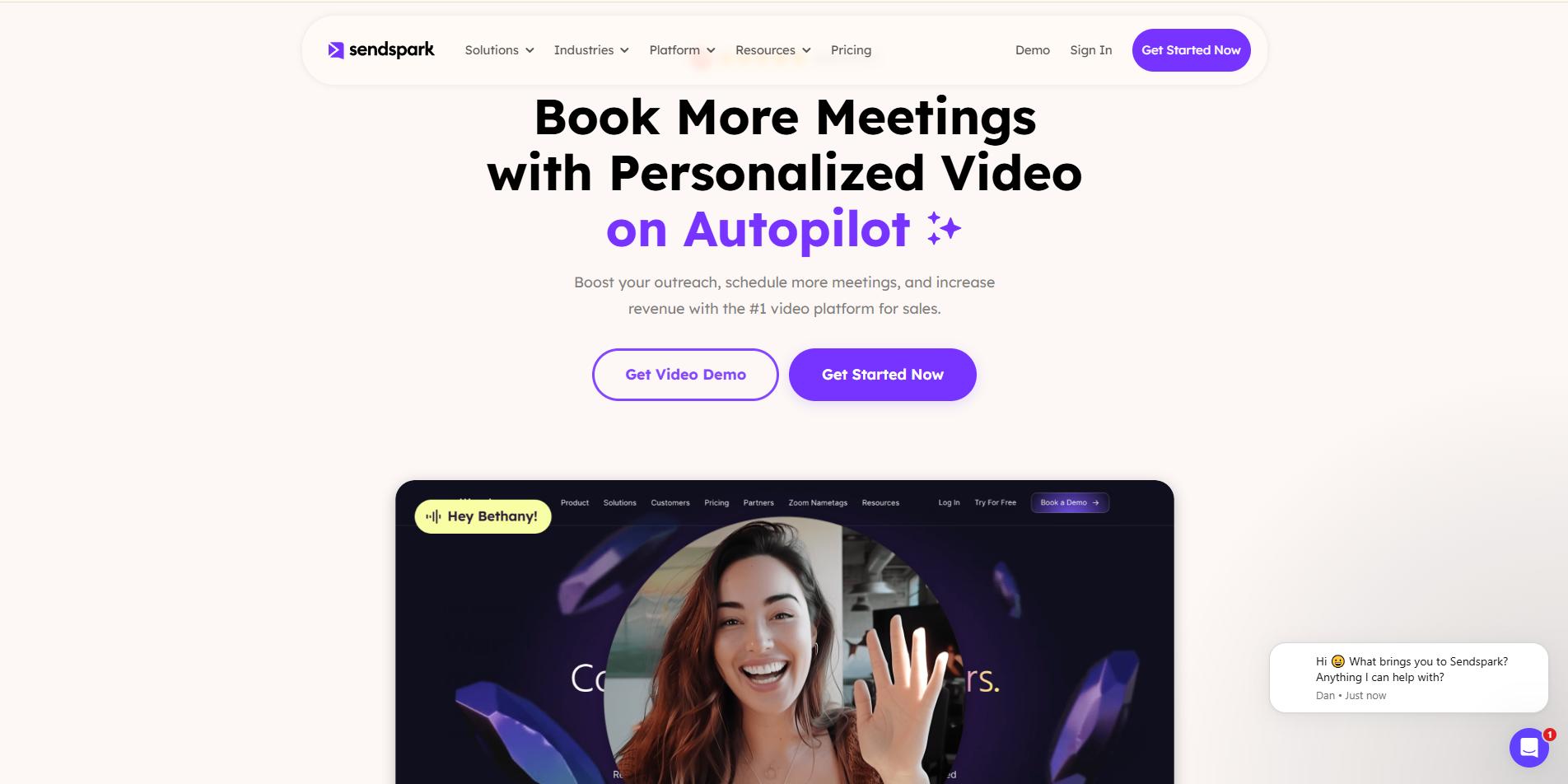
If you want sales outreach that feels one-to-one without the manual effort, Sendspark solves the problem beautifully.
Who it’s for: SDRs, AEs, and GTM teams focused on high-volume personalized outreach.
Why Sendspark Shines
- Dynamic Variable Insertion: Automatically pull prospect details (like name, company, and role) into thumbnails, video landing pages, and even the video itself. This elevates every message from generic to tailored without extra recording time.
- AI Personalization: Upload a CSV and let Signals personalize at speed, no need to manually record hundreds of versions.
- Conversion-Focused Landing Pages: Rather than just hosting a video, SendSpark lets you build customized landing experiences. Think: branded pages with embedded calendar links, tailored CTAs, and engaging thumbnails that boost click-through rates.
- Seamless Workflow Integrations: Sendspark integrates seamlessly with HubSpot, Salesforce, Gmail, and Outlook, allowing videos to become part of your existing outreach cadence.
Best Use Cases
- Cold outreach campaigns where personalization greatly amplifies reply rates
- Follow-ups that require context and relevance
- Sales cadences (emails + video + call-to-action sequences)
Why it’s a strong Vidyard competitor
Vidyard is often great at capturing clicks and producing basic video outreach, but Sendspark leans into personalization and conversion. That difference matters in the inbox. Personalized visuals + tailored landing page = higher engagement and better pipeline velocity.
Dubb: Best CRM-Integrated Video Platform with Built-In Automation
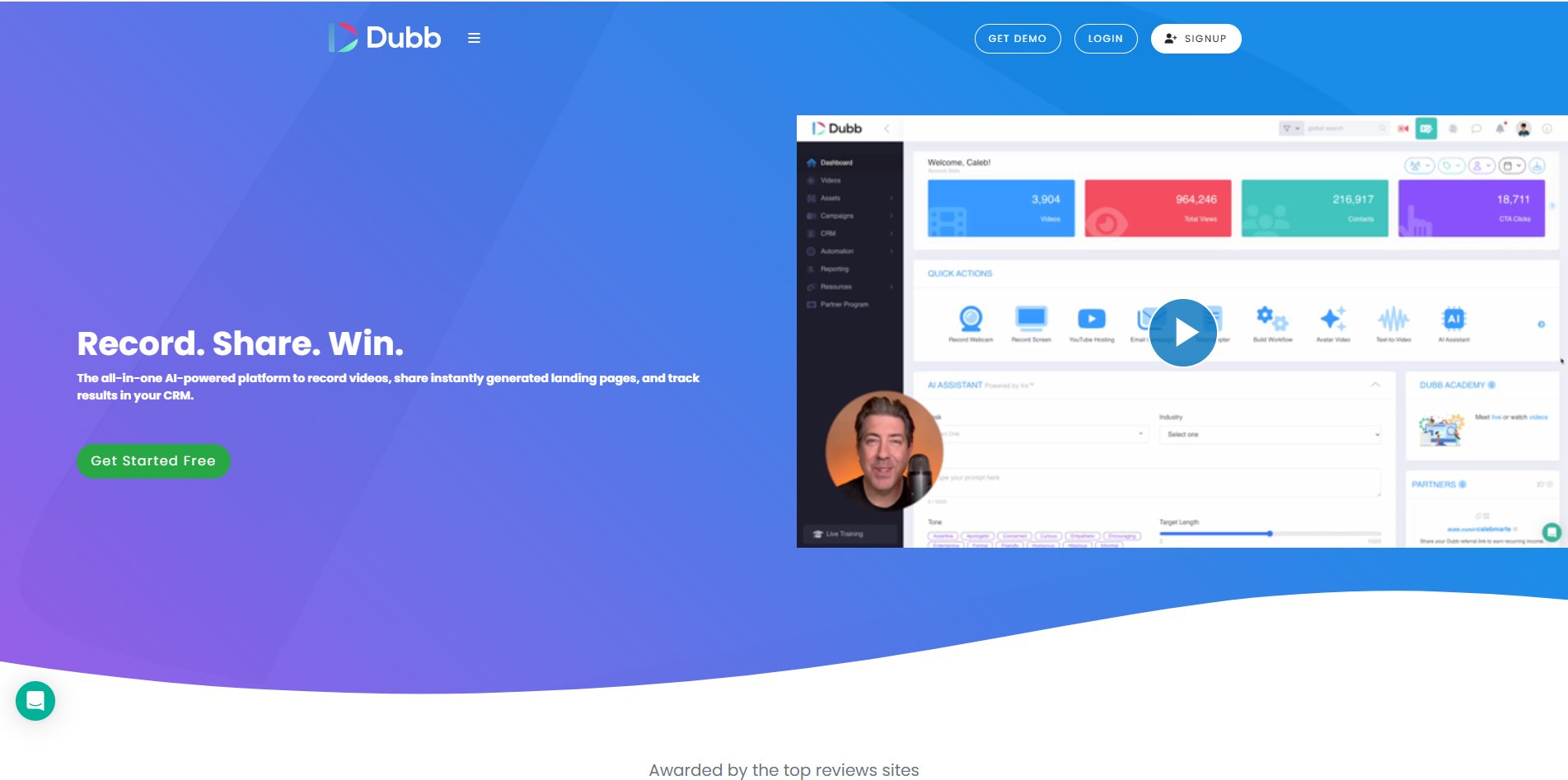
Dubb takes a slightly different but equally compelling approach to video sales software. Rather than relying solely on external integrations, Dubb builds CRM and automation functionalities directly into its platform.
Who it’s for: Sales teams that want an all-in-one environment, video creation, tracking, automation, and management.
Why Dubb Matters
- Built-In CRM + Automation: Unlike many tools that require third-party CRM integrations, Dubb provides native contact and list management plus automation triggers that make launching campaigns easier.
- Rich Engagement Analytics: Track not just whether a viewer clicked, but how far they watched, what they interacted with, and whether they completed calls to action.
- Embedded Sales Sequences: Create workflows that trigger follow-ups or notifications based on viewer behavior.
- Unified Environment: For teams without a mature CRM stack, Dubb eliminates context switching between video creation and pipeline management.
Best Use Cases
- Teams with lean operations that want fewer tools to manage
- Early-stage sales orgs without a full SEP (Sales Engagement Platform)
Why is Vidyard
Vidyard competes in the sales video category, but Dubb’s built-in automation and CRM features give teams a simplified campaign layer that’s both easier to adopt and easier to run at scale.
Other Sales-Focused Video Tools Worth Mentioning
While Sendspark and Dubb are standout choices, the broader landscape includes other tools that specialize in specific corners of sales communication:
Hippo Video
- Combines AI-assisted editing with structured outreach workflows
- Offers Salesforce integration and scoring metrics that sync to opportunities
- Enterprise-tier features support custom video flows and unlimited templates
BombBomb
- One of the older players in video email outreach
- Focuses on deliverability and influence, helping videos feel more personal in cold and warm mailbox contexts
These tools are particularly valuable for teams that want more than raw video recording. They want predictable pipeline outcomes.
What to Prioritize When Choosing Sales Video Software
Ask yourself:
- Do you need CRM-native workflows, or are integrations enough?
- How important is personalization at scale?
- Are you trying to improve reply rates, meetings booked, or conversions?
- Do you want built-in automation, or is a dedicated SEP part of your tech stack already?
A good rule of thumb:
- For personalized outreach at scale → Sendspark
- For simplified, all-in-one sales automation + video platform → Dubb
For enterprise integration and advanced score syncs → Hippo Video or BombBomb
Category 3: Best Product Demo & Interactive Walkthrough Tools
Let’s be honest, if your go-to-market strategy still relies on traditional video recordings to show product value, you’re leaving revenue on the table. Buyers today don’t want to watch how a product works. They want to experience it. That’s why interactive product walkthroughs and demo tools have become essential. They bridge the gap between passive understanding and active exploration, making complex SaaS offerings tangible without demanding a live demo call every time.
Let's break down the top product demo and interactive walkthrough tools, explain where each excels, and help you choose the right one based on your use case.
Supademo: Best for Interactive Product Walkthroughs
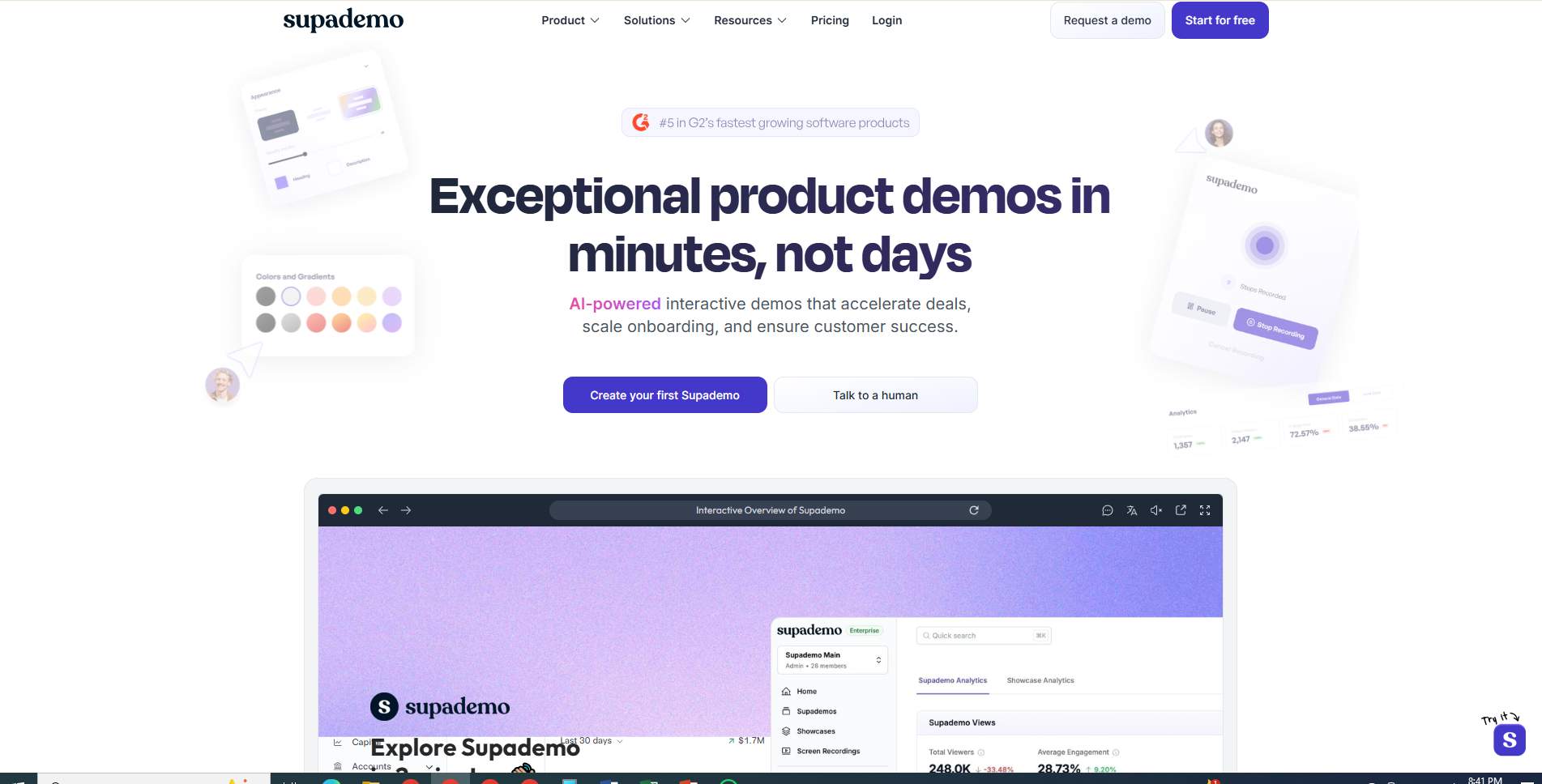
Best for: Product marketers and sales teams that want rich, interactive demonstrations without engineering lift.
Supademo shines in turning static product flows into clickable, explorable experiences. Instead of watching a demo, prospects can:
- Click through features
- Interact with UI elements
- Explore paths that matter most to them
Why teams choose Supademo
- Interactive HTML capture: Creates usable demo replicas with real interactivity, not just video.
- AI-assisted walkthrough creation: AI generates descriptions, voiceovers, and translations, minimizing manual effort.
- Dynamic personalization: Content can adapt based on audience role, use case, or industry.
- Analytics that matter: Track where users engage and where they drop off, actionable data that informs follow-ups.
Best fit use cases
- Mid-funnel engagement
- Sales enablement collateral
- Product-led onboarding journeys
Supademo replaces static demo recordings with dynamic, interactive experiences, and does so without requiring a full engineering sandbox.
Demostack: Best for Enterprise Sandbox Demos
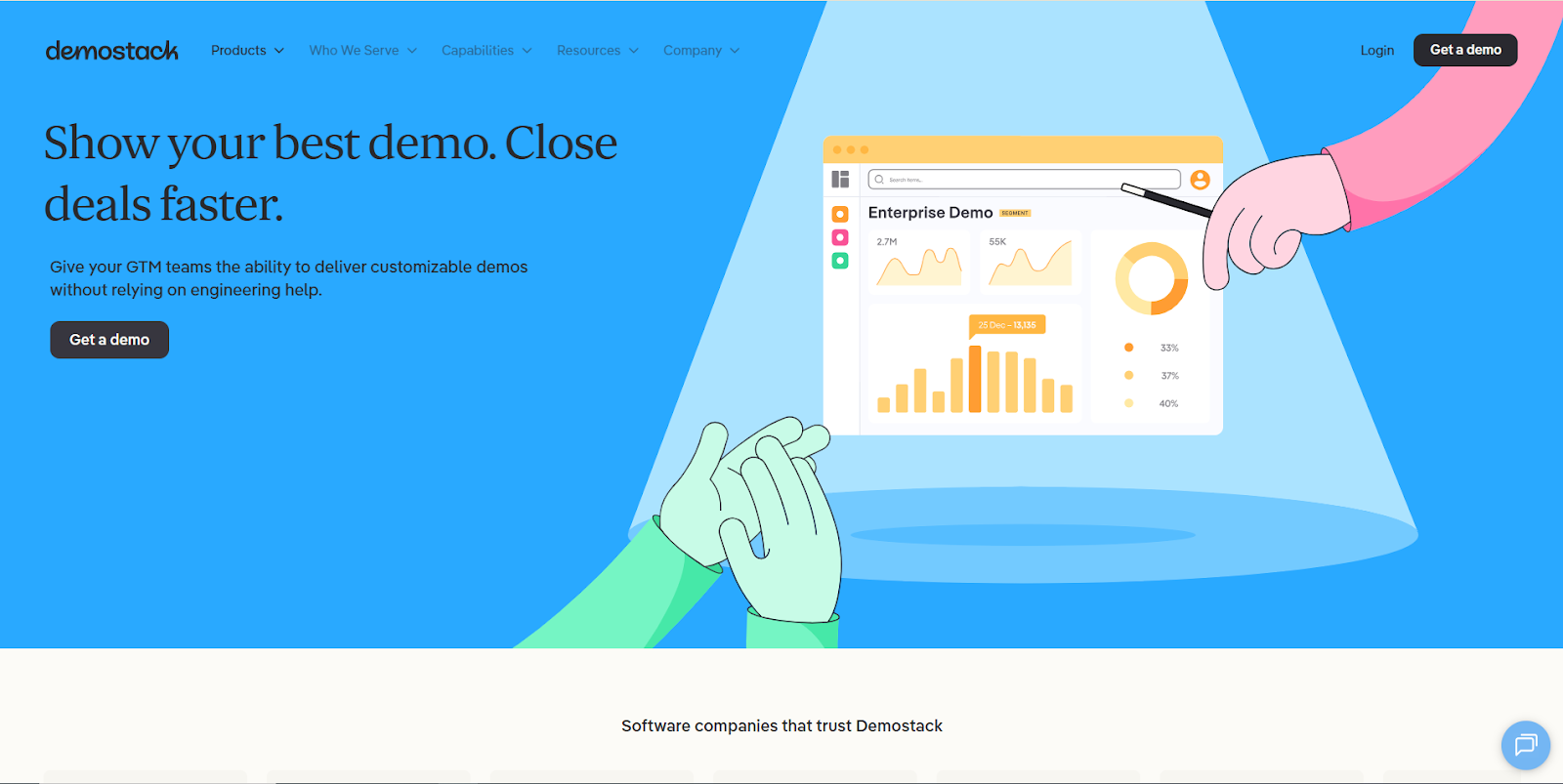
Best for: Enterprise sales teams selling complex software that demands hands-on exploration.
Demostack is built for organizations where a generic walkthrough won’t cut it. It enables full-featured, enterprise-grade demo environments that mimic real product usage, without requiring a live backend.
What makes Demostack powerful
- Sandbox demos: Fully interactive experiences that function like a live product instance.
- Overlay demos: Lightweight interactive layers that illustrate workflows without backend complexity.
- Product tours: Linear guided experiences embedded in websites or emailed links.
- Sales engineering enablement: Reduces the need for expensive SE time, allowing reps to deploy customized experiences without deep technical support.
Why enterprise teams love it
- Scales complex sales cycles: Buyers can explore real workflows on their own terms.
- Boosts conversion intent: Prospects who engage deeply are much more qualified.
- Reduces product training load: Internal and external teams can self-serve.
If your product has multiple modules, integrations, or conditional workflows, Demostack delivers a sandbox that feels real, not staged.
Puppydog: Best for AI-Powered Personalized Product Demo Videos
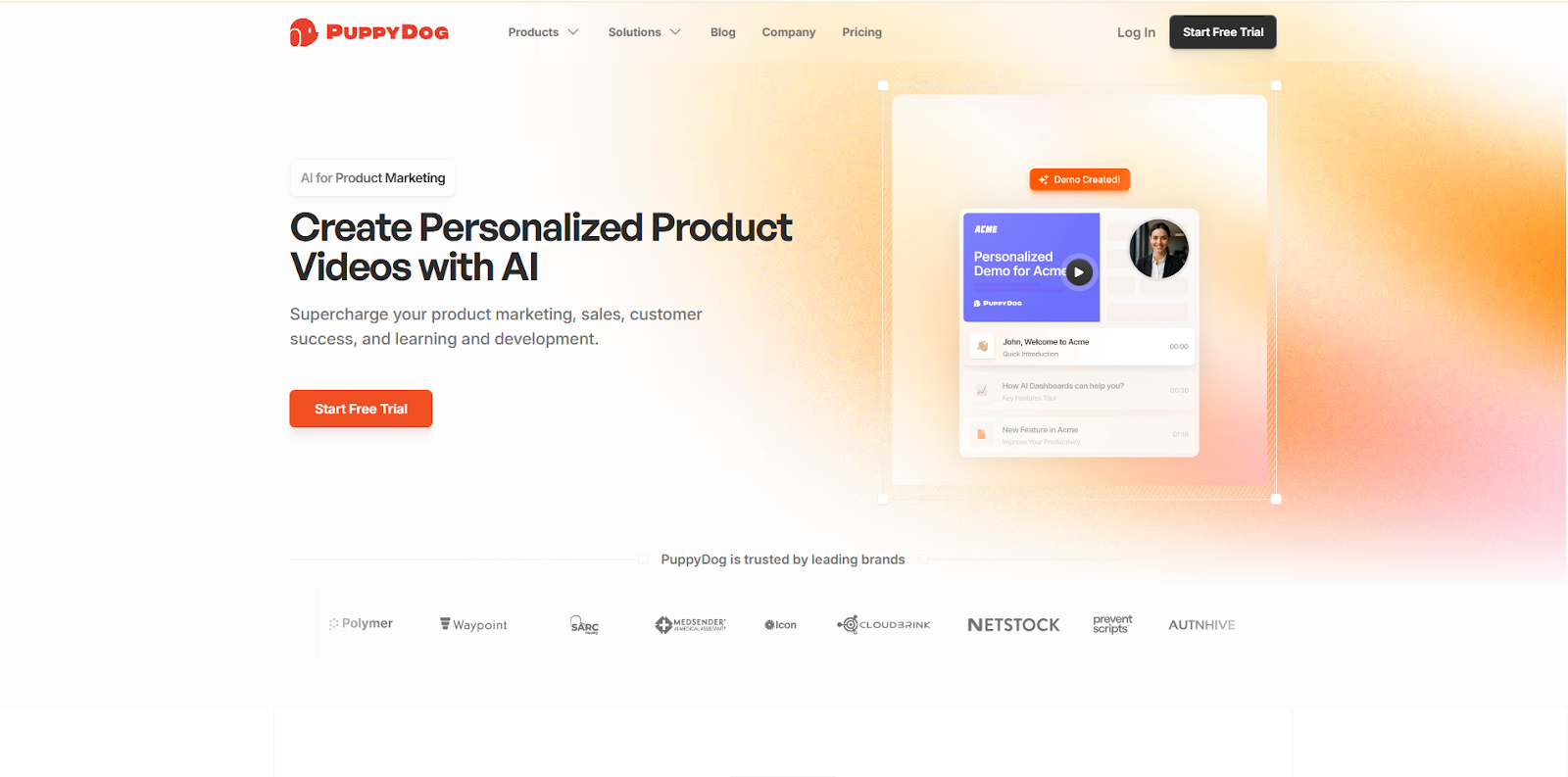
Best for: Teams that want high-impact demo experiences faster than full interactive walkthroughs, without traditional engineering burden.
Here’s where Puppydog stands out: it combines the simplicity of video with the engagement of interaction.
Instead of generic screen recordings or static walkthroughs, Puppydog elevates your demos by:
- Turning screen recordings or screenshots into structured, narrative demo videos
- Enabling AI-driven personalization for buyer-specific messaging
- Accelerating demo creation with templated flows
- Delivering high-quality output quickly without requiring development resources
Why Puppydog is a strategic alternative
- Speed with depth: Get personalized demos created in hours, not days.
- Accessible to non-technical teams: No sandbox builds or integrations required.
- Perfect for sales and presales: Create demo assets that feel tailored without hands-on engineering.
- Extends workflow use cases: Can be embedded in emails, landing pages, or sales sequences.
Think of Puppydog as the sweet spot between static video and fully interactive demo environments: it gives your audience a sense of exploration and personalization without demanding a live session or engineered sandbox.
Best fit use cases
- Buyer-tailored walkthrough videos for sales outreach
- Personalized after-call leave-behinds
- Demo assets embedded in marketing landing pages
- Product marketing collateral at scale
How to Choose Between These Tools
Your decision largely depends on how much interaction you want buyers to have and how much investment your team can support. Here’s a quick guide:
- Want real interactivity and deep exploration? → Supademo or Demostack
- Need high-fidelity demos with minimal tech overhead? → Puppydog
- Selling complex workflows with conditional logic? → Demostack
- Creating engaging demos quickly without engineering bottlenecks? → Puppydog
The ROI of Interactive Experiences
Moving beyond static video isn’t just a buzzword; it has a measurable impact:
- Higher engagement: Prospects spend more time exploring content they control
- Better qualification: Interaction signals translate to stronger intent data
- Faster cycles: Buyers who self-serve through interactive demos often close faster
- Reduced rep burden: Sales teams spend less time repeating demos
Interactive walkthrough and demo tools represent a new frontier in how products are experienced. They not only help prospects understand your product, but they also help them feel it.
Category 4: Best Video Marketing Platforms for Brand & SEO
Video isn’t just a sales tool. It’s one of the most powerful drivers of brand awareness, organic reach, and lead capture. But not all video platforms are created with marketing goals in mind. When you’re trying to grow organic traffic, boost SEO, and turn anonymous visitors into known prospects, you need a platform that understands marketing first, not just hosting or playback.
Let’s explore how video marketing platforms differ from general video tools like Vidyard and why specializing in this category can dramatically improve your brand presence in 2026.
Why Video Marketing Platforms Matter More Than Ever
Let’s be honest: merely embedding videos on your site doesn’t cut it anymore.
Buyers expect fast, branded experiences that:
- Load quickly
- Enhance your domain authority
- Help your content rank in search engines
- Capture leads directly on the page
- Integrate with your marketing automation stack
This is where video marketing platforms really shine, by treating video as part of a content ecosystem rather than a simple playback asset.
Wistia: Best for Brand-First Video Marketing
If your priority is owned audience growth, deep customization, and SEO impact, Wistia consistently ranks as one of the best Vidyard alternatives for marketing teams.
Who Wistia is for:
Content marketers, brand teams, and demand-gen leaders who want to leverage video to drive traffic, engagement, and conversions.
Why Wistia stands out
- Professional hosting with full customization: Wistia gives you control over branding, player aesthetics, metadata, and more, helping you reinforce brand identity at every touchpoint.
- Built-in lead capture: Features like “Turnstiles” allow you to collect leads directly within the video experience, with no need for separate forms above or below the fold.
- SEO-optimized architecture: You can customize metadata and embed videos in ways that improve search visibility and integrate with your CMS.
- Seamless marketing automation integration: Wistia connects natively with HubSpot, Marketo, Pardot, and others, so video engagement becomes a first-class signal in your nurture workflows.
Best use cases
- Brand awareness campaigns
- Video content hubs on your site
- Lead capture and nurturing within content
- SEO-driven video libraries
Wistia isn’t trying to be everything to everyone. Instead, it focuses on helping marketing teams get the most value from video content, turning it into a strategic asset rather than a passive file on your server.
When to Choose Video Marketing Platforms Over Sales-First Tools
Sales-first tools like Sendspark or Dubb are optimized for outreach and pipeline signals, but they’re not inherently built for brand lift, search presence, or site-level engagement.
If your goal is:
- Driving organic traffic
- Increasing session time
- Improving video discoverability in search
- Capturing leads from top-of-funnel content
…then a marketing-first video platform should be at the top of your shortlist.
More Options Beyond Wistia
While Wistia is the category leader in brand-first video marketing, organizations with deeper enterprise needs may consider alternatives that offer advanced enterprise video content management, compliance, and governance alongside marketing focus.
Examples include:
- Brightcove: Enterprise-level video hosting with strong analytics and global delivery
- Kaltura: Flexible open-source platform with broad ecosystem integrations
- Panopto: Powerful search-driven video library experience, especially for large content catalogs
These alternatives are especially relevant for companies with:
- Massive libraries of training or marketing assets
- Complex governance or compliance requirements
- Need for robust localization and global content delivery
This tier sits beyond basic video hosting tools, and often requires more technical implementation, but the payoff is enterprise-level control and scale.
How to Match Video Marketing Platforms to Your Goals
To choose the right platform, ask these questions:
- Are you trying to capture leads from organic traffic?
- Do you want SEO benefits from your videos?
- Is branding and player customization important?
- Do you need your video metrics to feed into marketing automation workflows?
If you answered yes to any of these, a marketing-focused video platform like Wistia should be in serious consideration.
Video in 2026 is no longer just a supporting medium. It’s a strategic asset. When deployed through the right marketing platform, you don’t just host videos. You drive discovery, conversions, and engagement at every stage of the funnel.
Category 5: Best AI Video Creation Tools (Speed vs Realism)
Video creation used to be slow, expensive, and often outsourced to specialists. Today? Thanks to AI video creation tools, teams can generate professional-looking content instantly from text, screen recordings, or prompts, with multilingual voiceovers, avatars, and automatic editing baked in.
But as with all AI-powered tech, there’s a strategic tension you need to understand before choosing a tool: speed versus realism. Let’s unpack that trade-off and help you match the right platform to your goals in 2026.
Why AI Video Creation Is a Game Changer
If video is a top priority for any go-to-market team, AI transforms it from a bottleneck into a growth engine. These tools drastically reduce the time and cost associated with traditional video production by:
- Eliminating the need for cameras, lighting, and on-camera talent
- Automating voiceovers in dozens (even hundreds) of languages
- Converting text or scripts into fully produced video assets
- Simplifying localization and personalization at scale
Suddenly, you can create:
- Training modules
- Product explainers
- Demo intro videos
- Onboarding content
- Sales collateral
…without hiring video producers or sitting through multiple edit rounds.
But not all AI video tools are built for the same purpose. Let’s break them down.
Synthesia: Best for Velocity and Localization
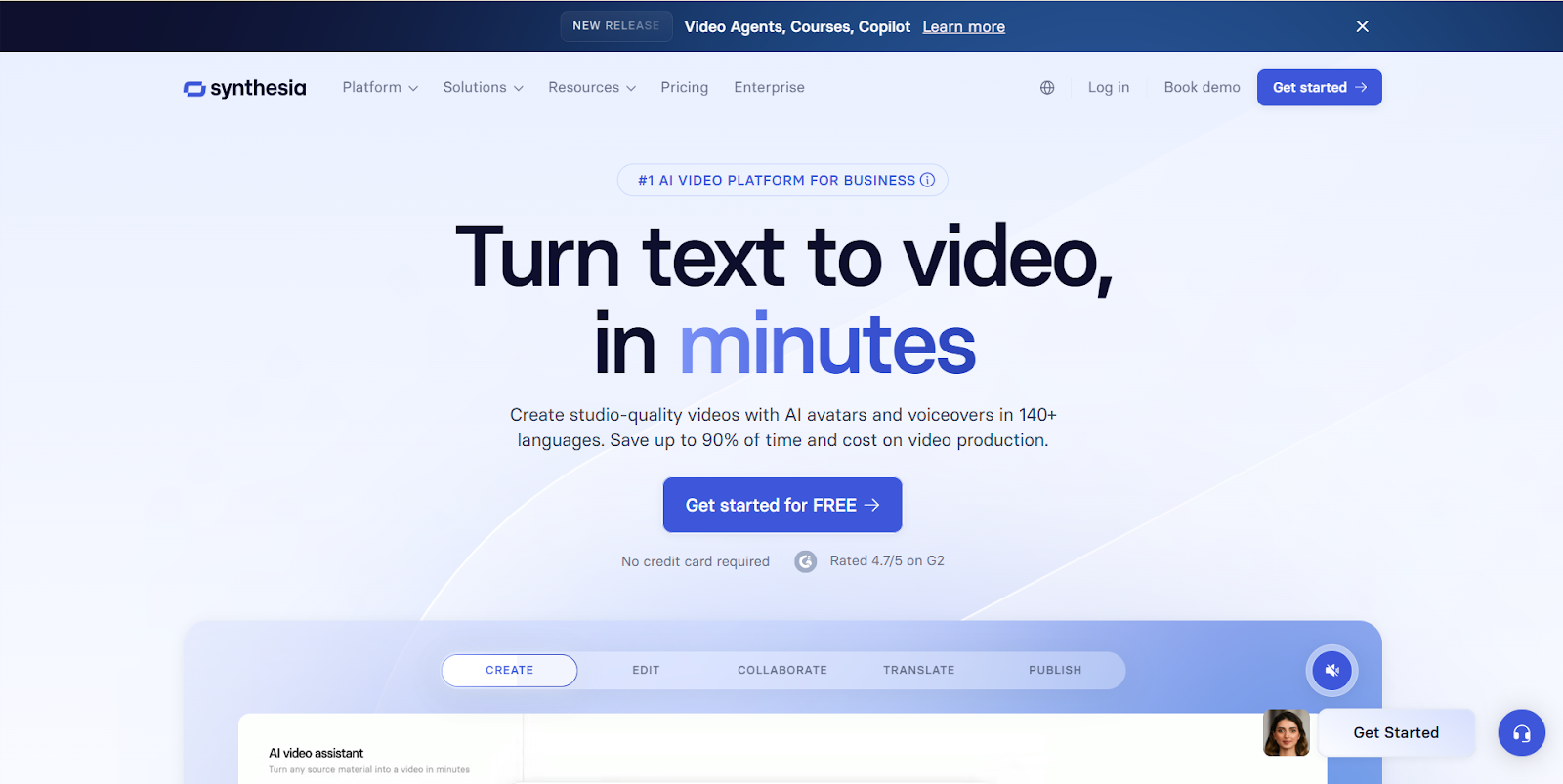
Who it’s for: Internal training, knowledge transfer, scalable content libraries, and global teams.
Synthesia is one of the most recognized names in AI-generated video. Its strength lies in speed + breadth of language support, making it perfect for organizations that:
- Need high-volume video creation
- Must deliver content across global markets
- Prioritize consistent messaging over perfect production quality
Key advantages
- 140+ languages and accents, meaning one script can become dozens of localized videos without setup hassle
- AI avatars that speak naturally, removing the need for live presenters
- Easy script-to-video workflow, just type, preview, and generate
- Enterprise features like SCORM export for training systems
Best use cases
- Compliance and training videos
- Global onboarding content
- Mass personalization at scale
Trade-offs to consider
Synthesia isn’t about photorealism or cinematic flair. Its avatars are smooth and functional, not flawless. So if your audience values human presence, emotional nuance, or visual polish, you might need a different tool.
HeyGen: Best for Realism and Customization
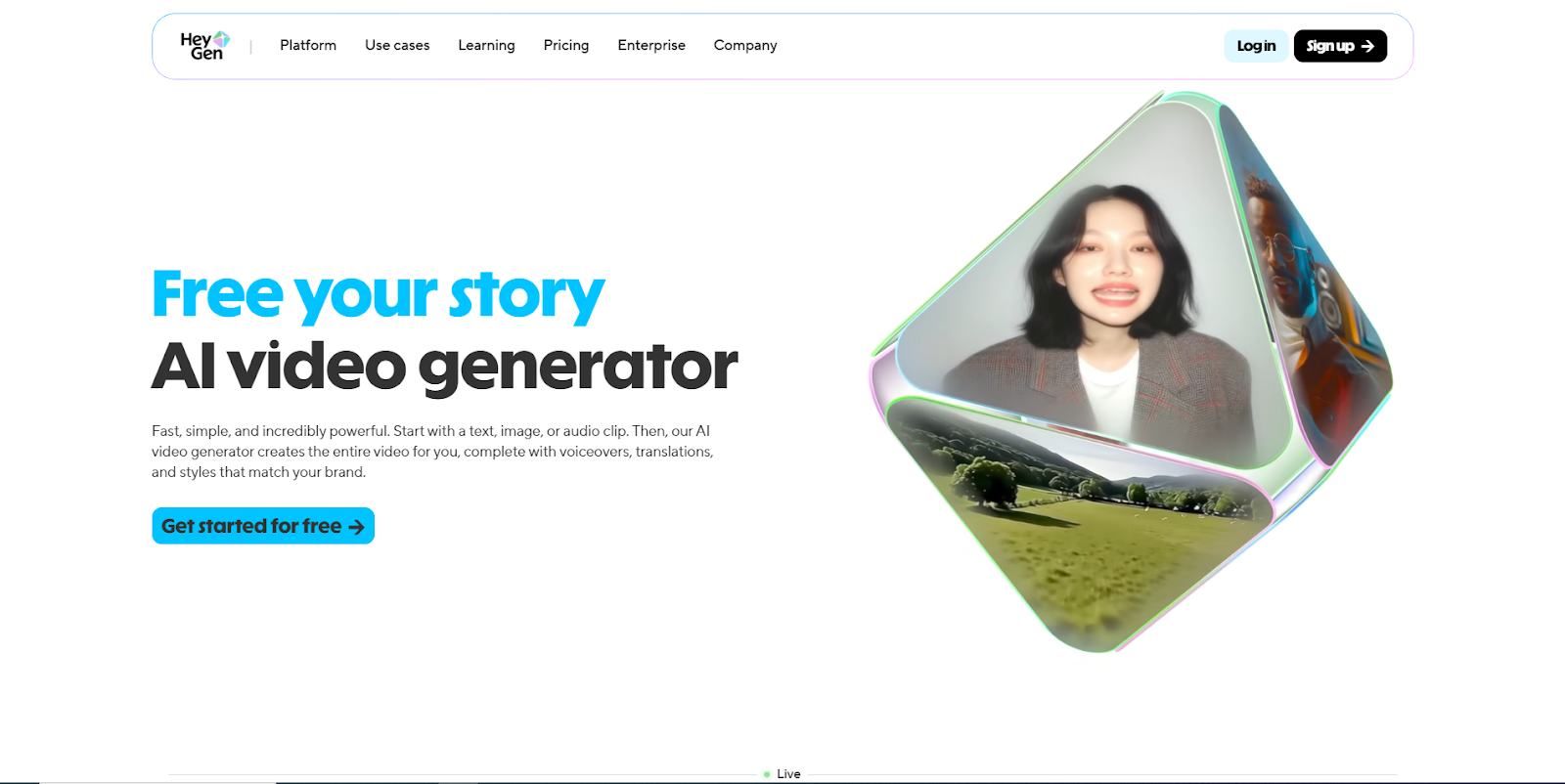
Who it’s for: Customer-facing content, marketer-driven campaigns, human-centric video experiences.
HeyGen takes a different approach, less about mass production, more about visual fidelity and customization.
While both HeyGen and Synthesia generate AI video from text and templates, HeyGen leans into:
- Custom avatar creation and voice cloning
- Detailed control over expressions, gestures, and delivery style
- Higher-resolution outputs (including 4K in some plans)
- Stronger creative control for brand and persona alignment
Best use cases
- Customer testimonials or spokesperson videos
- Sales outreach where authenticity matters
- Marketing videos in high-visibility campaigns
Trade-offs to consider
This realism comes at a cost: more creative decisions, slightly longer generation times, and more attention to style choices. In other words, HeyGen prioritizes experience quality over pure velocity.
Choosing Based on Your Priorities: A Simple Rule of Thumb
Not all video AI needs are equal. Here’s how to think about the trade-off:
If your goal is internal scale and consistency, Synthesia’s AI-driven voice and language capabilities are unmatched.
If your goal is external engagement and brand credibility, HeyGen’s realistic avatars give your audience something closer to a human connection.
Emerging Competitors & Complementary Tools
AI video isn’t a niche, it’s an ecosystem. Here are a few notable players that are worth a look, depending on your needs:
- Veed, A video editor rapidly adding AI features like automated voiceovers and script-to-video tools, is ideal for teams that want both creation and fine editing in one place.
- Hippo Video’s AI Editor, with built-in AI enhancements for editorial speed plus outreach workflows, is useful if your video creation stays tightly tied to sales engagement.
Each of these tools reflects the broader AI democratization trend, making video creation accessible to non-producers.
How to Avoid Common Pitfalls with AI Video Tools
AI tools are impressive, but they aren’t magic. If you lean on them without a strategy, you risk:
- Generic output that looks like everyone else’s content
- Low emotional resonance if you prioritize speed over authenticity
- Misaligned tone or context when AI misinterprets the script
- Brand inconsistency when style controls are lax
To avoid these, always:
- Use a clear persona brief before generating content
- Review AI voice and avatar choices for audience fit
- Integrate videos into a broader content plan
- Track engagement metrics, not just completion rates
AI video should augment strategy, not replace it.
So, Should Your Team Use AI Video Tools in 2026?
The short answer: Yes, but with clarity on purpose.
AI video tools unlock content velocity and localization in ways traditional production never could. They’re perfect for:
- Internal training libraries
- Scalable product explainers
- Localized global campaigns
- Time-sensitive marketing blitzes
But for high-stakes external communication, where trust and nuance matter, tools with stronger realism may be required.
Category 6: Best Tools for Interactive Video Engagement (Beyond Basic Playback)
By now, it should be clear that plain video hosting isn’t enough. But here’s the nuance most blogs miss:
Not every team is ready for full interactive product demos.
And not every use case needs a sandbox-style walkthrough.
That’s where interactive video engagement tools come in.
These platforms sit comfortably between traditional video hosting (like Vidyard) and full product demo software. They keep video at the center, but layer in interaction, decision points, and engagement signals that make videos feel alive.
Think of them as “smart videos, not product environments.
Best For: Sales, Marketing & Customer Success Teams Using Video as the Core Asset
This category is ideal if your team:
- Relies heavily on sales videos, explainers, or walkthroughs
- Wants better engagement data than just views and watch time
- Needs interactive CTAs without building full demos
- Uses video across the funnel—not just in sales
These tools enhance video without asking you to rebuild your entire GTM motion.
Wirewax (now part of Amazon IVS), Best for Advanced Interactive Video Layers
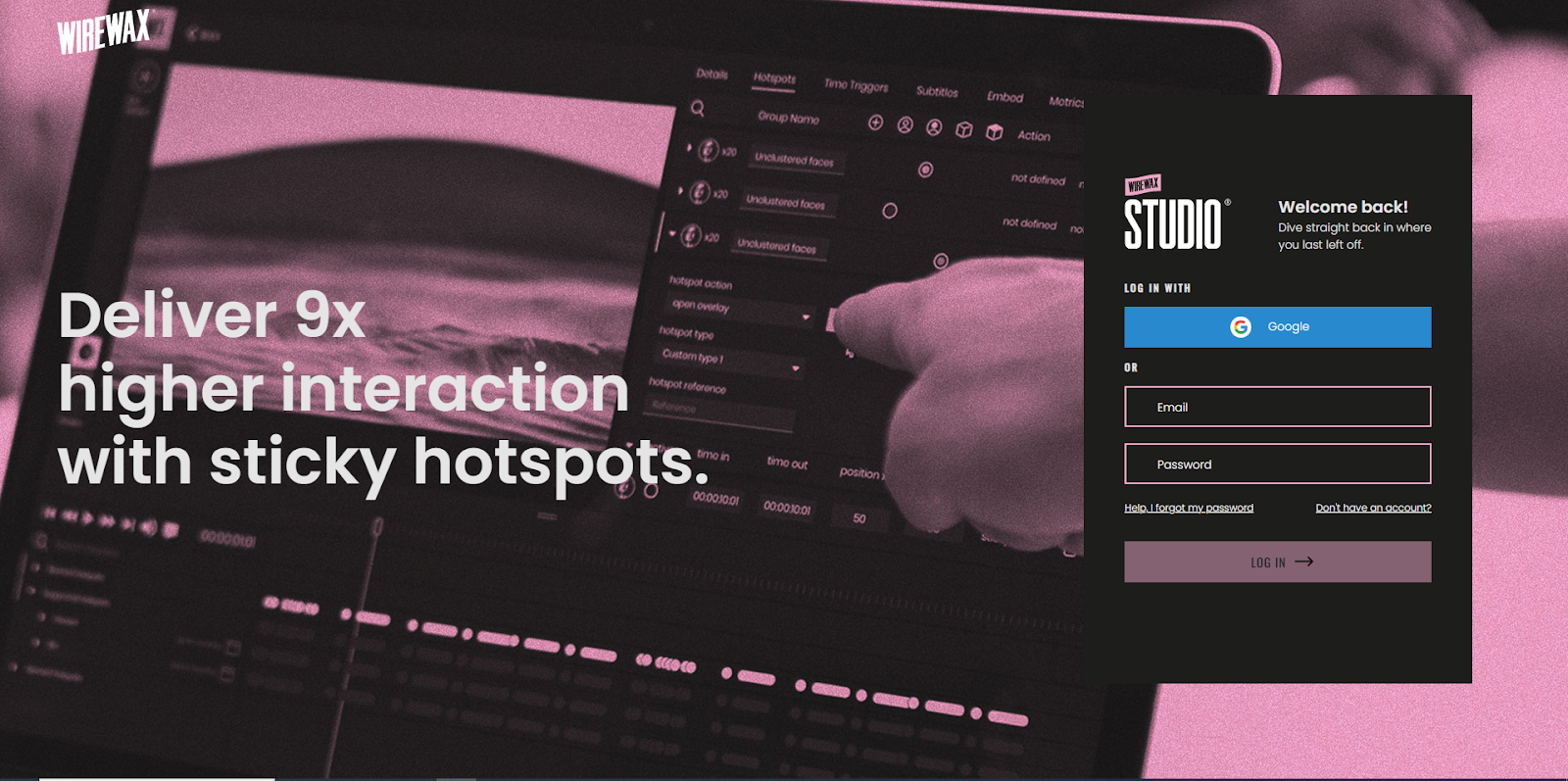
Wirewax is one of the most mature platforms for true interactive video experiences, where viewers can click directly inside the video.
Why it stands out
- Clickable hotspots embedded within the video
- Branching paths based on viewer choices
- Shoppable, explorable, and decision-driven video flows
- Deep interaction analytics beyond basic engagement
Where it fits best
- Enterprise marketing teams
- Interactive explainers and training videos
- Rich product storytelling (without live demos)
Wirewax is powerful, but it’s also more complex—best suited for teams that want highly produced, high-impact interactive videos.
HapYak (by Wistia): Best for Training & Educational Video Interactivity
HapYak focuses less on sales flash and more on learning and comprehension.
Why teams use HapYak
- Add quizzes, chapters, overlays, and CTAs to videos
- Improve knowledge retention through interaction
- Strong fit for onboarding, training, and education use cases
- Seamless experience layered on top of existing videos
Where it fits best
- Customer onboarding video tools
- Internal enablement and training
- Educational product content
HapYak turns video into a two-way learning experience, which is especially valuable for customer success teams.
Mindstamp: Best for Clickable CTAs & Branching Video Paths
Mindstamp is a great example of lightweight interactive video done right.
Why Mindstamp works
- Add buttons, links, forms, and branching logic to videos
- Let viewers choose what happens next
- Capture engagement signals without overwhelming setup
- Simple UI that marketing and sales teams can manage
Where it fits best
- Sales follow-up videos
- Marketing explainer content
- Interactive onboarding videos
Mindstamp is perfect when you want interactivity without enterprise-level complexity.
When Interactive Video Tools Are the Right Choice
Choose interactive video engagement platforms if you:
- Already produce sales or marketing videos
- Want better engagement analytics than Vidyard provides
- Need clickable CTAs and viewer-driven paths
- Don’t need full sandbox or product simulations
- Use video across sales, onboarding, and education
These tools represent a strong Vidyard alternative for teams that want more than hosting, but less than full demo environments.
Category 7: Video Tools for Customer Success & Onboarding
Customer success and onboarding are no longer “nice-to-have” functions. They’re strategic revenue drivers. Happy, engaged customers not only stay longer but also become advocates, boosting referrals and expansion revenue. In 2026, relying solely on static video or basic video hosting platforms like Vidyard isn’t enough to ensure adoption or reduce churn.
The goal for modern CS teams is to deliver interactive, personalized, and scalable onboarding experiences that empower customers to quickly understand and use the product effectively.
Why Traditional Videos Fall Short
While pre-recorded videos are simple to produce and share, they come with critical limitations:
- Passive consumption: Customers watch, but don’t actively engage or practice using the product.
- One-size-fits-all approach: Generic videos rarely address unique customer workflows or use cases.
- High support load: CS teams spend excessive time answering questions that could be solved with interactive guides.
The solution? Interactive onboarding video tools that combine guidance, personalization, and actionable engagement.
Tolstoy: Best for Choose-Your-Path Onboarding
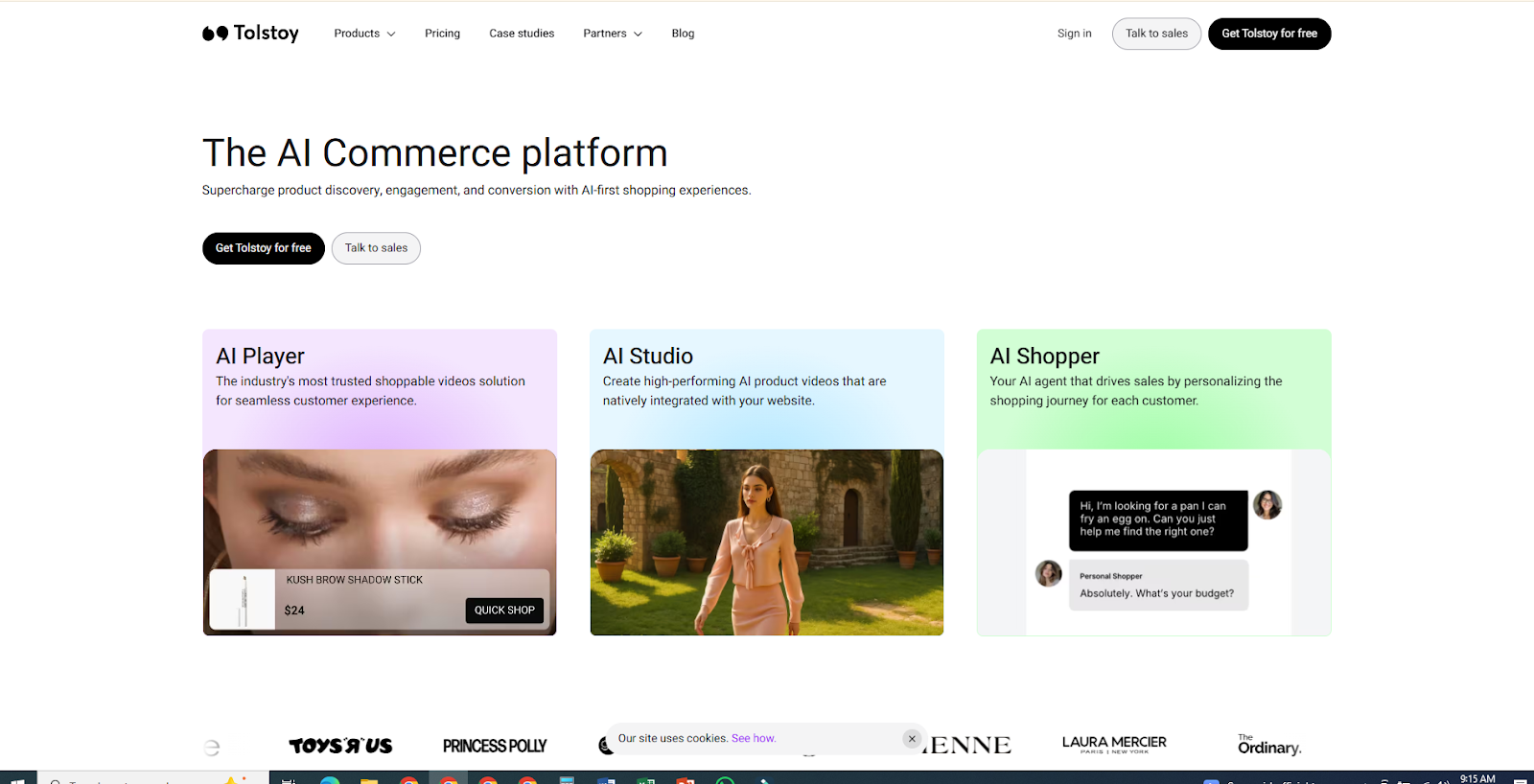
Tolstoy transforms onboarding videos into interactive journeys where users decide what to learn next. This “choose-your-path” format reduces cognitive overload and keeps engagement high.
Why Tolstoy excels
- Branching video experiences tailored to customer roles or workflows
- Simple setup for non-technical CS teams
- Works alongside existing help centers, knowledge bases, or LMS platforms
Best use cases
- Customer onboarding for new features
- Role-based tutorials
- Self-guided adoption flows
Supademo: Best for Hands-On Product Training
Supademo isn’t just for sales demos; its interactive product walkthroughs are perfect for onboarding. Customers can explore a live-like product environment, complete tasks, and gain confidence in using the software.
Key advantages
- Interactive HTML captures allow real product interaction
- AI-generated localized content accelerates training across regions
- Analytics track engagement and highlight friction points
Where it shines
- Enterprise SaaS onboarding
- New feature adoption campaigns
- Customer education programs
Wistia: Best for Branded Video Onboarding Content
Wistia’s strength lies in professional hosting, brand control, and video analytics, making it ideal for onboarding content that doubles as marketing collateral.
Why CS teams choose Wistia
- Fully customizable video players to maintain consistent branding
- In-video lead capture and engagement tracking for enterprise clients
- Integrates with LMS and marketing automation platforms for seamless workflows
Best use cases
- Customer success newsletters with tutorial videos
- Tiered onboarding sequences for different customer segments
- Analytics-driven optimization of onboarding content
Demio: Best for Live Interactive Onboarding Sessions
Some onboarding is best done live, especially for high-touch accounts or complex software. Demio provides a webinar-style, interactive video environment optimized for CS teams.
Key benefits
- Live training sessions with interactive polls and Q&A
- Easy recording and repurposing for asynchronous onboarding
- Engagement analytics to measure adoption and comprehension
Where it fits best
- High-value enterprise onboarding
- Product walkthrough webinars
- Post-sale customer education events
Why Investing in Onboarding Tools Matters
Deploying interactive onboarding video platforms brings tangible business benefits:
- Faster time-to-value: Customers learn the product quickly and effectively.
- Reduced CS workload: Automated, interactive flows free up time for strategic support.
- Better retention and expansion: Higher product adoption leads to lower churn and more upsell opportunities.
- Actionable insights: Track engagement, completion rates, and friction points to continuously optimize onboarding.
For GTM teams looking to maximize customer success ROI, combining tools like Tolstoy, Supademo, Wistia, and Demio creates a layered onboarding strategy, covering self-guided, live, and branded video experiences.
This category reinforces a critical point: in 2026, onboarding is no longer a back-office function. It’s a revenue accelerator. Selecting the right video tool here isn’t just about convenience. It’s about building customer trust, adoption, and lifetime value from day one.
Quick Comparison: Which Vidyard Alternative Fits Your Use Case?
With so many strong Vidyard alternatives on the market in 2026 each optimized for different outcomes, choosing the right one comes down to matching tools with your specific use case. This section puts the most impactful platforms side by side, so you can quickly assess what fits your team’s goals.
We’ll break the comparison into four strategic use-case tables:
- Sales & Personalization
- Interactive Engagement
- Marketing & Hosting
- Customer Success & Onboarding
Sales & Personalized Outreach Tools
Quick Decision Tip:
Choose Sendspark if personalization at scale is your priority. Choose Dubb if you want CRM + automation without extra systems. Choose Hippo Video or BombBomb if you lean enterprise or email-focused.
Interactive Engagement & Demo-Enhanced Tools
Quick Decision Tip:
For enterprise-grade interactive experiences, go with Demostack. For lightweight interactive demos that convert without heavy setup, choose Supademo or Navattic. For demo videos with personalization and AI assistance, Puppydog.io is a powerful fit.
Marketing & Video Hosting Platforms
Quick Decision Tip:
Choose Wistia if your objective is brand, SEO, and capturing marketing engagement. Loom and Tella are stronger for internal or polished content without a deep conversion focus.
Customer Success & Onboarding Video Tools
Quick Decision Tip:
Use Tolstoy for exploratory learning paths, Supademo for hands-on product practice, Wistia for polished video libraries, and Demio when real-time interaction matters.
Feature-Focused At-a-Glance
How to Use These Tables
1. Define your primary goal first:
- Pipeline acceleration? → Sales & personalization
- Product adoption? → Interactive engagement tools
- Brand and SEO traction? → Marketing & hosting platforms
- Customer onboarding success? → CS & onboarding tools
2. Consider your tech stack:
Are you already invested in HubSpot, Salesforce, or Marketo? Tools with strong integrations can make your life significantly easier.
3. Think about scale:
Early-stage teams often benefit from tools like Loom or Sendspark, while more mature enterprises may leverage Demostack or Wistia’s advanced tiers.
Conclusion
Choosing the right Vidyard alternative in 2026 comes down to one thing: does it help you move deals forward?
If your focus is sales demos, Puppydog.io stands out by turning simple screen recordings into personalized, guided demo videos that actually convert.
No heavy setup. No long re-recordings. Just clear product stories for the right buyer.
Try Puppydog and turn your demos into a sales advantage.
FAQs: Frequently asked questions
What are the best Vidyard alternatives?
There isn’t a single “best” alternative for everyone. The top choices in 2026 specialized tools depending on your use case:
- Best for sales personalization: Sendspark, Dubb
- Best for interactive product engagement: Supademo, Demostack
- Best for marketing & video hosting: Wistia
- Best for async communication: Loom
- Best for customer onboarding: Tolstoy, Wistia, Demio
- Best for AI video creation: Synthesia, HeyGen
Each of these excels in the niche where Vidyard’s generalist approach can fall short.
Why do people look for alternatives to Vidyard?
Teams search for Vidyard alternatives because:
- Vidyard tries to do everything, but specialized tools often do specific jobs better.
- Sales teams want deeper personalization and CRM-driven workflows.
- Product teams want interactive demos that static video can’t deliver.
- Marketing teams want stronger SEO, customization, and conversion features.
- Customer Success teams need onboarding tools that truly engage, not just host videos.
In short, people look for tools better aligned with their real goals, not just basic video hosting.
Are there interactive alternatives to Vidyard?
Absolutely. Some of the most exciting alternatives focus on interactive engagement rather than passive viewing. Examples include:
- Supademo – Clickable, explorable product walkthroughs
- Demostack – Enterprise sandbox demos
- Navattic – Website-embedded interactive tours
These platforms go beyond static video by letting users actively explore, learn, and engage, something traditional video tools can’t match.
Which Vidyard alternative is best for sales teams?
For sales outreach and pipeline integration, look at:
- Sendspark – Exceptional for video personalization at scale
- Dubb – Adds CRM + automation directly into the video workflow
- Hippo Video – Enterprise sales features and deep Salesforce sync
- BombBomb – Great for personalized video email outreach
If your goal is to convert prospects or shortening sales cycles with targeted videos, these are strong contenders.
Is there a cheaper alternative to Vidyard?
Yes, many alternatives are more cost-effective depending on your needs:
- Loom – Excellent free tier with premium add-ons
- Sendspark – Affordable with scalable personalization
- Synthesia / HeyGen – Lower than traditional production costs for AI-generated video
That said, pricing always depends on features and scale. Some specialized tools can be more cost-effective because they focus tightly on what you actually need.
Can Vidyard alternatives integrate with CRMs?
Yes, many modern Vidyard competitors offer deep CRM integration:
- Sendspark – Works with HubSpot, Salesforce, Gmail, Outlook
- Dubb – Built-in CRM plus external sync
- Hippo Video – Salesforce integration and SEP workflows
CRM integration is critical for turning video engagement into real pipeline signals, not just view counts.
Are Vidyard alternatives better for product demos?
In many cases, yes. Traditional video is great for explanation, but today’s alternatives can provide interactive experiences that simulate real product use.
Tools like:
- Supademo
- Demostack
- Navattic
- Puppydog.io (for guided demo video experiences)
…offer more engaging and qualification-ready demo experiences than passive video alone.
What is the difference between interactive demos and video demos?
Here’s a quick breakdown:
- Video demos are linear: record once, watch passively.
- Interactive demos let users explore features on their own terms—clicking through real or simulated product flows.
Interactive demos generate behavioral data (what users clicked, where they lingered), which is far more useful for sales follow-ups than simple view metrics.
Do Vidyard alternatives offer video analytics?
Yes, but the depth varies by tool:
- Basic analytics: view counts, play time (common in most video tools)
- Engagement analytics: CTA clicks, percentage watched, behavior events
- Interactive analytics: clicks on interactive hotspots, path choices, demo engagement heatmaps (in interactive tools)
Interactive platforms and sales video tools tend to provide the richest insights, especially when tied to CRM systems.
Which Vidyard alternative is best for AI video creation?
For AI-powered video production and localization, the leaders include:
- Synthesia – Fast creation, translation into 140+ languages
- HeyGen – Realistic avatars with customization
- Veed – Video editor with emerging AI tools
These tools dramatically reduce time and cost compared to traditional video production while enabling scalable content creation.

Sarah Thompson is a storyteller at heart and Business Developer at PuppyDog.io. She’s passionate about creating meaningful content that connects people with ideas, especially where technology and creativity meet.