16 Best VEED Alternatives in 2026: AI Video, Free Editors & Demo Tools

By Sarah Thompson
Updated 12 September 2026
Short on time? Summarize this comparison with ChatGPT, Claude, Perplexity, or Gemini.
VEED built its reputation on simplicity. Browser-based, no downloads, fast captions, decent subtitles- for a long time, it was an easy default for anyone who needed a quick video without the headache of proper editing software. But "easy default" and "right tool for the job" aren't the same thing, and more teams are starting to feel that gap.
By 2026, the video needs of marketing teams, sales reps, and SaaS product teams have grown dramatically. People want personalization, automation, pipeline data, and content that doesn't go stale the moment a product update ships. VEED, solid as it is for social clips and quick edits, wasn't designed to carry all of that.
You might be wondering: is it just pricing frustration? Sometimes. But the complaints go deeper: rendering slowdowns on longer videos, unexpected paywalls, watermarks on the free tier, and a 720p export cap that feels limiting in a world that's largely moved on. On Capterra, VEED scores just 3.2 out of 5 stars, a significant drop from its G2 rating of 4.6, largely driven by small business users who ran straight into those walls.
So what actually works? That's what this guide answers. We've evaluated 16 VEED alternatives across five categories: general browser editors, transcript-based tools, AI avatar studios, async screen recorders, and demo automation platforms. Each is matched to the use case where it genuinely performs.
That instinct tracks with the broader market, too. Wyzowl's video marketing research has consistently found that the large majority of marketers who use video report it directly supports revenue growth, not just brand awareness. Video isn't a nice-to-have anymore; it's infrastructure.
PuppyDog now builds the entire video from a single screen recording: script, voiceover, and edit included.
Why People Are Searching for VEED Alternatives in 2026
Before comparing tools, it helps to understand what's actually pushing teams to look elsewhere. The issues aren't random. They follow a very consistent pattern.
1. The Free Tier Hits a Wall Fast
VEED's free plan exports at 720p and stamps every video with a watermark. AI captions are capped at roughly 2–10 minutes per month before you hit a limit. For a casual one-off clip, that's fine. For anyone running a real content workflow, you'll outgrow it in the first week and find yourself staring at an upgrade prompt.
2. Pricing Scales Uncomfortably
The jump from VEED's free tier to Lite ($10–$18/seat/month) is manageable. But from Lite to Pro ($21–$30) to Business ($35–$59) adds up fast for teams. On Capterra, one of the most frequently cited complaints from small business users is exactly this: unexpected billing transitions and sudden paywalls that appear mid-project without clear warning.
3. Performance Degrades on Longer Videos
VEED is a browser-native tool. That works brilliantly for two-minute social clips. For longer 4K footage or complex multi-layered sequences? Users consistently report lag, timeline freezing, and crashes that can wipe out unsaved work entirely. Not ideal when you're on a deadline.
4. No Personalization, No Pipeline Data
If your goal is to create videos that feel genuinely tailored to each prospect, VEED simply wasn't built for that. There's no CRM integration, no viewer-level analytics, and no way to personalize content at scale without doing it all manually, one video at a time.
5. Content Goes Stale, and Re-Recording Is Painful
This one hits SaaS teams hardest. Every time your product updates- a new UI, a renamed feature, a redesigned flow- every VEED recording of the old interface becomes immediately outdated. There's no layer-based editing here. You re-record from scratch every time. For fast-moving SaaS teams shipping weekly, this creates an unsustainable maintenance burden.
Built for editors, not marketers. Expect a real timeline and a real time investment per video.
How to Choose the Right VEED Alternative
Here's a simple framework. Ask yourself one question before comparing pricing pages: what job does this video need to do?
- Quick social edits and brand content? You want a fast, template-driven browser editor.
- Podcast or interview repurposing? You need transcript-based editing.
- Presenter-led training at scale? AI avatar tools are your category.
- Product demos for sales outreach? Demo automation is where you belong.
- Internal async updates? A screen recorder with hosting is plenty.
Matching the tool to the job saves you from paying for features you'll never use and from under-delivering on the ones that actually matter.
The job: turn a screen recording or screenshot into a finished demo. If you're staring at a folder of screen captures wondering how they become an actual video without a timeline, zoom effects, and three hours you don't have, that's a specific job most editors on this list weren't built for. Puppydog's demo video maker starts from exactly that: a recording or screenshot in, a finished, narrated demo out.
The job: one recording, many personalized demos, tied to your CRM. A different job entirely: you've got one great source video, and you need it to become dozens of versions, each speaking to a specific role, industry, or account, each one tracked back to a real prospect. That's not an editing problem; it's a personalization-and-attribution problem. Puppydog's video personalization is built around that exact job.
How We Tested and Ranked These Tools
We didn't just skim homepages and call it a day. Sixteen tools, five weighted categories, one straightforward question behind every score: does this thing actually do the job a buyer hired it to do?
Here's how the weighting breaks down:
Our evidence base is public pricing pages, verified review data from G2 and Capterra, and hands-on evaluation of each platform's core workflow. We didn't assign numeric scores for the sake of having numbers. Where a tool's review base was too thin to trust, we say so rather than dress it up.
Category 1: General-Purpose Browser Editors
These replace VEED most directly for teams focused on social content, brand videos, and fast-turnaround creative work.
CapCut: Best Free VEED Alternative for Social Video
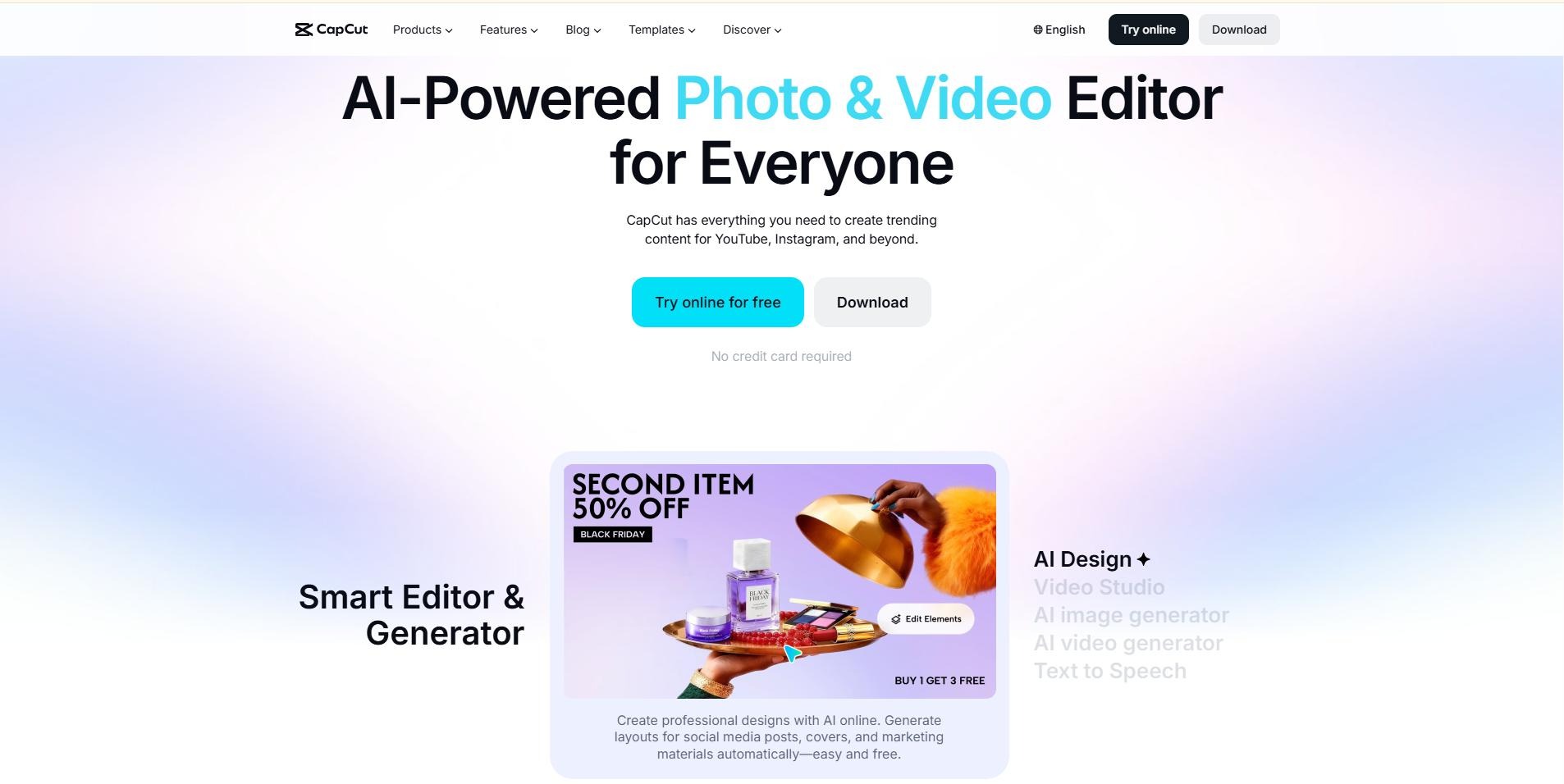
CapCut, developed by ByteDance, is genuinely the most capable free video editor available in 2026. It exports at 1080p without a watermark on standard content, offers automated style transfers, AI captions in dozens of languages, and a vast library of TikTok and Reels-optimized templates.
Best for: Fast-moving social media teams and content creators who need high output at zero cost.
Key features:
- Automated style transfers
- AI captions in dozens of languages
- TikTok/Reels-optimized template library
Pros: 1080p exports with no watermark on standard templates; extremely capable free tier. Cons: ByteDance ownership may raise compliance concerns for sensitive SaaS or client data; no unified G2 profile to verify a rating against (B2B feedback is currently indexed under ByteDance's Commerce Pro/Pippit line, not CapCut itself).
Pricing: Free tier (1080p, no watermark on standard templates); Pro Teams at $24.99/user/month. Rating: Not enough verified reviews under CapCut's own G2 profile.
Canva Video: Best for Design-First Marketing Teams
If your team
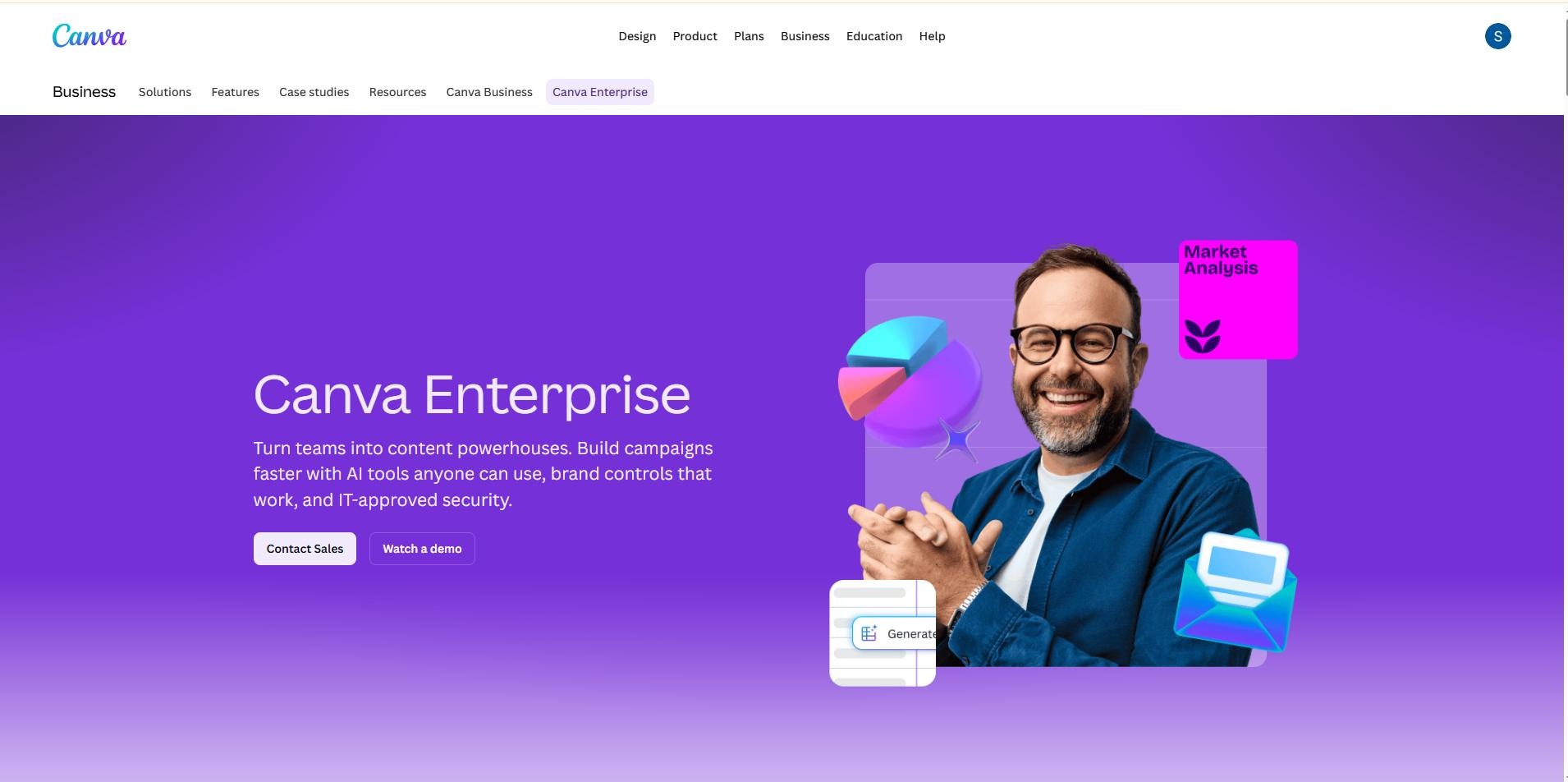
already lives in Canva for social posts, pitch decks, and brand collateral, adding video here is the path of least resistance. Canva Video integrates seamlessly with existing Brand Kits, supports real-time multi-user collaboration, and handles Magic Resize so one video asset can serve every platform at once.
Best for: Marketing teams who want design and video production in a single workspace.
Key features:
- Brand Kit integration
- Real-time multi-user collaboration
- Magic Resize across formats
Pros: Single workspace for design and video; strong collaboration tools. Cons: Limited frame-level precision; cutting dialogue-heavy explainers with specific audio timing will feel constraining quickly.
Pricing: Free tier (limited stock assets and export options); Canva Pro at $12.99/month; Teams at $14.99/user/month. Rating: G2 4.7/5
Kapwing: Best for Collaborative Video Teams
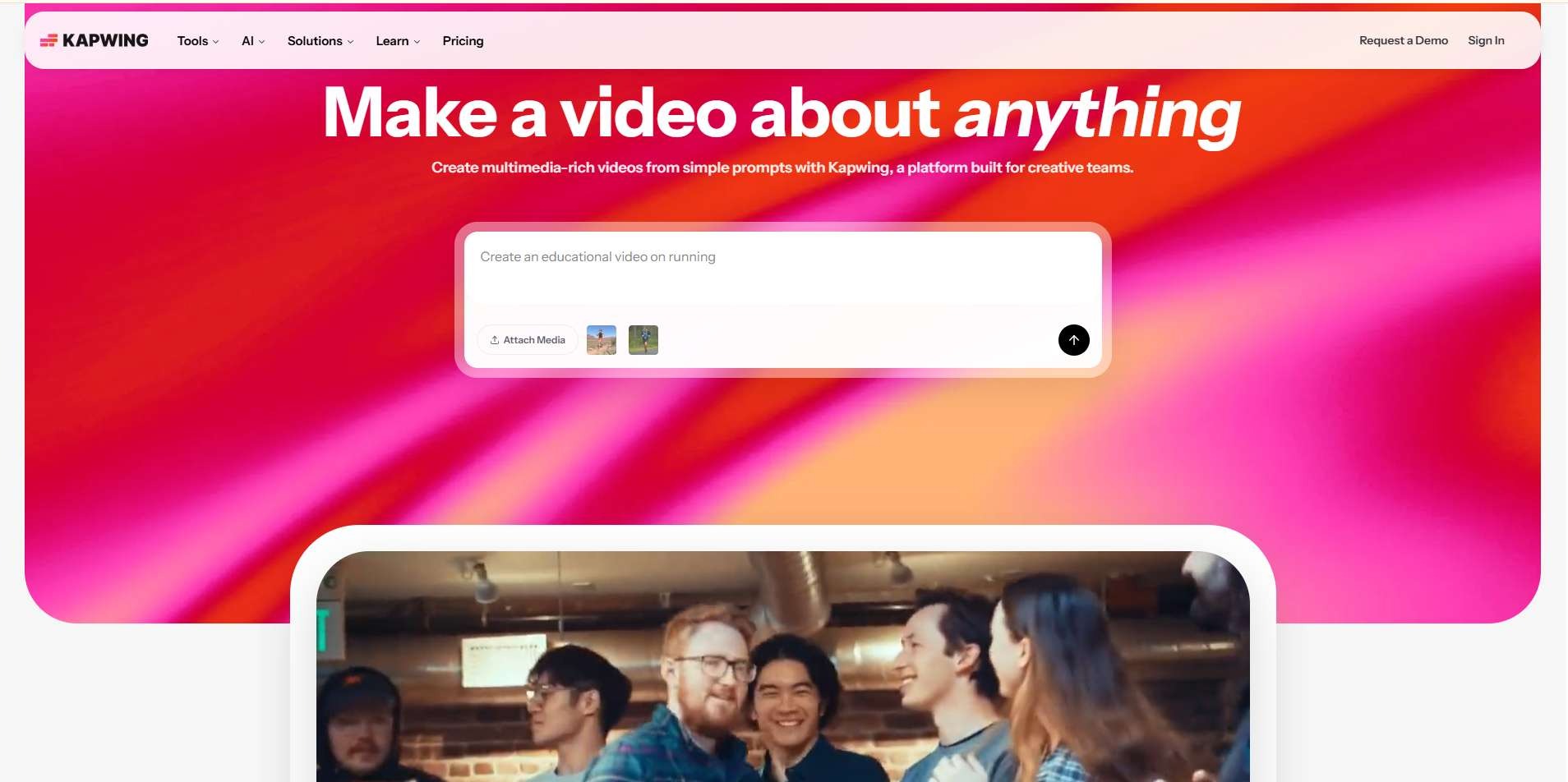
Kapwing is essentially Figma, but for video. Multiple editors can
work simultaneously with live cursors, shared media libraries, and inline comments, all inside the browser. Its "Smart Cut" tool automatically removes silences from recordings, which sounds minor but saves significant time on webinar repurposing.
Best for: Distributed content teams that need Figma-style co-editing for video projects.
Key features:
- Live multi-cursor co-editing
- Shared media libraries and inline comments
- Smart Cut automatic silence removal
Pros: True real-time collaboration; Smart Cut is a genuine time-saver on webinar repurposing. Cons: Performance can stall on longer or more complex timelines; some users report rendering loops and broken exports during high-demand periods.
Pricing: Free tier with watermark; Pro at $16/user/month; Business at $50/user/month. Rating: G2 3.9/5
FlexClip: Best Budget-Friendly Browser Editor
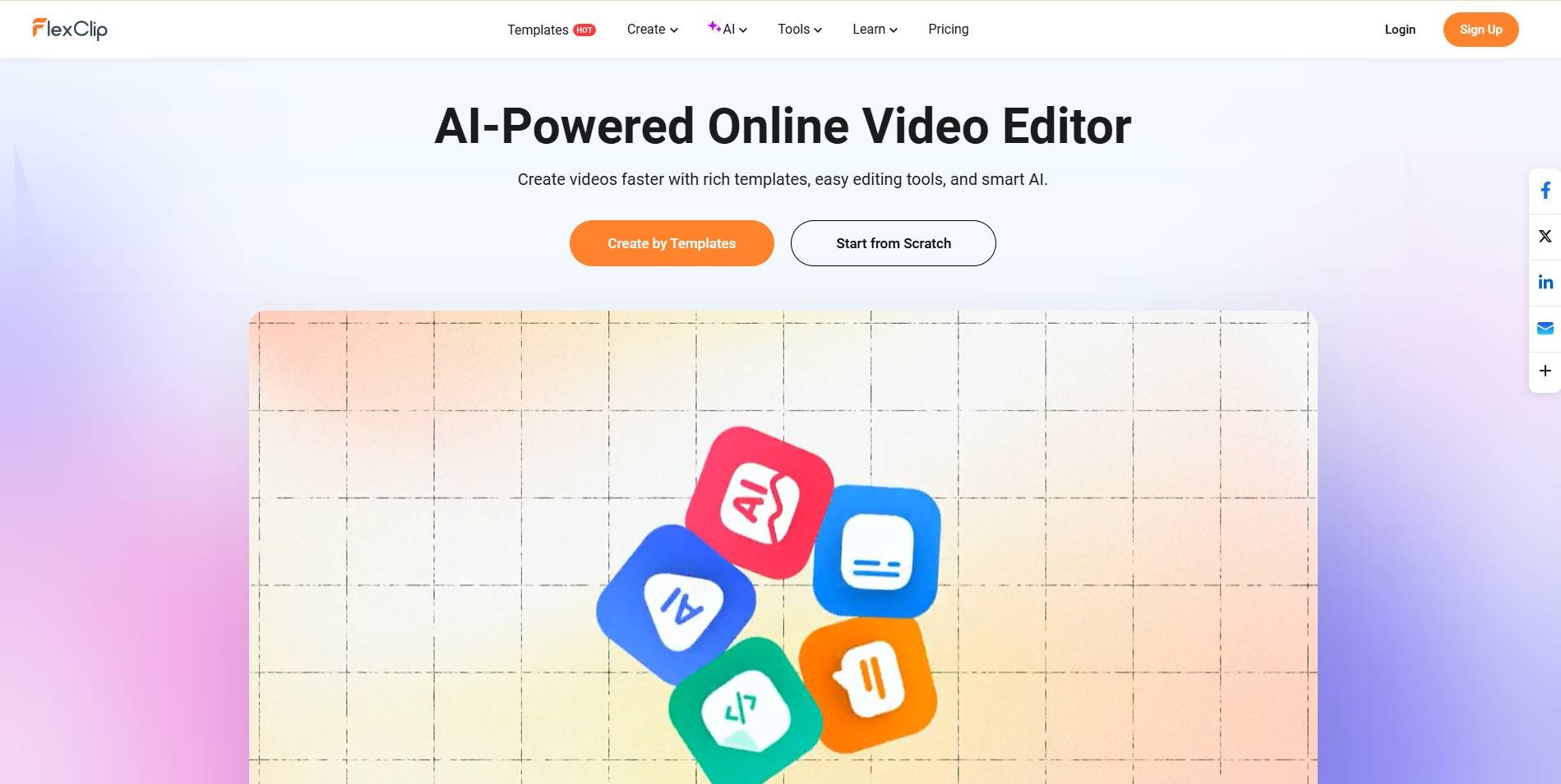
FlexClip sits at the crossroads of storyboard editing and generative AI, having integrated Google Veo and Kling for first-draft visual generation. Simple enough for beginners, affordable enough for budget-constrained teams, and functional enough for most standard marketing use cases.
Best for: Small teams and solo marketers who need a capable browser editor without a steep learning curve.
Key features:
- Storyboard-style editing
- Google Veo and Kling integration for first-draft generation
Pros: Genuinely beginner-friendly; capable enough for standard marketing use without a learning curve. Cons: Free tier forces a mandatory three-second branded intro on every export; capped at 720p until upgrade.
Pricing: Free tier (branded intro, 720p); Plus at $11.99/month (removes intro, unlocks 1080p). Rating: G2 4.5/5 · Capterra 4.0/5
CutFast: Best for Privacy-First Editing
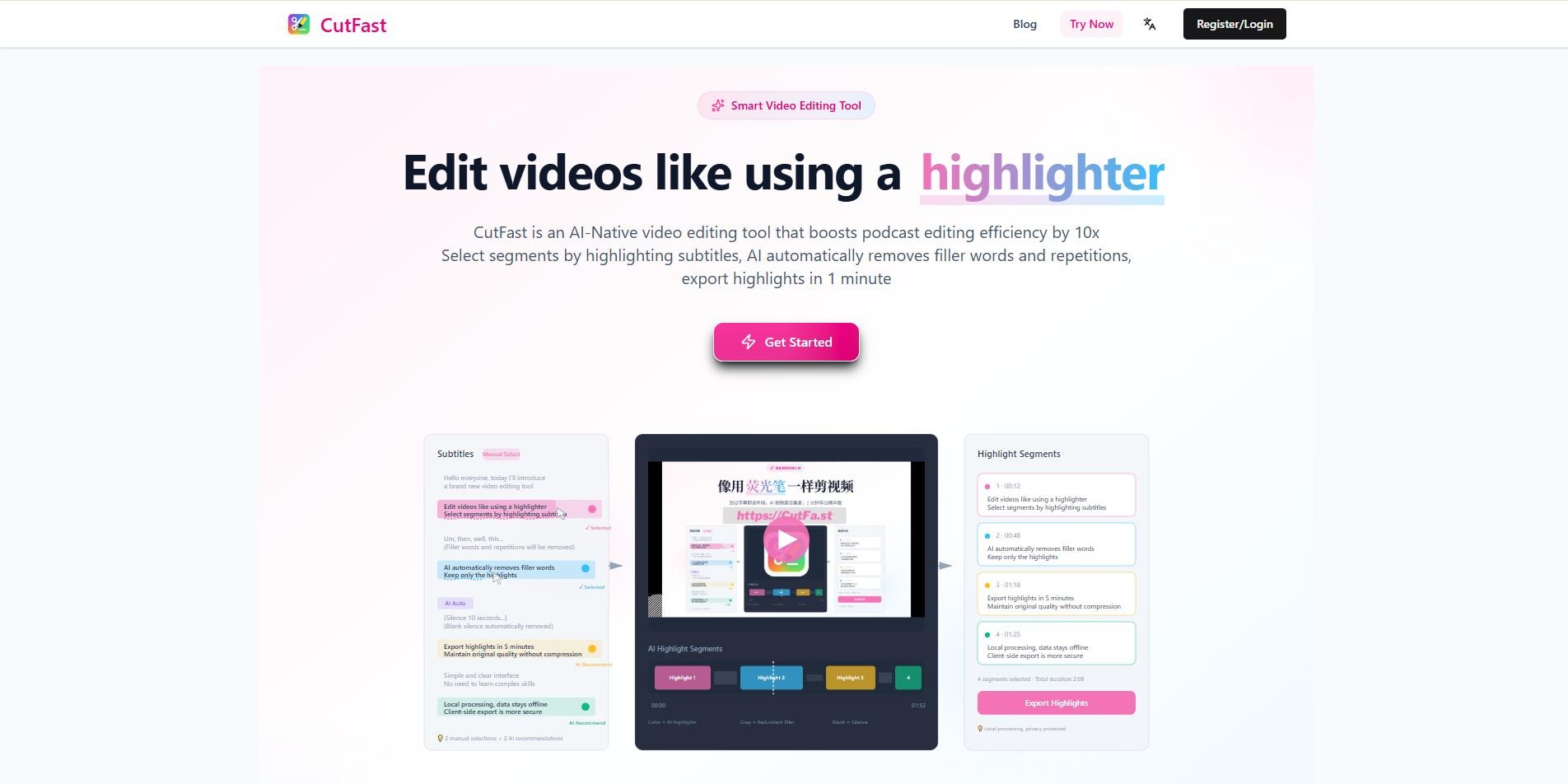
CutFast takes a fundamentally different approach. It processes everything locally in your browser using FFmpeg WASM. Your files are never uploaded to any external server. For SaaS teams editing pre-launch product features, proprietary screen captures, or compliance-sensitive content, this is a meaningful operational advantage.
Best for: Security-conscious teams who need quick utility edits without cloud exposure.
Key features:
- Local, browser-based processing (FFmpeg WASM)
- Zero file uploads to external servers
Pros: Meaningful privacy and compliance advantage; clean and fast for what it does. Cons: No multi-track timeline or AI presenter functionality; it's a lean toolbox, not a full production suite.
Pricing: Free tier, watermark-free exports included. Rating: Not enough verified reviews (no G2 or Capterra profile currently listed).
Category 2: Transcript-Based and Content-Repurposing Editors
Descript: Best for Dialogue-Heavy Content
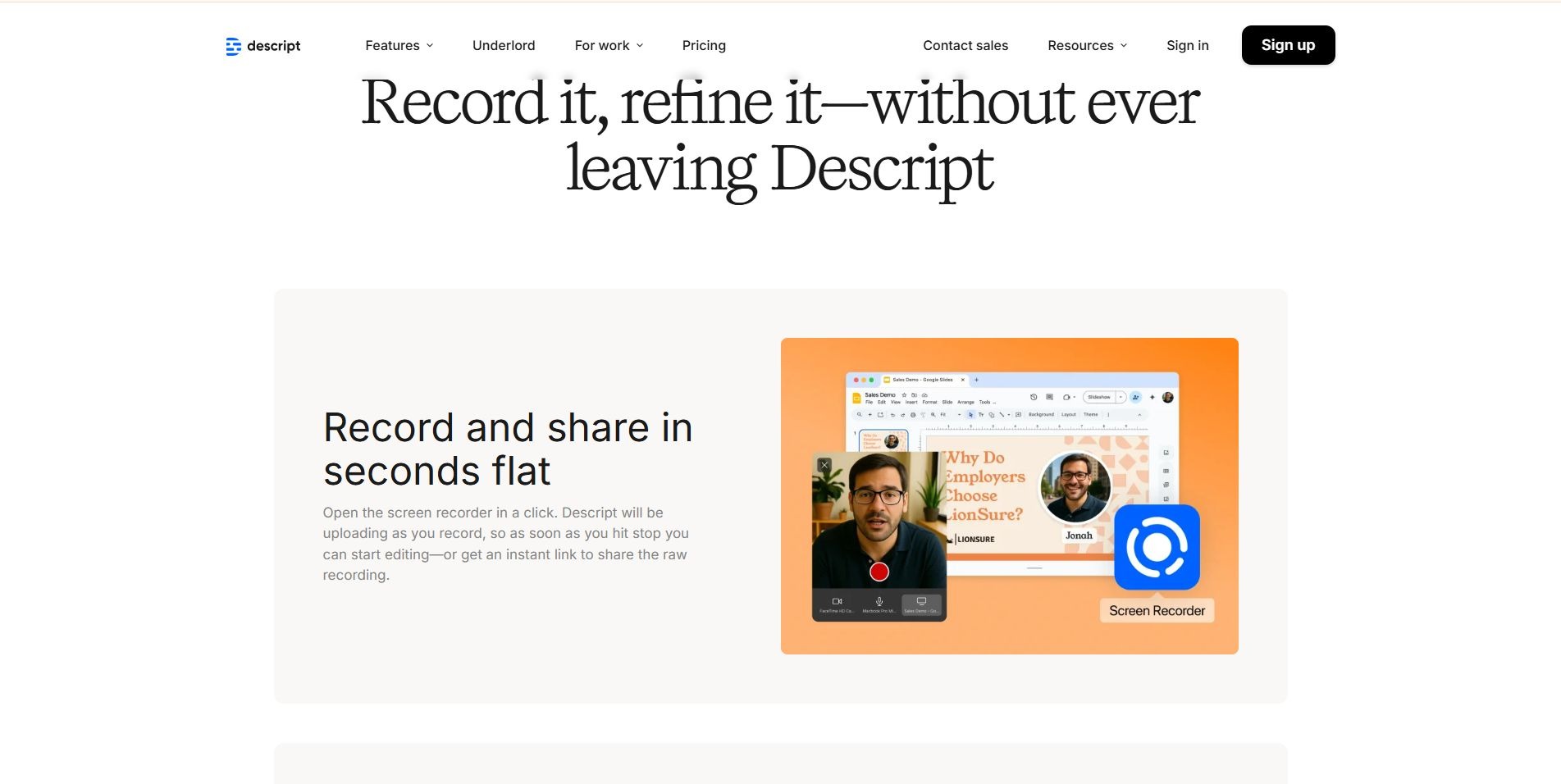
Descript pioneered something that sounds obvious in hindsight but was genuinely revolutionary: editing video by editing text. Upload a recording, get a transcript, delete a sentence from the transcript, and the video automatically cuts that segment. For podcast editors, interview producers, and webinar teams, this workflow is dramatically faster than traditional timeline scrubbing.
Studio Sound handles one-click background noise removal. Overdub lets creators fix spoken mistakes simply by typing the corrected text. The AI generates a natural-sounding replacement voice. Multi-track audio and collaboration tools round out a genuinely capable post-production environment.
Best for: Podcasters, educators, and content teams working primarily with speech-heavy video.
Key features:
- Edit-by-transcript workflow
- Studio Sound noise removal
- Overdub voice correction
- Multi-track audio and collaboration tools
Pros: Dramatically faster than timeline scrubbing for dialogue-heavy content; genuinely capable post-production suite. Cons: Not a video generator, it doesn't create video from text prompts, and its template library is thinner than design-first platforms.
Pricing: Free tier (limited exports and AI credits); Creator at $24/month; Business at $50/month. Rating: G2 4.6/5 · Capterra 4.5/5
Pictory: Best for Blog-to-Video Repurposing
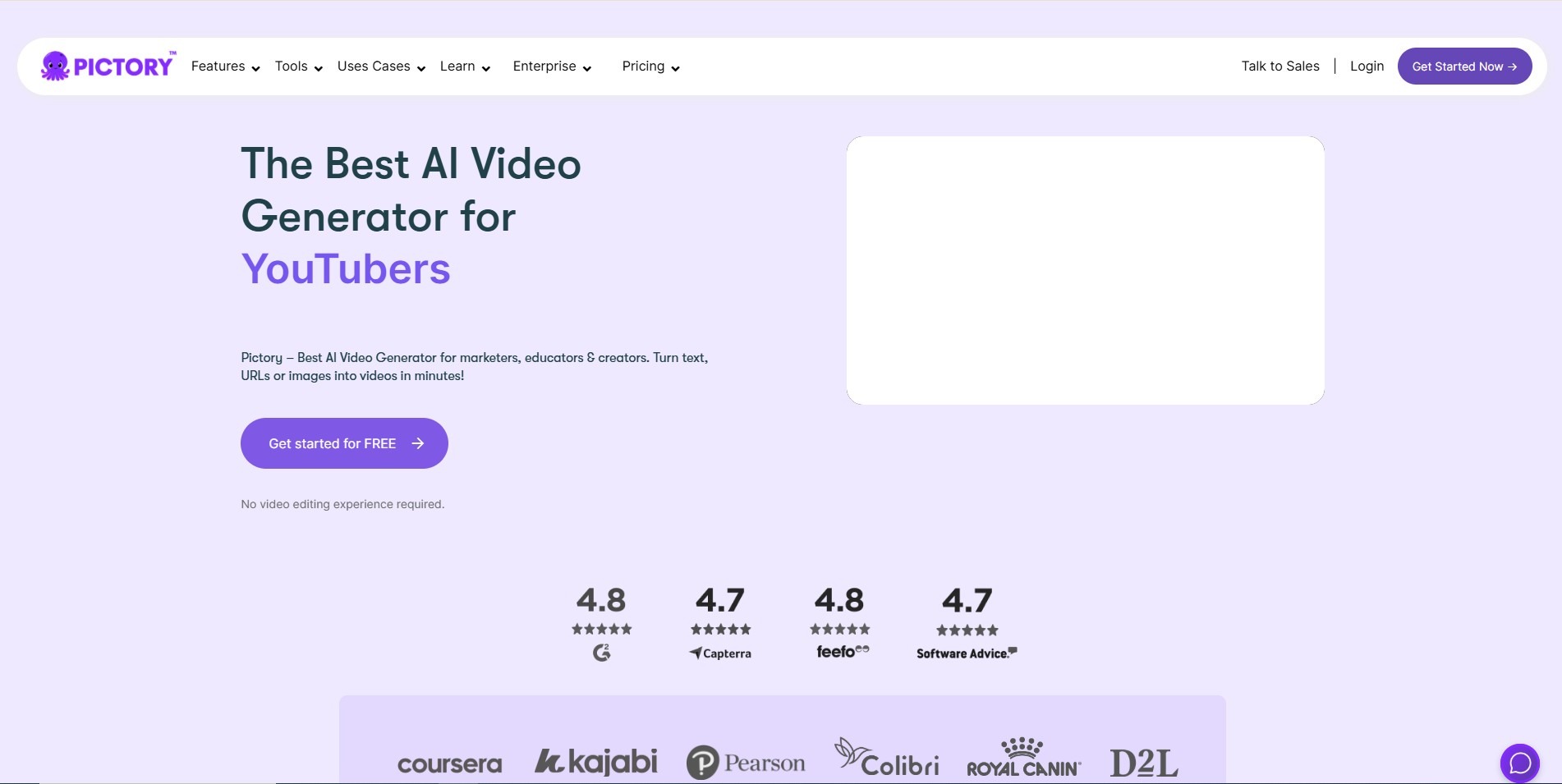
Pictory does something VEED doesn't even attempt: paste a blog post URL, and the platform extracts key concepts, matches them to relevant stock footage, layers on an AI voiceover via ElevenLabs, and outputs a social-ready video. For content marketing teams running high-volume syndication programs, this kind of automation is a real time-saver.
Best for: Content marketers who want to extend the reach of long-form written content into video without manual editing.
Key features:
- Blog-URL-to-video extraction
- Automated stock footage matching
- ElevenLabs AI voiceover
Pros: Genuine time-saver for high-volume content syndication. Cons: Independent evaluations report generation failure rates approaching 50% on longer rendering passes, test your specific content format before committing to high-volume workflows.
Pricing: Free trial; Starter at $19–$25/month (720p only); Professional at $39/month for 1080p. Rating: G2 4.6/5
Category 3: AI Avatar Studios
Synthesia: Best for Enterprise Training and Localization
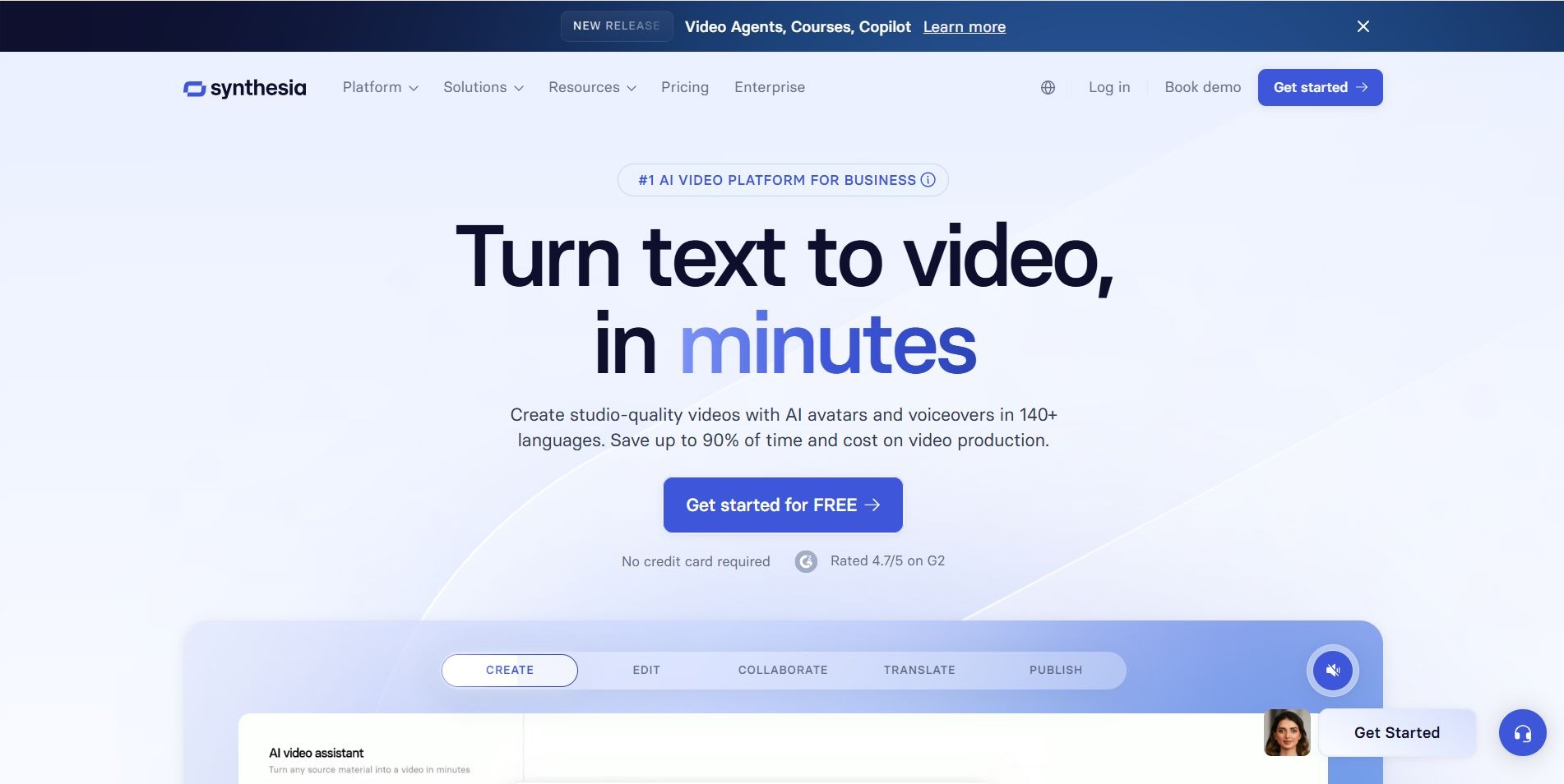
Synthesia is trusted by over 60% of the Fortune 100, and the reasons are clear. Its 240+ digital avatars dynamically modify gestures, body posture, and facial expressions based on script tone. Its one-click translation pipeline covers 80+ languages. SOC 2 Type II, ISO 27001, and GDPR compliance are all included, which matters when you're producing content at enterprise scale across multiple regions.
Best for: Large organizations producing standardized training, HR compliance, or multilingual onboarding content.
Key features:
- 240+ digital avatars with dynamic gestures and expressions
- One-click translation across 80+ languages
- SOC 2 Type II, ISO 27001, GDPR compliance
Pros: Enterprise-grade compliance and localization at real scale. Cons: Even minor script changes trigger a full re-render; at high production volume, this becomes a real bottleneck, building in extra lead time.
Pricing: Free tier (limited monthly video credits); starts at $18–$29/month for 10 video minutes; enterprise contracts for larger volumes. Rating: G2 4.6/5
HeyGen: Best for Personalized Outbound Campaigns
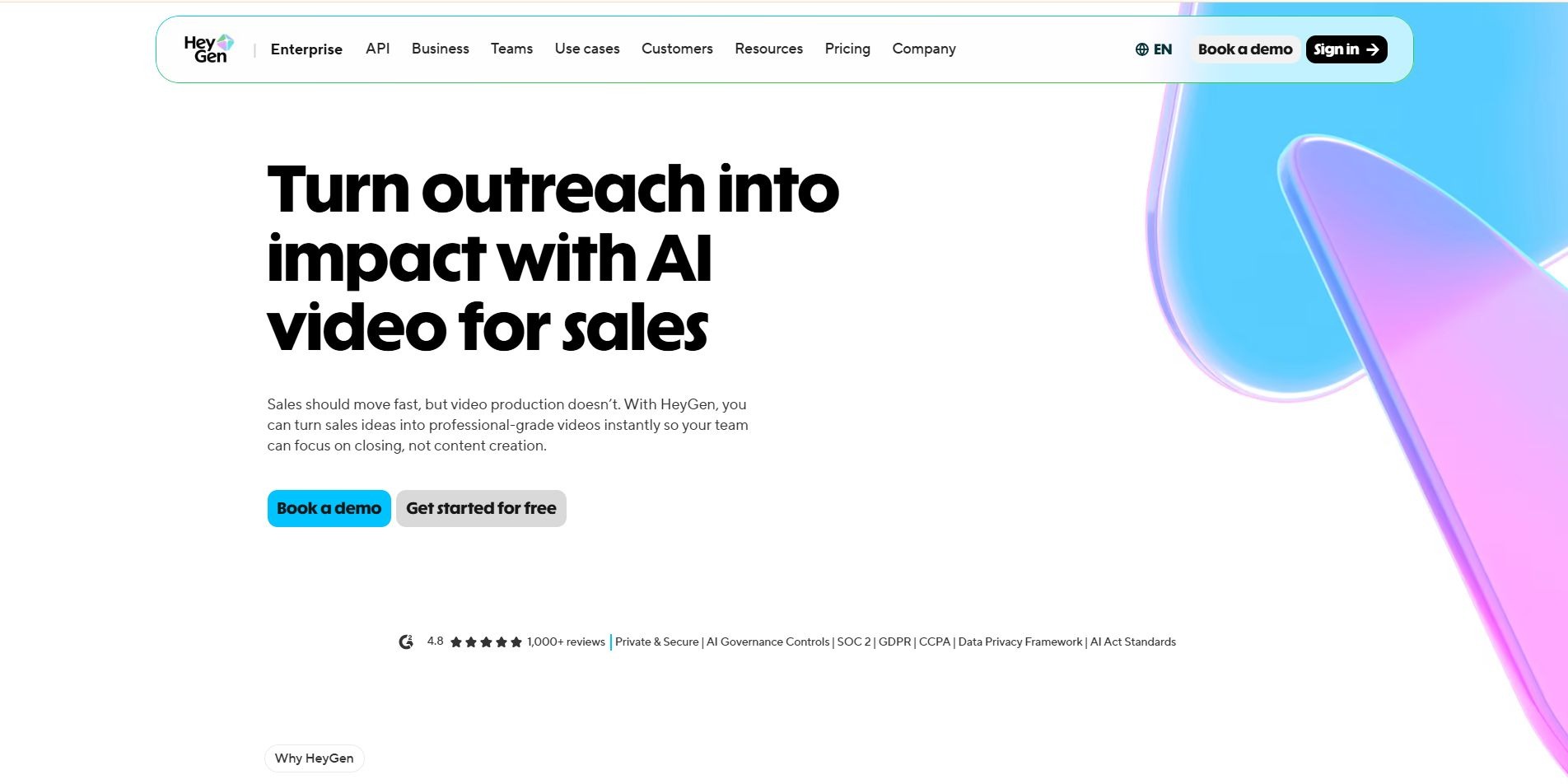
HeyGen is where AI avatars meet outbound sales strategy. Its support for 175+ languages, combined with "Video Agent" prompts that auto-generate entire video outlines from simple commands, makes it a strong choice for localized marketing and targeted SDR sequences. For teams shipping multilingual campaigns at speed, it's hard to match.
Best for: Sales and marketing teams running personalized outbound campaigns across multiple languages and regions.
Key features:
- 175+ language support
- "Video Agent" auto-generated video outlines
Pros: Hard to match for speed and reach on multilingual outbound campaigns. Cons: Custom personal avatar creation requires a two-minute raw video capture and five to seven business days of processing; plan well ahead of launch.
Pricing: Free tier (limited generations); from $24/month for standard access. Rating: G2 4.8/5
Colossyan: Best for Corporate L&D
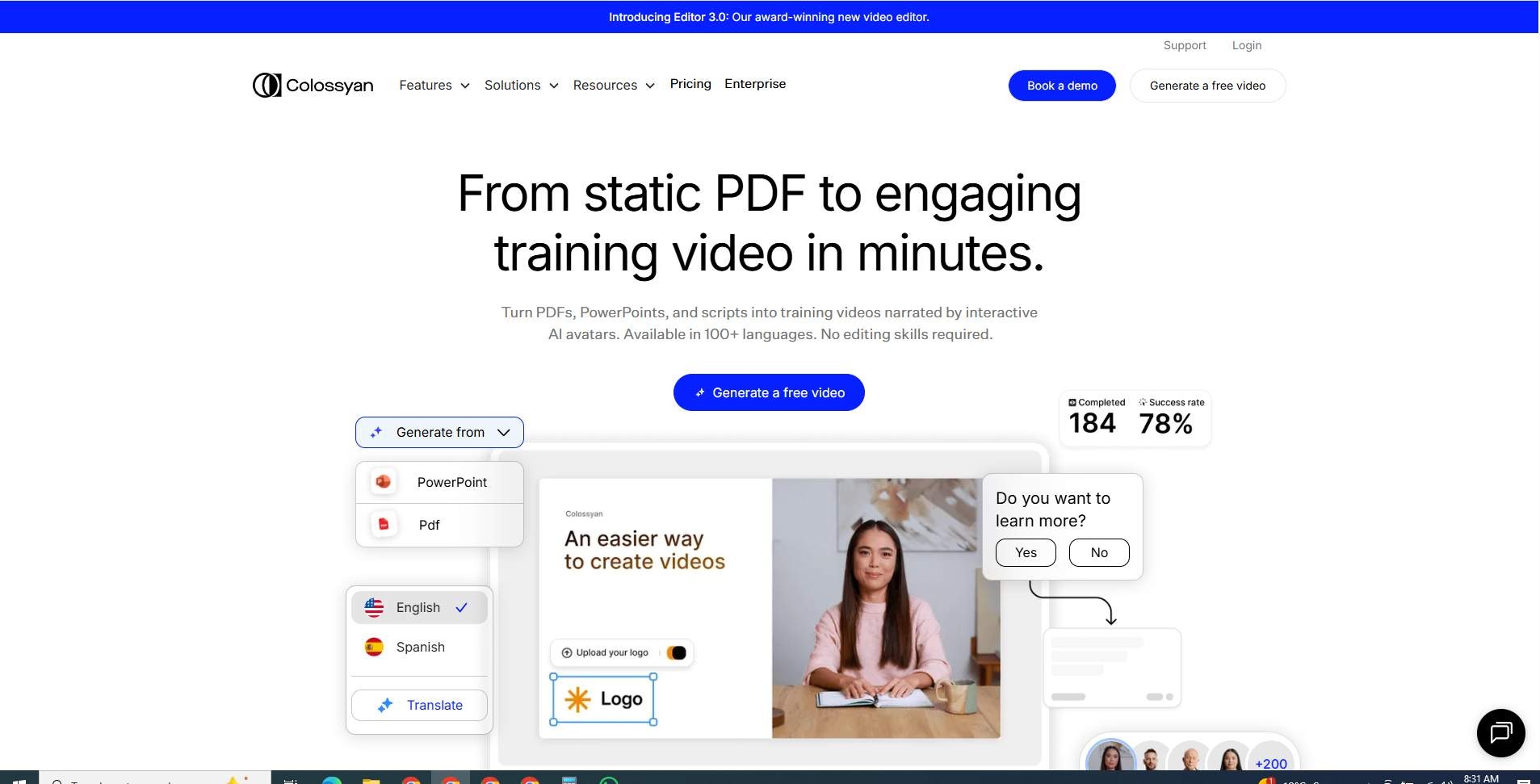
Colossyan occupies a focused and valuable niche: compliance training, internal enablement, and LMS-compatible video production. SCORM exports and interactive branching scenarios make it a natural fit for HR and L&D teams inside enterprise organizations.
Best for: L&D and HR teams who need professional, presenter-led training that connects to LMS platforms.
Key features:
- SCORM-compatible exports
- Interactive branching scenarios
Pros: Purpose-built for compliance training and internal enablement, with genuine LMS fit. Cons: Generic templates and a limited music library make it a poor fit for customer-facing marketing or creative outbound content.
Pricing: Free trial; custom pricing based on team size and video volume. Rating: G2 4.6/5
Category 4: Async Screen Recorders
Loom: Best for Quick Internal Communication
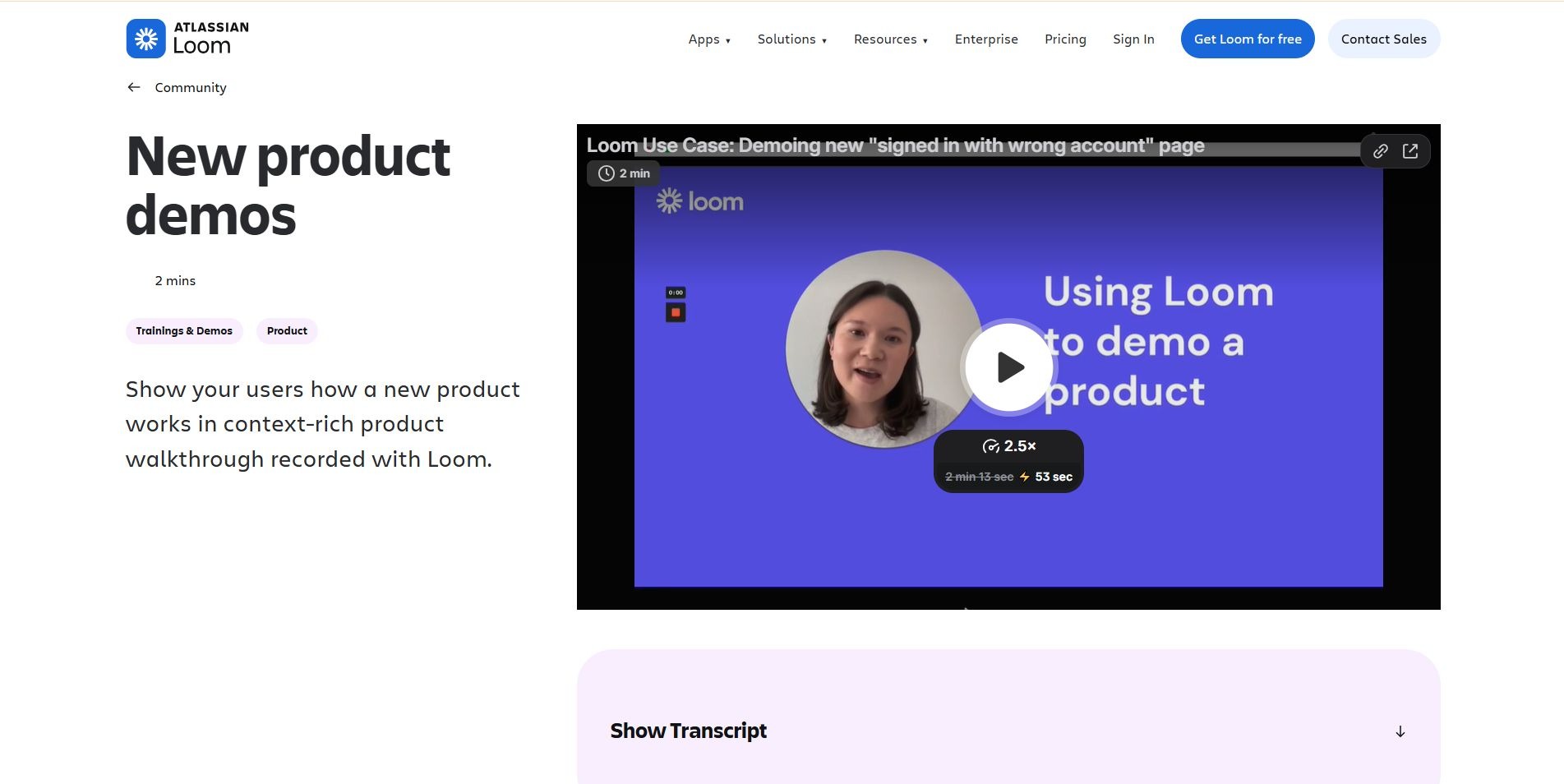
Loom is the gold standard for async video messaging, and for good reason. Record your screen, get a shareable link in seconds. AI automatically generates titles and chapters and removes filler words from the timeline. It's frictionless in a way very few tools actually are.
Best for: Internal team communication, quick client updates, and ad hoc product walkthroughs.
Key features:
- Instant recording-to-shareable-link workflow
- AI auto-titling and chapters
- Automatic filler-word removal
Pros: The fastest recording-to-link workflow on this list. Cons: Built for transactional use by design, every product update means a full re-record for evergreen content like Help Center docs or marketing demos. See our breakdown of Loom alternatives if this is a pain point you're navigating.
Pricing: Free tier (25 videos, five-minute cap per recording); Business at $12.50–$18/user/month; AI features require Business + AI at $20–$24/user/month. Rating: G2 4.7/5
ScreenPal: Best Affordable Recorder for Educators
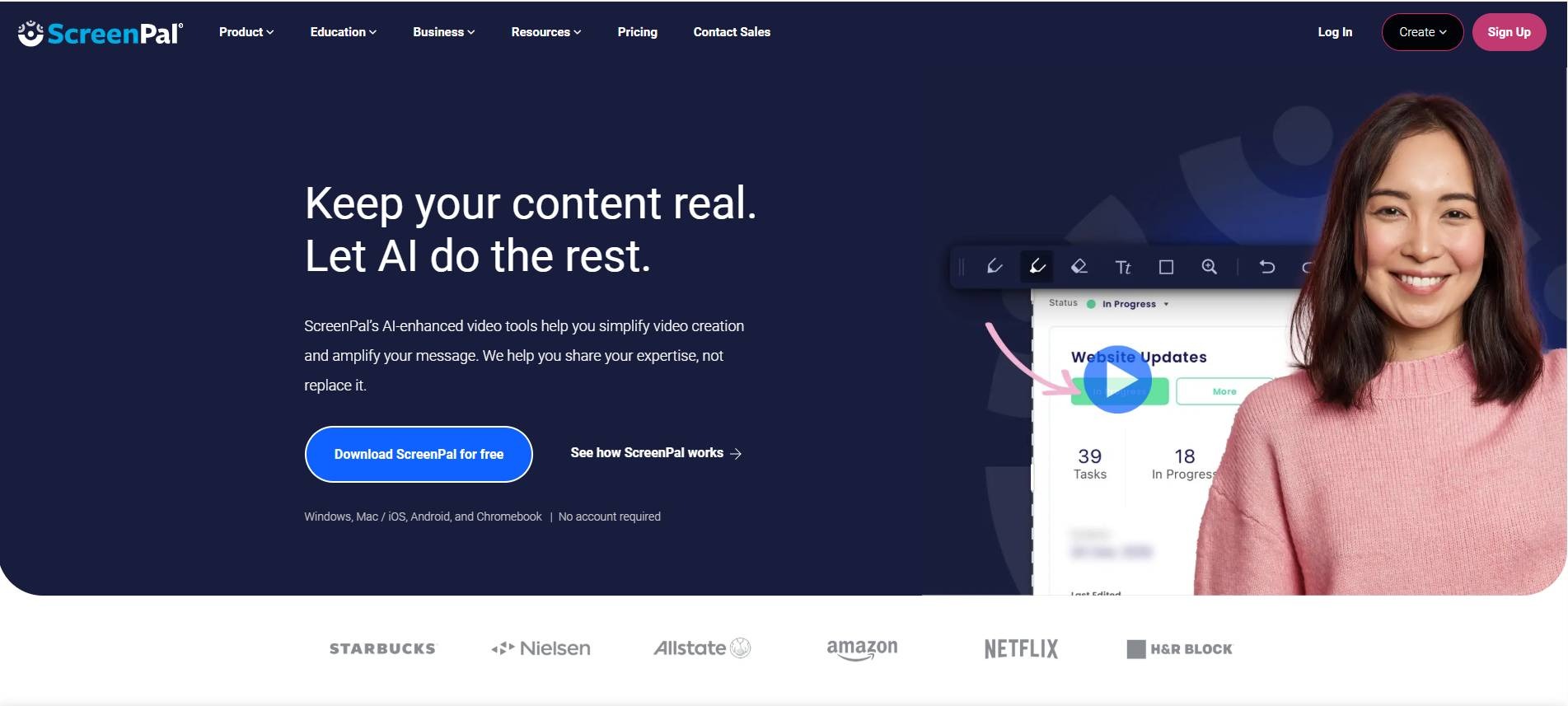
ScreenPal, formerly Screencast-O-Matic, is Loom's budget-friendly counterpart. Starting at just $3–$4/month billed annually, it includes on-screen drawing tools, integrated video quizzes, and direct LMS integrations. These features make it unusually well-suited for educators and internal training teams.
Best for: Educators, trainers, and small teams who need recording plus hosting at a low cost.
Key features:
- On-screen drawing tools
- Integrated video quizzes
- Direct LMS integrations
Pros: Unusually well-suited for educational and training use at a low price point. Cons: No native CRM integration, so it isn't built for sales enablement pipelines.
Pricing: From $3–$4/month annually. Rating: G2 4.5/5 · Capterra 4.5/5
Tella: Best for Polished SaaS Screen Recordings
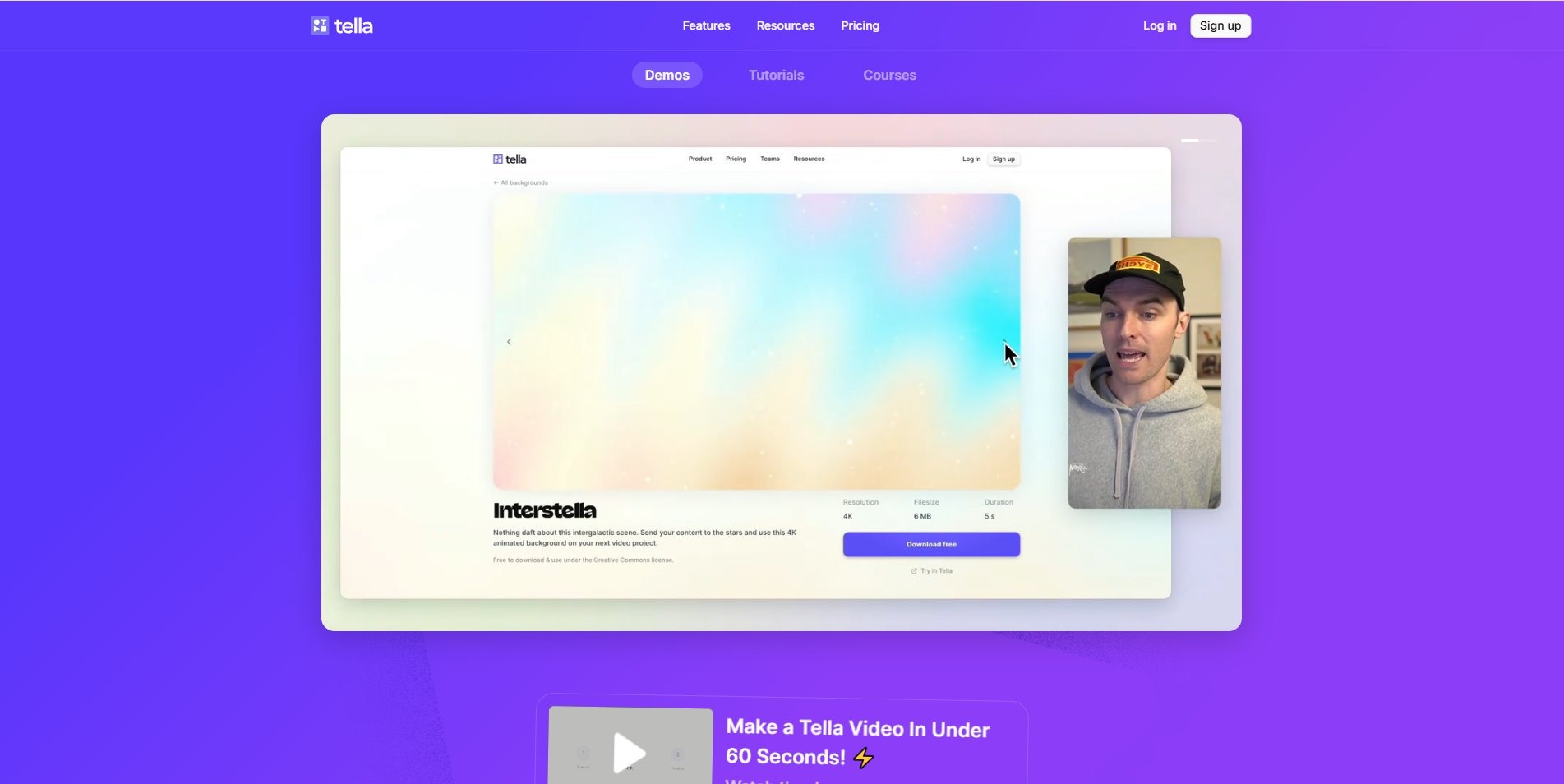
Tella is what you'd design if you built a screen recorder specifically for SaaS founders and sales reps. Clean layouts, brand colors, rounded camera bubbles, and multi-clip merging- it produces genuinely polished walkthroughs without requiring any video editing experience or timeline expertise.
Best for: Founders, AEs, and customer success reps who need clean, on-brand screen recordings fast.
Key features:
- Clean, brand-colored layouts
- Rounded camera bubbles
- Multi-clip merging
Pros: Genuinely polished output with zero editing experience required. Cons: Still requires manual re-recording whenever the underlying product interface changes, it solves the polish problem, not the content decay problem.
Pricing: $13–$19/user/month for custom branding and 60 FPS exports. Rating: Capterra 4.5/5 (small sample, only 2 reviews; not enough data on G2 yet).
Category 5: Interactive Demo Engines
Storylane: Best for Embeddable Website Tours
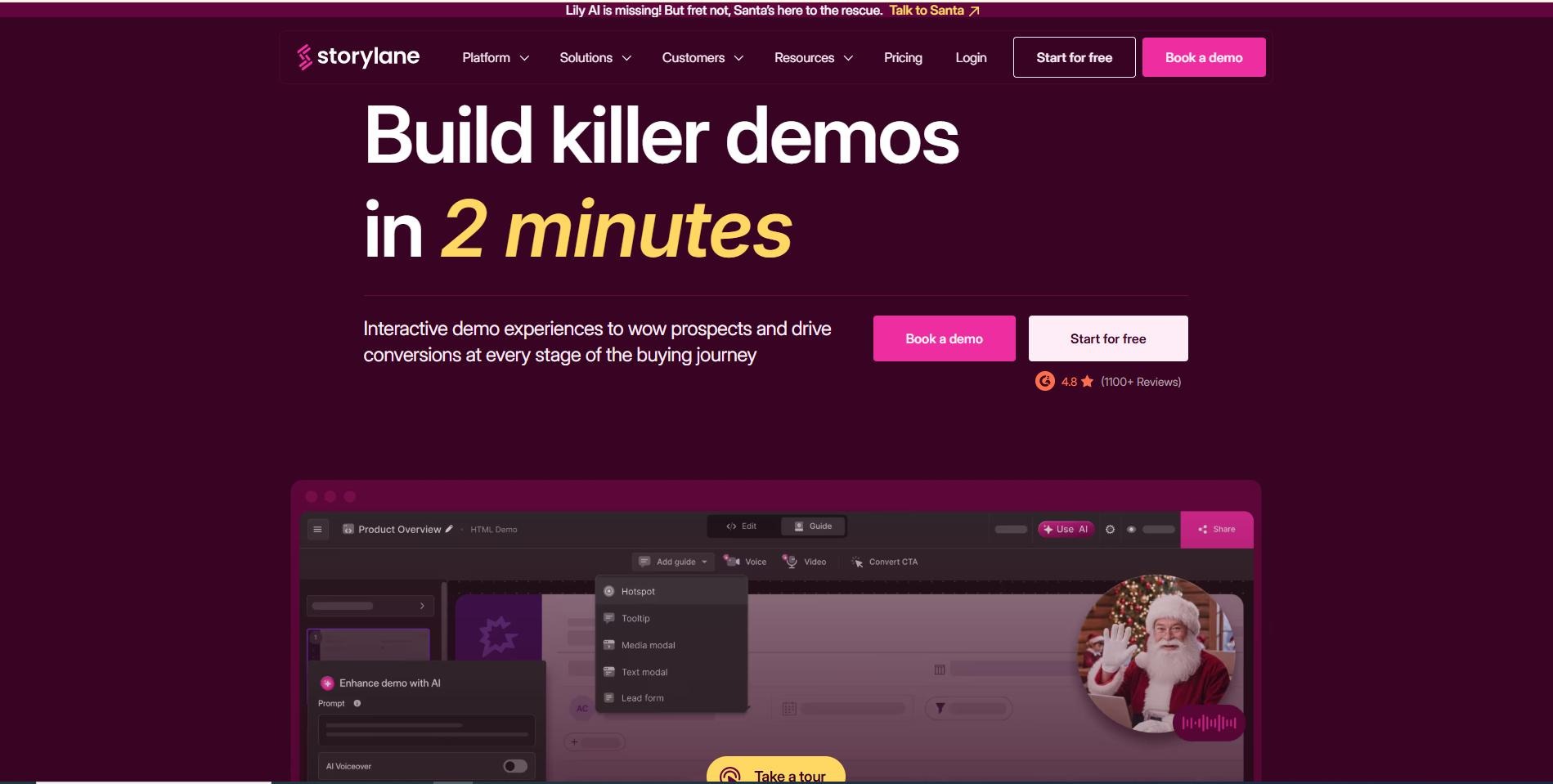
Interactive demo platforms like Storylane capture your product's HTML and let prospects click through a simulated interface- no sales call, no download, no friction. It's particularly effective for product-led growth companies where self-serve discovery is the primary conversion path.
Best for: Marketing teams who want clickable, self-serve product tours on their website or in email sequences.
Key features:
- Real product HTML capture for click-through simulation
- Landing page and email-sequence embeds
Pros: True click-through experience with no sales call needed; strong for PLG self-serve discovery. Cons: HTML replicas frequently break when your product's CSS or DOM structure changes; keeping them accurate requires developer support and ongoing manual rebuilding.
Pricing: Free tier; scales to $40–$1,200/month depending on team size. Rating: G2 4.7/5
Navattic: Best for Enterprise, Sales-Led Product Tours
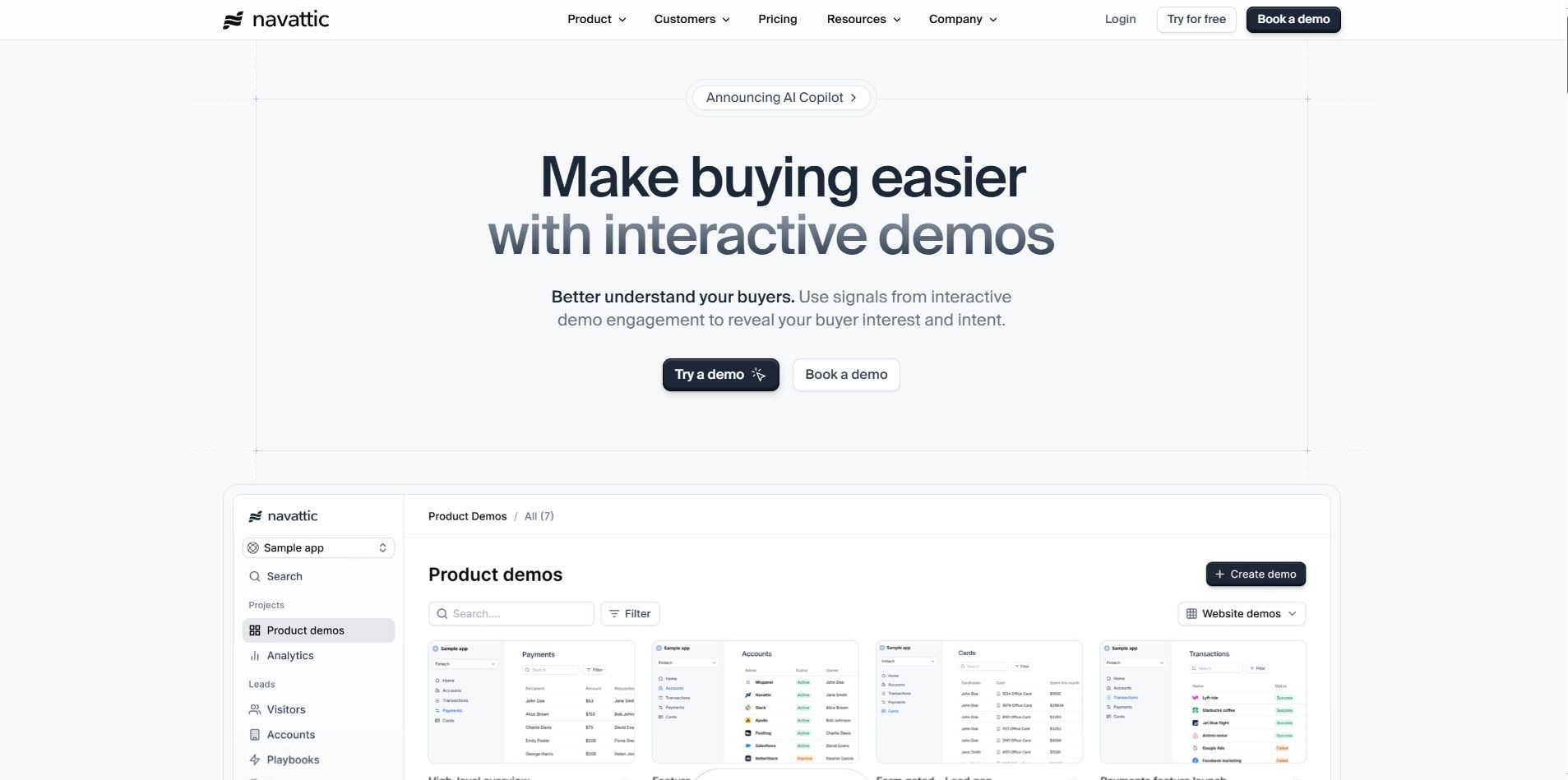
Navattic takes a similar HTML-capture approach to Storylane but leans further into enterprise, sales-led motions, targeted campaign builds, and marketing-tier embeds rather than pure self-serve discovery.
Best for: Marketing and sales teams running targeted campaign demos at the enterprise tier.
Key features:
- HTML-capture interactive tours
- Campaign-specific tour builds for marketing tiers
Pros: Strong fit for targeted, enterprise-tier campaign demos. Cons: Same maintenance burden as Storylane, tours need developer support to stay accurate as your product ships, and there's no free tier to test the workflow first.
Pricing: No free tier; approximately $500–$1,000/month at the marketing/growth tier; custom enterprise pricing available. Rating: G2 4.8/5
Puppydog.io: The Standout for Automated B2B Sales Demos
Here's where the conversation shifts from editing to measurable impact.
Most tools on this list help you make a video. Puppydog.io helps you make the right video for each specific prospect, automatically, at scale, and with the analytics to prove it drove pipeline. That's a fundamentally different value proposition.
The workflow looks like this: upload a screenshot or short screen recording of your product. Puppydog's AI agents draft a personalized narration script, configure realistic voiceovers in multiple languages, apply your brand aesthetics, and render a polished, trackable demo video in minutes. No timeline editing. No voiceover recording sessions. No manual scripting for every prospect.
Best for: Automated, personalized B2B sales demos with CRM pipeline integration.
Key features:
- AI script, voiceover, and edit generated from a single screen recording or screenshot
- Hyper-personalization at scale; one source recording becomes hundreds of tailored outputs
- Layer-based editing that solves content decay; update one layer instead of re-recording everything
- CRM-integrated intent data feeding HubSpot or Salesforce
- Personalized demo playlists sequenced by role and context
What separates it from everything else on this list:
- Hyper-personalization at scale. The AI ingests target customer profiles, job roles, and industry verticals and generates custom demo versions tailored to each viewer. One source recording, hundreds of personalized outputs.
- Layer-based editing that solves content decay. Unlike screen recordings or VEED exports, Puppydog demos are built from independent visual layers. When your product UI updates, you modify only the affected layer. No full re-record needed, ever.
- CRM-integrated intent data. Every demo is fully instrumented. Watch time, drop-off points, and feature engagement feed directly into HubSpot or Salesforce, giving sales teams the ability to trigger follow-ups based on actual viewing behavior, not guesswork.
- Personalized demo playlists. Prospects receive sequences of walkthroughs tailored to their role and context, not one generic link blasted to a full account list.
Pros: Purpose-built for pipeline impact, not just video creation; content stays current without re-recording; granular, CRM-connected analytics. Cons: Not built for casual social clips (see the Honest Trade-offs section below); pricing sits above general-purpose editors.
Pricing: Puppydog's pricing is simpler than its positioning might suggest. There's a genuinely free plan (1,000 credits), Pro runs $42/month per user (2,500 credits, AI-personalized video, deeper integrations, analytics, no watermark), and Enterprise is custom-priced for full GTM operations with brand governance and unlimited scale.
The results are documented. SARC MedIQ used Puppydog.io to generate 20,000 automated personalized demos, capturing 300 new qualified leads and meaningfully boosting customer engagement. SaaS brands Kollegio and Waypoint report that what previously took days of manual post-production now takes minutes. Across Puppydog's customer base, teams have collectively generated 120,000+ personalized demos, unlocked $20M in new qualified pipeline, and driven 400,000+ content impressions. Andrew Ng, founder of Coursera and a benchmark name in AI, has called out Puppydog.io as a platform that enables sales and marketing professionals to engage prospects in a genuinely more targeted way.
For a deeper look at how Puppydog compares to general AI tools, see Puppydog vs Claude. To explore the platform's demo video creation capability directly, visit the Product Demo Video Maker and AI Screen Recorder pages.
Puppydog.io vs VEED: Head-to-Head
Puppydog's pricing reflects its positioning as a sales infrastructure, not a simple editing tool. Plans run from $249–$499/month at the Pro tier (5 demos, 100 contacts, custom voices), $999/month at Scale for active ABM teams (20 demos, 2,500 contacts, brand governance), and custom Enterprise pricing for full GTM operations with unlimited video creation.
Where Puppydog Isn't the Right Fit
We'd rather tell you this upfront than have you find out after a demo call.
- If you need a casual social clip or a templated montage, don't start here. A browser editor like CapCut or Canva will get you there faster and cheaper for that specific job.
- The pricing reflects sales infrastructure positioning, not a simple editing tool. Puppydog starts around $249/month, which sits above general-purpose editors. That's a deliberate trade for the automation and CRM data underneath it, but it's worth knowing before comparing it line-for-line against a $12/month editor.
- The value shows up at volume. Teams running real demo volume or account-based campaigns see the strongest ROI. If you need one polished video for a one-off pitch, this is more machine than you need.
Pricing and Free Tier Comparison
Short on time? Summarize this comparison with ChatGPT, Claude, Perplexity, or Gemini.
GTM Decision Matrix: Which Tool Belongs Where
For more on how to build a SaaS video strategy that maps to each funnel stage, see how to excel in SaaS product marketing.
Frequently Asked Questions
Do I need video editing experience?
If you can use your product, you can make a professional video of it using Puppydog.io.
What happens when my product changes?
You update the video, you don't re-shoot it. Every video stays accurate through every release using Puppydog.io.
Do I need video editing skills to use PuppyDog?
No. There's no timeline to edit. You record your screen, and PuppyDog builds the finished video.
What are the best VEED alternatives in 2026?
The best alternatives depend entirely on your use case. For social editing, CapCut and Canva Video lead the pack. For podcast and dialogue-heavy content, Descript is the standout. For enterprise training and multilingual content, Synthesia and Colossyan are the category standards. And for personalized B2B product demos with CRM integration and real pipeline analytics, Puppydog.io is in a category of its own.
What is the best free VEED alternative without a watermark?
CapCut offers 1080p exports without a watermark on standard templates, making it the strongest free VEED alternative for social video. CutFast is a solid second for users who need watermark-free exports and privacy-first local processing, with no file uploads required.
Is there a cheaper alternative to VEED.io?
Yes, several. ScreenPal starts at $3–$4/month annually. FlexClip runs $11.99/month. Canva Pro at $12.99/month and Loom Business at $12.50/user/month both undercut VEED's mid-tier pricing while offering comparable or stronger core capabilities.
What is a better alternative to VEED for SaaS product demos?
Puppydog.io. Unlike VEED, or any general-purpose editor on this list, Puppydog automates the entire demo creation process, personalizes content per prospect, integrates directly with your CRM, and tracks viewer behavior at the slide level. It's not just a better editor. It's a fundamentally different category of tool.
What is the best VEED alternative for Mac, Windows, and Chromebook?
For platform-agnostic browser editing that works across any operating system without downloads: Canva Video, Kapwing, and the browser version of CapCut all run cleanly on Mac, Windows, and Chromebook.
Which VEED alternative is best for AI-generated videos?
HeyGen and Synthesia lead for avatar-based AI generation. For text-to-video and blog repurposing, Pictory and FlexClip are strong contenders. For automated, personalized AI product demo videos built specifically for B2B SaaS sales teams, Puppydog.io is the most capable option in 2026.
Which VEED alternative works best for marketing teams?
It depends on where in the funnel your content lives. CapCut and Canva are excellent for top-of-funnel social content. Descript shines for mid-funnel thought leadership and webinar repurposing. Puppydog.io is purpose-built for bottom-of-funnel conversion, personalized demos that move the pipeline, not just accumulate views.
Does Puppydog.io replace VEED entirely?
Not exactly. Puppydog.io is a specialist platform built for one thing: automated, personalized B2B product demos with CRM-level analytics. If you need fast social clips or branded content templates, VEED or CapCut still serve that need well. Most high-performing teams run a hybrid: social editors for awareness, demo automation for conversion.
What is the best VEED alternative without a watermark on the free plan?
CapCut and CutFast both offer watermark-free exports at no cost within their standard feature sets. CutFast is particularly compelling here because it processes files locally: no upload, no branding on your output, no cloud exposure.
Are there VEED alternatives that integrate with HubSpot or Salesforce?
Yes. Puppydog.io is built around CRM integration, feeding granular demo viewing data, watch time, drop-off points, and feature engagement directly into HubSpot and Salesforce for lead scoring and automated follow-up triggers. Most general-purpose editors on this list offer no native CRM integration at all.
Conclusion: The Right Tool Depends on What "Video" Means to Your Business
VEED is fine. It genuinely is. If your team needs quick captions, social-ready exports, and a browser-based editor with essentially no learning curve, it gets the job done well enough.
But "fine" isn't the bar for competitive B2B teams in 2026.
The tools on this list cover a wide spectrum, from free browser editors to enterprise avatar studios to AI-powered demo automation. Most teams don't need all of them. They need the right one for the job they're actually trying to do. Matching tool to intent is where real ROI lives.
If that job is moving pipeline, personalizing outreach, and knowing exactly when a prospect watched your demo and how long they spent on your pricing slide, that's Puppydog.io's lane. And it's a lane VEED was never designed for.
Ready to see the difference? Start your free trial at Puppydog.io and generate your first personalized product demo in minutes.

Sarah Thompson is a storyteller at heart and Business Developer at PuppyDog.io. She’s passionate about creating meaningful content that connects people with ideas, especially where technology and creativity meet.