Top 13 Arcade Alternatives for Interactive Product Demos in 2026

Arcade has been one of the most recognizable tools for creating interactive product demos over the past few years. Its clean interface, clickable tours, and no-code workflow made it extremely popular with SaaS teams following a product-led growth (PLG) motion.
But in 2026, the landscape has changed.
Teams want more flexibility, better personalization, richer analytics, stronger integrations, and, most importantly, demo formats that fit their workflow, not the other way around.
Companies are now asking questions like:
- “How do we build demos faster without relying on engineering?”
- “Should we use HTML demos or screenshot-based demos?”
- “Which tool is best for PLG onboarding vs. sales enablement?”
- “Is there a cheaper, more flexible alternative to Arcade?”
Because of this shift, several powerful platforms have emerged that go beyond what Arcade offers, tools designed specifically for interactive walkthroughs, sales demo personalization, user onboarding, support education, and marketing-ready demos.
In this guide, we break down the Top 13 Arcade Alternatives for Interactive Product Demos in 2026 so you can choose the right tool based on your needs, budget, and the type of demos you want to create.
Before we dive in, here’s a snapshot of what this guide will cover:
- A quick comparison table to see how each Arcade alternative stacks up
- Detailed breakdown of the top 13 demo creation tools in 2026
- Which tools are best for:
- sales demos
- marketing teams
- onboarding
- support and customer education
- PLG/self-serve product tours
- sales demos
- Free and affordable alternatives to Arcade
- HTML demo tools vs. screenshot-based demo tools, and when each is better
- Pricing breakdowns for all major competitors
- Use case–based recommendations (+ ideal fit for each tool)
- Expert insights & a decision matrix to help you pick the ideal platform
- Why demo personalization and no-code walkthroughs are becoming essential for SaaS teams
This guide is structured to help SaaS founders, presales engineers, product marketers, and onboarding teams easily identify the right product demo platform without wasting hours on trials and reviews.
Quick Comparison: Best Arcade Alternatives at a Glance
Note: Pricing reflects published entry-level or known starting tiers. Enterprise/custom plans vary widely by usage, seats, features, etc.
✅ What that Comparison Illustrates
- Puppydog.io brings something different: instead of clickable tours or interactive sandboxes, it focuses on AI-powered, personalized video demos — a format that’s especially useful for outreach, marketing campaigns, onboarding, or upsell videos.
- While tools like Storylane, Navattic, Reprise, Demostack, and Walnut emphasize interactivity, embedding, and live/demo‑ready environments, Puppydog.io emphasizes speed, personalization, and scalability, ideal for teams wanting to generate many bespoke demos without manual editing.
- The gradient remains clear: from low-cost, fast screenshot/video tools, to mid-tier interactive HTML tools, to high-cost, high-fidelity sandbox solutions, with Puppydog.io slotting as a modern video‑first alternative optimized for outreach and volume.
Top 13 Arcade Alternatives for Interactive Product Demos
Below, I walk through each of the top alternatives to Arcade, quick profile, who it’s best for, the standout features, rough pricing cues (2026 benchmarks), and honest pros & cons so you can compare like-for-like.
1. Puppydog.io: AI-first personalized video demos
Overview: Puppydog.io focuses on AI-generated, highly personalized product demo videos rather than click-through HTML tours. If your outreach relies on bespoke, one-to-one video touchpoints (cold outreach, account nurturing, quick onboarding vids), Puppydog lets you produce a lot of tailored videos fast.
Best for: Sales reps, SDRs, and product marketers who want scalable, personalized video demos for outreach and nurture.
Key features: AI script generation, customizable avatars/voices, auto-subtitle and editing, templates for product tours turned into videos.
Pricing (benchmark): Free trial available; paid plans scale by video volume/credits, Pro tiers start in the mid-range for video platforms.
Pros: Extremely fast production, excellent for 1:1 personalization, and reduces manual editing.
Cons: Not an interactive click-through demo, not suited when prospects need to “test drive” the UI.
2. Storylane: Versatile, AI-assisted multi-format demos
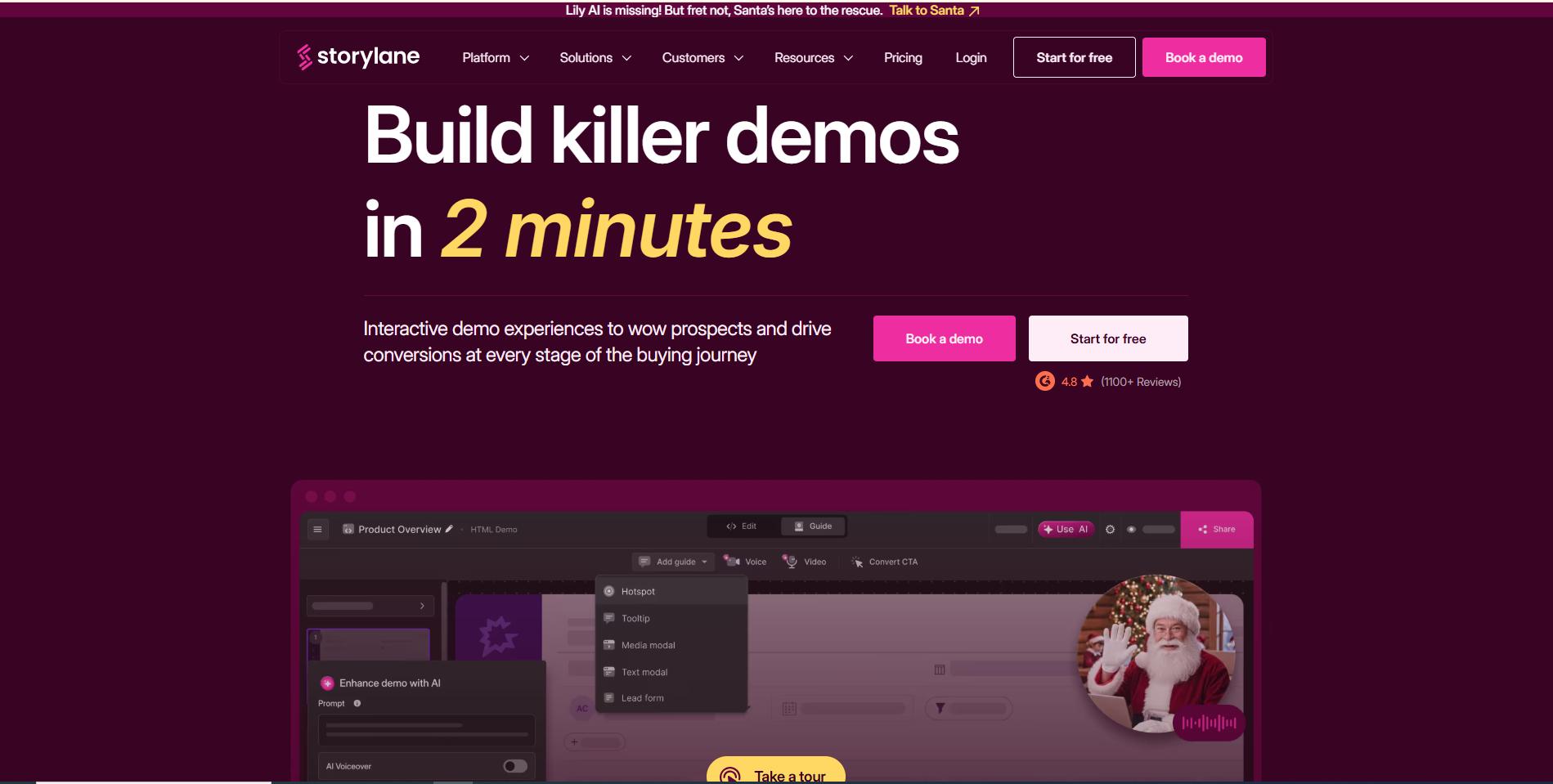
Overview: Storylane is a multipurpose tool that supports screenshot tours, video demos, and, on Growth tiers, true HTML editing. It pairs an AI content suite (voiceovers, avatars) with strong personalization and CRM integrations, making it a top all-rounder.
Best for: Marketing + sales teams that need a single platform for TOFU/BOFU demos and mid-market GTM stacks.
Key features: Demo HTML editor, AI Creation Suite (voiceovers, avatars, translations), lead capture tokens, and account reveal.
Pricing (benchmark): Free tier (1 demo). Growth tiers that unlock HTML editing and AI suite are in the several-hundreds/month range (example Growth tiers shown around $500–$625/mo).
Pros: Very flexible; good cross-functional fit; strong AI features.
Cons: HTML editing and best AI features live behind higher tiers, add seats, and cost quickly.
3. Supademo: Fast, budget-friendly interactive demos
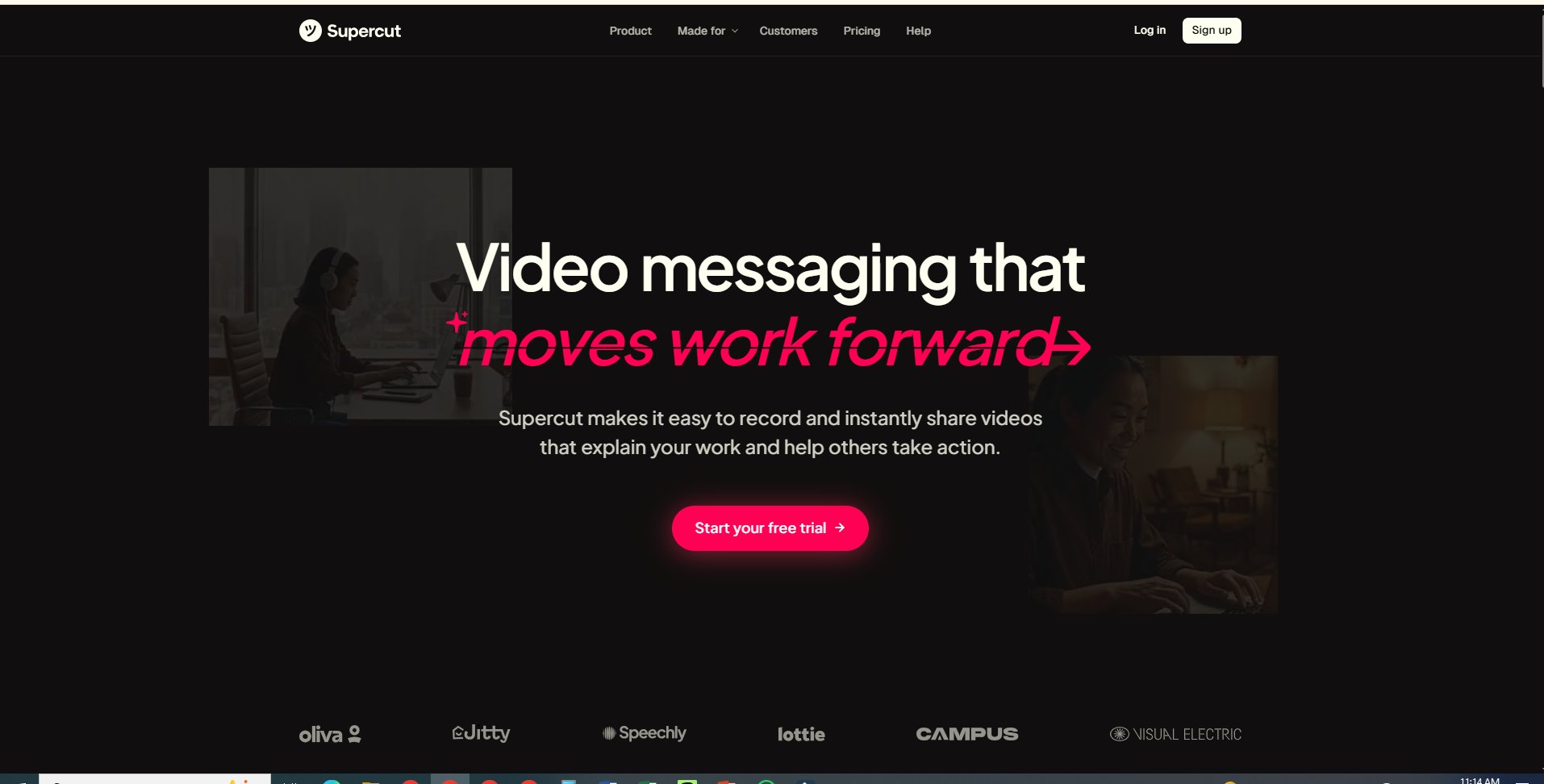
Overview: Supademo targets speed and affordability, quick recording to a published demo in minutes, plus AI features. It mirrors Arcade’s quick-start simplicity but layers on modern AI tools and conditional branching in higher tiers.
Best for: Small teams and startups that want fast demo creation and decent personalization without high cost.
Key features: Intuitive editor, AI text personalization, export as video/PDF, and conditional branching (Scale plan).
Pricing (benchmark): Forever Free (1 creator, limited demos). Pro from roughly $27–$38/creator/month; Scale tiers add branching and analytics.
Pros: Very low barrier to entry, quick iteration cycle.
Cons: Advanced features (unlimited HTML demos, sandboxes) are gated to higher plans.
4. Navattic: Pure HTML demos for PLG & website embed
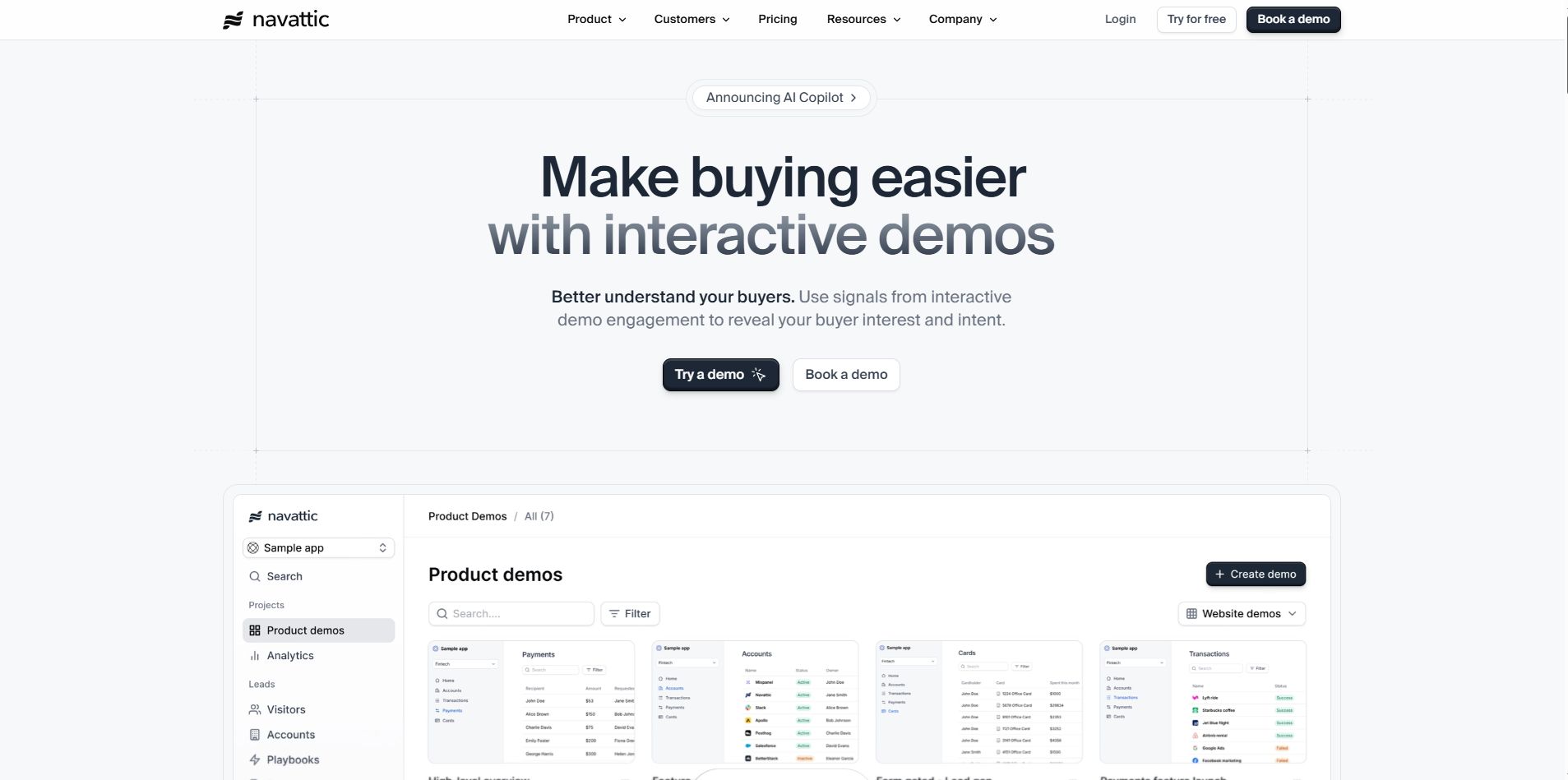
Overview: Navattic focuses on HTML/CSS capture and embedding demos directly on your website, excellent for product-led growth where self-serve experiences must look and behave like the real product.
Best for: PLG teams and marketers who need realistic, embeddable demos and account deanonymization.
Key features: Unlimited HTML demos (base tiers), account reveal, engagement alerts, and playbooks for personalization.
Pricing (benchmark): Base plans commonly cited near $500–$600/month; Growth/Enterprise higher.
Pros: Highly realistic demos, great for TOFU and mid-funnel capture.
Cons: Cost is higher than screenshot tools; HTML capture requires some setup and QA.
5. Reprise: Enterprise-grade sandboxes & live overlays
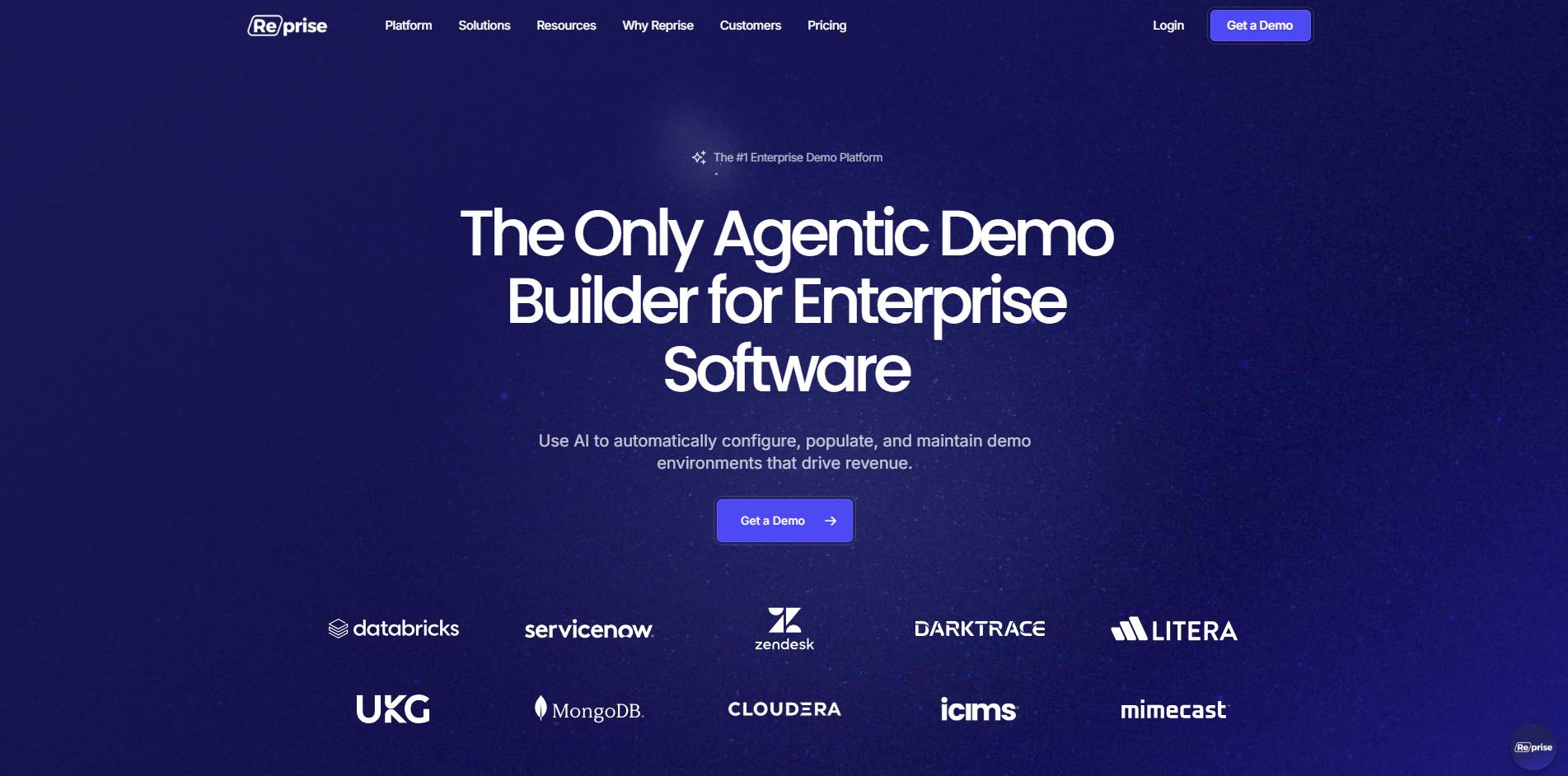
Overview: Reprise builds isolated, stable sandboxes and live demo overlays. It’s engineered for presales and sales engineers who must show complex workflows without risking production.
Best for: Large enterprise sellers and presales teams that need reliability, data masking, and complex conditional logic.
Key features: Application capture, demo cloning, offline fast loads, CRM integrations, and per-user licensing models.
Pricing (benchmark): Custom/enterprise pricing; platforms typically combine a platform fee + per-user/license costs. Expect five-figure annual commitments.
Pros: Extremely reliable; high fidelity and security controls.
Cons: High cost and longer implementation curve.
6. Demostack: Full-fidelity cloning for big sales motions
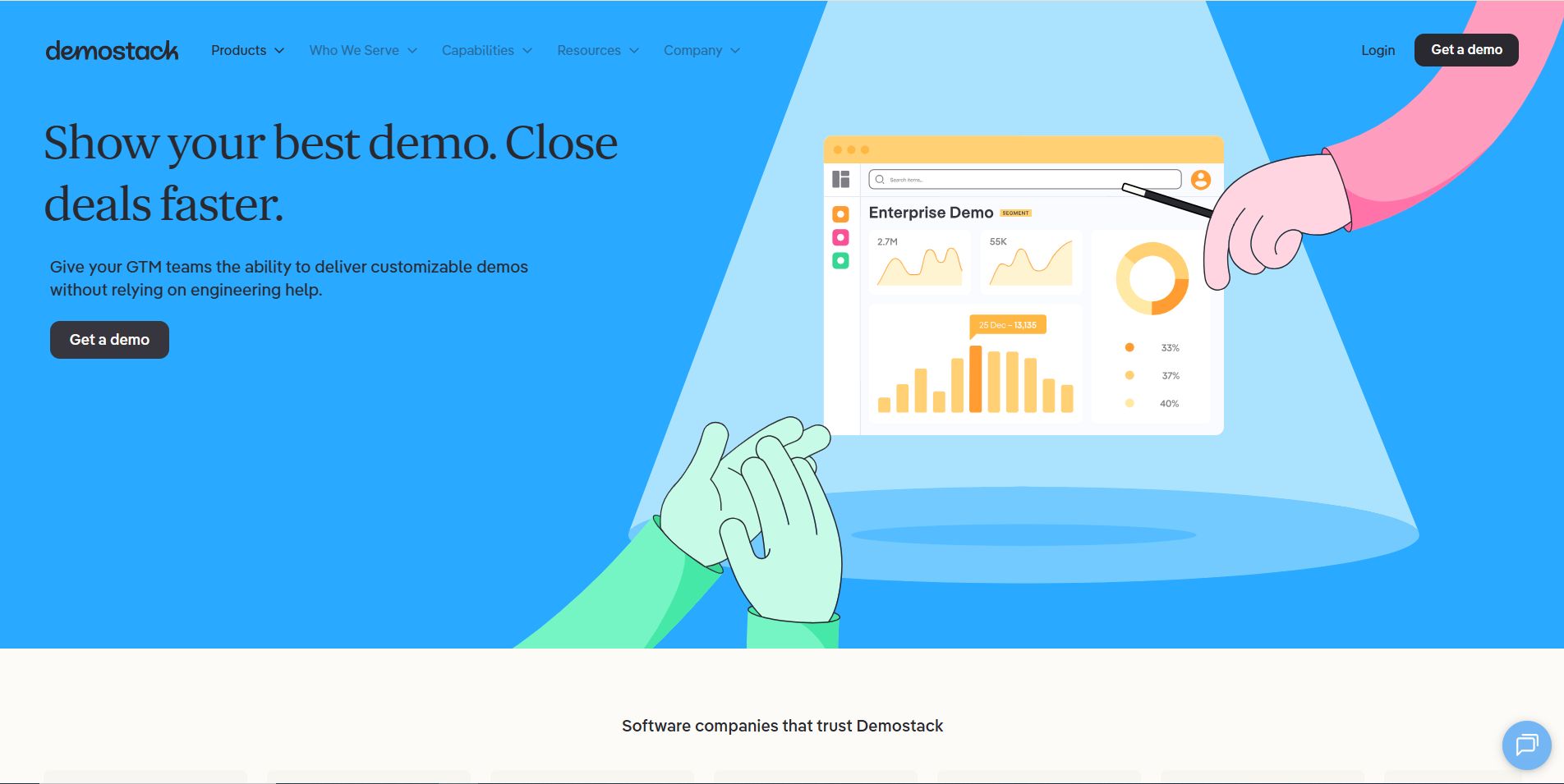
Overview: Demostack clones live applications into shareable sandboxes and is purpose-built for scale across enterprise sales and partner enablement. It dramatically reduces demo build time for complex products.
Best for: Enterprise GTM teams that need large-scale sandboxing and polished demo portals.
Key features: Cloned sandboxes, deep integrations (HubSpot, Salesforce), mobile app demo support (higher tiers).
Pricing (benchmark): Reported entry around $50k/year+ (platform fee + seat fees); enterprise only.
Pros: World-class fidelity and scalability.
Cons: Very expensive; sales-led procurement required.
7. Walnut: Personalization & fast demo editing for sales
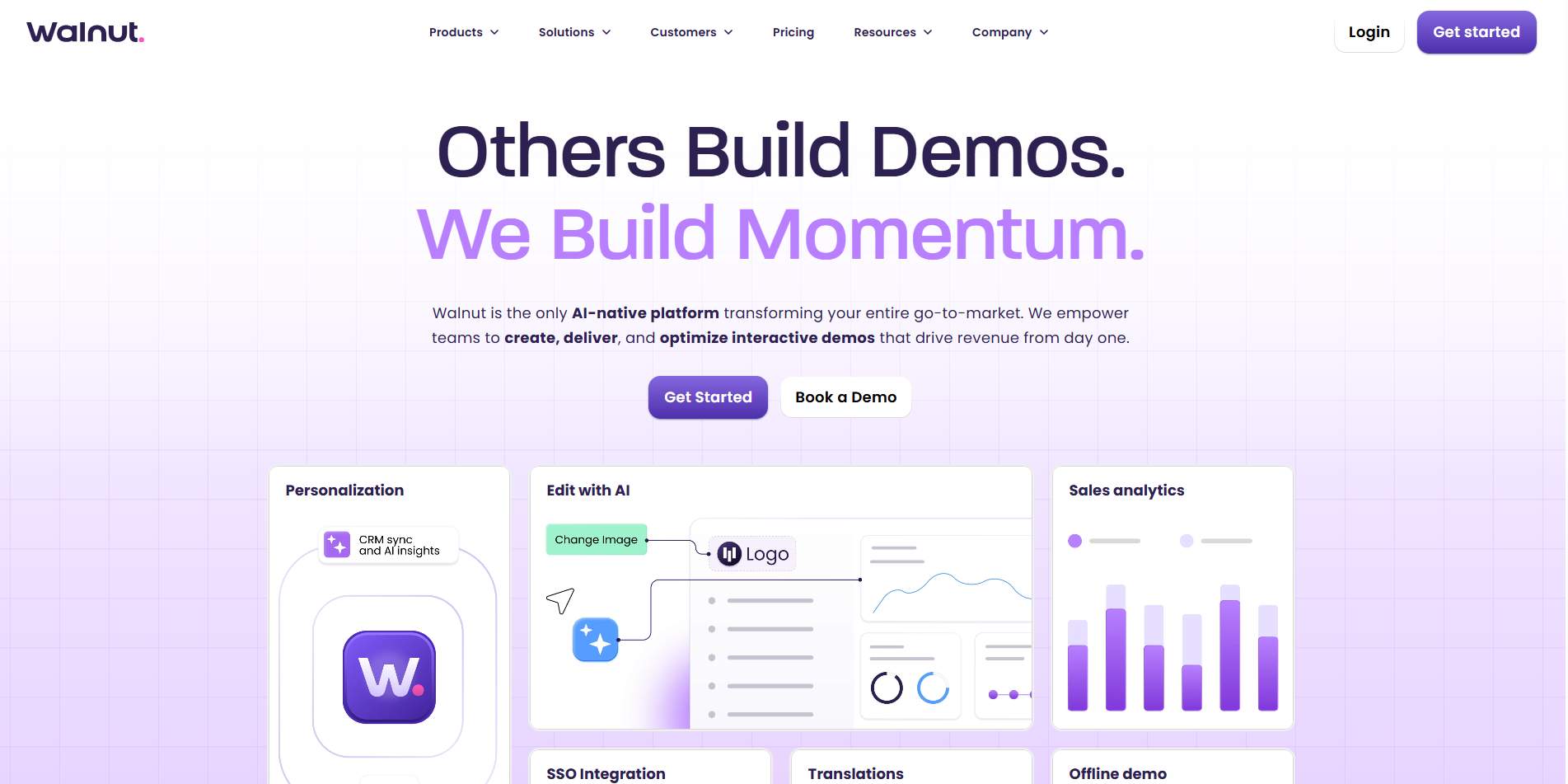
Overview: Walnut drives 1:1 demo personalization and quick edits, strong for teams that want to tailor demos on the fly for deals. It includes AI editing tools for bulk changes.
Best for: Sales engineers and account execs who do frequent, bespoke demo edits.
Key features: Prospect personalization, presenter notes, EditsAI for bulk UI changes, sandbox, and replay features.
Pricing (benchmark): Mid-market to enterprise pricing; common buyer data puts mid-range contracts in the mid-five-figures annually.
Pros: Rapid personalization; good CRM integrations.
Cons: Price grows with scale; some advanced features are tiered.
8. Consensus: Video + AI for stakeholder alignment
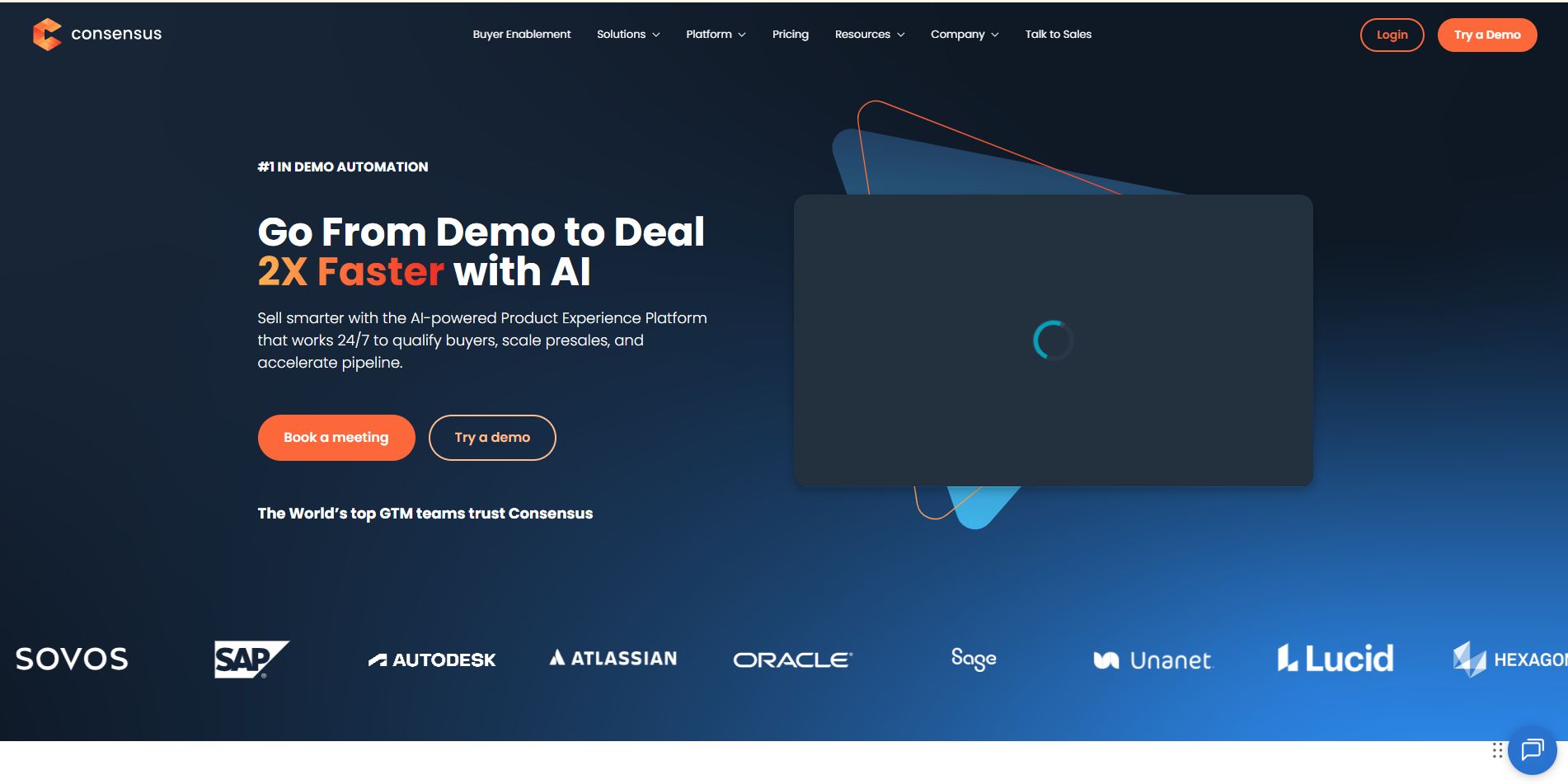
Overview: Consensus mixes interactive video demos with AI to align multiple stakeholders faster, good when deals require convincing many decision-makers.
Best for: Marketing and sales teams that want to accelerate multi-stakeholder buying with video experiences.
Key features: AI Content Studio, embeddable product tours, buyer signals, and engagement analytics.
Pricing (benchmark): Starter plans around $600/mo; Pro is higher (billed annually).
Pros: Strong analytics and buyer signals; AI-driven personalization.
Cons: Focused on video/automation rather than in-browser HTML editing.
9. SmartCue: Simplicity + personalization for small teams
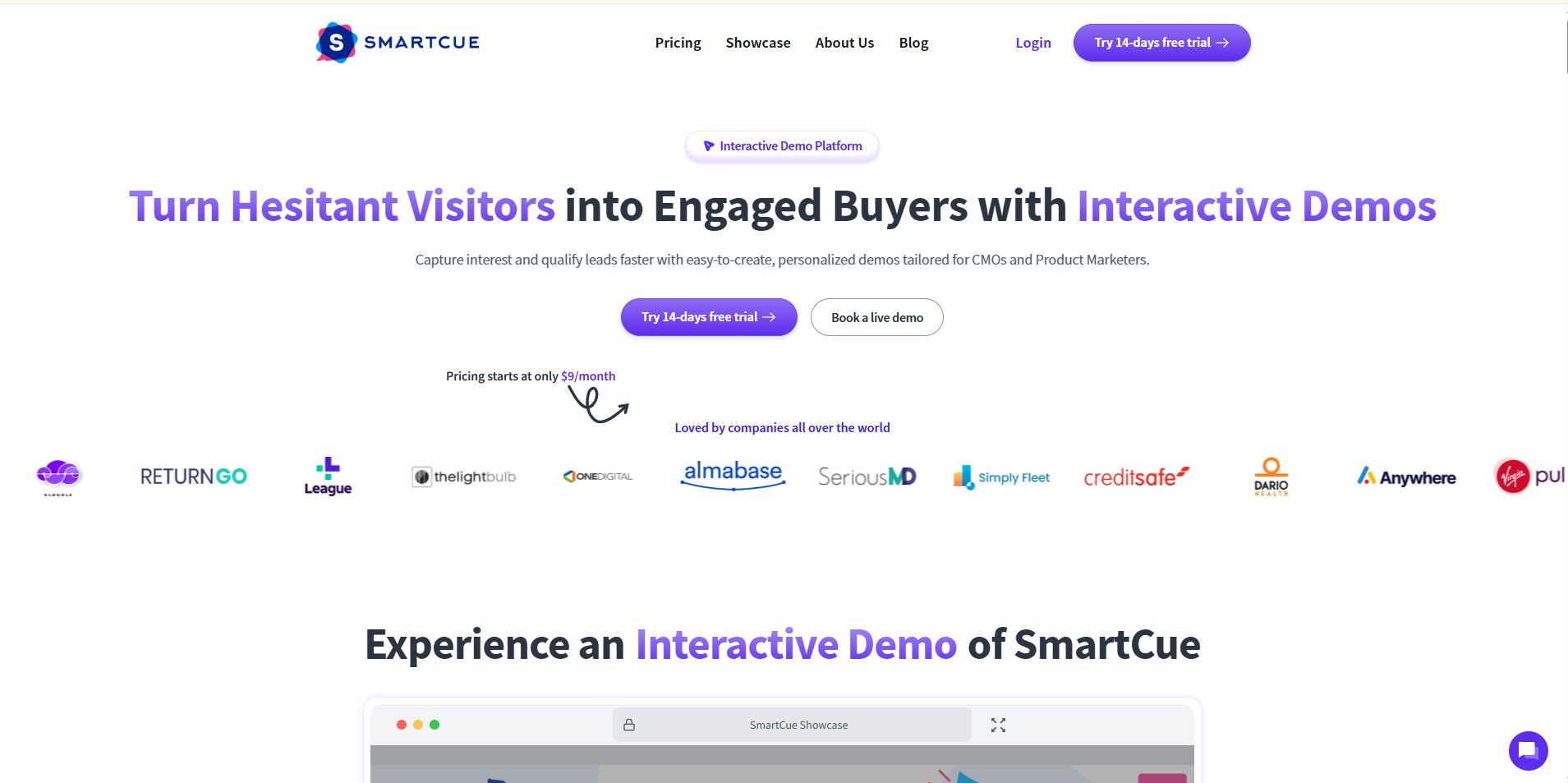
Overview: SmartCue is pitched at teams that need quick, personalized, interactive demos with good analytics and affordable entry pricing. It’s a simpler, lower-friction option versus enterprise sandboxes.
Best for: SMB GTM teams that want to scale demo personalization without the enterprise overhead.
Key features: Interactive demo editor, analytics, AI credits for edits, lead capture.
Pricing (benchmark): Entry tiers can start low (examples around $99/user or comparable plans); platform pricing varies by role and usage.
Pros: Affordable, easy to get started.
Cons: Not as feature-dense as mid-market HTML editors or sandboxes.
10. HowdyGo: Affordable HTML demos with unlimited users
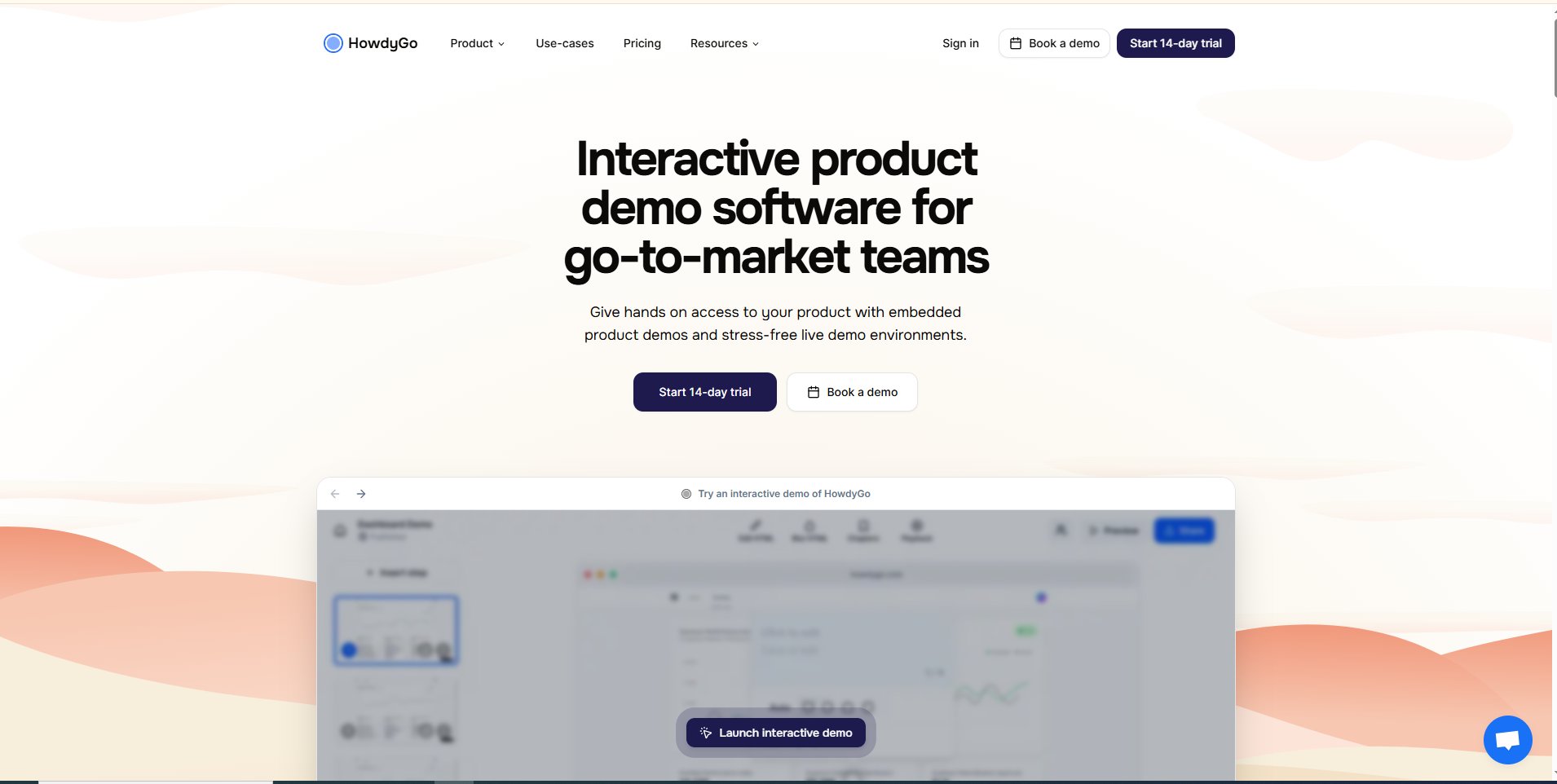
Overview: HowdyGo promises high-quality HTML demos (capture + editing) at a much lower cost and with unlimited users, a good bridge between mid-market features and startup budgets.
Best for: Growing SaaS teams that need HTML fidelity without enterprise price tags.
Key features: HTML capture/editing, unlimited demos & users, CRM/analytics integrations, and optional sandboxes.
Pricing (benchmark): Publicized plans show starter and pro tiers; some sources cite $159–$399/mo depending on features (check vendor for current).
Pros: Competitive pricing, unlimited seats.
Cons: Newer vendor vs. incumbents, evaluate support and roadmap.
11. Loom: The simple, video-first free option
Overview: Loom is the go-to for quick screen + webcam recording, not interactive tours, but superb for rapid async walkthroughs, internal training, and 1:1 support videos.
Best for: Small teams, support, and product educators who need free/fast video demos.
Key features: Instant screen recording, transcriptions, comments, and simple sharing.
Pricing (benchmark): Free Starter tier (limits apply); Business tiers add unlimited videos and advanced features.
Pros: Super low friction; great for internal enablement.
Cons: No interactivity or in-browser HTML demo capabilities.
12. Tourial: Micro-tours & ABM-style journeys
Overview: Tourial specializes in bite-sized interactive “micro tours” and supports branching logic, making it useful for ABM, where different personas need different narrative paths.
Best for: ABM campaigns and marketers who want non-linear, targeted demo flows.
Key features: Micro tours, tour centers (playlists), branching logic, analytics.
Pricing (benchmark): Custom/bespoke pricing, Tourial positions itself as a marketing-focused interactive tour platform (contact vendor).
Pros: Great for persona-driven, ABM content.
Cons: Less focused on live presales sandboxes.
13. Guideflow / UserGuiding: Onboarding & in-app guidance focus
Overview: Guideflow and UserGuiding are oriented to post-sale adoption, in-app walkthroughs, checklists, tooltips, and product adoption flows rather than initial lead capture. If your priority is reducing churn and speeding time-to-value, these are the go-to user onboarding tools.
Best for: Customer success, product, and onboarding teams.
Key features: In-app tours, checklists, segmentation, analytics, knowledge bases, and resource centers.
Pricing (benchmark): UserGuiding publishes starter tiers (examples in the low-hundreds/month range) while Guideflow often uses freemium + paid tiers. Check each vendor for up-to-date plans.
Pros: Built for retention and product adoption; strong ROI on churn reduction.
Cons: Not a replacement for interactive sales sandboxes or enterprise HTML capture.
Quick wrap on the list
This 13-tool set covers the full Speed ↔ Fidelity ↔ Cost continuum:
- Speed & low cost (screenshot/video): Supademo, Loom, Puppydog.io (video), great for high-velocity PLG and outreach.
- HTML & PLG demand gen: Navattic, HowdyGo, Storylane, embed realistic demos on your site, and deanonymize accounts.
- Enterprise fidelity & sandboxes: Reprise, Demostack, Walnut, built for complex sales cycles and presales reliability.
- Onboarding & adoption: Guideflow, UserGuiding, Stonly, focus on retention, in-product guidance, and support.
How to Choose the Right Arcade Alternative for Your Needs
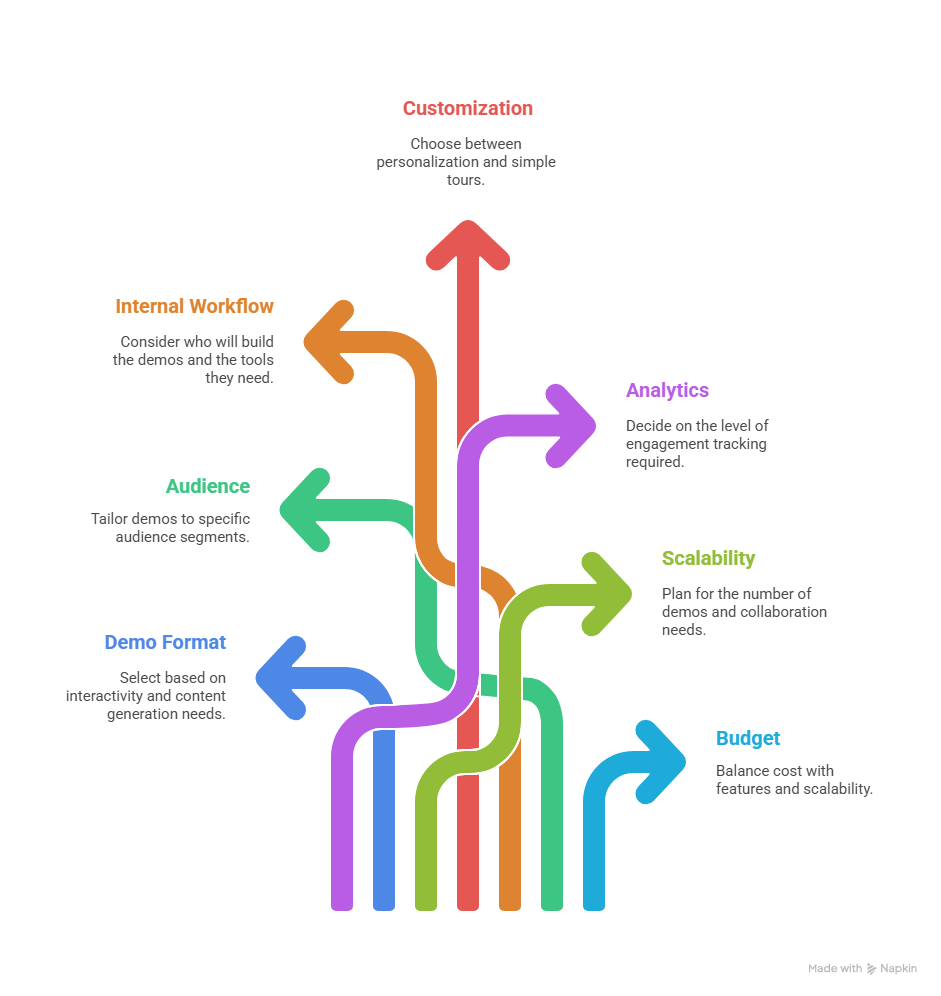
Selecting the best Arcade alternative in 2026 depends on your demo goals, your team’s workflow, and the level of interactivity you want to provide. Instead of choosing based solely on popularity, use this decision framework to match each tool to your actual needs.
Decision Framework: What Matters Most?
Before choosing any interactive demo tool, evaluate the following criteria:
1. Demo Format Needs
- Do you need interactive HTML demos, video-based demos, or guided screenshot demos?
- Do you want scalable AI-generated content or fully manual creation?
2. Audience
- Are your demos for top-of-funnel leads, sales engineers, new users, or enterprise training?
3. Internal Workflow
- Who will build the demos, marketers, product managers, or SEs?
- Do you need no-code? Drag-and-drop? AI assistance?
4. Depth of Customization
- Do you need personalization (dynamic text, variables, custom flows)?
- Or simple, linear product tours?
5. Analytics Level
- Do you want simple engagement tracking?
- Or advanced analytics like user paths, drop-offs, and CRM mapping?
6. Scalability
- Do you plan to build 5 demos… or 500?
- Do you need team collaboration or enterprise governance?
7. Budget
- Do you prefer free or low-cost tools?
- Or enterprise-grade custom pricing?
Best Options Based on Your Needs
Best for Sales Demos
Reprise, Walnut, Demostack, Demoboost
These tools are tailored for sales teams that need:
- Live demos + guided demos
- Sandbox environments
- Personalization for prospects
- Advanced analytics for pipeline influence
Choose these if you want to equip AEs and SEs with controlled, high-fidelity demo environments.
Best for Onboarding
Whatfix, UserGuiding, Usetiful, Userflow, HelpHero
Ideal for product teams focused on:
- In-app walkthroughs
- Product adoption
- Training & customer education
- Reducing support tickets
If your goal is to improve time-to-value, these tools are the best match.
Best Free Alternatives
Storylane (free plan)
Usetiful (limited free features)
Good for:
- Early-stage teams
- Basic demo needs
- Testing user engagement before upgrading
These tools offer decent functionality without big budgets.
Best for HTML Demos
Navattic, Walnut, Demostack
Best for:
- Fully interactive, click-through product recreations
- PLG self-serve demo pages
- Embedded experiences on websites
If your priority is giving users a hands-on simulation, go for HTML-based tools.
Best for Marketing Teams
Tourial, Puppydog.io, Storylane
Marketing teams typically want demos that are:
- Easy to embed in landing pages
- Beautiful, fast, and scalable
- Optimized for conversions
Puppydog.io stands out for:
- AI-powered personalized demo videos
- Ultra-fast creation using screenshots or recordings
- Perfect for campaigns, product pages & social content
Decision Matrix: Compare Arcade Alternatives by Use Case
Use this quick matrix to decide which tool category best fits your goals. (Think of it as your “cheat sheet” before you dive into demos.)
Common Use Cases for Arcade Alternatives
Arcade alternatives aren’t just “replacement tools”. They’ve evolved into powerful platforms that support everything from product-led growth to enterprise training. The best part? They fit neatly into workflows across sales, marketing, customer success, onboarding, and even support teams.
Below are the most common (and high-impact) ways companies use interactive product demo platforms today.
1. Self-Serve Demos for Product-Led Growth (PLG)
If you're running a PLG motion, you already know the pressure: users want to understand your product immediately. No sales rep. No long explainer docs. Just a clean, guided experience.
Arcade alternatives like Navattic, Tourial, Storylane, and Puppydog.io help PLG teams:
- Let users “try before they buy.”
- Show value instantly on the homepage
- Reduce friction in the evaluation stage
- Boost demo-to-signup conversion rates
It’s the fastest way to let users experience your product without giving them full access.
2. Lead Generation & Marketing Campaigns
Interactive demos are quietly becoming one of the highest-performing lead magnets in B2B. They give curious visitors a hands-on feel for your product, which is way more compelling than a static landing page.
Marketing teams use Arcade alternatives to:
- Embed interactive demos on landing pages
- Turn product features into micro experiences
- Collect lead info before (or after) the demo
- Create demo videos for ads and social media via Puppydog.io
If your marketing team struggles to show value quickly, a demo tool can fix that almost overnight.
3. Sales Enablement & Personalized Walkthroughs
Sales reps love tools that help them close deals faster, and interactive demo platforms fit perfectly into that workflow.
Platforms like Walnut, Reprise, Demostack, and Demoboost help teams:
- Build personalized demo flows for specific prospects
- Avoid live-demo failures caused by bugs or missing data
- Create consistent demo scripts for AEs and SEs
- Track demo engagement inside the pipeline
For reps, this feels like superpowers: no more stressing about staging environments or messy dashboards during calls.
4. Enterprise Training & Internal Enablement
Enterprises often need structured, repeatable training flows for hundreds (sometimes thousands) of internal users.
Arcade alternatives help L&D teams:
- Build scenario-based learning experiences
- Scale onboarding for employees, partners, and resellers
- Standardize product knowledge
- Cut down hours spent on live, instructor-led training
Tools like Whatfix, Usetiful, and Userflow shine especially in enterprise environments because they support governance, SSO, and deep analytics.
5. Customer Support & Education
Support teams use interactive walkthrough tools to help users solve problems without waiting for an agent. It’s fast, scalable, and dramatically reduces ticket load.
With tools such as Whatfix, HelpHero, and UserGuiding, teams can:
- Build interactive “how-to” guides
- Direct users step-by-step inside the product
- Reduce repetitive ticket types
- Provide visual instructions instead of long email threads
Many SaaS companies pair this with demo videos created in Puppydog.io for quick, visual explanations.
6. User Onboarding & Activation
Onboarding can make or break your product adoption. A confusing onboarding experience is one of the biggest reasons new users churn.
Interactive demo tools help SaaS teams:
- Guide users through key features
- Provide contextual tooltips and checklists
- Highlight “aha moments” faster
- Improve activation metrics
Platforms like Userflow, Usetiful, UserGuiding, and Whatfix excel in this area because they blend simplicity with automation.
Whether you’re trying to convert more leads, shorten the sales cycle, onboard users faster, or simply show the product in a more compelling way, Arcade alternatives give you a scalable, modern playbook.
Pricing Breakdown Cheat Sheet
Pricing for demo platforms can get confusing fast, especially since many tools hide their real numbers behind “Book a demo.” Instead of digging through dozens of pricing pages, here’s a simple breakdown of what you can expect to pay across the major categories of Arcade alternatives in 2026
Think of this as your shortcut to understanding the landscape without drowning in details.
1. Marketing & Top-of-Funnel Demo Tools
Tourial, Puppydog.io, Storylane, Navattic
Marketing-friendly tools tend to fall on the more affordable side. Most offer transparent, self-serve pricing.
Typical price range:
- $50–$300/mo for startups and SMBs
- $150–$600/mo for PLG-style interactive demos
- $0–$42/mo per user for AI demo video creation (Puppydog.io)
These tools are ideal if you want quick, embeddable demos for campaigns, websites, or social content.
2. Sales Demo Platforms (Enterprise Grade)
Walnut, Demostack, Reprise, Demoboost
Sales demo environments are powerful… and priced accordingly. These platforms focus on deep personalization, interactive replicas, and analytics that sales teams obsess over.
Typical price range:
- $10,000–$50,000/year for mid-market teams
- $12,000–$60,000/year for multi-team sales orgs
- Custom pricing (usually above $20k/year) for complex sandbox setups
If your revenue engine depends on polished, consistent, high-stakes demos, this is where you’ll land.
3. Onboarding & Digital Adoption Tools
Whatfix, UserGuiding, Userflow, Usetiful, HelpHero
These platforms help users learn the product through checklists, tooltips, and guided walkthroughs — and pricing varies depending on your user volume.
Typical price range:
- $49–$250/mo for SMB-friendly onboarding tools
- $10,000–$70,000/year for enterprise digital adoption suites
Whatfix sits on the upper end, while Userflow, Usetiful, and UserGuiding remain cost-efficient for smaller companies.
4. Analytics + Walkthrough Hybrids
Tools that blend analytics with interactive guides tend to charge more due to their data depth.
Typical price range:
- $300–$800/mo for SMB product teams
- $15,000–$80,000/year for enterprise analytics platforms
Useful if your priority is understanding drop-offs, activation points, and how users behave inside the demo.
5. Free or Freemium Options
Storylane Free, Usetiful Free, HelpHero Free Trial
These options are great when you're testing ideas or running early experiments.
Typical price range:
- $0 for basic demos, limited branding, and restricted features
You’ll likely need to upgrade once you need analytics or a higher demo volume.
6. Where Puppydog.io Fits (Simple & Affordable)
Puppydog.io is intentionally priced to be accessible, especially for marketers and sales teams who need demo videos fast.
Price overview:
- Free tier → $0/month, 1,000 credits
- Pro tier → $42/month per user, 2,500 credits
- Enterprise → custom pricing
Its value proposition is simple:
Record once → turn it into many personalized demos.
No engineers. No HTML complexity. No setup headaches.
Quick Pricing Summary
Expert Insights:
Picking a demo platform isn’t just a software decision. It’s a strategic one. With dozens of Arcade alternatives on the market, teams often get stuck comparing features, watching demos, and juggling internal opinions. To make things easier, here’s a set of expert insights grounded in recent data, reflecting what SaaS leaders, product marketers, and sales engineers are prioritizing in 2026.
- According to a 2026 study by Navattic, the top 1% of interactive demos see an 84.4% engagement rate (i.e., users who get past the first step), a 61.6% completion rate, and a 54% click-through rate on CTA or external links.
- For top-performing demos, average session length was around 2.1 minutes, long enough for a prospect to meaningfully explore key functionality, but short enough to respect attention spans.
- A broader industry survey from Supademo found that 78% of teams use interactive demos across two or more organizational functions, not just sales, but marketing, support, onboarding, and customer success too.
- And when companies apply demos across multiple journey stages (for prospecting, onboarding, training, etc.), they report up to a 29% lift in overall impact compared with single-use-case adoption.
These numbers aren’t fuzzy marketing fluff, they reflect real engagement, real conversions, and real multi-team value.
1. Start With Your Demo Strategy, Not the Tool
The biggest mistake most companies make is rushing into demos without defining when and how they’ll be used. The data above shows that demos work best when they serve multiple purposes, not just as a one-off sales asset.
Ask yourself:
- Are demos replacing live walkthroughs?
- Are they for top-of-funnel self-serve trials, or bottom-of-funnel personalized sales pitches?
- Will they also be used for onboarding, support, or training?
Expert insight: In mature teams, demos aren’t just sales tools. They become the “single source of truth” for how the product is presented everywhere: website, sales, onboarding, support. The reports confirm widespread cross-functional adoption.
2. Match the Tool to Your Team’s Skills and Workflow
Not all teams have engineers or design bandwidth. According to experts:
- If marketers own demos → choose no-code tools like Puppydog.io, Storylane, or Tourial.
- If sales engineers will own demos → HTML-based tools such as Walnut, Demostack, or Reprise make sense.
- If teams need onboarding or product adoption demos → in-app guidance tools like Userflow, Whatfix, or UserGuiding tend to be better fits.
The core principle: pick a tool your team can actually use — not the one with the flashiest feature list.
3. Production Speed: A Core Competitive Advantage
Products evolve. Messaging evolves. If your demo creation takes too long, it’s obsolete before it’s even used. That’s why many teams now value:
- Fast content generation (minutes to hours instead of days).
- AI-assisted tools that simplify editing, localization, and iteration.
For example, data from interactive-demo platforms show that real demos (with interactive HTML or guided flows) tend to outperform static video or PDF assets, especially when they’re easy to update and maintain.
Expert insight: “If a tool takes longer to maintain than the demo delivers value, your team simply won’t use it consistently.”
4. Don’t Overpay for Enterprise Tools Unless You're Ready
Enterprise-grade platforms like Walnut, Demostack, or Reprise deliver power and control. But their full value only emerges when you:
- Run frequent, highly personalized demos
- Have multiple demo environments
- Need advanced analytics, access control, security, and compliance
If you’re still a small or mid-sized team, using a full-blown enterprise solution can feel like buying a yacht to cross a puddle. The data suggests many companies over-invest early, only to underutilize those platforms.
It’s often smarter to start with a lighter tool, then upgrade when needed.
5. Look for Tools That Scale With You, Not Against You
One of the most common complaints from growing SaaS teams: pricing explodes as you add more demos, more users, more environments, or demand analytics and governance.
Savvy teams now look for tools offering:
- Transparent pricing
- Flexible usage tiers
- Role-/team-based access
- AI-feature add-ons (to reduce manual effort)
Video-first or no-code tools like Puppydog.io, Storylane, or Tourial tend to handle scale more gracefully for mid-market growth.
6. Analytics Honestly Matter, But Know What You’re Measuring
Good demos are not just about looking good — they’re about behavioral data. According to recent reports, top-performing interactive demos deliver:
- High engagement: ~84% go beyond the first step
- Strong completion rates: ~60% for high-quality flows
- Meaningful CTAs: ~50% click-through on calls to action
Metrics to monitor:
- Engagement rate (step-1 pass)
- Completion rate
- CTA clicks / click-through rate (CTR)
- Time spent in demo
- Drop-off steps/bottlenecks
If your tool doesn’t provide these, it’s hard to measure ROI.
7. Use Demo Tools Across Teams: Think Beyond Sales
The most forward-thinking SaaS companies are no longer siloed. Their demo tools serve multiple teams:
- Marketing: embeddable tours, video demos, hero sections
- Sales: personalized walkthroughs and prospect-specific demos
- Onboarding/Product: in-app tours for activation
- Support/Customer Success: guided help content, feature usage demos
According to Supademo’s 2026 report, nearly 80% of companies using interactive demos apply them across two or more functions.
That’s why tools that support cross-functional use, without requiring engineering effort, tend to deliver the highest ROI.
8. Don’t Ignore the “Feel”: Demo Quality Reflects on Your Product
This one is a bit subjective, but extremely important. Both users and buyers form impressions quickly. An interactive demo that feels clunky, laggy, or overly scripted often communicates “this product is half-baked.” Conversely, a smooth, polished demo builds credibility from the first click.
User testing and engagement analytics from Navattic show that high-performing demos are usually:
- Short (5–12 steps)
- Linear and easy to follow
- Clear in messaging and CTAs
- Visually clean, fast-loading, and free of friction
In other words: simplicity + clarity + polish > bells and whistles.
9. The Smartest Approach in 2026:
No single tool can do it all, and expecting one to handle marketing, sales, onboarding, support, and training is unrealistic. The smart money is on a demo stack: combining tools depending on the use case.
For example:
- Use HTML-based interactive demos for website embedding and trial signups.
- Use AI video-based demos for outbound sales outreach or marketing campaigns.
- Use in-app walkthrough tools for onboarding and product activation.
That combination helps you optimize for speed, engagement, coverage, and scalability without overpaying for features you don’t use.
Industry-Backed Quote You Can Use
“Interactive demos aren’t just optional marketing fluff. They’re becoming the backbone of how modern SaaS companies scale sales, onboarding, and support. The best demo tool is the one your team uses every week, not the one with the most bells and whistles.”
PLG Practitioner quoted in 2026 State of Interactive Demos report
Bottom Line
If there’s one thing every successful SaaS team agrees on:
A great demo isn’t about flashy features. It’s about delivering clarity, value, and immediacy.
Start with strategy. Match the tool to your team. Prioritize usability and speed. Track engagement carefully. And don’t be afraid to build a demo stack that spans marketing, sales, onboarding, and support.
That’s how you’ll turn demos from “nice-to-have” into a powerful engine for growth, conversions, and customer success, with real data to prove it.
Conclusion:
Interactive product demos have officially moved from “nice-to-have” to must-have in the SaaS buying journey. With buyers preferring self-serve exploration, PLG motions maturing, and sales cycles getting tighter, the gap between a good demo and a great demo can mean the difference between a closed deal and a lost opportunity.
Ready to Build Demos That Convert? Try Puppydog.io
Frequently Asked Questions (FAQs)
1. What is Arcade, and why do teams look for alternatives?
Arcade is a no-code tool for building lightweight, click-through product walkthroughs. Teams often look for alternatives when they need deeper analytics, more customization, HTML-based demos, AI-powered videos, or better pricing options for scale.
2. Which Arcade alternative is best for SaaS demos?
For polished SaaS demos, Puppydog.io, Storylane, and Navattic stand out. Puppydog.io is ideal for demo videos, Navattic for PLG-style interactive demos, and Storylane for a balance of marketing + sales use cases.
3. What tools help create interactive walkthroughs without coding?
If you want no-code simplicity, tools like Storylane, Tourial, UserGuiding, and HelpHero are excellent choices. They let you build guided tours, tooltips, and onboarding flows without technical skills.
4. How do I embed product demos in my website or blog?
Most demo tools provide a simple embed code (iframe or script). You just paste it into your CMS, landing page builder, or blog editor. Tools like Navattic, Puppydog.io, and Tourial make embedding frictionless and SEO-friendly.
5. Which demo tool offers the best analytics dashboard?
For robust analytics, Navattic, Walnut, and Demostack offer detailed engagement tracking, including heatmaps and step-by-step insights. Puppydog.io provides clean, actionable analytics tailored for marketing and product demos.
6. Can I create personalized demos at scale?
Yes, tools like Puppydog.io, Demoboost, and Walnut offer personalized demo flows or custom video variations. Puppydog.io uses AI to personalize demo videos quickly, making it ideal for outbound sales and marketing campaigns.
7. Which tools integrate with HubSpot, Salesforce, or Marketo?
Most leading demo platforms integrate with major CRM and MAP tools. Popular options include Navattic, Demostack, Walnut, Puppydog.io, and Storylane, all of which support HubSpot and Salesforce, with optional Marketo and Pardot integrations.
8. What is the cheapest tool like Arcade for startups?
For affordability, Usetiful, Storylane (free plan), and HelpHero provide cost-effective options. If you want demo videos instead of HTML clones, Puppydog.io offers startup-friendly pricing with powerful automation.
9. Which Arcade alternative offers the best value for startups?
Startups usually get the best balance of price + features from Puppydog.io, Storylane, and Usetiful. These tools are lightweight, easy to maintain, and scale as your product and team grow, without the enterprise price tag.
10. Can I get HTML demo capabilities that Arcade lacks?
Yes. Tools like Navattic, Walnut, Reprise, and Demostack offer HTML-based or environment-level demos that feel closer to a real product experience.
11. Which alternative is easiest to migrate from Arcade?
If you want a similar workflow, Storylane and Navattic are the smoothest transitions. Their click-based editors and screenshot capture flows feel familiar to Arcade users.
12. Are there free alternatives to Arcade?
Yes, Storylane, UserGuiding, and Usetiful offer free tiers suitable for small teams or early-stage demos. They may have feature limits, but they’re great starting points.
13. What's the best Arcade alternative for teams needing better analytics?
For deeper, more actionable insights, Navattic, Walnut, and Demostack outperform Arcade with advanced analytics such as engagement scoring, heatmaps, per-step analysis, and CRM syncing.
14. What's the difference between HTML demos and screenshot demos?
- HTML demos simulate a live product environment, offering clickable, dynamic interactions. Great for technical or complex products.
- Screenshot demos use captured screens stitched into a guided flow, faster to build, easier to maintain, and perfect for marketing or sales. Puppydog.io specializes in screenshot/video-based demos.

Sarah Thompson is a storyteller at heart and Business Developer at PuppyDog.io. She’s passionate about creating meaningful content that connects people with ideas, especially where technology and creativity meet.