Top Synthesia Alternatives 2026 (Cheaper & Better)

In the fast-evolving world of AI video generation, Synthesia stands as one of the earliest pioneers. It transformed how businesses communicate by introducing lifelike AI presenters who can deliver scripts in multiple languages, accents, and tones, all without a camera crew or studio setup. For internal communications, training videos, or e-learning modules, Synthesia became the go-to tool that helped teams scale video production quickly and affordably.
But as digital storytelling evolves, so do audience expectations. Viewers now crave more than just talking avatars; they want to see the real product in action, explore its interface, and experience a human-like connection through dynamic, interactive visuals. In other words, the need has shifted from “presentation-style videos” to authentic product demonstrations and multi-format content creation that blends screen captures, narrations, and automation.
That’s where Synthesia starts to meet its limits. While it excels in AI avatar videos, it struggles to deliver flexible, demo-driven, and frequently updated product videos that modern marketing and sales teams demand.
In this guide, you’ll discover:
- The key limitations of Synthesia and why teams are exploring other options.
- The top Synthesia alternatives for 2026, each offering unique strengths for marketing, sales, and training use cases.
- A detailed comparison table highlighting video creation methods, customization, integrations, and pricing.
- Actionable insights on choosing the best AI video generation tool for your workflow.
By the end, you’ll know exactly which AI video platform fits your goals, and how to use it to create engaging, scalable, and future-ready video content.
Limitations of Synthesia
There’s no doubt that Synthesia opened the door for scalable, AI-driven video creation. It made it possible to produce professional-looking videos in minutes, without cameras, microphones, or actors. But as teams began using it for more complex needs, like product demos, onboarding videos, or customer walkthroughs, some cracks started to show. Let’s break down the key limitations that make users look for Synthesia alternatives today.
1. Not Built for Real Product Demonstrations
Synthesia’s biggest strength, AI presenters, can also be its biggest weakness. While avatars are great for delivering scripted messages, they don’t show your actual product in action.
For SaaS and product-led companies, that’s a major drawback. A talking avatar can’t click through your app, highlight features, or show live workflows. The result? Videos that look polished but often lack authenticity and context.
2. Time-Consuming Setup for Each Video
Despite being an “AI-powered” tool, Synthesia isn’t fully automated.
You still need to:
- Write or upload a polished script.
- Choose the right avatar and voice.
- Adjust gestures, timing, and layout manually.
For teams that create many videos, like training departments or marketing teams, this process can become time-consuming and repetitive, especially when minor edits or interface updates occur.
3. Difficulty Combining Presenter and Product Content
Want to mix a human-like avatar with a live product demo or screen recording? That’s tricky.
Synthesia’s editor isn’t designed for interactive layering of visuals, meaning users must rely on external editing tools like Premiere Pro or CapCut to merge assets. This extra step adds both complexity and cost, reducing the very efficiency that AI video generation promises.
4. Limited Flexibility for Updates
Software evolves fast, UI updates, new buttons, refreshed designs, and that’s where Synthesia falls short. If your product interface changes, you can’t simply “tweak” an existing video. You often have to recreate entire scenes from scratch, re-render the voiceover, and re-time the avatar’s delivery.
For fast-moving SaaS companies, that’s a real bottleneck.
5. Minimal Creative Freedom
Synthesia’s template-driven workflow limits creative experimentation. You can’t fine-tune camera movements, customize scenes deeply, or create unique brand-driven storytelling. This makes it great for internal comms, but not ideal for marketing campaigns that need personality and flair.
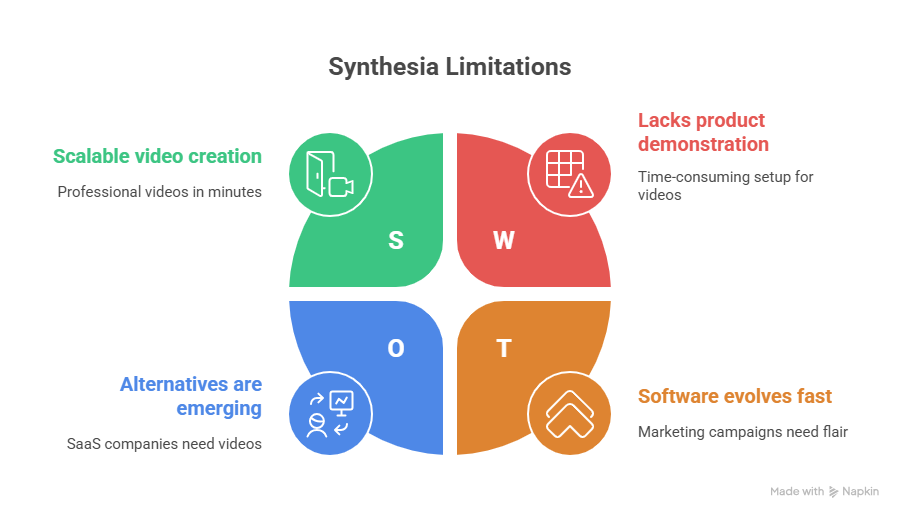
In short, while Synthesia shines as an AI presenter video generator, it struggles to keep up with today’s need for flexible, product-centric, and easily updatable video content. That’s why so many teams are turning toward AI video generation tools that blend automation, customization, and real product storytelling.
Top Synthesia Alternatives
As AI video generation evolves, more platforms are emerging that go far beyond talking avatars. From automated product demos to dynamic voiceovers and brand-personalized visuals, today’s tools are more flexible, creative, and integration-friendly than ever.
Below are the top Synthesia alternatives for 2026, each offering unique strengths for marketing, product, and training teams.
1. Puppydog.io: Best for Personalized Product Demo Videos
If you’re a SaaS marketer or product team, Puppydog.io is arguably the most exciting Synthesia alternative right now. Instead of relying on avatars, Puppydog.io focuses on what truly matters: your product.
This AI-powered platform transforms screen recordings or screenshots into personalized product demo videos that tell your story at scale. Just upload your assets, and Puppydog’s AI automatically crafts a smooth, polished walkthrough, complete with voiceovers, branding, and motion design that feels handcrafted.
Why it stands out:
- Authentic product storytelling: No third-party avatars or scripts needed, your product takes center stage.
- Easy updates: When your interface changes, Puppydog’s modular design lets you update only the affected parts instead of recreating the whole video.
- Built for teams: Perfect for sales, presales, and product marketing teams who want quick demo videos for campaigns, onboarding, or training.
- Automation at scale: Generate multiple versions of demos for different personas, markets, or use cases.
Puppydog.io gives teams a faster, more realistic way to show how their product works, something traditional avatar tools can’t replicate.
2. DeepBrain AI: Best for Realistic Human Avatars
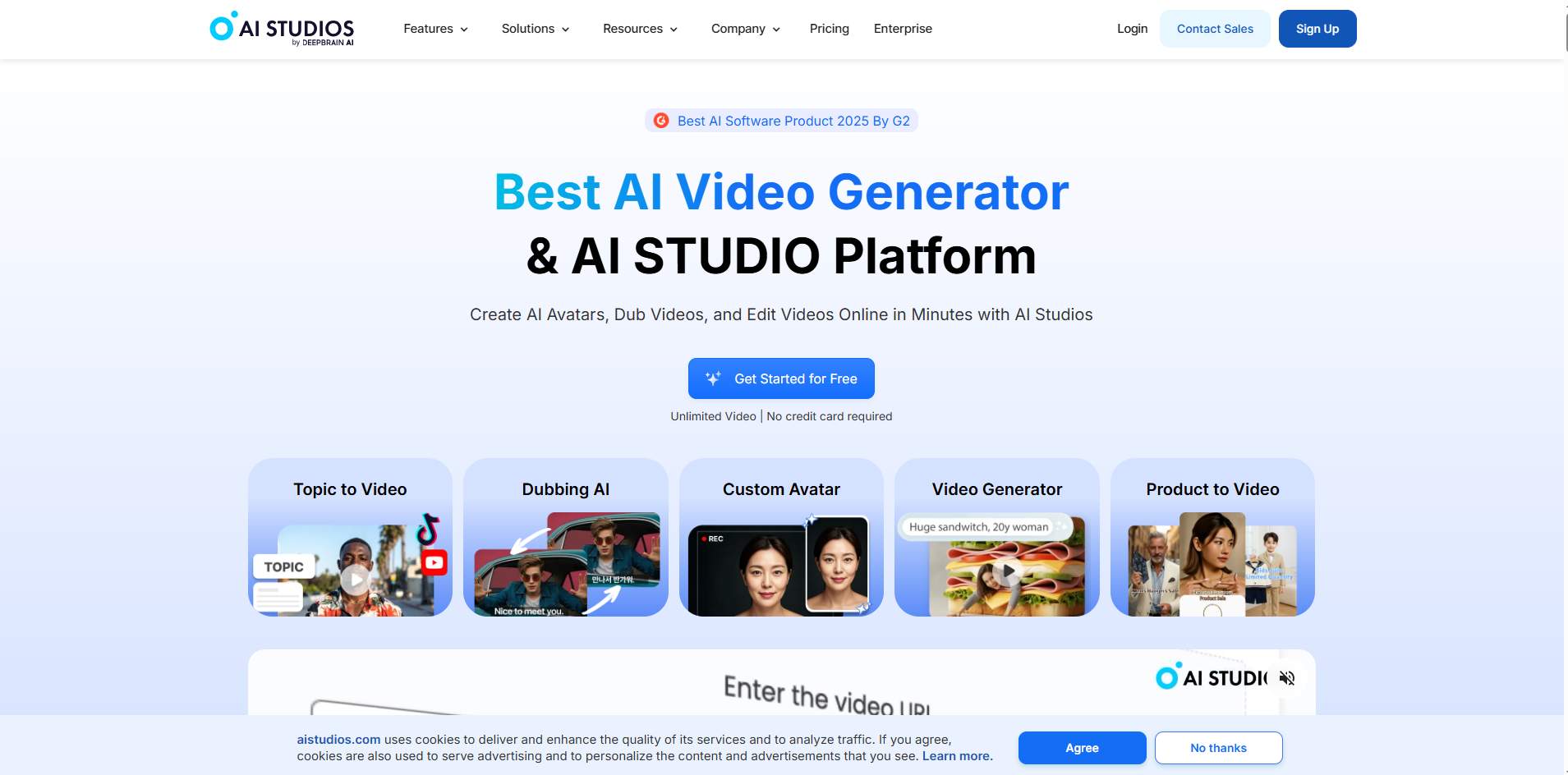
If your focus is realism and corporate communication, DeepBrain AI is a top-tier option. This platform specializes in hyper-realistic AI avatars with natural facial expressions, subtle movements, and multi-language support.
What sets DeepBrain apart is the AI Human Studio, which allows companies to create custom avatars that replicate real employees or brand ambassadors. This makes it ideal for news-style videos, corporate training, and customer communication in industries like banking or education.
Key strengths:
- High realism: Avatars mimic human gestures impressively well.
- Custom avatars: You can clone a real person’s likeness for brand consistency.
- Multi-language support: Supports 80+ languages and voices.
- Enterprise integration: Works with LMS and content management systems.
However, DeepBrain remains avatar-first, so while it delivers lifelike presenters, it’s less suited for product demonstrations or software walkthroughs.
3. Colossyan: Best for Script-to-Video Automation
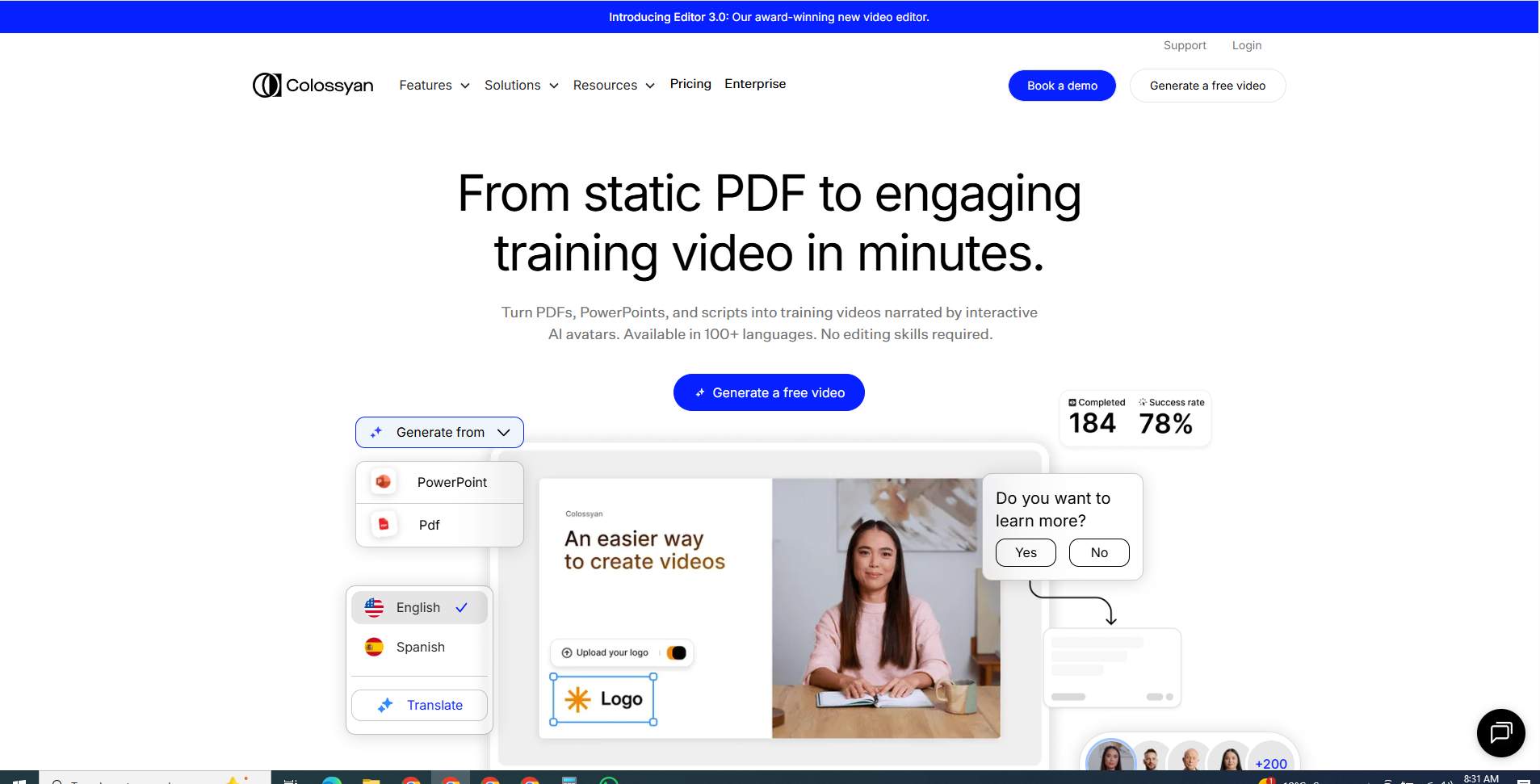
Colossyan simplifies video creation by turning scripts into videos with AI presenters, dynamic text overlays, and stock visuals. It’s a great middle ground between Synthesia and more flexible editors.
Its standout feature is “Scenes”, which automatically structures your content into segments, making it easier to build storytelling videos from plain text. Marketers, HR teams, and educators love how fast they can turn documentation or blog posts into explainer-style videos.
Highlights:
- Automatic scene generation from text or documents.
- Avatar + visual mix: Lets you combine the presenter and supporting visuals.
- Collaboration tools: Teams can review and comment directly in the editor.
- Affordable plans compared to enterprise-level AI tools.
Colossyan is ideal for teams who value speed, automation, and clarity, though it’s not as hands-on or customizable as tools built for visual storytelling.
4. HeyGen: Best for Marketing and Social Media Videos
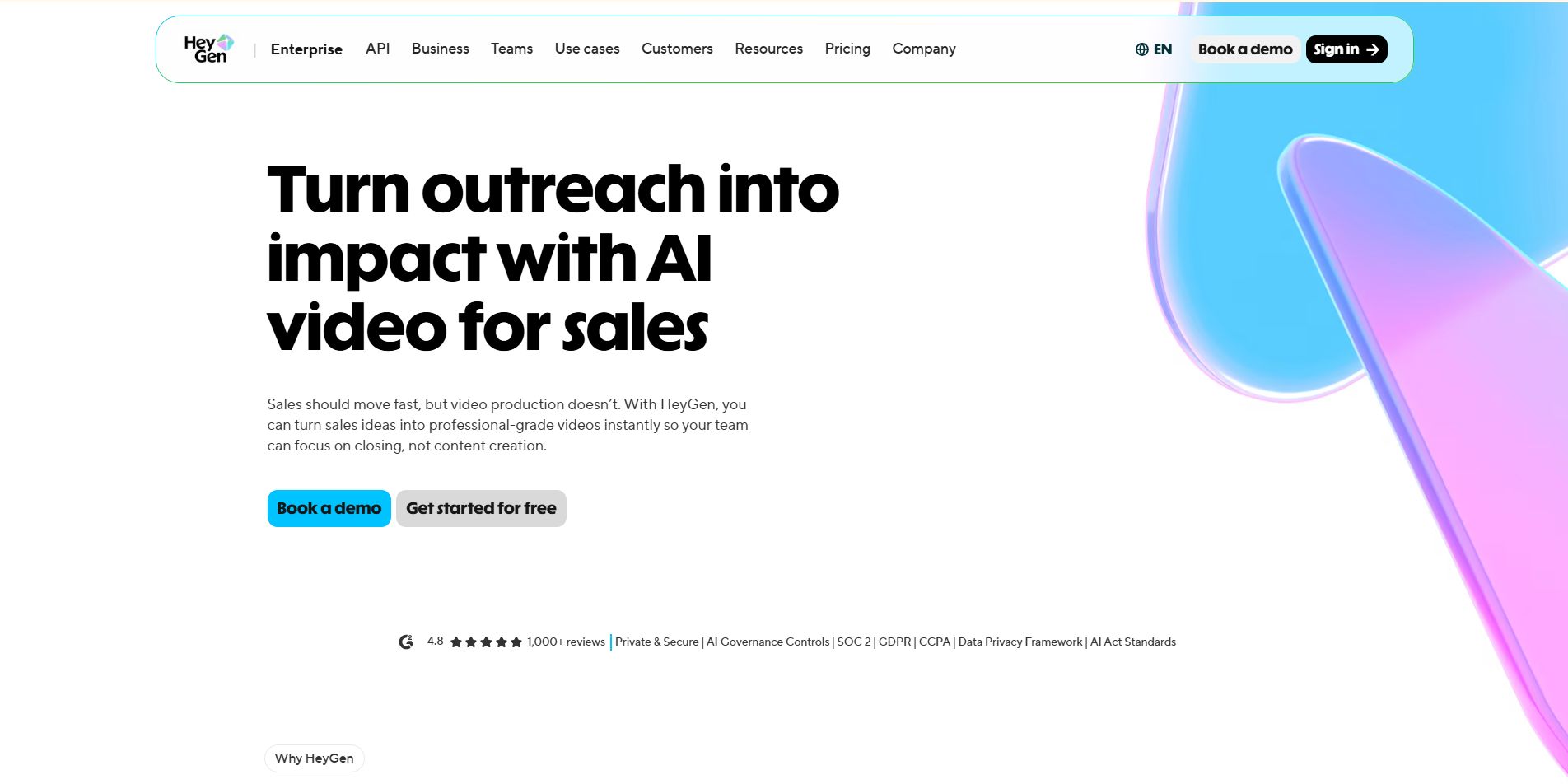
HeyGen (formerly Movio) blends powerful AI avatars with marketing-friendly video templates, making it one of the most versatile AI video generation tools out there.
Its biggest draw? Character-driven storytelling. You can create diverse avatars, apply voiceovers in multiple accents, and even animate scenes to match brand tone. HeyGen also supports video-to-video translation, which automatically converts your speech into another language, lip-synced and natural.
Why marketers love it:
- Dozens of avatars and expressive voices.
- Video localization with synced translations.
- Brand templates for quick content creation.
- Social media optimization: Resize and adapt videos for YouTube, TikTok, or LinkedIn.
HeyGen is a solid Synthesia alternative for teams producing marketing explainers, ad creatives, or onboarding videos. However, like Synthesia, it’s avatar-centric, so it’s not ideal for in-depth product demos or technical showcases.
5. Pictory: Best for Transforming Text or Articles into Videos
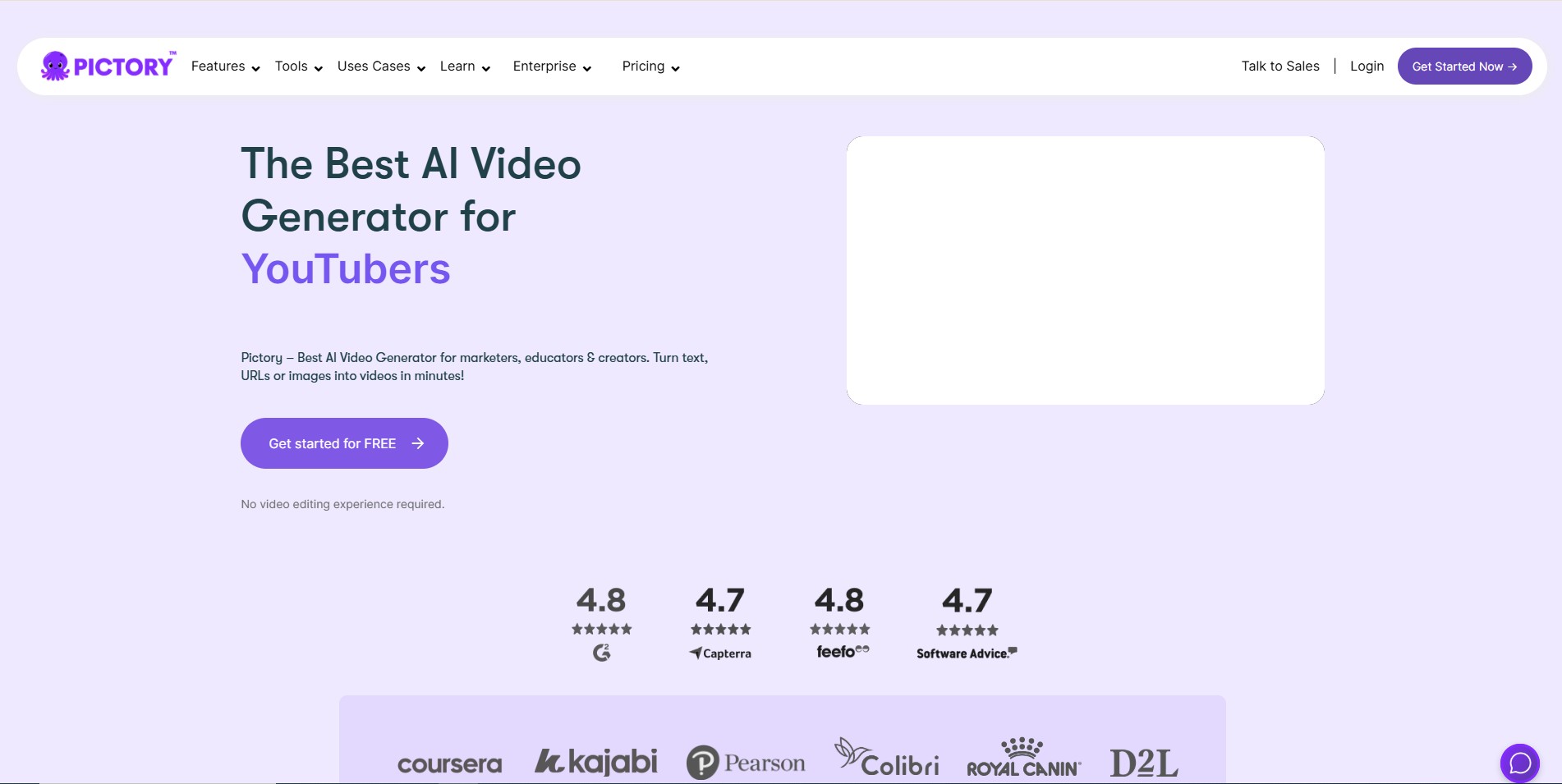
If you’ve got a lot of written content, like blog posts, articles, or whitepapers, Pictory can automatically turn that text into engaging short-form videos.
Using AI summarization, Pictory identifies key sentences and converts them into visual storyboards with relevant stock footage, captions, and voiceovers. This makes it a favorite among content marketers who want to repurpose text into social media or YouTube videos.
Key benefits:
- Automatic script summarization.
- Massive stock library for quick storytelling.
- Voiceover + caption support.
- Brand kit for consistent visuals.
Pictory is an excellent alternative for marketing teams focused on content repurposing rather than from-scratch production. However, it’s less interactive and doesn’t support AI avatars or real product visuals.
6. Murf: Best for AI Voiceovers and Audio-Led Videos
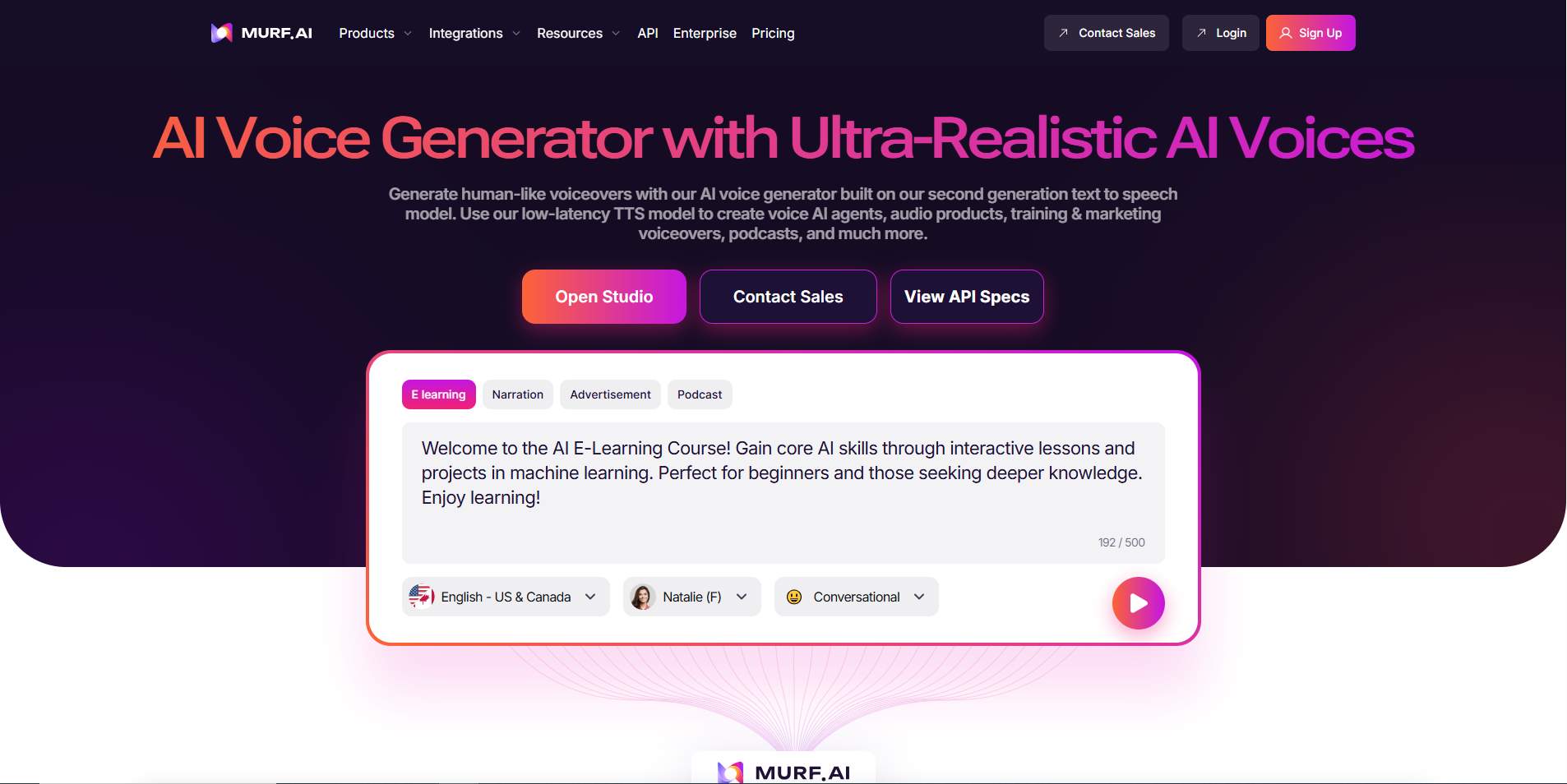
While not a direct video generator like Synthesia, Murf shines in one essential area: AI voiceovers. It offers a huge library of natural, human-like voices that you can use across languages, tones, and emotions.
Many teams pair Murf with screen recordings, product walkthroughs, or presentation videos to produce professional narration without hiring voice talent.
Why it stands out:
- 120+ voices in multiple languages.
- Voice cloning for brand consistency.
- Fine-tuned emotional control (e.g., calm, excited, confident).
- Integrates with tools like Google Slides and Canva.
If your main goal is to add voice-driven storytelling or upgrade your narration quality, Murf is a must-have companion tool. Pair it with screen captures or Puppydog.io’s visuals for a complete storytelling workflow.
7. InVideo: Best for Creative Marketing and Ad Campaigns
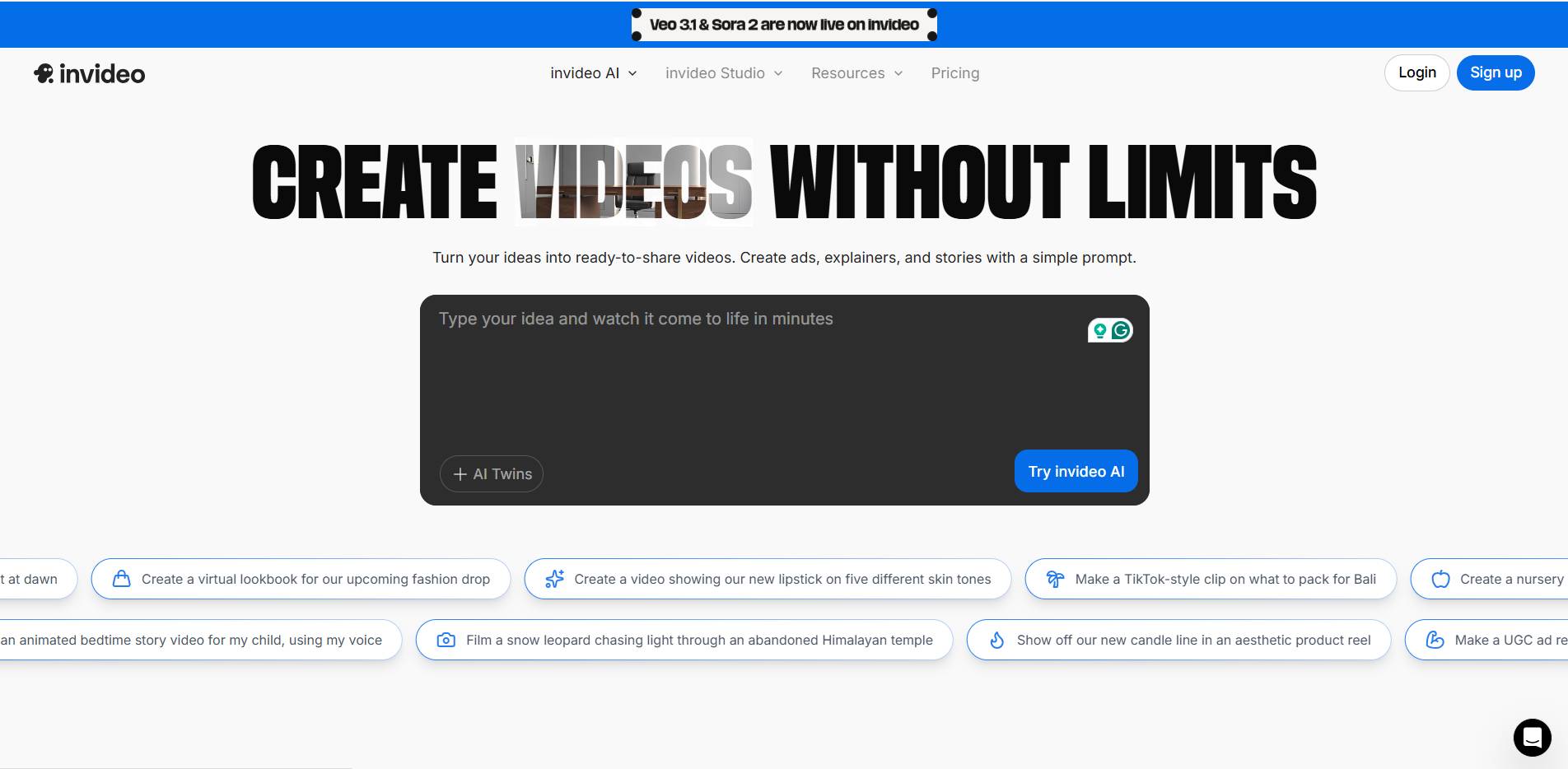
If you want creative freedom and visual versatility, InVideo is one of the most established AI video platforms out there. It’s not just an AI avatar tool; it’s a full video editor powered by AI, making it a great fit for marketing, social media, and advertising.
InVideo offers hundreds of templates, drag-and-drop editing, and AI-assisted scripting that help you build promotional or educational videos fast. You can also generate short-form content optimized for different channels.
Core features:
- AI script generator + stock media integration.
- Advanced editing tools (transitions, animations, overlays).
- Multi-format export for all platforms.
- Team collaboration and brand kits.
Unlike Synthesia, InVideo gives you creative control; you can combine product shots, customer testimonials, and text animations freely. It’s not as automated, but it offers unmatched flexibility for marketing campaigns
Each of these Synthesia alternatives solves a different problem.
- Want authentic demo videos? Go with Puppydog.io.
- Need realistic avatars? Choose DeepBrain AI.
- Prefer text-to-video automation? Try Colossyan or Pictory.
- Focused on marketing creativity? InVideo and HeyGen will feel like home.
- Need studio-quality voiceovers? Pair anything with Murf.
The best choice ultimately depends on your team’s goals, whether it’s creating lifelike human presenters, converting blogs into videos, or scaling product demos automatically.
AI Video Tools Comparison:
Here’s a side-by-side look at how the leading Synthesia alternatives stack up in terms of features, flexibility, and use cases:
Analysis: Which Tool Fits Your Team Best?
If your business revolves around showing the product, Puppydog.io easily leads the pack. It combines automation with genuine authenticity—letting teams build, personalize, and update real product demo videos faster than any avatar-based tool.
For enterprises focused on training and communication, DeepBrain AI and Colossyan remain solid choices due to their professional avatars and script automation.
Content-heavy teams that repurpose written material should lean toward Pictory, while InVideo is the go-to for marketing teams seeking creative control and visual flair.
And don’t underestimate Murf, its natural voiceovers can instantly elevate the storytelling quality of any product walkthrough or presentation.
In short:
- Best for demos → Puppydog.io
- Best for avatars → DeepBrain AI / HeyGen
- Best for automation → Colossyan
- Best for marketing creativity → InVideo
- Best for voiceovers → Murf
Your choice depends on whether your goal is automation, authenticity, or artistry.
Conclusion: Choose the Right AI Demo Video Tool for Your Goals
As AI-powered video creation becomes mainstream, choosing the right tool isn’t about picking the most popular one; it’s about finding the one that fits your workflow, content style, and audience.
Synthesia remains a strong player for quick avatar-led videos, but if you’re aiming for personalized, product-driven storytelling, platforms like Puppydog.io give you a competitive edge. Unlike generic avatar tools, Puppydog helps SaaS marketers, presales teams, and product experts turn real screen recordings or screenshots into engaging, voiceover-driven product videos that feel authentic and scalable.
Here’s the bottom line:
- If your goal is educational or explainer videos, Synthesia, Pictory, or DeepBrain may work fine.
- But if your goal is to drive conversions, showcase real product value, and personalize demos at scale, Puppydog.io is the smarter choice.
🚀 Ready to see how Puppydog can transform your product videos?
👉 Start your free trial today and experience the future of AI-powered demo automation.
FAQs: Frequently Asked Questions
1. What is Synthesia and how does it work?
Synthesia is an AI video generation tool that creates videos using AI avatars and text-to-speech technology. You simply write a script, choose an avatar, and the platform generates a professional-looking video, no camera or actor needed.
2. What are the best alternatives to Synthesia for AI video generation?
Top Synthesia alternatives include Puppydog.io, HeyGen, Pictory, DeepBrain AI, Rephrase.ai, and Elai.io. Each offers unique strengths — from personalized product demo videos to AI avatars for onboarding and marketing content.
3. How do Synthesia alternatives compare in terms of pricing?
Pricing varies widely. Most AI video tools start around $20–$40/month, while enterprise-grade options may cost more. Puppydog, for example, offers scalable plans ideal for product teams and presales professionals looking to automate demos affordably.
4. What features should I look for in an AI video generation tool?
Look for realistic avatars, custom voice options, multi-language support, and easy editing workflows. For product-focused teams, features like screen recording import and interactive demo creation are especially valuable.
5. Can AI video generation tools create personalized product demos?
Yes! Tools like Puppydog.io are designed for this exact purpose, transforming screenshots or screen recordings into personalized demo videos that resonate with prospects.
6. What industries benefit from AI video generation tools?
Industries such as SaaS, e-learning, HR, marketing, and sales benefit the most. These tools help scale video content for onboarding, training, and product storytelling without needing full video teams.
7. How accurate is AI-generated speech and voiceover in these tools?
Modern AI voices sound incredibly natural, with accurate tone and pacing. However, human-like emotion still varies between tools; Puppydog and HeyGen offer some of the most lifelike voices today.
8. Can AI video tools be used for educational purposes?
Absolutely. Many educators use AI video tools for explainer videos, tutorials, and onboarding because they save time and improve learner engagement.
9. How easy is it to update or edit AI-generated videos?
Very easy, simply change the script or visuals and regenerate the video. No need for reshoots or expensive editing.
10. Do these tools integrate with CRM or LMS platforms?
Yes, top AI video generators like Puppydog, Synthesia, and DeepBrain offer CRM, LMS, and marketing automation integrations to streamline distribution and analytics.
11. What are the advantages of AI video tools over traditional video creation?
They’re faster, cheaper, and easier to scale. You can produce hundreds of product demos or onboarding videos in minutes, no camera crew required.
12. Is it possible to create AI-generated videos in multiple languages?
Yes. Most tools support 50+ languages, making them perfect for global teams and multilingual customer engagement.
13. What are the data privacy and security measures?
Reputable platforms follow GDPR and SOC 2 compliance, ensuring your uploaded content and user data remain secure.
14. How long does it take to generate an AI video?
Depending on length and complexity, most AI video generators produce a finished video in 2–10 minutes, a fraction of traditional editing time.
Further Reading & Resources
Here are some curated, up-to-date articles and guides to deepen your understanding of AI video generation tools and how they apply to product demo videos:
- The 11 best AI video generators in 2025 | Zapier – A hands-on review of leading tools, which gives great context for an AI video tools comparison.
- Steps to Create a Product Demo | Puppydog Blog – A practical workflow guide for teams looking to maximise impact with demo-focused video creation.
- AI Video Generation: What Is It and How Does It Work? | Colossyan – A solid primer on how AI avatars, text-to-video, and automation intersect in this field.
- AI Video Tools Are Revolutionising Video Editing and Content Creation for Marketing & Learning | Info-Tech Research Group via PR Newswire – A research-oriented piece exploring how enterprise teams benefit from video automation.
- How Artificial Intelligence is Impacting Video | Forbes – Broader industry insight on generative AI in video format—helpful for understanding the bigger picture.

Sarah Thompson is a storyteller at heart and Business Developer at PuppyDog.io. She’s passionate about creating meaningful content that connects people with ideas, especially where technology and creativity meet.