Top 6 ScribeHow alternatives in 2026

Let’s be honest, ScribeHow did change the game when automated step-by-step guides first appeared. But fast-forward to 2026, and many teams are hitting a wall. Static screenshots feel clunky, editing takes longer than expected, and the pricing doesn’t always match the value anymore. If you’re building modern SaaS onboarding, sales demos, or internal SOPs, you’re probably asking the same question everyone else is: What are the best ScribeHow alternatives today?
This guide cuts through the noise and examines six modern tools that go beyond basic screenshots, covering interactive demos, AI-powered video, analytics, branding control, and improved pricing models.
Here’s what you’ll get in this Guide:
- Why teams are actively searching for ScribeHow alternatives in 2026
- The biggest pain points users report with ScribeHow (and why they matter)
- What modern teams actually want: interactivity, video, AI, and insights
- A side-by-side look at the best ScribeHow competitors, including when each one makes sense
- Practical guidance on choosing the right tool for sales, onboarding, or internal documentation
If ScribeHow feels like it’s slowing you down instead of speeding you up, you’re in the right place.
Where ScribeHow Starts to Fall Short in 2026
ScribeHow isn’t “bad” software. The real issue is that it’s showing its age in a world that has moved far beyond static documentation. For many teams, these limitations quietly turn into daily friction.
One of the biggest frustrations is limited customization, especially on the free and lower-tier plans. Branding options feel barebones, which makes it hard to publish guides that look professional or customer-ready. In 2026, that’s a problem. Brand consistency is no longer optional.
Then there’s the visual quality problem. Screenshot-based guides often shrink critical UI elements, making buttons and menus difficult to read. On smaller screens, this turns a “helpful guide” into a guessing game.
Recording complex workflows can also be unreliable. Users frequently report extra clicks, missed dropdowns, or incorrect button labels, creating a cleanup workload that cancels out the promised time savings. Instead of “record once and share,” teams end up re-editing or re-recording entire flows.
Pricing adds another layer of tension. The Pro plan feels expensive for what is essentially a single-purpose tool, especially when team access requires paid seats. And for desktop workflows, the desktop app being locked behind higher tiers feels like an unnecessary gate.
Individually, these issues are manageable. Together, they’re why so many teams start looking elsewhere.
What Modern Teams Actually Want in 2026
By 2026, expectations around documentation and onboarding have shifted in a big way. Teams aren’t just looking for faster screenshots. They want experiences that feel closer to using the product itself.
At the top of the wish list is interactive guidance. Static, scroll-and-read instructions are being replaced by clickable walkthroughs, sandbox demos, and guided flows where users learn by doing, not guessing.
Better value and flexible pricing also matter more than ever. Teams want to pay for outcomes—engagement, conversions, adoption, not inflated seat counts for people who only need view access.
Feature-wise, the demand is clear:
- Video-first experiences, not just stitched screenshots
- AI voiceovers and narration to avoid manual recording and support global teams
- Customization and branding controls that make guides look polished and on-brand
- Analytics to see where users drop off, hesitate, or convert
- Collaboration features, including free or low-cost viewer access
- Automatic sensitive data redaction, so security doesn’t slow creation
In short, modern teams want tools that don’t just document workflows but actively help users succeed.
How to Evaluate ScribeHow Alternatives: A Practical Checklist
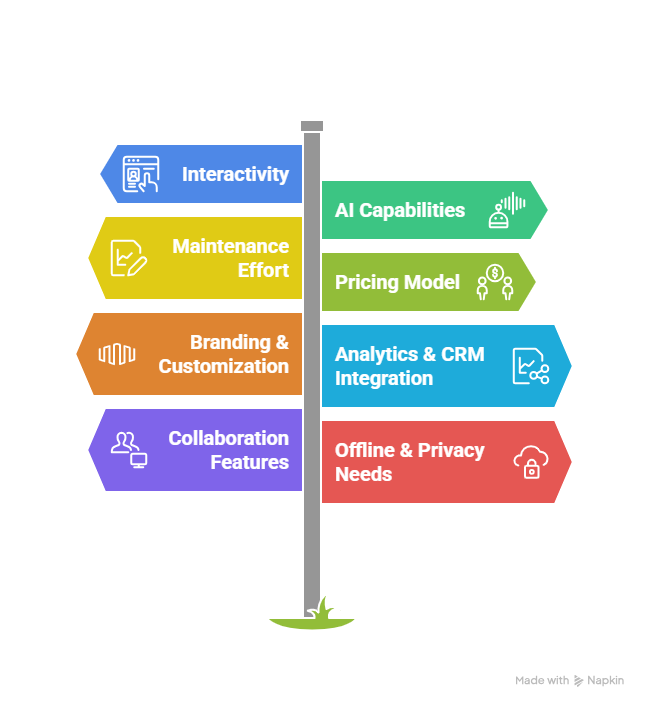
Choosing the right ScribeHow alternative isn’t just about features, it’s about finding a tool that actually fits your team’s workflow, scale, and goals. Here’s a concise checklist to guide your evaluation:
- Interactivity vs. Static Guides – Can users click, input data, or explore within the guide, or are they stuck with screenshots?
- AI Capabilities – Look for voiceovers, narration, auto-redaction, or agentic updates that reduce manual work.
- Maintenance Effort – Can you edit UI text or adapt guides easily when your product changes?
- Pricing Model – Assess seat-based, credit-based, or one-time licenses relative to your team size.
- Branding & Customization – Does the platform allow logos, colors, and white-label options?
- Analytics & CRM Integration – Can you track user engagement and feed insights back into your systems?
- Collaboration Features – Are free viewer seats available? Can teams comment or co-edit?
- Offline & Privacy Needs – For regulated environments, check local capture or export options.
Use this checklist as your north star; it ensures you pick a solution that delivers real-world value, not just flashy features.
The Top 6 ScribeHow Alternatives in 2026
Finding the right replacement for ScribeHow isn’t just about picking a tool that “records steps.” Modern teams need interactive experiences, AI-driven enhancements, robust analytics, and flexible pricing. Based on 2026 trends, here are six alternatives that truly stand out.
1. Supademo: HTML Product Tours & Interactive Experiences
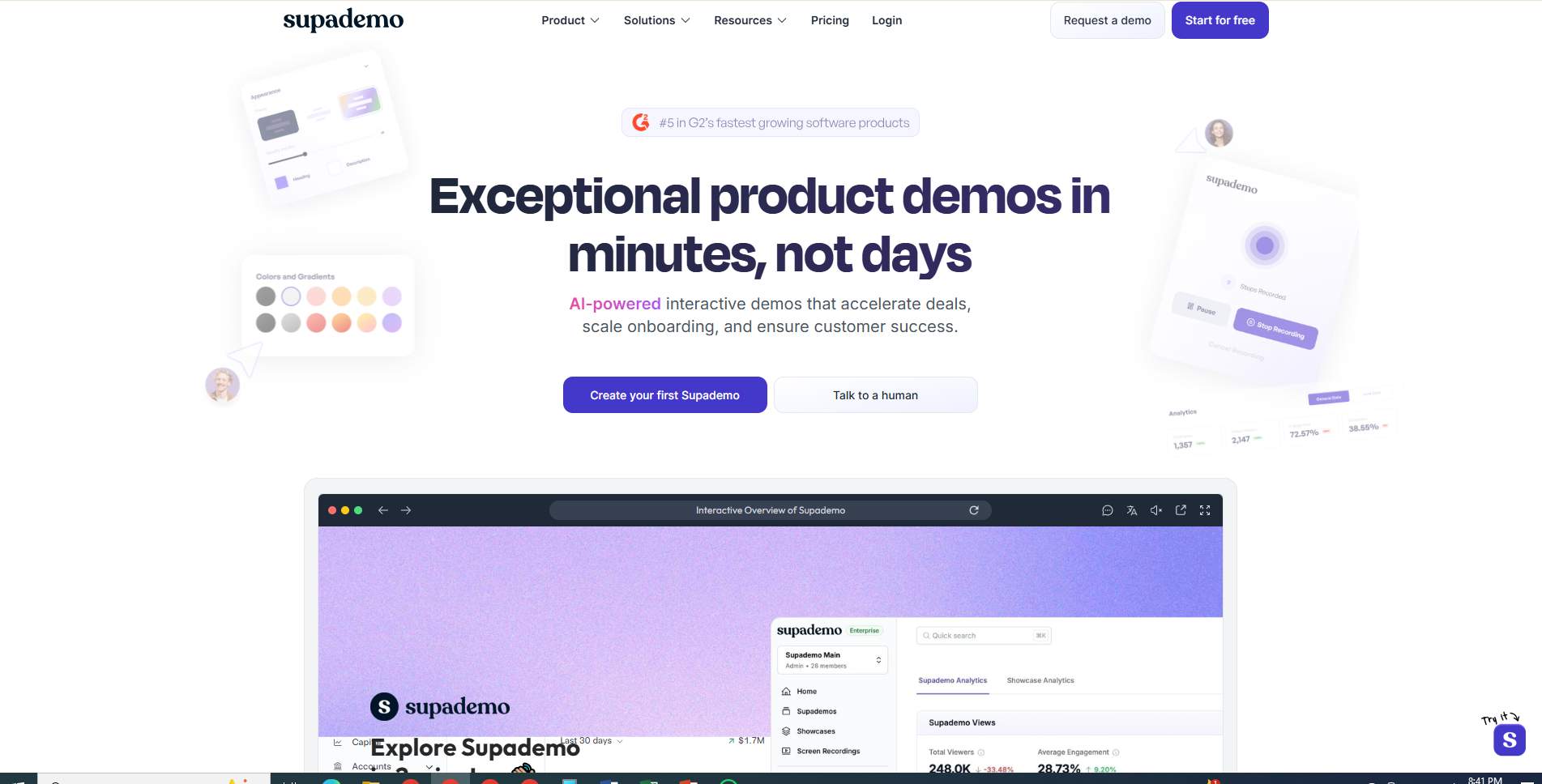
Supademo has earned its reputation as a go-to platform for high-fidelity, interactive product tours. Instead of relying on static screenshots, Supademo lets users create pixel-perfect HTML clones of their software, enabling clickable demos, conditional branching, and immersive walkthroughs.
Key Strengths vs. ScribeHow:
- UI Editing & Updates: Post-capture editing prevents the need to re-record entire workflows when the interface changes.
- Unlimited Free Viewers: Unlike ScribeHow’s per-seat limitations, large teams can collaborate without added cost.
- Conditional Logic: Users can choose their own path through demos, enhancing engagement.
Weaknesses:
- Steeper learning curve for non-technical users.
Best For: Product managers and marketers needing interactive demos that impress prospects and onboard users seamlessly.
Pricing: Per-creator model; free view-only seats make it cost-effective for large teams.
2. Puppydog.io: AI-Powered Personalized Video Demos
Puppydog.io shifts the paradigm from static or HTML guides to AI-generated, hyper-personalized video demos. This tool is perfect for sales teams, PLG teams, or marketers aiming to deliver personalized onboarding and outreach at scale.
Key Strengths vs. ScribeHow:
- Automation of Research: AI agents generate scripts tailored to each prospect’s industry and company.
- Scalability: One recording can produce thousands of personalized videos addressing individual viewer pain points.
- Engagement Tracking: Deep analytics feed directly into CRMs like Salesforce and HubSpot, letting teams see which prospects interact most.
Weaknesses:
- Not a click-through interactive tool; users cannot “play” within the software itself.
Best For: SDRs, growth marketers, and enterprise account teams focused on personalized video outreach.
Pricing: Platform fee + volume credits; higher initial cost but high value-per-engagement.
3. Guidde: Multimedia Documentation for Enterprise Support
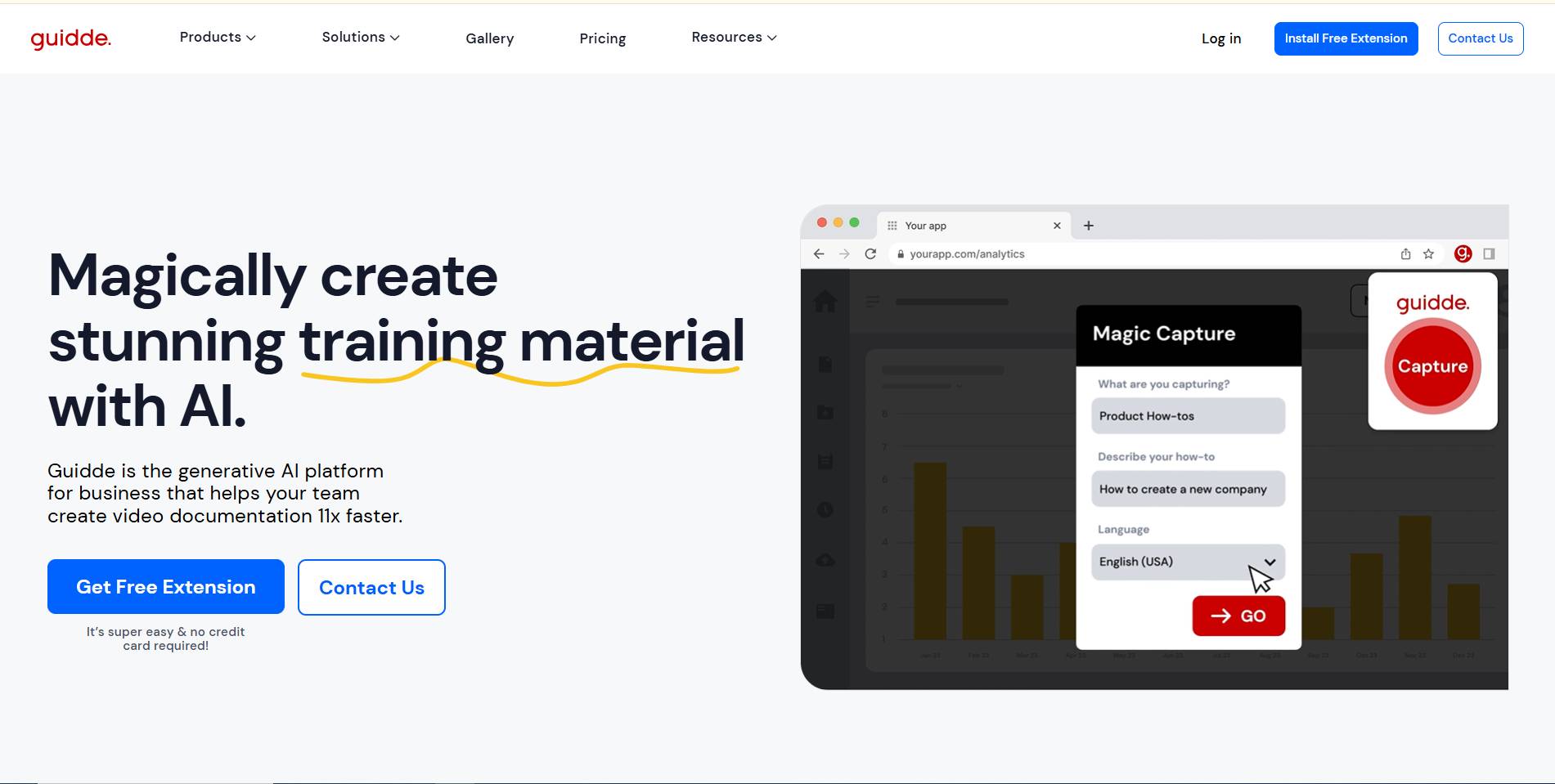
Guidde emphasizes multimodal documentation, turning one recording into video, GIFs, and step-by-step text guides simultaneously. It’s designed for internal training, knowledge sharing, and enterprise customer support.
Key Strengths vs. ScribeHow:
- Multilingual Voiceovers: AI narration in 40+ languages, ideal for global teams.
- In-App Playback: Guides can be embedded directly into applications for a seamless user experience.
- Video Editing Suite: Trim, crop, and add transitions without leaving the platform.
Weaknesses:
- It may be overkill for small, simple guides that only need a quick screenshot workflow.
Best For: Customer Success Managers and support teams at mid-market or enterprise companies.
Pricing: Tiered subscriptions; suitable for teams requiring rich multimedia documentation.
4. Folge: Privacy-Focused Offline Desktop Capture
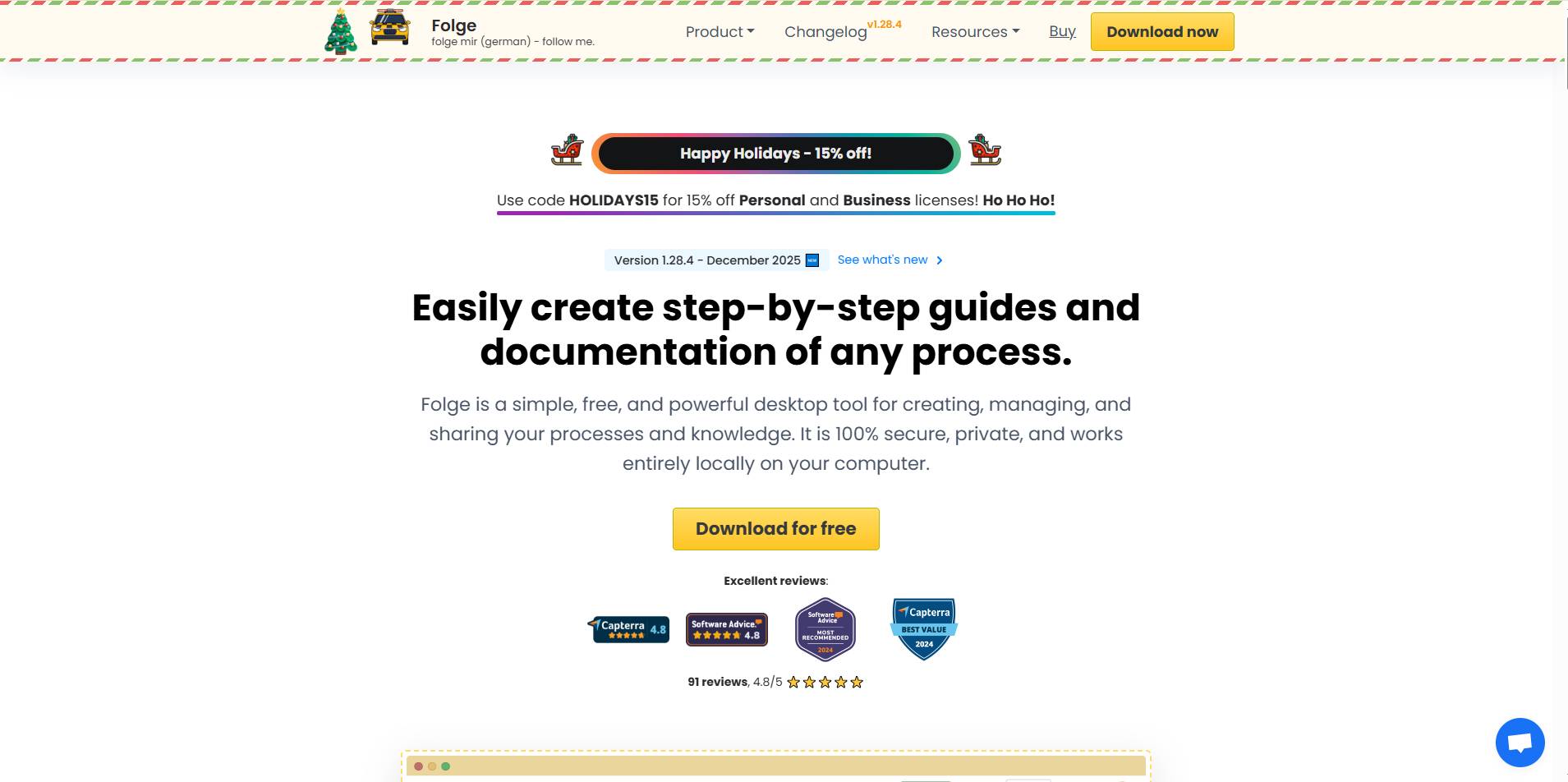
Folge is the privacy-conscious alternative for teams handling sensitive information or operating in offline environments. Its native desktop application ensures data never leaves the local machine, ideal for IT documentation, healthcare, and government use cases.
Key Strengths vs. ScribeHow:
- Full Data Ownership: Works entirely offline, protecting sensitive data.
- One-Time Purchase: Avoids recurring SaaS fees ($70–$120 per license).
- Export Versatility: Supports multiple formats, including Markdown, JSON, and PowerPoint.
Weaknesses:
- Lacks cloud collaboration and real-time interactive features.
Best For: IT managers, system admins, or solo consultants in regulated industries.
Pricing: One-time license; no per-seat fees, making it cost-effective for privacy-focused teams.
5. HowdyGo: Conversion-Focused HTML Demos
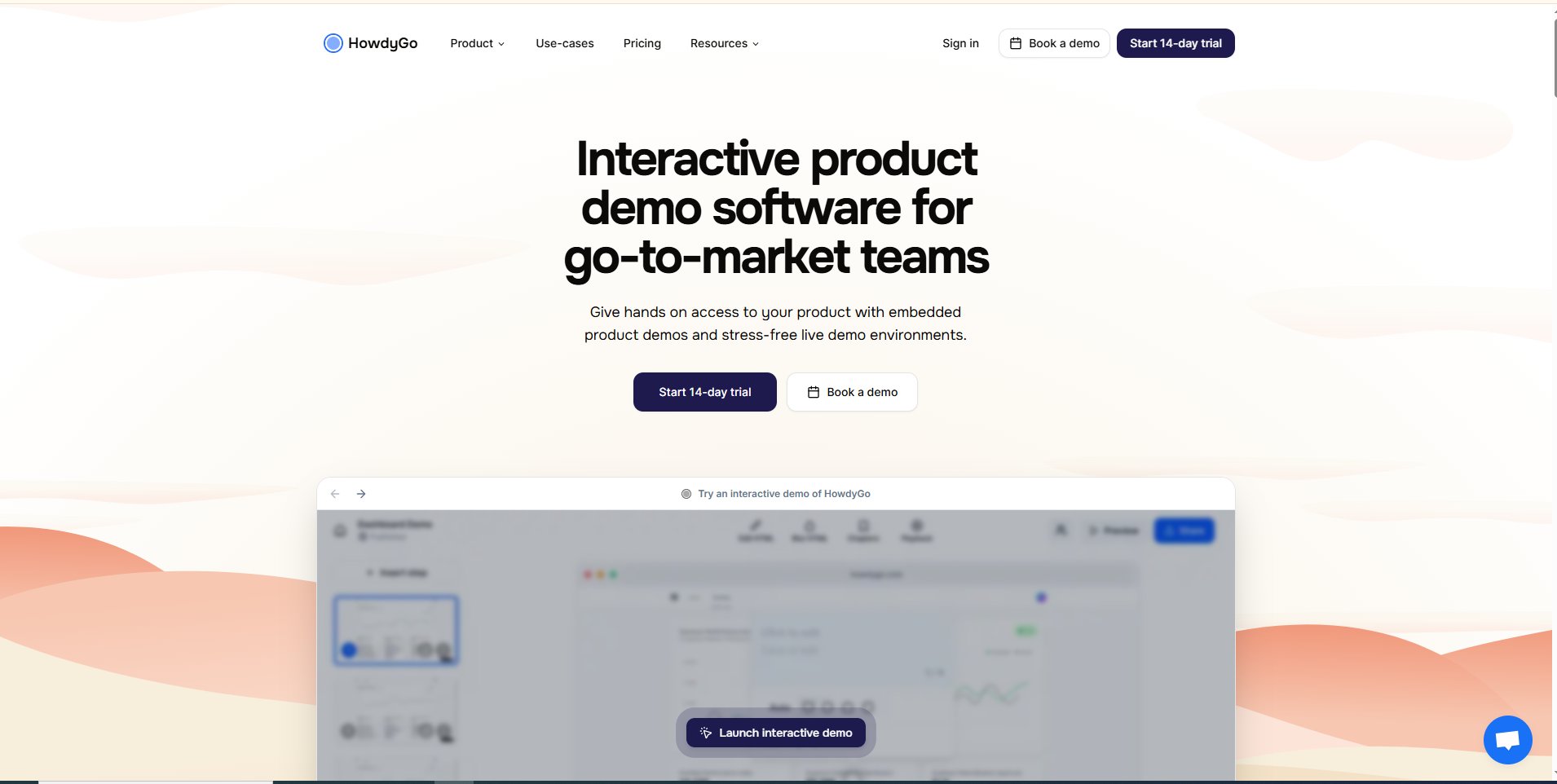
HowdyGo targets top-of-funnel marketing and lead conversion, creating pixel-perfect interactive HTML/CSS demos that mimic the actual app experience. It’s built to engage users and capture leads directly.
Key Strengths vs. ScribeHow:
- Clickable Interactivity: Every button behaves like the real software, boosting engagement by up to 90%.
- Built-In Lead Capture: Forms and CRM integration streamline conversion tracking.
- Marketing Focus: Guides double as a conversion tool, not just instructional content.
Weaknesses:
- The starting price is higher ($159/month), which may be steep for early-stage startups.
Best For: Demand generation teams, sales engineers, and B2B marketers focused on interactive product demos.
Pricing: Tiered subscription; designed for high-LTV B2B accounts.
6. Trainual: Operational Playbooks & SOP Management
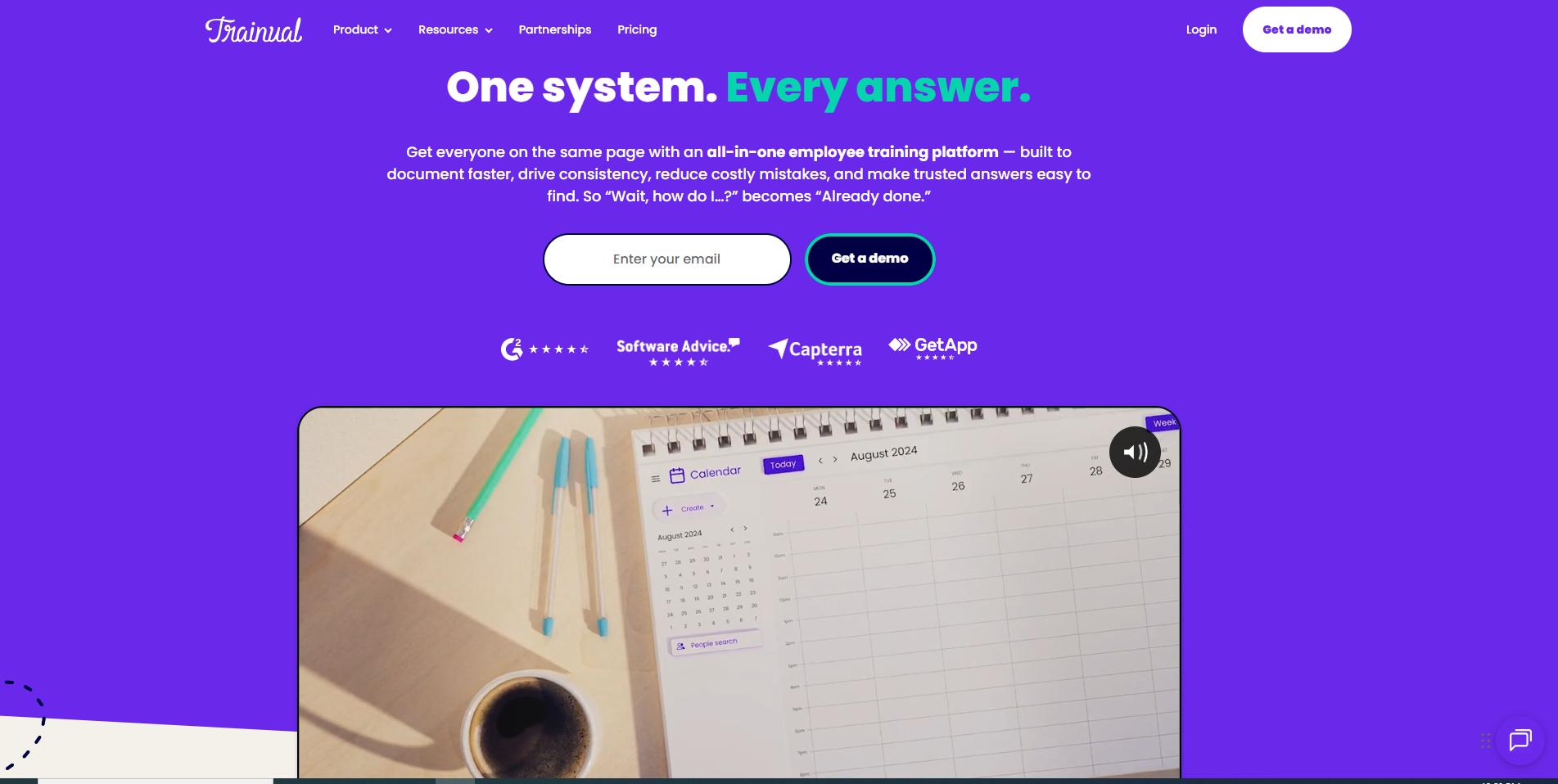
Trainual is less about demos and more about comprehensive internal training and operations management. It turns company policies, SOPs, and onboarding content into structured, multi-media learning paths.
Key Strengths vs. ScribeHow:
- Accountability: Tracks progress, completion, and includes quizzes to ensure understanding.
- AI Knowledge Base: Supports automated answers to policy questions using documented guides.
- Scalable SOP Documentation: Ideal for growing mid-market companies, standardizing processes.
Weaknesses:
- Prohibitively expensive for teams seeking simple guides ($250+/month).
Best For: COOs, HR directors, and operations teams needing company-wide SOP and training consistency.
Pricing: Subscription-based; premium for enterprise-ready operations but highly effective for scaling teams.
Quick Comparison Matrix:
Here’s a side-by-side snapshot of the key features, formats, and ideal users for each tool. It’s designed to help you quickly see which platform fits your team’s needs in 2026.
This matrix highlights the primary format, ideal audience, strengths, weaknesses, pricing model, and AI features of each ScribeHow alternative. Use it as a quick reference when evaluating tools to replace or complement your existing documentation workflow.
Choosing the Right Alternative for Your Team
Not every ScribeHow alternative fits every team. The trick is matching the tool to your use case, team size, and goals. Here’s a quick guide to help you decide:
- Sales & Marketing Teams: If your goal is personalized outreach or account-based marketing, Puppydog.io shines with AI-driven video demos that can scale across hundreds of prospects.
- Product-Led Growth & Onboarding: For interactive product tours or step-by-step onboarding, Supademo or HowdyGo provide HTML-based, click-through experiences that engage users directly.
- Customer Success & Support: Teams needing rich, multimodal documentation should lean toward Guidde, which combines video, GIFs, and text with multilingual narration.
- Privacy & Compliance-Focused IT Teams: Folge offers offline desktop capture, full data ownership, and multiple export formats.
- HR & Operations: To standardize company policies, SOPs, and employee training, Trainual ensures accountability and scalable learning paths.
Tip: Start by identifying your primary goal—whether it’s engagement, training, or internal efficiency and choose the tool designed for that mission.
Implementation Roadmap: 30/60/90 Day Plan
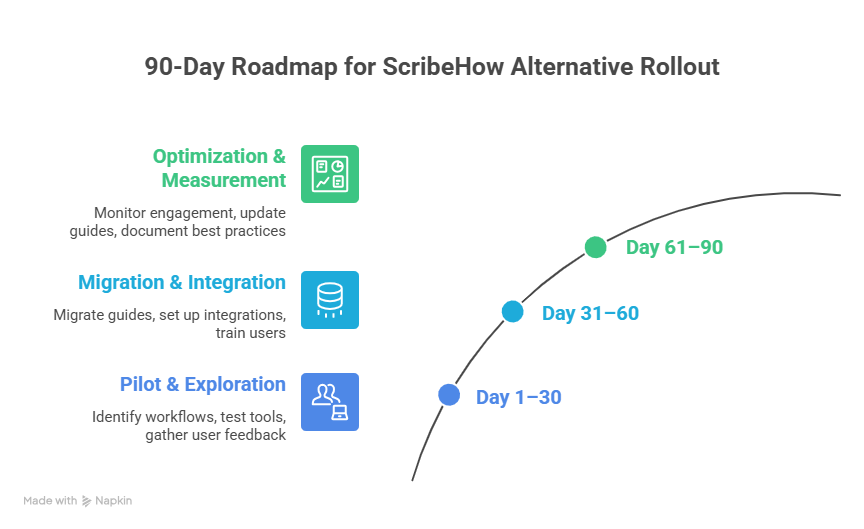
Switching from ScribeHow to a modern alternative doesn’t have to be chaotic. Here’s a practical roadmap to ensure a smooth rollout in 90 days:
First 30 Days: Pilot & Exploration
- Identify key workflows or product areas for migration.
- Sign up for free trials of 2–3 shortlisted tools.
- Test interactivity, video capture, AI narration, and export options.
- Gather feedback from a small group of power users.
Next 60 Days: Migration & Integration
- Begin migrating high-priority guides or SOPs to the selected platform.
- Set up integrations with CRM, analytics, or collaboration tools.
- Configure branding, roles, and permissions for team members.
- Provide targeted training sessions for creators and viewers.
Final 90 Days: Optimization & Measurement
- Monitor engagement metrics and user feedback to fine-tune content.
- Update guides using UI-editing or AI-assisted features.
- Document best practices and establish a workflow for ongoing updates.
Following this plan ensures minimal disruption while maximizing the impact of your new ScribeHow alternative.
Conclusion:
Static screenshots and single-purpose guides just don’t cut it in 2026. Teams need interactive experiences, AI personalization, analytics, and flexible pricing, all areas where modern alternatives outperform ScribeHow.
Whether you’re creating personalized video demos, interactive product tours, or internal SOPs, there’s a tool tailored to your goals: Puppydog.io for AI video, Supademo or HowdyGo for interactive tours, Guidde for support, Folge for privacy, and Trainual for training.
Don’t wait, explore free trials, test interactivity, and see how modern enablement tools can save time, boost engagement, and delight your users.
FAQs: Frequently Asked Questions
1. What are the best ScribeHow alternatives?
Some of the top alternatives in 2026 include Supademo, Puppydog.io, Guidde, Folge, HowdyGo, and Trainual, each catering to different use cases from interactive demos to internal SOPs.
2. Why should I use a ScribeHow alternative?
Users switch due to limitations in interactivity, customization, pricing, and AI features. Modern alternatives offer clickable guides, video demos, analytics, and better collaboration.
3. Is ScribeHow good for marketing and sales demos?
ScribeHow works for simple documentation, but its static screenshots and limited branding make it less ideal for marketing or personalized sales demos.
4. Which ScribeHow alternative is best for interactive demos?
Supademo and HowdyGo excel in HTML-based, clickable product tours that engage users directly.
5. What tool is better than ScribeHow for customer onboarding?
Puppydog.io provides AI-generated, personalized video demos perfect for onboarding new users at scale.
6. Are there ScribeHow alternatives for internal documentation?
Yes, Trainual, Guidde, and Folge are tailored for internal SOPs, training, and knowledge sharing.
7. What is the difference between ScribeHow and HowdyGo?
ScribeHow focuses on static screenshots, while HowdyGo creates interactive HTML demos with lead capture and CRM integration.
8. Which ScribeHow alternative supports HTML or clickable demos?
Supademo and HowdyGo provide fully interactive, click-through experiences.
9. Can I embed interactive product demos instead of static guides?
Absolutely. Tools like Supademo, HowdyGo, and Guidde allow embedding interactive HTML tours or video demos directly into your product or website.
10. What are the limitations of ScribeHow?
Key limitations include static screenshots, UI editing challenges, buggy recording, high per-seat cost, limited branding, and desktop app restrictions.
11. Is there a ScribeHow alternative with analytics and integrations?
Yes, Puppydog.io offers CRM integrations and viewer analytics, while HowdyGo tracks engagement and lead capture performance.
12. Which tool should I use for SOP documentation instead of ScribeHow?
For structured SOPs, Trainual, Folge, or Guidde provide scalable, interactive, and trackable solutions suitable for internal teams.

Sarah Thompson is a storyteller at heart and Business Developer at PuppyDog.io. She’s passionate about creating meaningful content that connects people with ideas, especially where technology and creativity meet.