Best Clipchamp Alternatives in 2026 (Free & Paid Tools Compared)


Updated 13 May 2026
If Clipchamp feels slow, limited, or too online-dependent, you’re not alone. Many creators want a video editor that’s simple, fast, stable, and doesn’t hide 4K behind a paywall. This guide breaks down the best Clipchamp alternatives, including free, open-source, pro-grade, and beginner-friendly options, with clear comparison tables that enable you to select the right tool in minutes.
In this post, you’ll get:
- The best free Clipchamp alternatives (OpenShot, Shotcut, Kdenlive).
- The top paid & freemium options (DaVinci Resolve, CapCut, Adobe tools).
- A side-by-side comparison table covering real user priorities: offline use, UI simplicity, export speed, stability, 4K support, and pricing fairness.
- Criteria to help you choose the editor that fits your workflow.
- How Puppydog.io fits into your editing + demo creation process.
Simple, actionable, and beginner-friendly, without compromising on pro-quality results.
Why Clipchamp Alternatives Matter
Clipchamp became popular because it came pre-installed on Windows and offered a clean, beginner-friendly interface. For basic trimming or adding a bit of text, it feels convenient. But once you start creating content consistently, especially longer videos, tutorials, or anything in 1080p or 4K, you quickly realize why so many users search for alternatives.
The biggest issue? Online dependence. Clipchamp still behaves like a web app living inside your desktop. If your internet is slow or unstable, exporting becomes painful. Even importing large files can lag or freeze. And let’s be honest: a video editor shouldn’t depend on your Wi-Fi strength.
Another problem is aggressive paywalls around essential features, especially 4K exporting. Many creators assume Clipchamp is fully free because it ships with Windows, but you only get full HD unless you upgrade. If you’re making content for YouTube, client work, or social platforms where clarity matters, 1080p feels limiting.
Creators also report performance issues, such as slow scrubbing, random crashes on long projects, and huge temp files that quietly eat up storage. For a tool marketed as "simple," it doesn’t always feel stable or lightweight.
And then there’s the workflow interruption factor. Clipchamp’s UI is simple, yes, but its cloud-first design slows down users who just want a fast, native editor that opens instantly and exports reliably.
This is where Clipchamp alternatives become important. Whether you’re a beginner who wants a stress-free editing tool, or a power user who needs something stable for daily content, the best alternatives offer:
- Offline freedom
- True 4K exporting without paywalls
- Faster performance
- Better format support
- A native desktop feel
- More predictable pricing
In short, creators need editors who work with them, not against them. And thankfully, there are plenty of great alternatives, both free and paid, that solve Clipchamp’s biggest pain points.
Criteria for Selection
When creators look for a Clipchamp alternative, they’re not chasing fancy transitions or cinematic color grading. They want tools that work consistently, don’t slow them down, and don’t surprise them with hidden paywalls. That’s why this guide uses 12 non-negotiable criteria, the practical things real users care about every day.
1. No account requirement / offline use
You shouldn’t need to create an account just to trim a video. Editors must open instantly and work fully offline—no syncing, no sign-in walls, no cloud dependency slowing things down.
2. Simple, clean, non-spammy UI
If a video editor feels cluttered or constantly pushes you to upgrade, creativity disappears. We prioritize tools with a Movie Maker–style interface, minimal, friendly, and distraction-free.
3. Basic tools that “just work.”
Trim, cut, split, join, add music, add text. These basics should feel smooth and intuitive, not buggy or buried behind menus.
4. Stability with long clips or many images
This is where Clipchamp struggles. A real alternative must handle 20-minute footage or image-heavy timelines without freezing or corrupting the project.
5. Fast, reliable exporting
Creators shouldn’t wait forever to render a simple video. Editors must export quickly, consistently, and without random errors.
6. Sensible storage management
Clipchamp is infamous for massive temp files. Alternatives must manage cache responsibly and allow easy cleanup.
7. No aggressive upgrade/premium prompts
Pop-ups ruin workflow. Free means free basic features shouldn’t constantly be locked or teased.
8. Fair pricing model
If a tool charges, it must be transparent and justified. No “surprise” paywalls for exporting in higher resolutions.
9. Good format support
Creators need flexible import options MP4, MOV, MKV, WebM, and more. Editors relying on limited codecs fall short.
10. At least 1080p output
Full HD is the bare minimum for today’s platforms. Anything less feels outdated.
11. Ideally, 4K exporting without paywalls
This is where Clipchamp loses many users. A top alternative must support 4K without forcing a subscription.
12. Feels native and quick to open
Nobody wants a sluggish, web-style editor. We favor tools that launch fast and integrate with the OS for a smooth everyday workflow.
These 12 non-negotiables form the backbone of our evaluation, helping you choose a video editor that truly fits your needs.
The Best Clipchamp Alternatives At a Glance
If you’re in a hurry and just want the fastest answer: yes, there are far better options than Clipchamp, especially if you’re tired of online dependency, slow performance, or the 4K paywall. The editors below offer smoother workflows, cleaner interfaces, and more reliable exporting. Some are completely free and open-source, while others are freemium or paid but packed with professional-grade features.
Here’s the quick snapshot:
- OpenShot: Easiest free alternative for beginners.
- Shotcut: Stable, powerful, and fully offline.
- Kdenlive: Feature-rich with great timeline control.
- DaVinci Resolve: The strongest free 4K editor with pro tools.
- CapCut Desktop: Simple, fast, social-media friendly (1080p only).
Below is a fast comparison table so you can instantly spot the best fit:
Quick Comparison Table
Free Alternatives to Clipchamp Video Editor
When people switch away from Clipchamp, the first question they usually ask is: “Is there a free video editor that’s simple, stable, and doesn’t lock features behind a subscription?”
Good news, yes, there are several. And not just “kind of free,” but truly free, open-source, offline-friendly editors that give you full control without hidden paywalls or annoying upgrade prompts.
Below are the strongest free Clipchamp alternatives you can rely on in 2026.
1. OpenShot: The Easiest, Most Beginner-Friendly Replacement
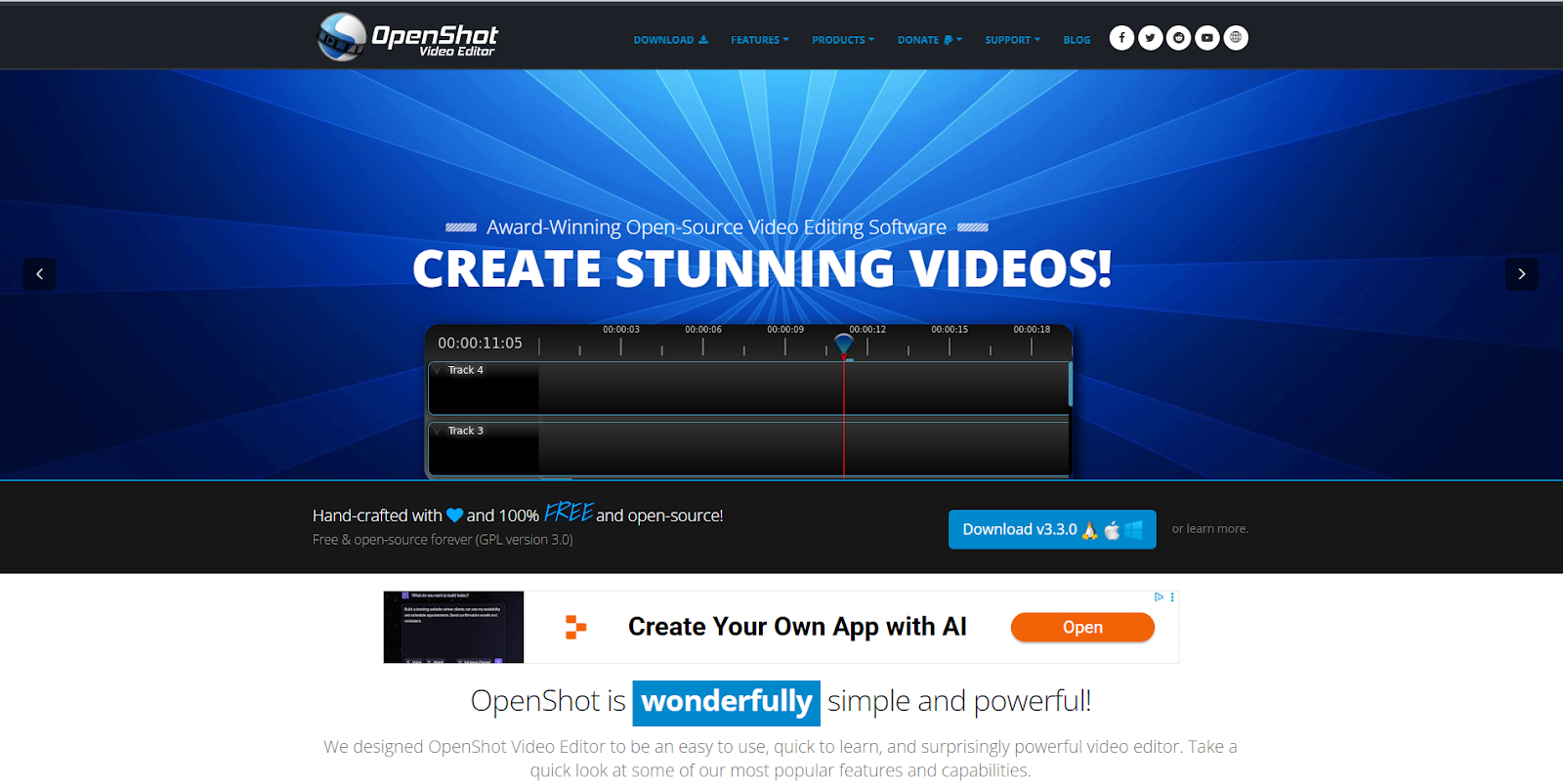
If you loved how Microsoft Movie Maker kept things simple, OpenShot will feel instantly familiar. It’s one of the friendliest free editors out there, clean interface, drag-and-drop timeline, and all the essential tools in plain sight.
Why it’s a great Clipchamp alternative:
- 100% free, open-source, no ads, no premium pop-ups
- Works fully offline (Windows, Mac, Linux)
- Super simple UI, ideal for beginners and casual creators
- Supports 1080p and 4K exports with no paywalls
- Great for trimming, cutting, transitions, titles, and basic audio
Its weakness?
OpenShot isn’t built for heavy multi-layer timelines. If you throw 20-minute clips, dozens of images, or complex effects at it, performance may dip. But for quick edits, YouTube intros, social clips, and school projects, it’s honestly perfect.
Best for:
Beginners, students, casual YouTubers, and anyone who wants a no-stress editor.
2. Shotcut: The Most Stable and Capable Free Editor
Shotcut is one of the most underrated video editors out there. It strikes the perfect balance between simplicity and power. Unlike Clipchamp, which struggles with long clips and large image sequences, Shotcut stays stable even on demanding timelines.
Why creators love Shotcut:
- Also 100% free and open-source
- Launches instantly + works fully offline
- Extremely stable with long projects
- Excellent format support (MP4, MKV, MOV, WebM, ProRes, more)
- 4K exporting is included for free
- Clean, uncluttered UI with zero ads or upgrades
The interface isn’t “cute” like Clipchamp or CapCut. It’s more utilitarian. But that’s the charm: no distractions, no nonsense, and absolutely no hidden limitations.
Shotcut also has one of the fastest, most reliable export engines among free editors, thanks to its FFmpeg foundation. Even if your PC isn’t powerful, Shotcut handles rendering intelligently.
Best for:
Daily creators, YouTubers, freelancers, educators, and editors who want stability and full control.
3. Kdenlive: Feature-Rich Editing Without the Price Tag
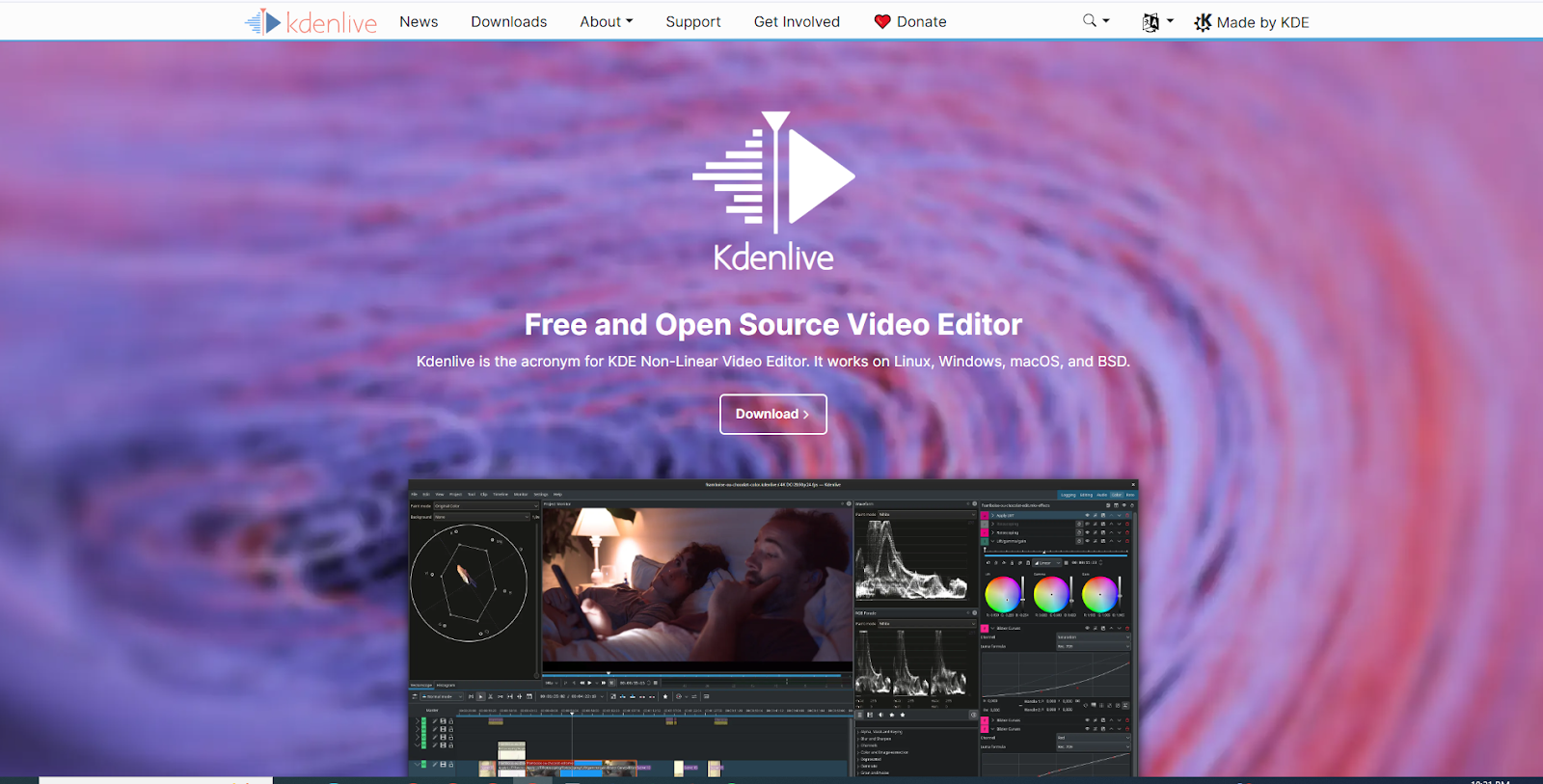
Kdenlive is the most advanced free alternative on this list. It offers multi-layer editing, pro-grade timeline tools, and deep customization that rivals paid software. If you’re the kind of creator who outgrows simple editors quickly, Kdenlive is the ideal next step.
What makes Kdenlive stand out:
- Completely free and open-source
- Highly customizable, multi-track timeline
- Superb stability on large projects
- Advanced audio controls and color tools
- 4K-ready and optimized for modern hardware
- Supports proxies for smooth editing on low-end PCs
However, the interface can feel intimidating for absolute beginners. It’s not complicated; it just has more. More panels, more controls, more ways to fine-tune everything. Once you get used to it, though, it’s incredibly powerful.
Best for:
Power users, hobby filmmakers, educators, and editors want professional control without professional price tags.
4. Honorable Mentions (Short, Useful Options)
These tools might not be the main spotlight, but they’re worth keeping on your radar:
A) Avidemux, for ultra-quick cuts
If all you need is trimming and exporting without re-encoding, Avidemux is a tiny, super-fast tool that gets the job done instantly.
B) VSDC Free Video Editor (Windows only)
Has more features than OpenShot and Shotcut, but the free version lacks hardware acceleration. Good for simple projects.
C) Olive Video Editor
A promising open-source editor is still in active development. Not always stable, but improving fast.
Which Free Editor Should You Choose?
If you want the simplest tool → OpenShot
If you want stability + power → Shotcut
If you want professional control → Kdenlive
Each one solves Clipchamp’s biggest problems:
- No online dependency
- No premium locks on 4K
- No bloated storage
- No hidden limitations
- No forced sign-ins
- No “free but not really free” gimmicks
In short, if Clipchamp is holding you back, these free alternatives give you complete freedom to edit the way you want, without paying a single rupee or dollar.
Freemium and Paid Options
While free editors cover most basic and intermediate needs, there are moments when you want more power, better performance, or advanced creative tools. That’s where a mix of free-but-pro options (like DaVinci Resolve) and premium ecosystems (like Adobe) comes into play. Below is a practical breakdown of the most popular choices, and when paying actually makes sense.
1. DaVinci Resolve: The Best Free “Professional” Editor on the Planet
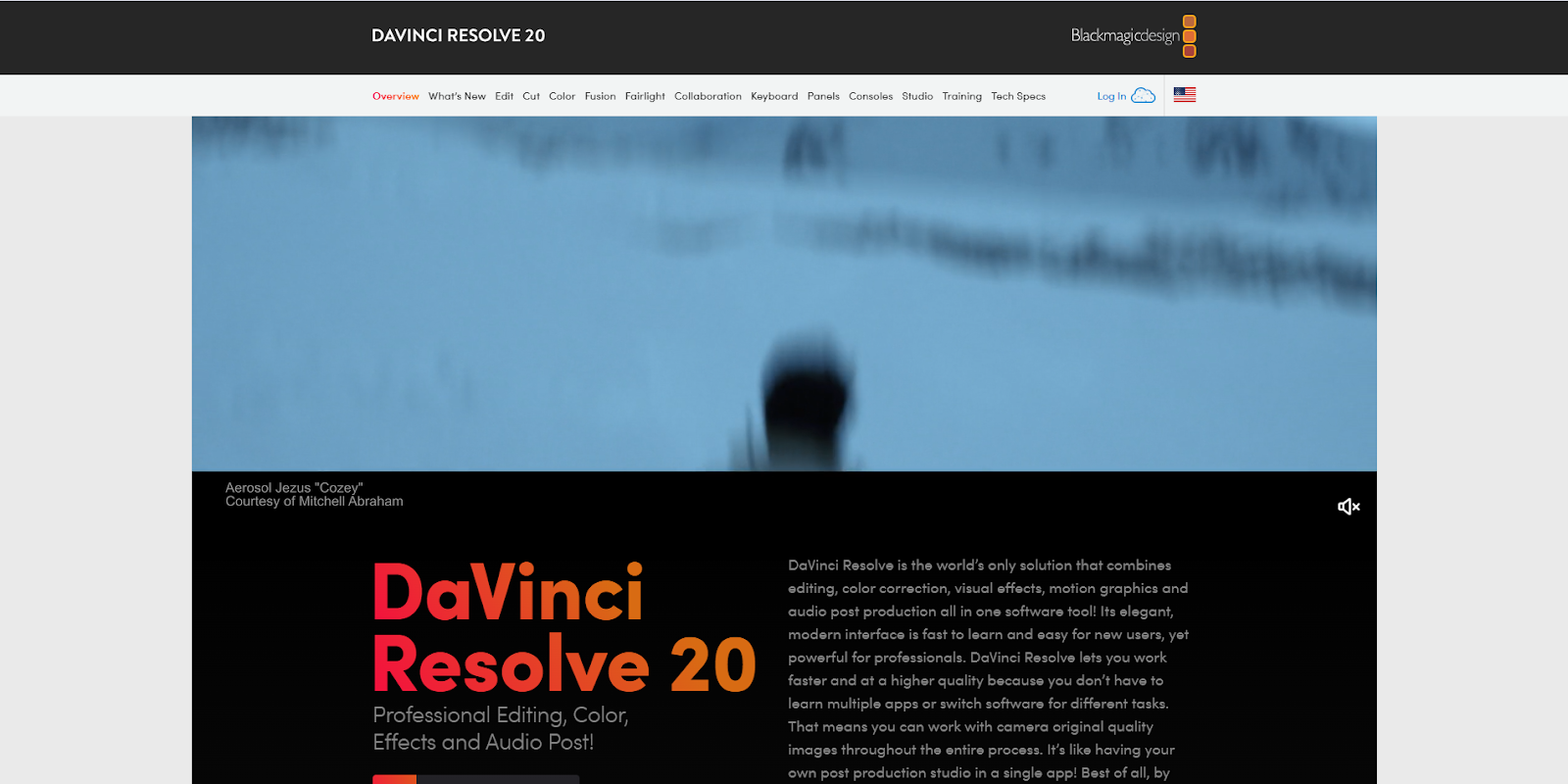
Let’s start with the heavy hitter. DaVinci Resolve isn’t just an alternative to Clipchamp; it’s an alternative to every video editor. And the craziest part? The free version is powerful enough for full-blown YouTube channels, film projects, and commercial client work.
What makes Resolve unbeatable:
- Fully offline, native desktop performance
- Extremely stable, even with long or complex timelines
- Advanced color grading (industry standard)
- Excellent audio tools (Fairlight)
- Great titles, transitions, keyframes
- True 4K exporting, no paywalls
- No ads, no upgrade prompts
Resolve Studio (the paid version) adds noise reduction, advanced GPU tools, and higher resolutions, but 90% of creators never need to upgrade.
Best for:
YouTubers, filmmakers, agencies, and editors who want pro-level power for free.
2. CapCut Desktop: Simple, Fast, and Social-Media Friendly
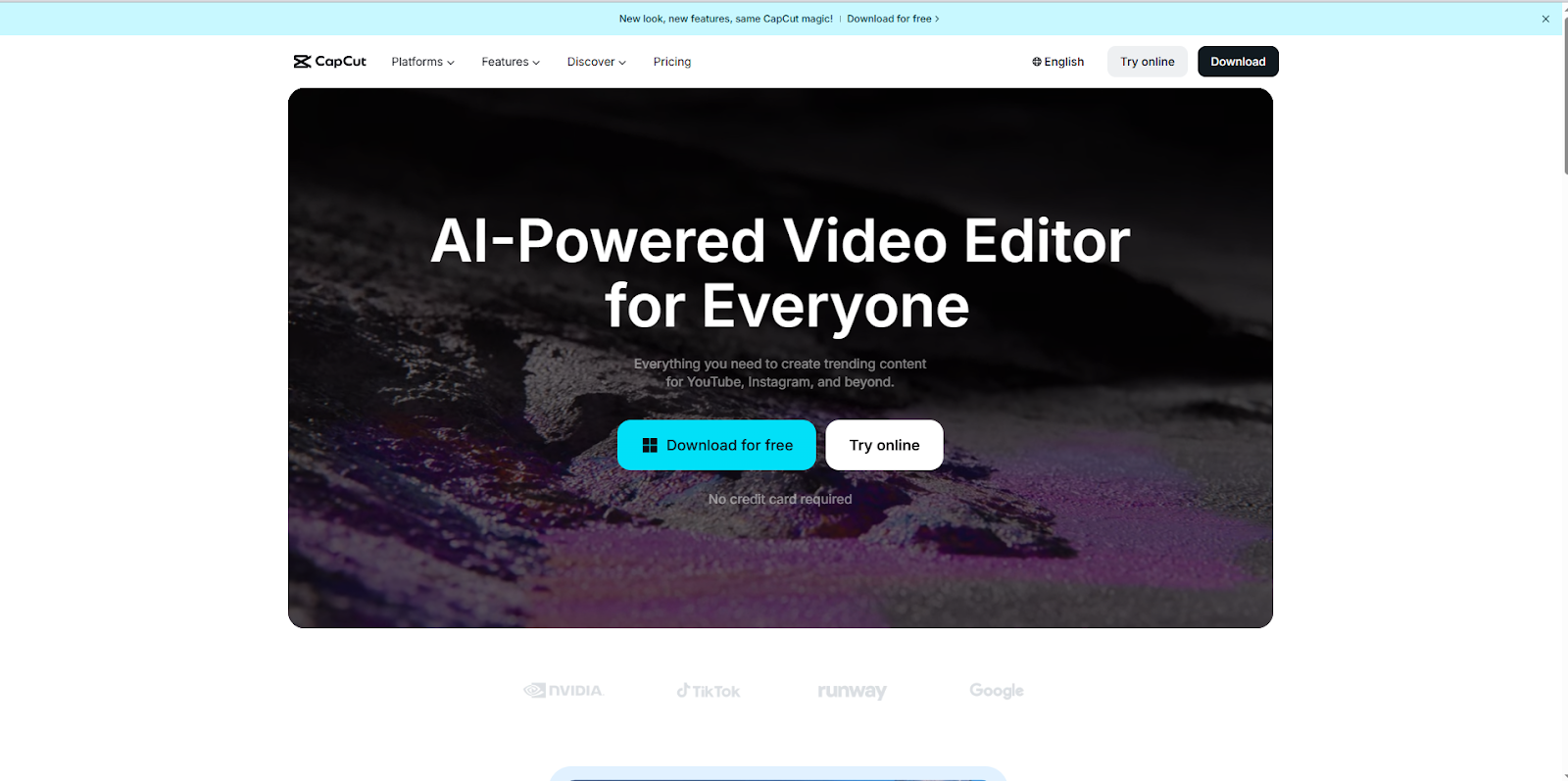
CapCut is the “fun” editor in this mix. If you create vertical videos, memes, reels, or TikTok-style content, CapCut feels instantly convenient. The desktop version is surprisingly capable. Far faster and smoother than Clipchamp for quick social edits.
Highlights:
- Fast, clean UI
- Lots of templates and trendy effects
- Great auto-captions (better than most paid tools)
- Cloud syncing with your phone app
- Free to use (but some effects and features require a login)
Its limitations:
- Exporting is mostly capped at 1080p
- Less stable on very long timelines
- Some features require an account
Best for:
Social media creators, short-form editors, and beginners who want speed over complexity.
3. Adobe Premiere Pro / Premiere Elements: When Paid Makes Sense
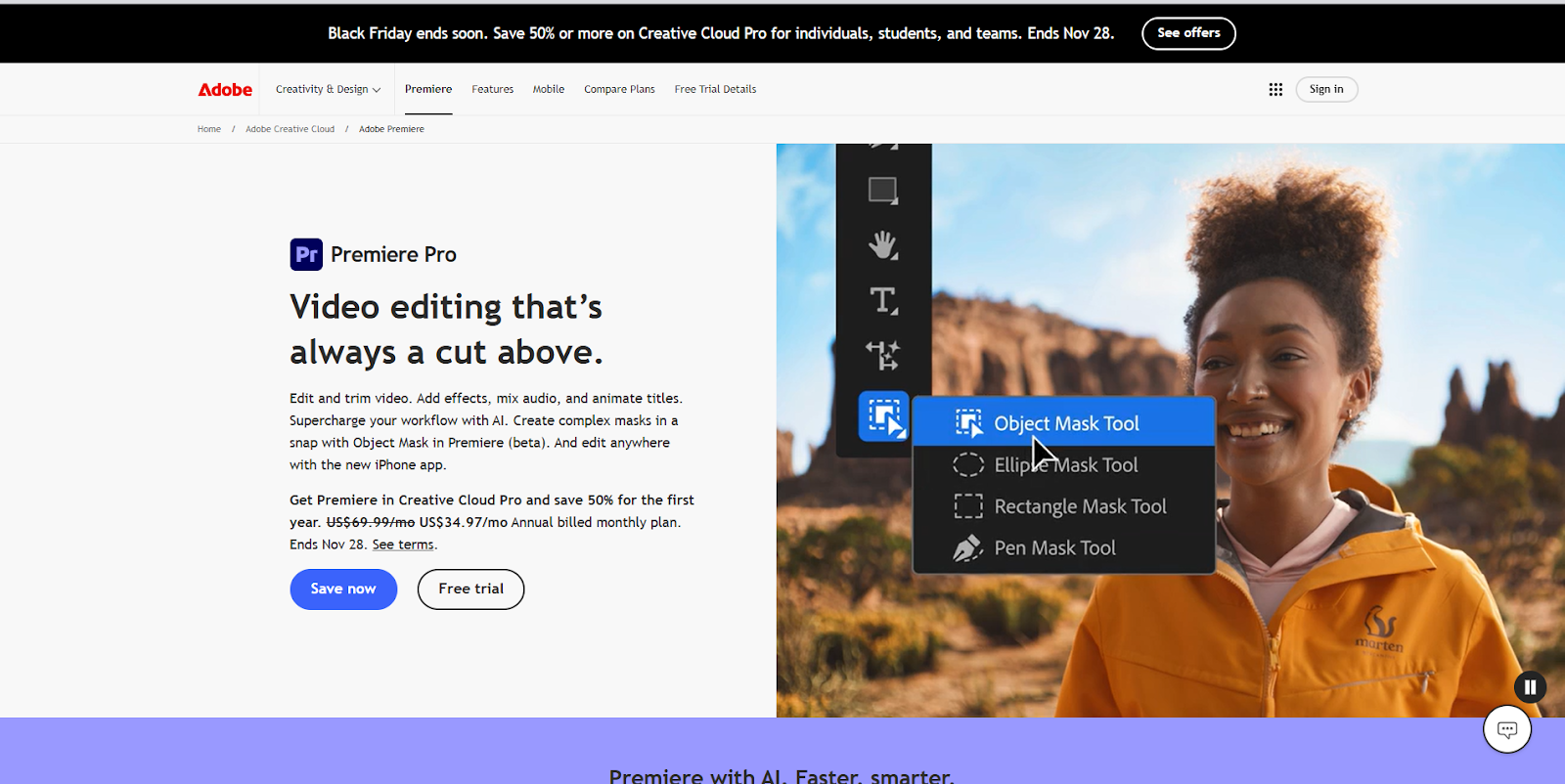
Adobe Premiere Pro is the industry giant, powerful, versatile, and tightly integrated with Photoshop, After Effects, and Audition. But it comes with a subscription, which not every creator loves.
Why do people still choose Premiere?
- Professional reliability
- Massive plugin ecosystem
- Great teamwork/collaboration tools
- Works well for long, multi-track projects
- Seamless Adobe ecosystem integration
For casual creators, Premiere Pro is overkill. However, if you’re editing full client projects, documentaries, or commercial work, the price can pay off through saved time and advanced capabilities.
Premiere Elements, on the other hand, is a lighter, one-time-purchase option. Good for everyday creators who want a polished UI without the subscription.
Best for:
Agencies, professional video editors, brand teams, long-form YouTubers.
When Paying Actually Makes Sense
A paid editor is worth it if you:
- Edit long videos regularly
- Need multi-layer, complex workflows
- Work with clients who expect pro-level output
- Require advanced color grading or audio tools
- Want the reliability and polish of a mature ecosystem
But if your needs are simple, cutting, trimming, exporting, and adding text, free editors like Shotcut, Kdenlive, OpenShot, or even Resolve are more than enough.
In short: don’t pay for features you’ll never use. Pay only when your workflow demands more speed, stability, or professional capabilities.
Comparison Tables
How Puppydog Complements These Editors
Even the best Clipchamp alternatives, free or paid, focus on editing. But in 2026, creators, marketers, and SaaS teams also need fast, polished video demos that don’t take hours to record or edit.
This is where Puppydog.io becomes the perfect add-on to any video editor you choose.
What Puppydog.io Does
Puppydog.io takes your screenshots or screen recordings and automatically turns them into:
- Clean, step-by-step product demo videos
- Onboarding walkthroughs
- Feature highlight clips
- Marketing-ready micro-demos
- Explainer videos for social media
There’s no timeline editing, no complex setup, and no learning curve.
You upload → Puppydog assembles → you export.
It’s the fastest way to make professional SaaS demos without ever opening a traditional editor.
Why Puppydog Complements Every Clipchamp Alternative
No matter which tool from this list you prefer, OpenShot, Shotcut, CapCut, DaVinci, or Adobe Puppydog fits perfectly into your workflow:
- Need to showcase UI changes quickly? Puppydog automates it.
- Need consistent branding across 20+ demo clips? Puppydog handles it.
- Need short videos for campaigns, LinkedIn, or landing pages? Puppydog does it instantly.
- Want to avoid recording the same screen flow again and again? Puppydog reuses your screenshots efficiently.
You can still take your final demo and enhance it in any editor, add music, captions, transitions, or extra context.
Conclusion:
Clipchamp is convenient, but it’s far from perfect, especially if you value stability, offline editing, transparent pricing, and a clean, distraction-free workflow. The good news? You now have multiple free and paid alternatives that offer better control, better exporting, and better long-term reliability.
For everyday creators, tools like OpenShot, Shotcut, and CapCut are more than enough. For advanced users, DaVinci Resolve or Adobe’s ecosystem delivers premium flexibility. And if you’re building SaaS demos, onboarding videos, or product walkthroughs, pairing any editor with Puppydog.io gives you a massive speed advantage.
If you want the fastest way to turn screenshots or screen recordings into polished demo videos, start here:
👉 Try Puppydog Free
FAQs ( Frequently Asked Questions )
1. What is the best alternative to Clipchamp?
The best alternative depends on your needs. For beginners, Canva and CapCut are great. For professionals, DaVinci Resolve and Adobe Premiere Pro offer advanced control.
2. Is Clipchamp good for professional video editing?
Clipchamp is good for basic editing and quick videos, but it lacks advanced features needed for professional-grade production.
3. What is the best free alternative to Clipchamp?
DaVinci Resolve and CapCut are two of the most powerful free alternatives available today.
4. Can I use Clipchamp alternatives without downloading software?
Yes. Tools like VEED.io and Canva work directly in the browser without installation.
5. Which Clipchamp alternative is best for YouTube videos?
For YouTube content, DaVinci Resolve (advanced) and CapCut (fast editing) are the most popular choices.
6. Is there a Clipchamp alternative for business demo videos?
Yes. Tools like Camtasia are great for tutorials, but for scalable product demos and personalized walkthrough videos, modern AI platforms like Puppydog.io are becoming the preferred choice.

Sarah Thompson is a storyteller at heart and Business Developer at PuppyDog.io. She’s passionate about creating meaningful content that connects people with ideas, especially where technology and creativity meet.