Best Apps Like Tango in 2026 (AI Process Documentation Tools That Actually Scale)

Updated 13 May 2026
In 2026, teams are moving faster than ever. Whether you’re onboarding new hires, documenting internal processes, or building repeatable SOPs, workflow recording tools play a massive role. Tango.us became popular because it simplified step-by-step documentation, but today, businesses need more than just screenshots. They need automation, AI-powered editing, collaboration tools, analytics, and scalable systems that work across teams.
That’s why the demand for apps like Tango.us is growing. Modern operations teams, customer-facing teams, and product-led companies want platforms that automate documentation, integrate with their existing tools, and help them create richer training materials with video, audio, and interactive elements.
In this guide, we explore the top 11 Tango alternatives in 2026, compare them feature-by-feature, and help you pick the best option depending on your budget and use case. Whether you want a lightweight free tool or an enterprise-grade documentation engine, you’ll find the right match here.
Quick signal of what to expect:
- A breakdown of the top 11 Tango alternatives
- Head-to-head comparisons like Puppydog vs Tango, Scribe vs Tango & more
- A full comparison table with features, pricing & use cases
- Why Puppydog stands out as the best Tango alternative
The 2026 Market Shift: From General Capture to Specialized Outcomes
In 2026, the workflow-documentation landscape is undergoing a major transformation. Teams no longer want simple screen-capture tools; they want specialized platforms that deliver clear business outcomes: faster onboarding, scalable SOP creation, automated training content, and measurable productivity gains.
Tango paved the way with auto-generated step-by-step guides, but the market has shifted. Companies now expect deeper AI automation, richer multimedia formats, integrations with LMS and knowledge bases, and analytics that show who viewed, followed, or completed a workflow. As a result, the most competitive Tango alternatives in 2026 are tools that go beyond capture and focus on:
- Process intelligence
- Automated documentation
- Interactive training workflows
- Personalized recordings and demo creation
- Enterprise-grade security and governance
This move from “general capture” to specialized outcomes is why tools like Puppydog, Scribe, Guidde, and others are gaining traction. They don’t just record steps; they help teams train faster, scale knowledge, and automate documentation at every stage.
The rest of this guide breaks down the top alternatives, compares features side by side, and helps you choose the tool that best fits your team’s goals.
How to Choose an Alternative to Tango.us: A Practical Decision Framework
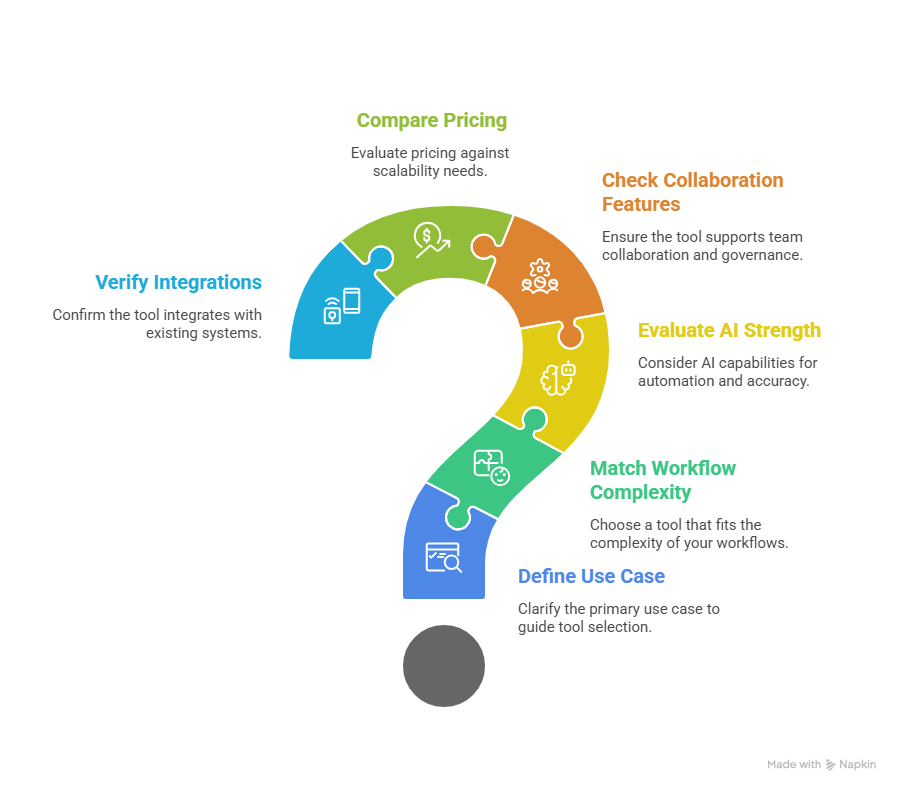
Choosing the right alternative to Tango depends on what your team values most: automation, multimedia support, security, or affordability. In 2026, the best tools don’t just capture processes; they help teams standardize knowledge, train faster, and scale documentation with AI. Use this simple decision framework to evaluate any “apps like Tango” before committing.
1. Define your primary use case
Different tools specialize in different outcomes. Start by clarifying what you really need:
- Employee onboarding: Look for templates, step guidance, and LMS integrations.
- SOP documentation: Prioritize accuracy, versioning, and multi-format exports.
- Internal tool walkthroughs: Choose tools with superior screen-capture and editing capabilities.
- Customer training/product demos: Opt for platforms that support video, voiceover, and branded customization.
2. Match the tool to your workflow complexity
Simple needs = Scribe or Tango-like tools.
Complex, multimedia, or automated workflows = Puppydog, Guidde, or 360Learning.
3. Evaluate AI strength & automation level
The biggest gap between tools is AI capability. Consider:
- Auto-capture accuracy
- AI editing suggestions
- Automatic narration or video creation
- Smart documentation summaries
- Workflow branching or interactive steps
4. Check collaboration, sharing, and governance
Teams need centralized visibility. Prioritize tools that offer:
- Role-based access
- Team libraries
- Shared workspace
- Version control & approval flows
5. Compare pricing vs. scalability
Free tools are fine for individuals, but teams eventually need:
- Better analytics
- Unlimited recordings
- Integrations
- Enterprise security
Look for transparent pricing that scales affordably as your team grows.
6. Verify integrations & ecosystem fit
Your documentation tool must connect to:
- Google Workspace
- Notion, Confluence, SharePoint
- LMS platforms
- CRM or support systems
The better the integration, the smoother your documentation lifecycle.
Bottom line
Pick the Tango alternative that aligns with your outcomes, not just your workflow. The rest of this guide breaks down every major tool so you can confidently choose the right fit for 2026.
Puppydog vs Tango.us
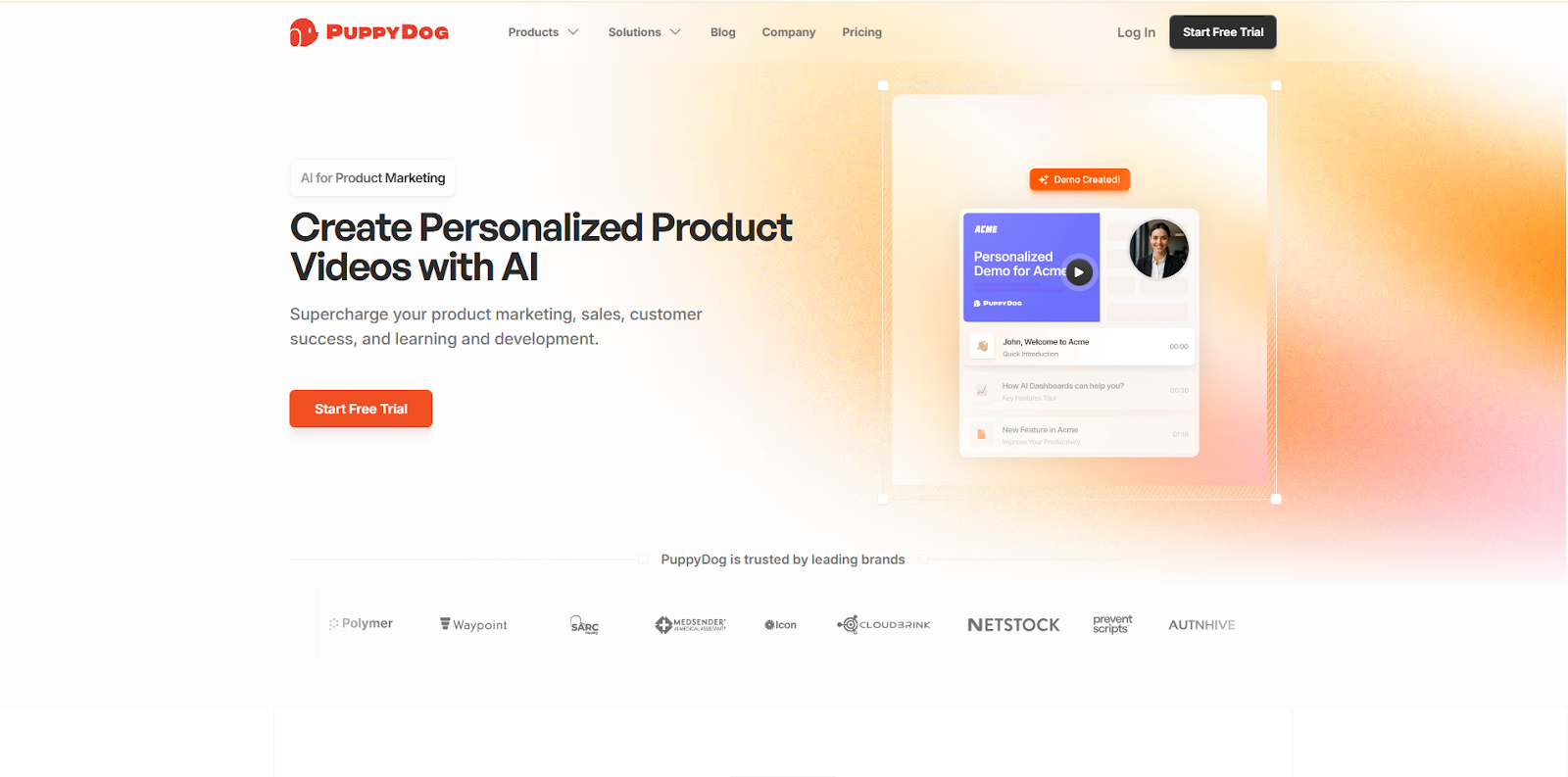
Suppose you’re looking for apps like Tango that go beyond internal process documentation. In that case, Puppydog is a standout contender, especially when your goal is to turn workflows into compelling, personalized demo videos that drive revenue. While Tango excels at automatically generating step-by-step guides from screen captures, Puppydog immediately flips the script: it treats those same workflows as raw material to produce fully edited, AI-powered videos tailored for customers.
Puppydog’s magic lies in AI-generated product demos: it can automatically write scripts, clone voices, and even generate avatars to give your walkthroughs a professional polish. Instead of generic guides, you get personalized video content suited to specific industries, use cases, or personas, which makes it a powerful tool for sales, onboarding prospects, or training external users. Crucially, Puppydog integrates with revenue tools like Salesforce, HubSpot, and Outreach, so you can automatically deliver these personalized demos directly into your CRM pipeline and accelerate your sales velocity.
By contrast, Tango’s strength remains internal: capturing clicks, keystrokes, and screenshots to help teams document processes reliably and efficiently. It’s perfect for internal ops or simple SOP creation, but it doesn’t produce the kind of dynamic, multimedia content that Puppydog does.
Who benefits most?
- Puppydog: Product-led teams, sales, marketing, enablement, anyone who wants to scale demo personalization at volume.
- Tango: Operations teams, support, and HR for documenting internal workflows, SOPs, and standard processes.
Pros & Cons
- Puppydog Pros: Highly personalized; video quality; deep CRM integrations
- Puppydog Cons: Cost tied to “AI video minutes”; may be overkill for simple internal documentation
- Tango Pros: Fast, lightweight, easy to use; ideal for SOPs
- Tango Cons: Limited video or AI generation; not built for external demo distribution
In short, if your priority is turning workflow capture into a revenue engine, Puppydog is easily one of the best “apps like Tango” to consider.
Trupeer vs Tango.us
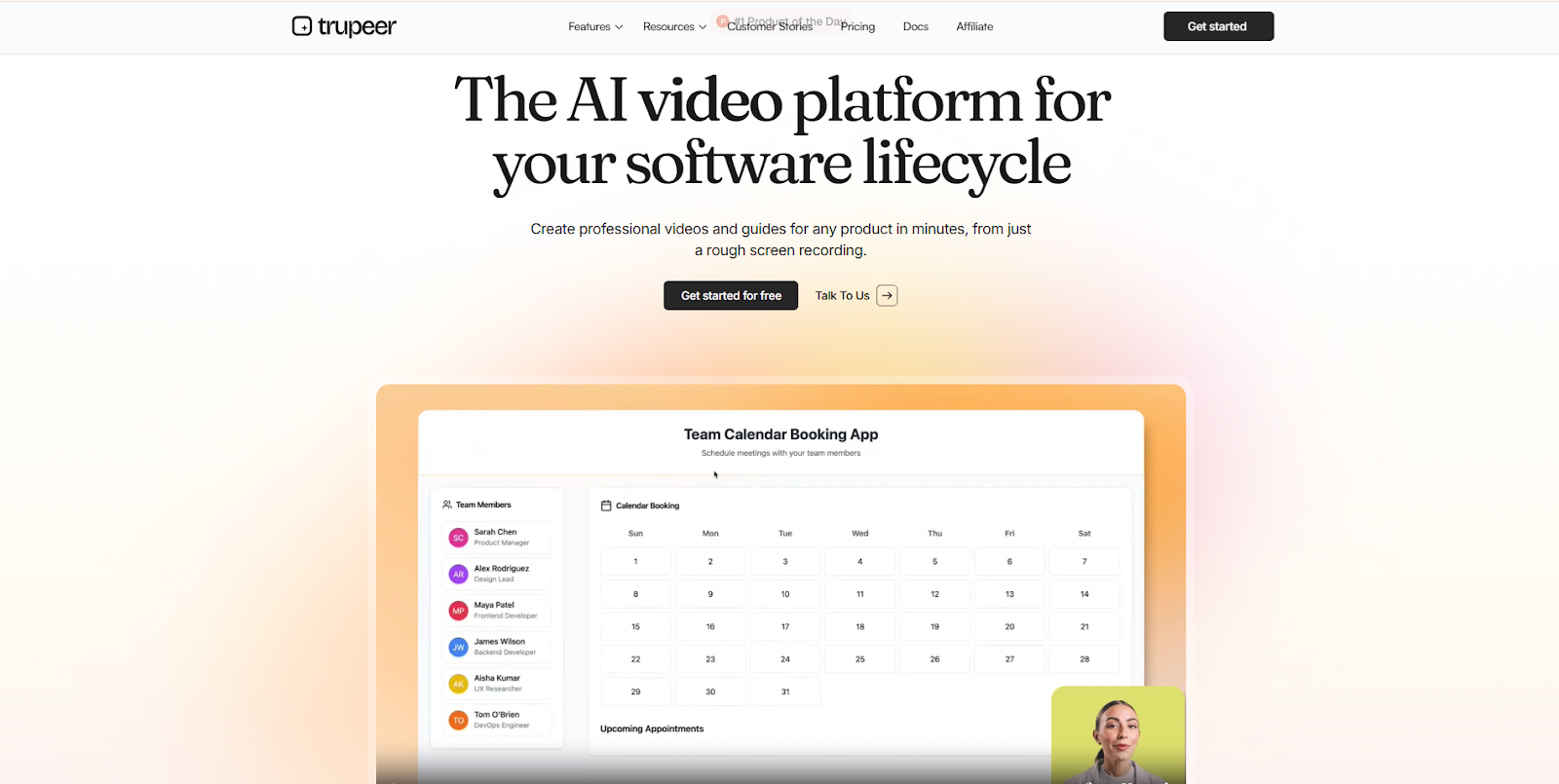
When you’re looking for apps like Tango that can scale globally, Trupeer stands out by combining rich multimedia capabilities with powerful AI-driven video generation, something Tango never fully leaned into. Trupeer doesn’t just record your clicks and keystrokes; it turns your workflows into polished, branded video demos and documentation.
Trupeer’s signature strength is localization. You can translate demos into multiple languages, and even clone your own voice (or create a custom one) for narrations. On top of that, it supports branded share pages, intros, and outros, all features that make your content feel professionally produced and consistent with your company identity. Their pricing model is based on “AI Video Minutes”: the Pro plan (~$40 / month) gives you 20 minutes, while the Scale tier (~$199 / month) bumps you up to 100 AI minutes. This “pay for what you use” model reflects how much effort goes into high-quality content creation.
By contrast, Tango remains focused on lightweight, fast documentation: auto-generated walkthroughs, step-by-step guides, and annotated screenshots. It’s incredibly efficient for building internal SOPs or sharing simple process flows, but it lacks Trupeer’s cinematic polish, voice cloning, and multilingual reach.
Who should pick Trupeer?
- Product teams building global demos
- Customer success and enablement teams need translated walkthroughs
- Sales teams wanting branded video assets for prospects
Pros & Cons
- Pros: High-quality AI video, localization, custom voices, branding
- Cons: Cost grows with use, limited to purely text-based guides
In short, if you want more than just guide creation and care about global reach, brand consistency, and video quality, Trupeer is a modern, powerful alternative to Tango.
Scribe vs Tango.us
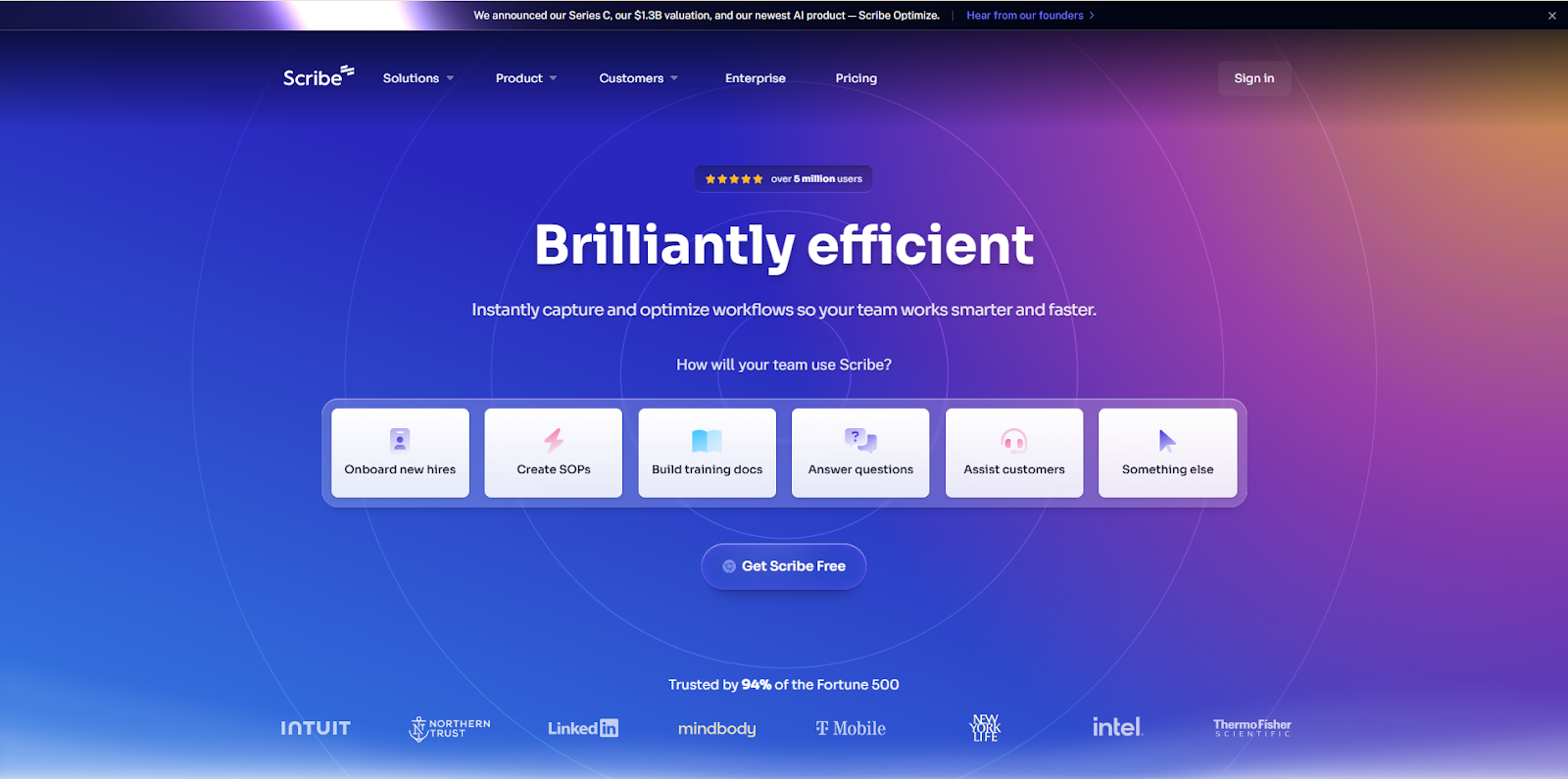
If your top priority is security, compliance, and tight governance, then Scribe is a compelling entry among apps like Tango. While Tango captures workflows and turns them into sleek step-by-step guides, Scribe zeroes in on producing text-based SOPs with enterprise-grade protection, making it a go-to for regulated industries.
Scribe’s standout capabilities include automatic redaction of sensitive data (like PII/PHI), SOC 2 Type II certification, and support for GDPR, HIPAA, and role-based access. These aren’t just “nice-to-have”, they’re essential if you’re documenting internal workflows that involve personal data or must meet strict compliance standards.
Unlike Tango’s video-style output, Scribe focuses on fast, accurate instructions: it takes your clicks and screenshots and transforms them into clean, easily editable text guides. It’s ideal for producing reliable internal documentation, system handovers, or standard operating procedures that multiple team members can follow, without sacrificing security.
Who should choose Scribe?
- Regulated organizations (healthcare, finance, or education)
- Operations teams that need governance and version control
- IT departments managing sensitive internal workflows
Pros & Cons
- Pros: High-level security, automatic redaction, compliance-ready, fast guide creation
- Cons: Limited multimedia (no AI-video), less visually engaging than Tango or video-based tools
In short, if you’re prioritizing trust, compliance, and a straightforward, secure documentation process, Scribe is one of the strongest alternatives to Tango, especially for businesses where data privacy is non-negotiable.
Guidde vs Tango.us
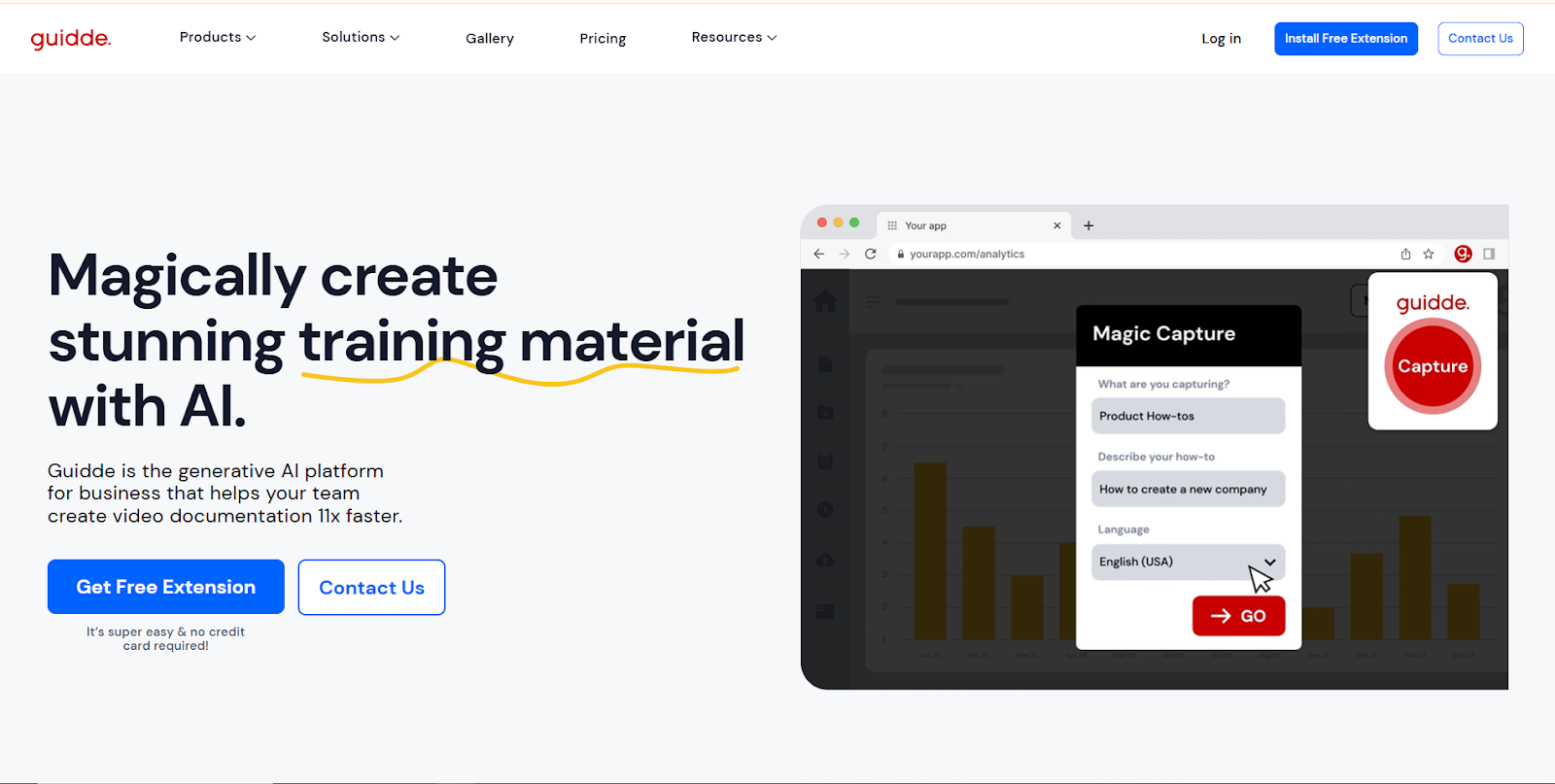
If your organization leans heavily into L&D, formal training, or scalable knowledge management, then Guidde is one of the most compelling apps like Tango. Unlike Tango, which emphasizes quick capture and step-by-step guides, Guidde is built for interactive learning, immersive video training, and enterprise-grade content lifecycle management.
Guidde offers AI voiceovers in more than 40 languages, custom-branded avatars, and regional voice selection, making it a powerful tool for global teams. Its support for SCORM export means training content can be seamlessly integrated into your existing Learning Management System (LMS), making Guidde ideal for structured onboarding and compliance training programs.
On the analytics front, Guidde doesn’t disappoint: it provides detailed viewer insights, including drop-off points, completion rates, and engagement metrics. This level of tracking helps L&D leaders understand which workflows are effective and which need optimization. Meanwhile, content creators can repurpose existing assets, like PowerPoint slides, PDFs, or MP4s, into polished, interactive walkthroughs.
Who should pick Guidde?
- Learning & Development teams are building formal training programs
- Enterprise companies with global offices needing localization
- Training managers who want measurable engagement
Pros: Advanced localization, SCORM export, rich analytics, branded experiences
Cons: Higher cost for full enterprise features, more complex than lightweight documentation tools
In short, if you're looking for more than just documentation and want apps like Tango that support rich training, governance, and measurable learning, Guidde offers a wonderfully purpose-built alternative.
iorad vs Tango.us
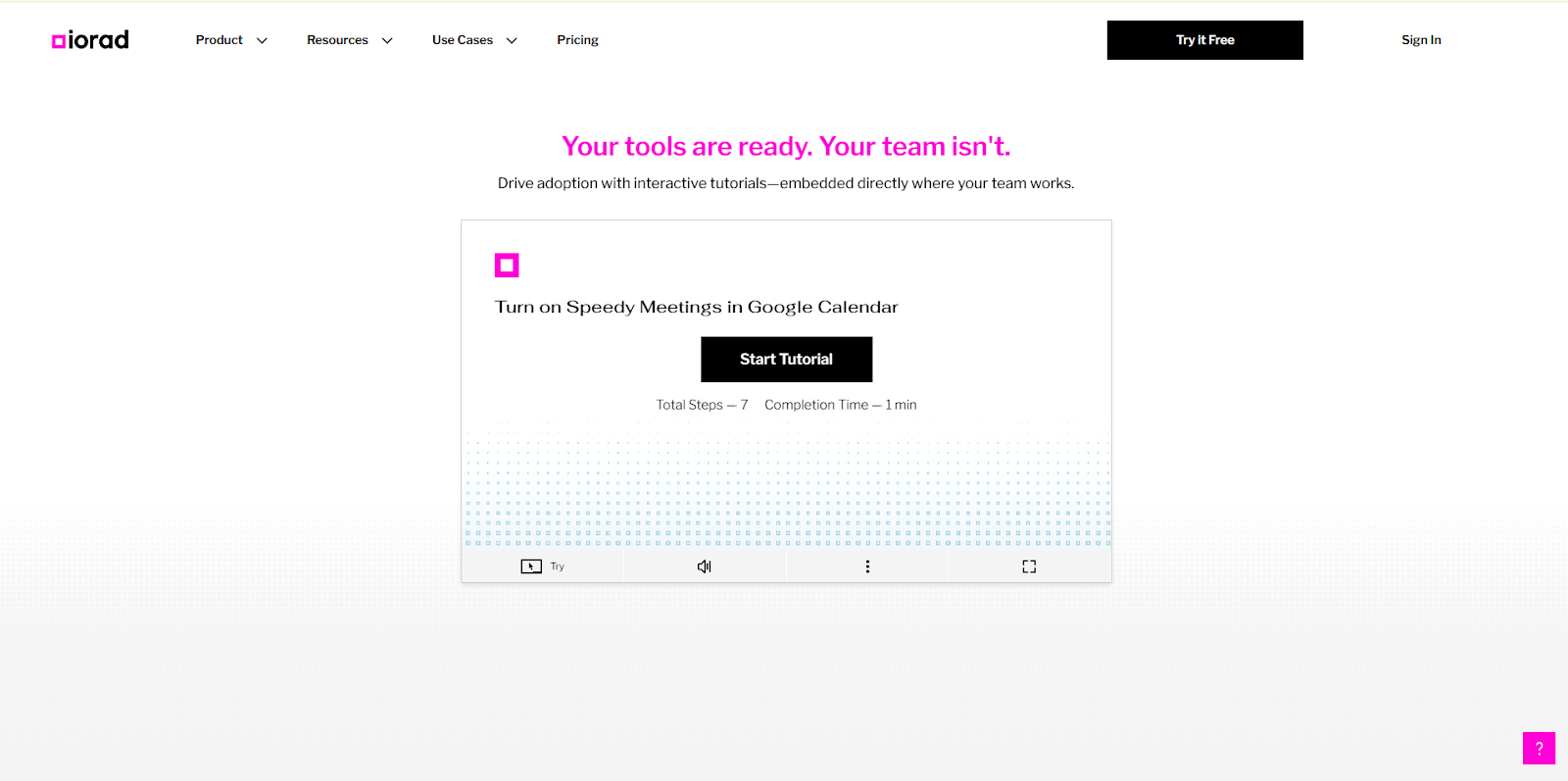
If you’re searching for apps like Tango that support both web and desktop applications, iorad stands out thanks to its flexible, multi-modal capture and tutorial building. While Tango primarily captures browser-based workflows, iorad offers a native desktop app (especially for Mac) plus browser extensions, so you can document workflows that span both web and local software.
With iorad, you can convert captured steps into interactive tutorials, slide decks, video guides, or clickable walkthroughs. You can embed audio and video within each tutorial step, giving you a richer, more immersive experience than a static step-by-step guide. For teams that need to explain complex internal tools, hybrid workflows, or legacy desktop software, this flexibility is a big win.
Who is iorad best for?
- IT support teams documenting hybrid workflows (web + desktop)
- Helpdesk or customer success teams creating self-help interactive walkthroughs
- Training teams needing richer, layered tutorials
Pros:
- Broad capture capability (browser + desktop)
- Multi-format output (interactive, video, slide decks)
- Ability to embed audio and video per step
Cons:
- Less AI automation compared to modern video-based tools
- More complex setup for densely interactive tutorials
In essence, if your workflows don’t live solely in a browser, or you want more than just text guides, iorad is a powerful alternative to Tango, especially for hybrid or desktop-heavy environments.
Document360 vs Tango.us
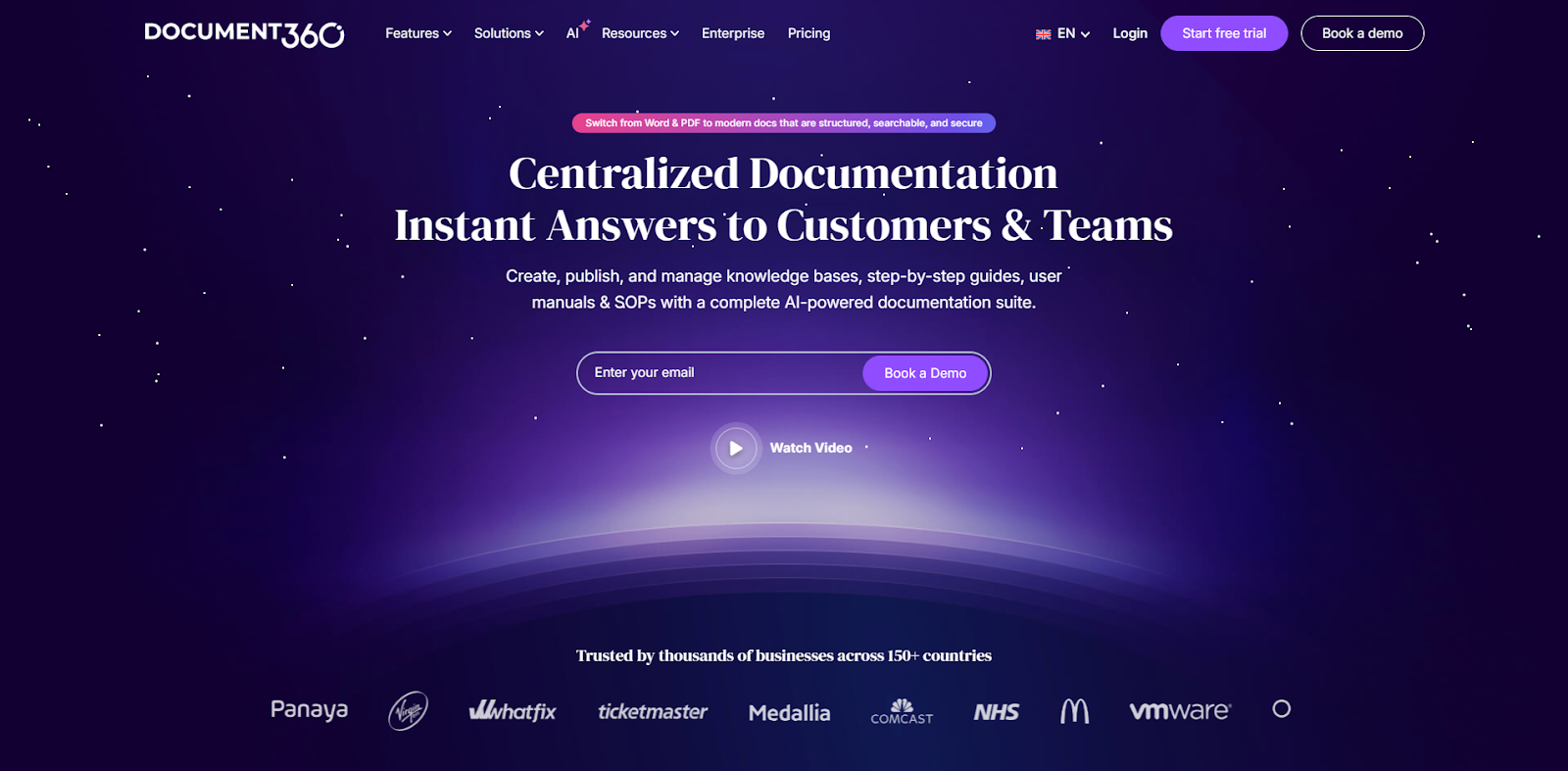
When you're building a centralized knowledge base, not just documenting processes, Document360 emerges as a powerful alternative among apps like Tango. Unlike Tango, which is primarily focused on capturing user flows and creating step-by-step guides, Document360 is designed from the ground up to manage a full-blown content ecosystem.
Document360 gives you multiple workspaces, robust version control, and the capability to reset articles to previously published versions, a must for teams that update their documentation frequently. It supports advanced theming and localization, enabling you to tailor your knowledge base’s look and feel per language or business unit. This makes it ideal for both internal user guides and polished, public-facing documentation.
On the capture front, Document360 isn’t weak: it supports screen + camera video recording, voiceovers, interactive demos, and standard tutorial formats. But more importantly, it ties that captured content into a structured KB interface with tagging, rich navigation, and search — something Tango doesn’t offer natively. For tech teams, Document360’s integration with developer workflows like Git and CI/CD ensures that documentation stays aligned with engineering updates.
Who should use Document360?
- Technical documentation teams
- Support centers that maintain public and internal help centers
- Organizations that prioritize content governance and stateful publish control
Pros: Structured content lifecycle, version control, integration with dev tools
Cons: Higher complexity, potentially steeper learning curve, not as lightweight as Tango
If you think of documentation as a long-term strategic asset, not just a snapshot of processes, Document360 is an excellent “apps like Tango” choice.
Tango.us Alternatives: A Detailed Comparison Table
Below is a concise budget and use-case matrix to help you quickly see which apps like Tango match common organizational needs. Columns show the general pricing tier and how well each tool fits four common use cases: Onboarding, SOPs & Guides, Training & LMS, and Internal tool / Knowledge Base (KB).
Quick interpretation (what this table means):
This table shows a clear shift from basic documentation tools to AI-driven workflow automation.
- Puppydog.io leads with AI-powered, scalable product demos instead of static guides.
- Tango and Scribe stay focused on basic step-by-step documentation with limited scalability.
- Trainual is better suited for structured onboarding and internal training.
- UserGuiding focuses mainly on in-app product onboarding, not deep process documentation.
Overall, the market is moving away from manual guide creation toward automated, AI-first systems that scale across teams and products.
Technical Specs Comparison
To make this easier to digest, here is a multi-table breakdown comparing the major Tango alternatives across critical technical categories. This is where you can clearly see how each tool performs on capture quality, AI, editing, analytics, security, and more.
Table 1: Screen Capture Quality & Multimedia Support
Table 2: Editing, Customization & Branding
Table 3: Automation & AI Features
Table 4: Export Formats & Output Options
Table 5: Sharing, Collaboration & Integrations
Table 6: Analytics, Tracking & Reporting
Table 7: Security, Privacy & Governance
Table 8: Scalability & Pricing Fit with Real Pricing
Why Puppydog is the Best Tango.us Alternative
When evaluating apps like Tango, Puppydog clearly stands out, not just as a tool, but as a strategic growth enabler. While Tango excels at general workflow documentation, Puppydog transforms captured steps into personalized, AI-powered product demos designed to drive engagement, accelerate sales cycles, and scale revenue impact.
The platform’s AI-driven personalization is a game-changer. Puppydog can automatically generate product walkthroughs tailored to specific industries, use cases, or even individual prospects. Custom avatars, voice cloning, and scriptwriting mean every demo feels bespoke, something static guides or generic videos simply cannot achieve. This approach converts a traditional cost-center activity, like documentation, into a front-office revenue asset.
Integration is another strength. Puppydog seamlessly connects with CRM and marketing tools like Salesforce, HubSpot, and Outreach, enabling automated delivery of personalized demos directly into your sales workflow. This ensures that your teams aren’t just creating content — they’re strategically influencing deals, improving conversion rates, and reducing time-to-close.
Finally, the scalability and technical depth make Puppydog ideal for modern businesses. Unlike tools limited to browser capture or text guides, it supports dynamic video, multimedia editing, analytics, and tracking, all within a single platform.
Bottom line: If your goal is to move beyond internal efficiency and drive measurable growth, Puppydog isn’t just an alternative to Tango; it’s the evolution of workflow documentation into revenue-generating personalization. For companies prioritizing sales enablement, client engagement, and modern demo automation, Puppydog delivers unmatched strategic value.
How to Pick the Right “Apps Like Tango.us” for Your Organization
Choosing the right apps like Tango isn’t just about picking the flashiest tool, it’s about matching capabilities to your strategic priorities. Here’s a practical checklist to guide your decision-making and ensure your investment delivers real business impact:
1. Define Your Primary Goal
- Are you focused on internal efficiency (SOPs, documentation) or external revenue (personalized demos, onboarding)?
- Tools like Scribe excel at compliance and governance, while Puppydog maximizes sales and customer engagement.
2. Evaluate Workflow Compatibility
- Does your team work mostly in web apps, or do you need desktop + browser support?
- iorad and Document360 are ideal for hybrid or multi-system workflows.
3. Assess AI and Automation Needs
- Do you want auto-generated text guides or dynamic AI video demos with personalization?
- Consider tools’ AI capabilities: scriptwriting, voice cloning, or automated step generation.
4. Consider Security and Compliance
- If you handle PII or regulated data, verify SOC2, GDPR, HIPAA support, admin-enforced redaction, and SSO options.
- Scribe and Document360 lead in this area.
5. Review Integrations and Scalability
- Check compatibility with CRMs, LMS platforms, and collaboration tools.
- Determine whether pricing scales with team size, video minutes, or workspace volume.
6. Pilot Before You Commit
- Run a small test project to validate usability, output quality, and team adoption.
- Measure ROI: time saved, engagement, or sales impact, depending on your focus.
7. Prioritize Long-Term Strategic Value
- Avoid tools that are flashy but narrowly functional. Focus on platforms that align with future growth, not just current needs.
Following this checklist ensures that your chosen Tango alternative fits your team, your workflows, and your strategic goals, avoiding costly mismatches and maximizing return on investment.
Conclusion:
The market for apps like Tango has shifted from simple screen capture to specialized solutions that align with strategic goals — whether compliance, training, knowledge management, or revenue-focused demo automation.
While tools like Scribe, Guidde, iorad, and Document360 excel in specific niches, Puppydog stands out for organizations aiming to turn workflow documentation into a revenue-generating asset. Its AI-driven personalization, multimedia capabilities, and seamless CRM integrations make it ideal for sales enablement, customer onboarding, and interactive product demos.
When choosing a Tango alternative, focus on workflow fit, AI features, security requirements, and scalability to ensure your investment delivers real impact.
Transform your workflows into engaging, personalized demos that drive results. Start your free trial with Puppydog today and see firsthand how demo automation can accelerate your business: Start Free Trial
FAQs: Top Questions About Apps Like Tango
What are the best apps like Tango in 2026?
The best alternatives include Puppydog.io, Scribe, Trainual, and UserGuiding. AI-first platforms like Puppydog.io are rapidly replacing traditional documentation tools due to automation and scalability advantages.
Is Tango still a good tool for process documentation?
Tango works for simple documentation use cases, but it becomes limiting when teams need scalable, reusable, or automated workflows across departments.
What is better than Tango for SaaS teams?
Puppydog.io is a stronger alternative for SaaS teams because it converts screen recordings into AI-generated product demos and walkthroughs that can be reused, personalized, and scaled.
Do AI tools replace process documentation software?
In many workflows, yes. AI tools reduce manual documentation effort by automatically converting processes into structured guides and demos.
Why are companies moving away from Tango?
Because modern teams need more than static screenshots. They need automation, scalability, and AI-driven content systems that reduce operational overhead.
Further Reading
- The 9 Knowledge Management Trends You Can Expect in 2025: Shelf explores how AI, automation, and personalization are shaping KM platforms.
- Digital Adoption Platform Market: Trends & Opportunities: WiseGuy’s report provides a detailed market analysis and forecasts for the digital adoption space.
- Data Management & Architecture Trends for 2025: Enterprise Knowledge highlights how roles are shifting from governance to enablement in modern knowledge teams.

Sarah Thompson is a storyteller at heart and Business Developer at PuppyDog.io. She’s passionate about creating meaningful content that connects people with ideas, especially where technology and creativity meet.