Product Video Strategy: Which SaaS Features Should You Film First?


Film the feature that scores highest on three things: how often customers ask about it, how hard it is to explain in text, and how much it matters to activation, evaluation or expansion. Then check that you have clean source assets. A simple scoring sheet makes that call fast and keeps your product video strategy honest.
How do you approach product video prioritization?
Your product has more features than your budget has videos. Try to film them all, and you'll film whatever is easiest, while your best feature waits.
So treat it as a selection decision. For each feature, ask: does this need its own video, a short clip in a help article, or a few lines of text? Product teams already rank ideas this way with models like RICE, which weigh reach, impact, confidence, and effort. We borrow the idea and use video-friendly criteria.
Video earns its place when text struggles: many steps, a choice that changes the outcome, or a screen people can't picture. One study of 111 school students learning Word found that video tutorials beat paper-only ones. It's small, and the learners were young, so treat it as a hint.
Honestly, I'd take one great video on your core setup flow over ten average ones on settings pages. A good product video strategy starts with saying no. This post covers feature selection only. For the wider plan, read our Related guide on SaaS video marketing.
How should customer questions for videos guide feature selection?
Customers already tell you what needs a video. Your job is to count.
- Support tickets: what people can't figure out.
- Sales questions: what prospects ask before buying.
- Search queries: what people type into your help center.
An example tagging process (proposed, not a standard)
- Make a list of 10 to 20 feature tags that match your UI labels.
- Pull 90 days of tickets, sales notes, and help center searches into one sheet.
- Tag each question with one feature. If it touches two, pick the main one.
- Count questions per tag.
- Turn counts into a 1 to 5 score. The most asked-about feature gets a 5.
Tag by hand the first time. A hundred questions take an afternoon, and you'll see how customers really phrase things. The feature your team loves most may not be the one customers ask about most.
How do you assess a feature complexity score?
Complexity tells you how much a video helps. A one-click toggle needs a sentence. A six-step setup across two tools needs to be shown.
I couldn't find a widely accepted index, so this rubric is a proposal, not an industry standard. Change it to fit your product.
Here, higher complexity means a video helps more, because text struggles with it. But complexity is only 20% of the total score, so a hard feature can't win on difficulty alone. It's like directions: the more turns, the more you want a guide. Nobody needs one to walk to the mailbox.
How do you assess product video business value?
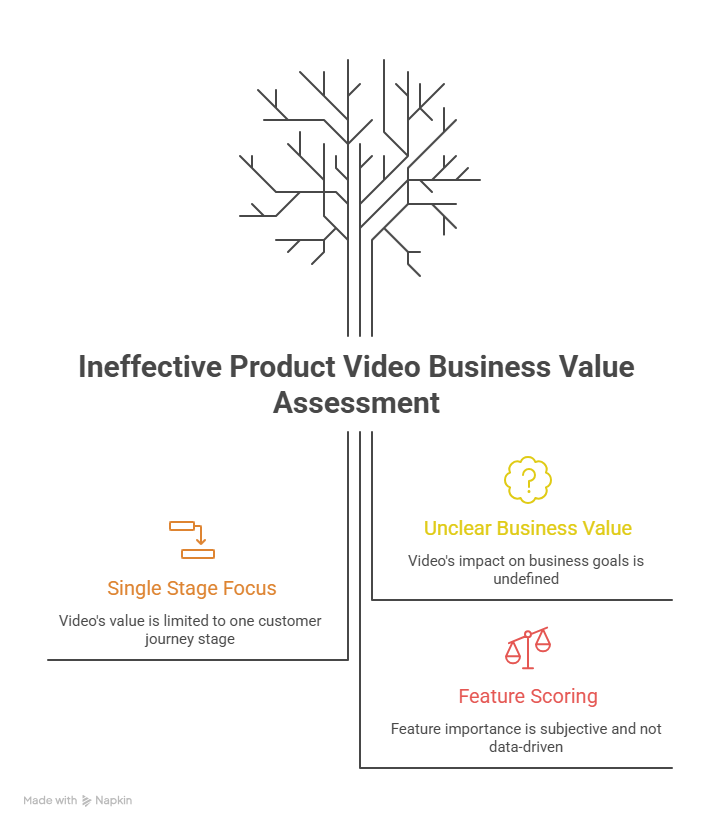
Business value asks a plain question: if this video works, what gets better? Pick one stage per video.
- Activation: new users reach their first useful result.
- Evaluation: prospects decide whether your product fits.
- Expansion: existing customers adopt more of the product.
Then score each feature from 1 to 5 on how much it matters to that stage.
What the evidence says
In Wyzowl's 2026 survey of 266 marketers and consumers, 93% of video marketers said video helped users understand their product, and 57% said it helped reduce support queries. These are self-reported answers from a small survey by a video company. Read them as a signal, not proof.
What is still a hypothesis
That one video will lift activation or expansion by a set amount. Nobody can promise that number. Pick the metric first, such as setup completion, trial-to-demo rate, or feature adoption. Then compare before and after.
What does a video prioritization matrix look like?
Score each feature from 1 to 5 on four criteria. The weights add up to 100%, and you can change them.
Total score = demand x 0.30 + business value x 0.30 + complexity x 0.20 + asset readiness x 0.20
Asset readiness: 1 is text notes only, 3 is screenshots, 5 is a clean screen recording.
All scores here are illustrative, not tested results.
SSO is the hardest feature and matters to big accounts, yet it ranks second. Few people ask about it, and nobody has recorded it yet. "Create your first project" wins because customers ask, it drives activation, and you can film it today.
If two features tie, pick the one with higher business value. If they still tie, pick the one with better source assets. Rescore every quarter and after a big release or UI change. That's my rule of thumb, not a standard.
Copy the table into a spreadsheet and adjust the weights to your goal. If tickets are piling up, raise demand. If you're chasing pipeline, raise business value.
How do you choose your first product video?
Take the top row of your sheet. Then ask one thing: can you film it this week? That means a clean screen recording and a UI that matches what customers see today.
Pick a job, not a feature. The best first video usually shows the one thing a new user must do to get value. One onboarding guide frames it the same way: define a single first-value milestone, then cut the steps in front of it.
A walkthrough with PuppyDog
- Record your screen once while you create a first project.
- PuppyDog's AI drafts the script, scenes, voiceover, and callouts from your recording.
- Read the script against the recording and fix any name or step it got wrong, then use the video where customers get stuck.
That's the idea behind professional product videos without a production team: you bring the approved recording and don't need a video editor. PuppyDog's homepage reports that one customer, Stellar Cyber, cut production time per video by 90%. That is a company-reported result, not an independent test.
FAQs
Should my most complex feature be the first video?
Not by default. A hard feature that few customers ask about, with no clean recording, can wait. In our example sheet, the most complex feature ranked second.
How do I choose between sales and support video requests?
Score both on the same sheet. Sales requests usually tie to evaluation, and support requests to activation and expansion. Weigh them by what hurts most right now, and let business value break ties. That's my take, not a rule.
Can low-traffic features still deserve a video?
Yes. High business value can outweigh low demand. In the ProductLift RICE example, single sign-on scores lowest on the formula because few accounts need it, yet the team schedules it first because a signed contract requires it.
How often should I review video priorities?
Every quarter is a good default. Also rescore after a major release or UI change. That's my suggestion, not a standard.
Next step
Open your sheet, take the top feature, and turn your product video strategy into a first video. The AI product video maker turns a screen recording into a narrated product video without a production team. See how Product video creation works, then record your first flow.

Sarah Thompson is a storyteller at heart and Business Developer at PuppyDog.io. She’s passionate about creating meaningful content that connects people with ideas, especially where technology and creativity meet.